

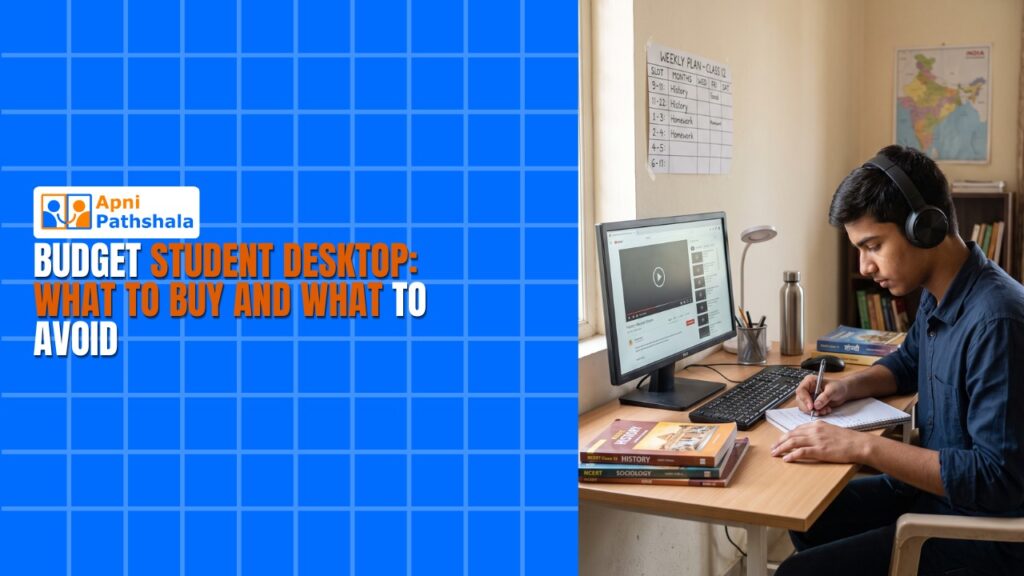
Rajesh, a father in Indore, stood confused in a computer shop last week. His son needed a computer for online classes and schoolwork, but every shopkeeper quoted different prices for what seemed like similar machines. One offered a laptop at Rs.35,000, another pushed a desktop at Rs.28,000, and a third suggested an affordable PC for Rs.21,000. Rajesh didn’t know which choice would actually help his son study better without burning a hole in his pocket.
If you’re in the same situation, you’re not alone. Parents across Tier 2 and Tier 3 cities in India face this confusion every day. The good news is that choosing the right budget student desktop doesn’t have to be complicated. This guide will help you understand what to buy and what to avoid when shopping for a student computer.
Why a Desktop Works Better for Students Than You Might Think?
Many parents automatically think “laptop” when their child needs a computer. But here’s what you should know: a desktop for study offers better value, longer lifespan, and easier repairs. Desktops also keep kids focused on schoolwork rather than having to carry devices around.
You might worry about portability, but most students study at home or in school labs. A desktop stays in one place and doesn’t distract your child with gaming or social media apps meant for mobile use. Learn more about why a desktop better than laptop for students makes sense for education.
The biggest advantage? Your money goes further. A budget student desktop offers better specs, performance, and longevity than a laptop at the same price.
What to Buy: The Right Specs for Your Child’s Studies?
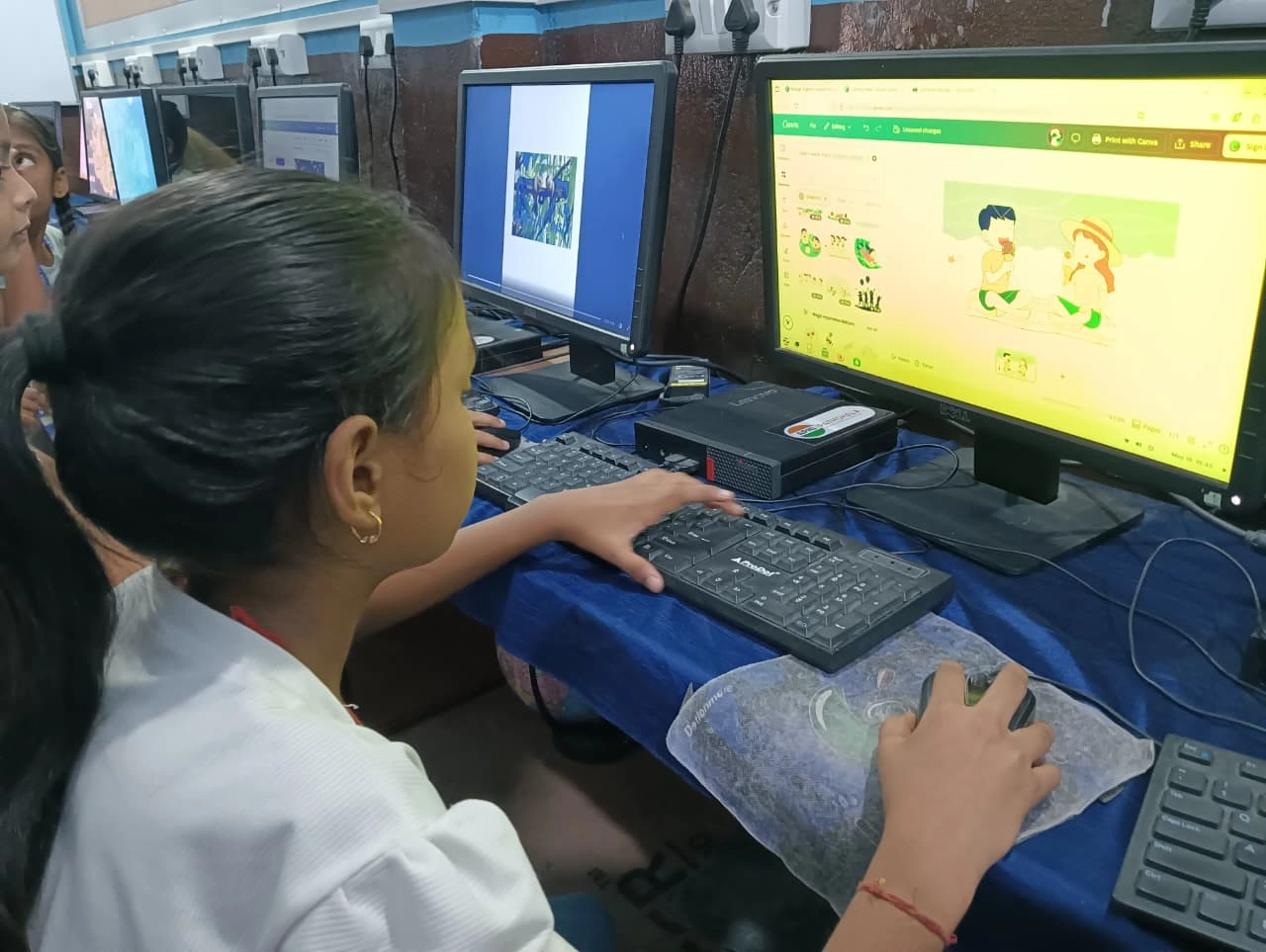
When you’re shopping for a student computer, focus on these key specs. Your child needs at least 8GB of RAM for smooth multitasking between study apps, videos, and online classes. A 128GB SSD (solid-state drive) is enough for schoolwork, documents, and educational software without costing too much.
The processor matters too, but you don’t need the latest flagship chip. An Intel i3 or AMD Ryzen 3 from recent years handles everything a student needs: online classes, research, document editing, and even coding practice. You’re not buying a gaming machine, so don’t pay extra for high-end graphics cards.
Look for a desktop that comes with educational software pre-loaded. This saves you money and ensures your child has legitimate learning tools. The Apna PC, for example, comes with LibreOffice for documents, Scratch for learning coding, and Zorin OS, which is stable and student-friendly.
Check the warranty and after-sales service carefully. A good affordable PC should have at least a 1-year hardware warranty and easy access to service centres in your city. This matters more than you’d think when something breaks.
What to Avoid: Common Mistakes Parents Make
Don’t buy a desktop for study based only on price. The cheapest option often means slow performance, outdated components, or poor customer support. Your child will get frustrated with a slow computer, and you’ll waste money on repairs.
Avoid systems without an SSD. Some shops still sell desktops with old hard disk drives (HDD) to cut costs. These are painfully slow for modern applications and online learning. An SSD makes a huge difference in your child’s experience.
Don’t ignore the operating system. Windows licenses add Rs.5,000 to Rs.8,000 to the cost. A machine running a free, education-friendly OS like Zorin or Ubuntu saves you money and works just as well for schoolwork. Check our study computer budget guide for more details.
Skip pre-loaded bloatware and games. Many budget desktops come loaded with software your child doesn’t need. This slows down the computer and distracts from studies. Buy a clean system or one with only educational tools pre-installed.
Don’t forget about screen quality. A cheap monitor strains your child’s eyes during long study sessions. Invest in at least a 21-inch Full HD monitor with good brightness and colour accuracy.
The Right Student Computer for Your Needs
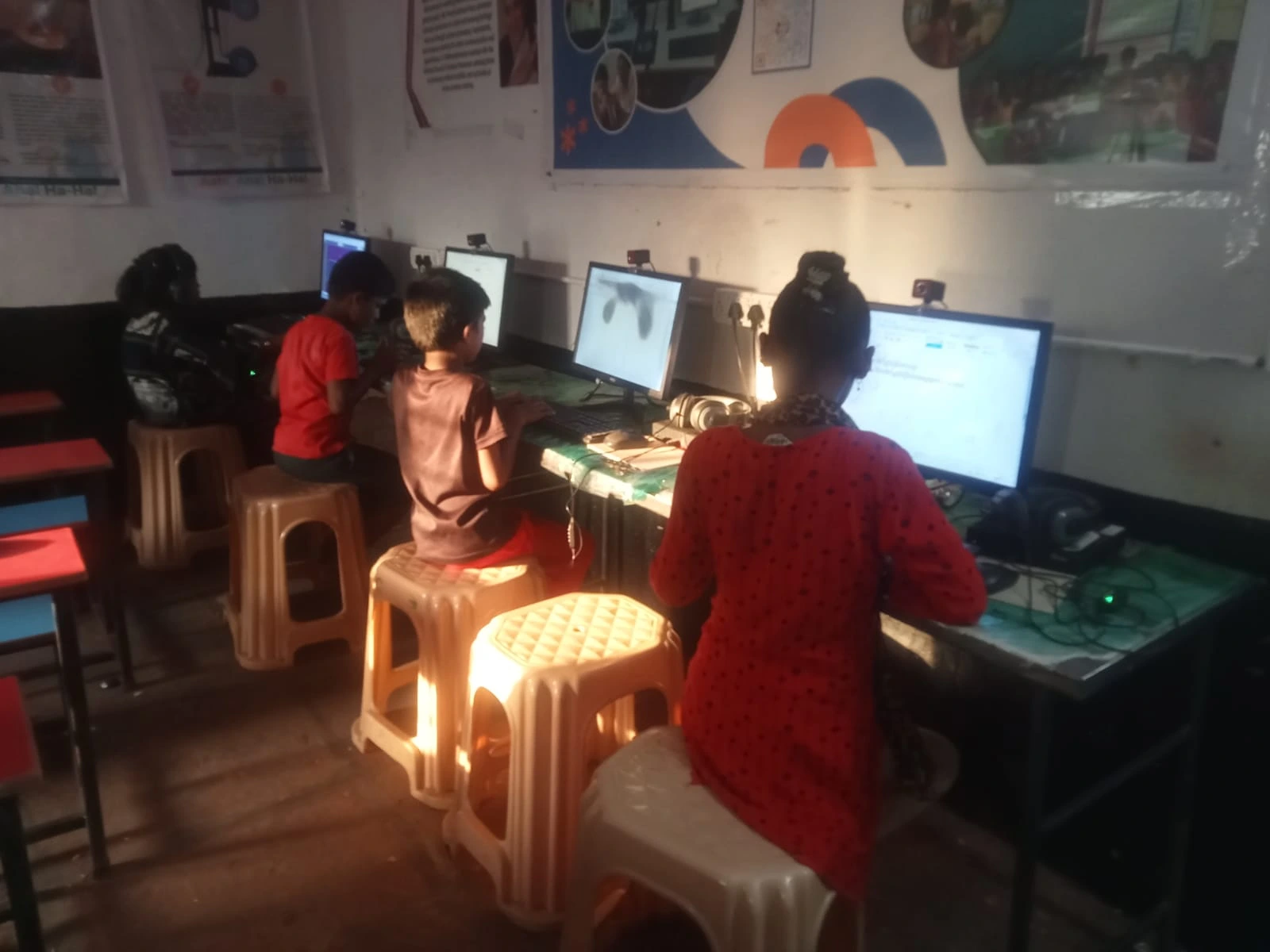
The Apna PC is designed exactly for parents like you. At Rs.21,000 (excluding shipping and GST), it offers the right balance of price and performance. It comes with 8GB RAM, a 128GB SSD, and Zorin OS, built for students and learning.
What makes it special? It includes Apni Prerna, a student monitoring tool that helps you track your child’s study time without being intrusive. It also comes with Scratch pre-loaded, so your child can start learning coding right away.
LibreOffice handles all document and spreadsheet needs for school projects.
The system is built to last through your child’s school years. You won’t need expensive upgrades, and repairs are straightforward if needed. Most importantly, it keeps your child focused on studies without unnecessary distractions.
Making Your Final Decision
Before you buy any desktop for your child, ask yourself these questions. Does your child actually need this computer for school? Will it genuinely help with studies, or is it just a toy? Do you have space at home for a desktop setup?
Talk to other parents in your area who’ve bought student computers. Check reviews on trusted websites and educational forums. Visit the Ministry of Education website to understand what technology is recommended for your child’s grade level.
Remember, an expensive computer won’t make your child study harder. A well-chosen budget student desktop that’s reliable, fast, and pre-loaded with the right tools will. Your investment should be in something that works for 4-5 years without constant repairs or frustration.
The right choice isn’t always the cheapest or the most expensive. It’s the one that matches your child’s actual needs and your family’s budget. Visit apnapc.com to learn more.