

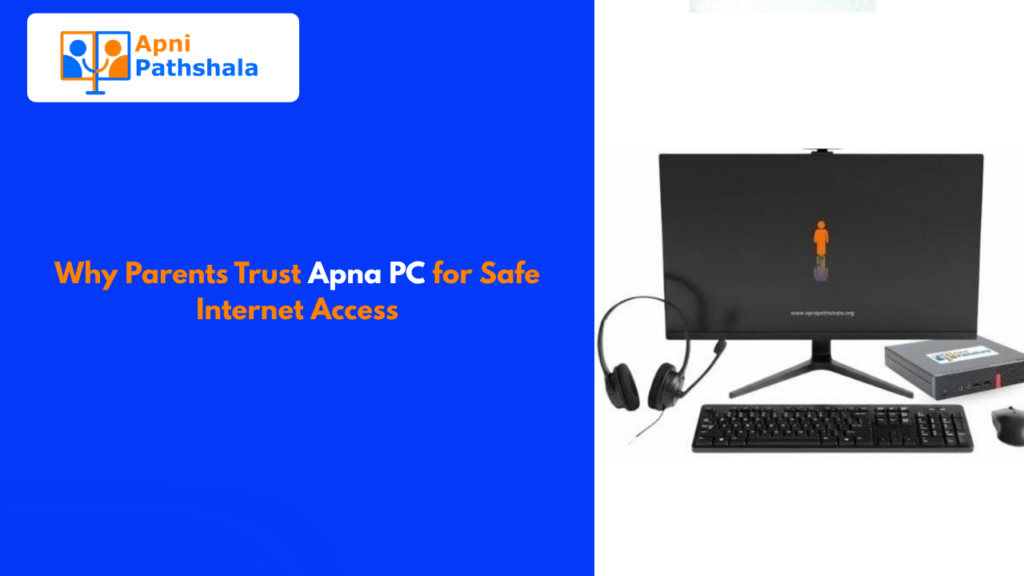
Ask any parent what they worry about most when they give their child a computer, and you’ll hear the same things: inappropriate content, too much time on games, strangers online, and addictive apps that pull attention away from studies.
These aren’t irrational fears. They’re real. And parents who think carefully about this before handing over a device are doing exactly the right thing.
The question isn’t whether to worry. The question is: what actually protects your child, and what just creates an illusion of safety?
The Problem With Generic Computers
A regular consumer computer whether it’s Windows, macOS, or Android is built for general use. That means it’s designed to be as open and flexible as possible. Which is great for an adult who knows how to navigate it. For a child? It means the same device they need for homework can expose them to everything the internet contains, with very little friction between them and content that isn’t appropriate for their age.
Most parental control apps are add-ons. They sit on top of an operating system that wasn’t designed with children in mind. That’s like putting a lock on a door that has six windows.
Real safety comes from how a device is built, not from what’s bolted on afterward.
What Parents Actually Need
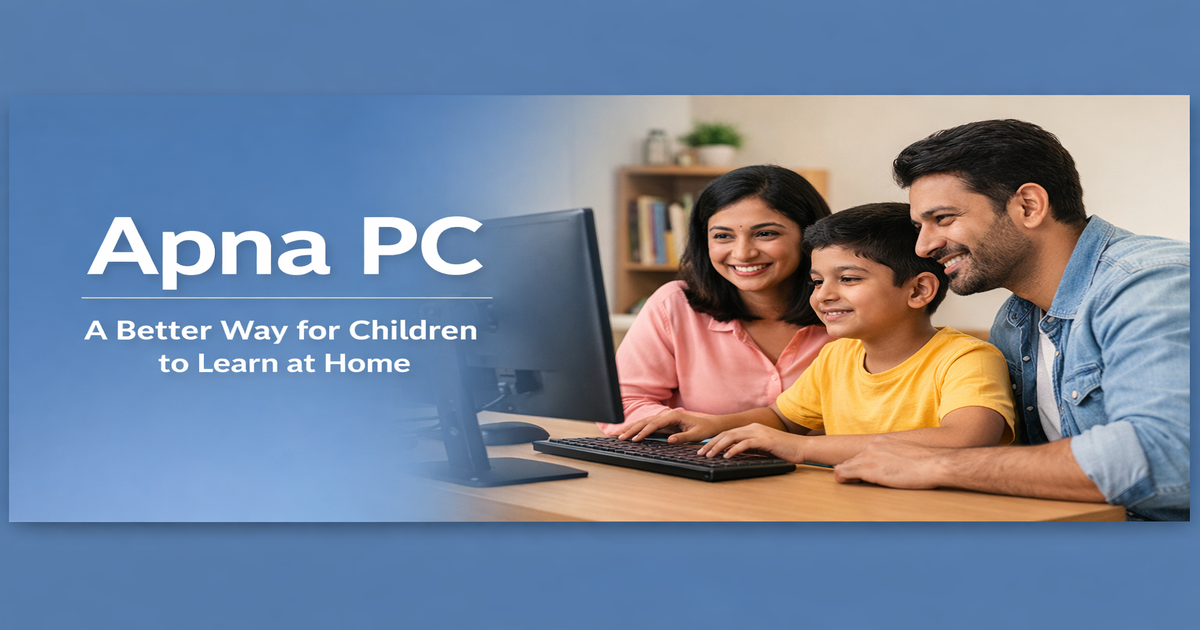
When parents say they want a safe computer for their child, they usually mean a few specific things:
- They don’t want their child stumbling onto disturbing or inappropriate content
- They don’t want the device to become an entertainment trap that replaces studying
- They want to know what their child is actually doing on the computer
- They want the child to develop a healthy relationship with technology, not a dependent one
These are completely reasonable. And they require more than a parental control app on a random laptop.
Zorin OS: Why the Operating System Matters
Apna PC runs on Zorin OS a clean, Linux-based operating system that’s been specifically configured for student use. Here’s why that matters:
Zorin OS doesn’t come with app stores full of games. It doesn’t have pre-installed social media. It doesn’t push notifications from entertainment platforms. It’s not trying to maximize time-on-screen it’s trying to maximize learning.
When a child sits down at an Apna PC, the interface itself guides them toward learning tools, not away from them. This isn’t restriction it’s design. The environment shapes the behavior.
Apni Prerna: Visibility Without Surveillance
One of the things parents find most valuable is Apni Prerna Apna PC’s student monitoring software. But it’s important to understand what this is and what it isn’t.
Apni Prerna isn’t spyware. It doesn’t secretly record what a child types or take screenshots without anyone knowing. What it does is give parents and teachers meaningful information: what learning tools the child is using, how much time they’re spending studying, where they might need extra support.
It’s the difference between watching your child study and knowing whether they actually understand the material. One is surveillance. The other is support.
Safe Internet Access That Doesn’t Feel Like a Prison
Children need internet access to learn. Blocking the internet entirely defeats the purpose of having a computer. But unrestricted internet access on a device that isn’t designed for safety is genuinely risky.
The approach that works is filtered access not a blanket ban on websites, but a thoughtful configuration that keeps educational resources fully accessible while limiting the pathways to inappropriate content.
This is how Apna PC approaches connectivity. Students can research, explore, and learn. The boundaries exist, but they’re not a wall they’re guardrails on a road.
What Sruthi’s Story Tells Us
Sruthi’s father is a construction worker. He didn’t have a background in technology. He couldn’t sit next to Sruthi every evening and guide her through safe browsing practices.
What he needed was a device that was already set up to protect her. One where the defaults were safe, not open. One where he didn’t have to become a tech expert to keep his daughter’s learning environment healthy.
That’s what purpose-built learning computers do. They give parents like Sruthi’s father confidence not because they eliminate all risk, but because they dramatically reduce it while keeping the learning fully intact.
The Trust Factor
Parents trust Apna PC for one fundamental reason: it was built with children in mind from the start. Not adapted. Not patched. Not retrofitted with parental controls as an afterthought.
Every configuration decision the operating system, the preloaded tools, the monitoring software, the internet settings was made with the question: “Does this help a student learn, or does it distract them?”
When every decision is made with that question, the result is a computer that parents can actually trust. Not blindly. Not naively. But genuinely, because they understand why each piece is there.
Safety and Learning Aren’t in Conflict
The narrative that children need to be “protected from technology” is the wrong framing. Technology isn’t the threat. The threat is unguided, unfiltered, purposeless technology use.
The right computer set up the right way doesn’t choose between safety and learning. It delivers both. A child can explore freely, learn deeply, and develop a healthy relationship with technology all within an environment that keeps them protected without making them feel surveilled or restricted.
That’s the goal. And that’s why the device itself matters so much.
If you want to give your child a computer you can actually trust, learn more about Apna PC built safe, built to learn.