

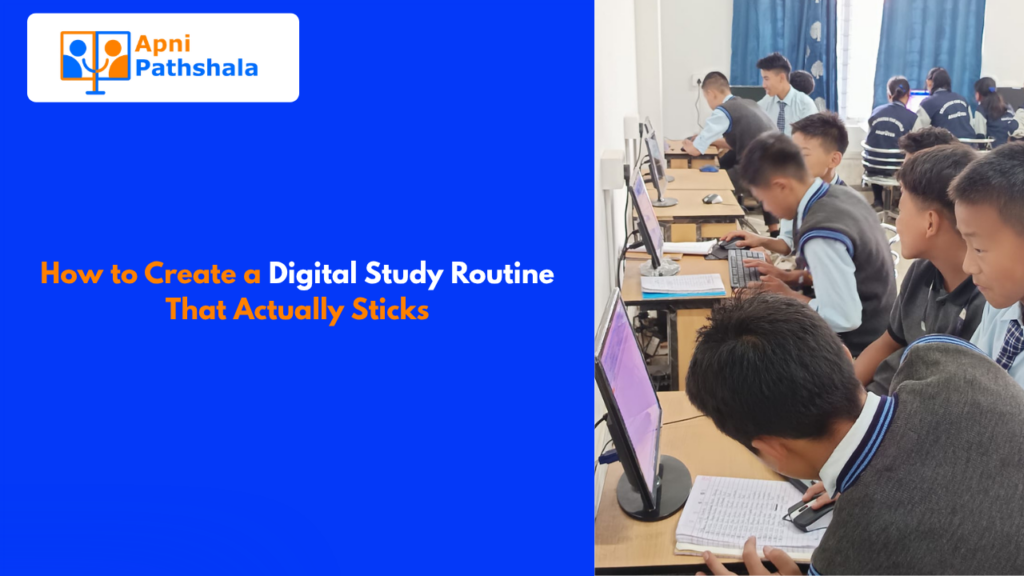
Surendra Kumar Saini grew up in a family that struggled financially. Getting a computer felt like something that happened to other people, people with more money, more connections, more luck. But when he got access to one, he didn’t spend his time watching videos or gaming. He learned. Really learned.
Today, Surendra runs his own e-Mitra shop. He serves his community. He’s the one other people come to for digital help.
What changed wasn’t just the computer. It was how he used it and when.
The Screen Time Debate Is Missing the Point
Parents worry about screen time. That’s fair. But most of the conversation focuses on how much time a child spends in front of a screen, not what they’re doing while they’re there.
There’s a massive difference between a child passively watching comedy reels for two hours and a child spending 45 minutes practicing typing, then 30 minutes exploring a science simulation. Both count as “screen time.” But only one of them is building something.
The goal isn’t less screen time. It’s better screen time.
What “Learning Time” Actually Looks Like
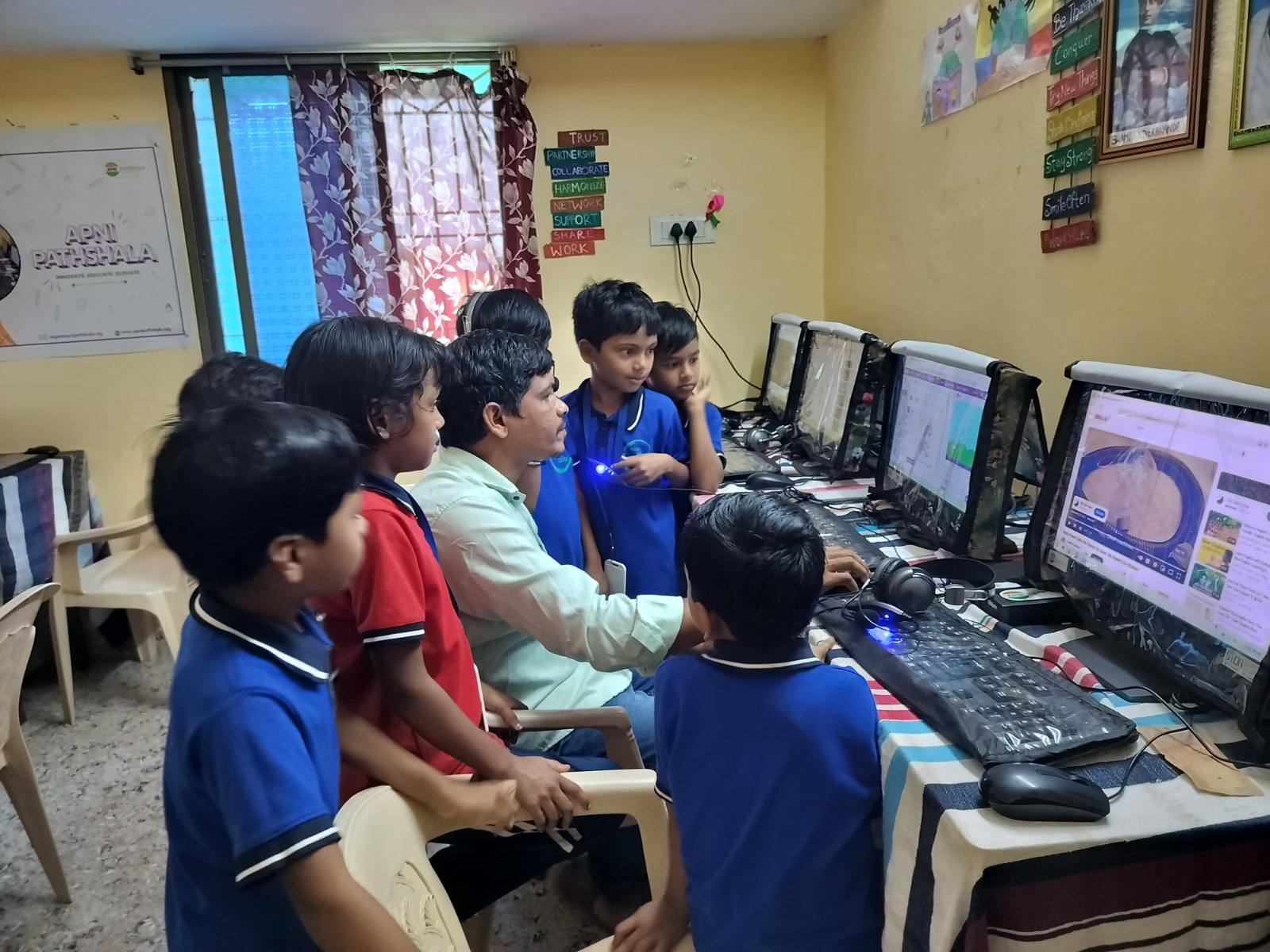
Learning time on a computer isn’t just opening a textbook PDF. It looks different for different students. Here are real ways students turn their computer sessions into genuine learning:
- Active note-taking, typing notes while watching a lecture, forces processing, not just watching
- Practice problems on Khan Academy, with immediate feedback, change how fast concepts stick
- Creating presentations, building slides about a topic, is one of the best ways to truly understand it
- Typing practice a boring-sounding skill that makes everything else faster and easier
- Digital mind maps, which organize ideas visually before writing, help students think more clearly
Each of these is screen time. But each of these is also the kind of deep engagement that builds actual skills.
The Habit Loop: How Routine Shapes Results
Here’s something most parents don’t think about: the sequence matters. It’s not just what a student does on the computer, it’s what comes before and after.
A student who opens the computer and immediately has a plan (20 minutes of math practice, then 15 minutes of reading an article they chose) is going to get completely different results from one who opens the computer with no plan and drifts to YouTube within three minutes.
Building a routine around purposeful computer use creates a habit loop. Over time, the computer becomes associated with focus and learning, not just entertainment.
Simple Shifts That Make a Big Difference
You don’t need to dramatically overhaul how your child uses technology. Small shifts work:
- Start with a task before anything else opens. The student writes down what they’re going to do in this session (even two sentences)
- Use a timer: 25 minutes focused, 5 minutes break; the Pomodoro method works especially well with digital study
- End with a review of what you learn today? One sentence. Written down. This alone dramatically improves retention
- Separate devices if possible. If the phone is the entertainment device, the computer becomes the learning device in the child’s mind
These aren’t complicated. But they require consistency, especially in the beginning.
What Surendra Knew Intuitively
Surendra didn’t have someone explaining Pomodoro techniques to him. He didn’t have a digital study coach. What he had was purpose. He knew why he was at the computer. He knew what he wanted to do with what he learned.
That sense of purpose is what separates learning time from wasted time. And it’s something parents and teachers can help build, not by controlling every minute, but by helping students understand why this matters for them specifically.
When a child sees a connection between what they’re learning on a computer and something they care about a skill, a goal, a problem they want to solve, the shift from passive to active happens naturally.
The Role of the Right Device
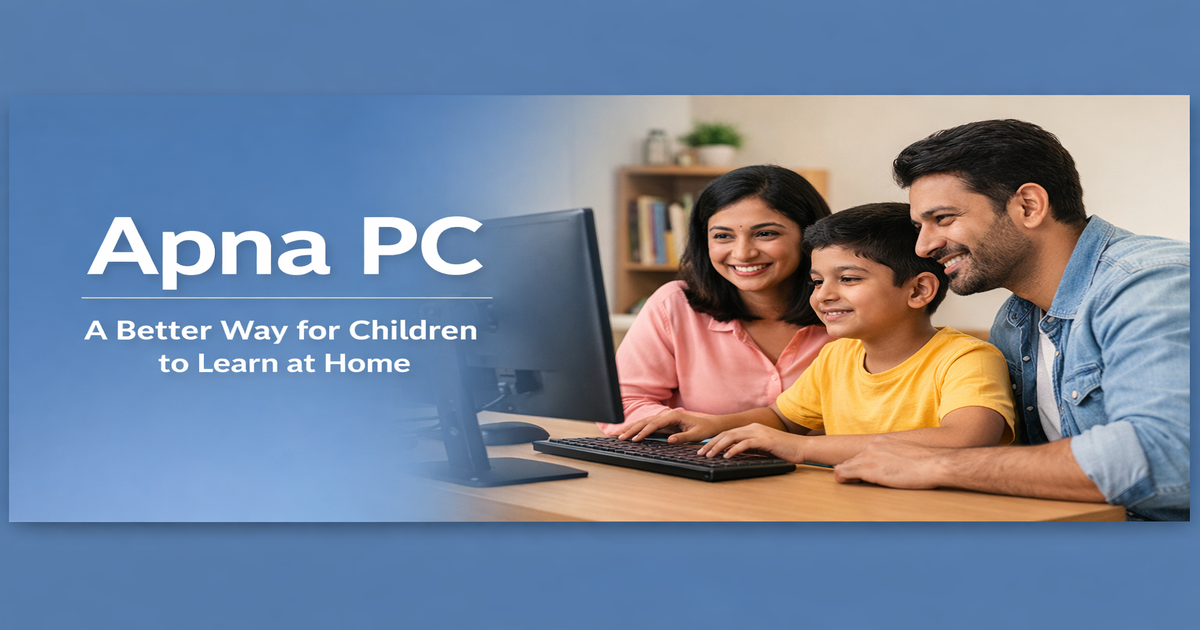
There’s another factor people underestimate: the device itself shapes behavior. A computer cluttered with games, notifications, and social media apps is a distraction machine. A computer set up specifically for learning with the right tools preloaded, without unnecessary temptations, makes it much easier to stay on task.
This is why the setup matters as much as the intention. You can have the most motivated student in the world, but if their computer is a chaos machine, they’re fighting an uphill battle every single session.
The environment shapes the habit. And the device is the environment.
It’s Not About Restriction, It’s About Direction
The instinct to limit screen time comes from a good place. Parents want their children to be focused and healthy. But restriction alone doesn’t build good habits; it just creates resentment and sneaky workarounds.
Direction is different. Direction says: Here’s what this tool can do for you. Here’s how to use it in a way that actually helps you grow. Here are the habits that will make you genuinely better, not just busier.
Surendra didn’t need anyone to take his computer away. He needed someone to show him what was possible. And once he saw that, he ran with it.
Want to set up a computer that’s built for learning from day one? Explore Apna PC designed to make learning time the default, not the exception.