

Self-learning has become one of the most powerful ways to grow in today’s digital world. With access to a personal computer and the internet, students are no longer limited to classroom learning.
Artificial Intelligence (AI) tools are now helping students learn faster, understand deeper, and practice smarter. When used responsibly, AI becomes a powerful study partner.
Here are ten AI tools every self-learner should explore.
1. ChatGPT
ChatGPT helps students:
- Understand difficult concepts
- Get step-by-step explanations
- Generate practice questions
- Clarify doubts instantly
It acts like a 24/7 study assistant.
2. Grammarly
Grammarly improves:
- Writing clarity
- Grammar and spelling
- Sentence structure
- Tone and professionalism
It is especially useful for essays, assignments, and emails.
3. Notion AI
Notion AI helps students:
- Organize notes
- Summarize long content
- Create study plans
- Structure research
It turns messy notes into organized learning systems.
4. Khan Academy AI Tutor
Khan Academy’s AI tutor helps students:
- Practice math and science
- Get guided solutions
- Strengthen fundamentals
- Learn at their own pace
It supports competency-based learning.
5. Quizlet AI
Quizlet helps with:
- Flashcards
- Practice quizzes
- Memory improvement
- Concept reinforcement
AI-generated quizzes make revision easier.
6. Canva AI
Canva’s AI tools allow students to:
- Create presentations
- Design posters
- Build resumes
- Visualize ideas creatively
It enhances communication and creativity.
7. Duolingo AI
For language learners, Duolingo offers:
- Personalized lessons
- Pronunciation feedback
- Interactive practice
- Gamified learning
It makes language learning engaging and consistent.
8. Wolfram Alpha
Wolfram Alpha helps with:
- Mathematical problem solving
- Step-by-step calculations
- Data analysis
- Scientific explanations
It is powerful for analytical subjects.
9. Google Bard / Gemini
Google’s AI tools help students:
- Research topics
- Compare information
- Summarize articles
- Generate ideas
It supports research-based learning.
10. Otter.ai
Otter.ai helps students:
- Transcribe lectures
- Create organized notes
- Capture key points
- Review discussions
It improves productivity and retention.
Using AI Responsibly
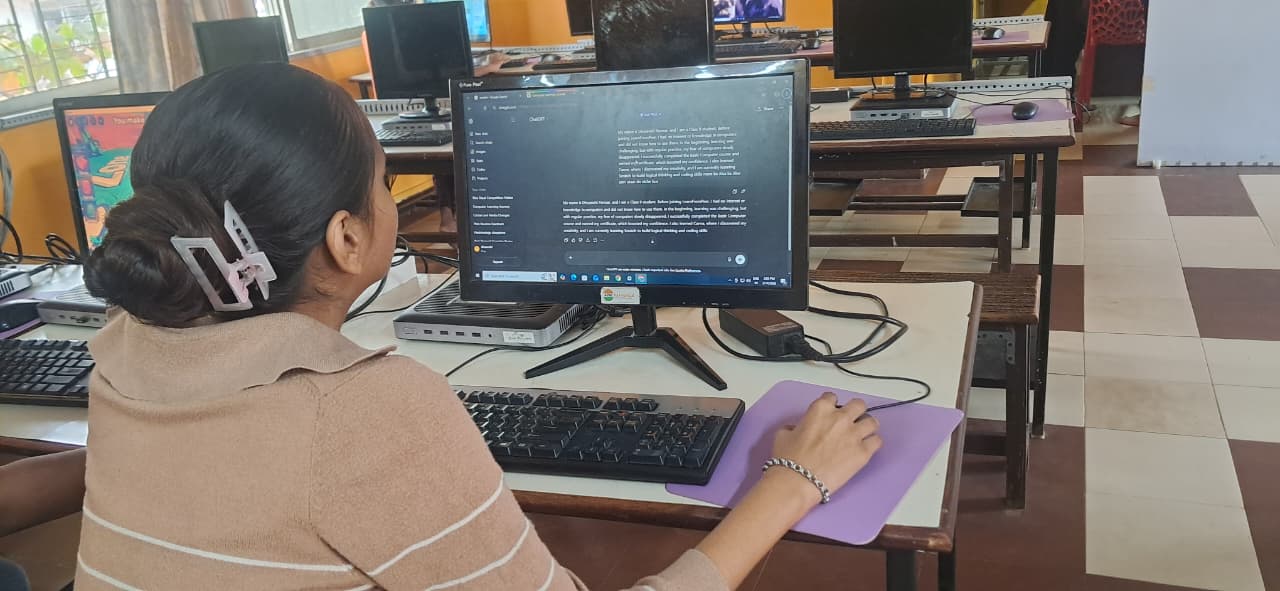
AI should support learning not replace thinking.
Students should:
- Attempt questions before asking AI
- Use AI to understand mistakes
- Avoid copying answers blindly
- Focus on improving skills
AI is most powerful when it strengthens independent learning.
Why Digital Access Matters
To use AI tools effectively, students need:
- A personal computer
- Consistent digital access
- Comfort with technology
- Time for exploration
Without access, these powerful tools remain out of reach.
Initiatives like Apna PC ensure that students have the foundation needed to explore AI-driven learning.
Access unlocks opportunity.
Conclusion
AI tools are transforming self-learning. They make education more personalized, interactive, and efficient.
For students with digital access, these tools can accelerate growth and build future-ready skills.
The key is not just using AI but using it wisely.
Because in today’s world, smart learners use smart tools.