

Digital learning is no longer just an option it has become a core part of modern education. From online classrooms and educational apps to interactive assignments and AI-powered platforms, children are expected to navigate digital tools confidently. However, not every child adapts at the same pace. Some may feel overwhelmed, distracted, or even anxious.
Helping your child adapt to digital learning tools requires patience, guidance, and the right approach. With proper support, digital tools can become powerful learning companions rather than sources of stress.
1. Start with a Positive Mindset
Children often mirror the attitudes of adults. If parents approach digital learning with fear or frustration, children may do the same. Instead, present digital tools as exciting opportunities to explore and grow.
Explain that technology is:
- A tool for learning
- A way to discover new ideas
- A skill that will help in the future
A positive introduction builds curiosity instead of resistance.
2. Introduce Tools Gradually
Overloading children with multiple platforms at once can cause confusion. Start with one or two simple tools and allow them to become comfortable before adding more.
Focus on:
- Basic navigation
- Logging in and out independently
- Understanding key features
Gradual exposure builds confidence and reduces anxiety.
3. Create a Structured Learning Routine
Children adapt better when there is consistency. Set fixed times for digital learning so they know when it’s time to focus and when it’s time to relax.
A structured routine helps:
- Improve concentration
- Reduce distractions
- Build discipline
- Develop healthy screen habits
Consistency makes digital learning feel normal rather than overwhelming.
4. Stay Involved Without Overcontrolling
Support your child by being present, especially in the early stages. Sit with them while they explore new tools and answer their questions.
However, avoid:
- Constantly correcting every mistake
- Taking control of the device
- Micromanaging every step
Let them explore and learn independently while knowing you are there to help.
5. Teach Basic Digital Skills
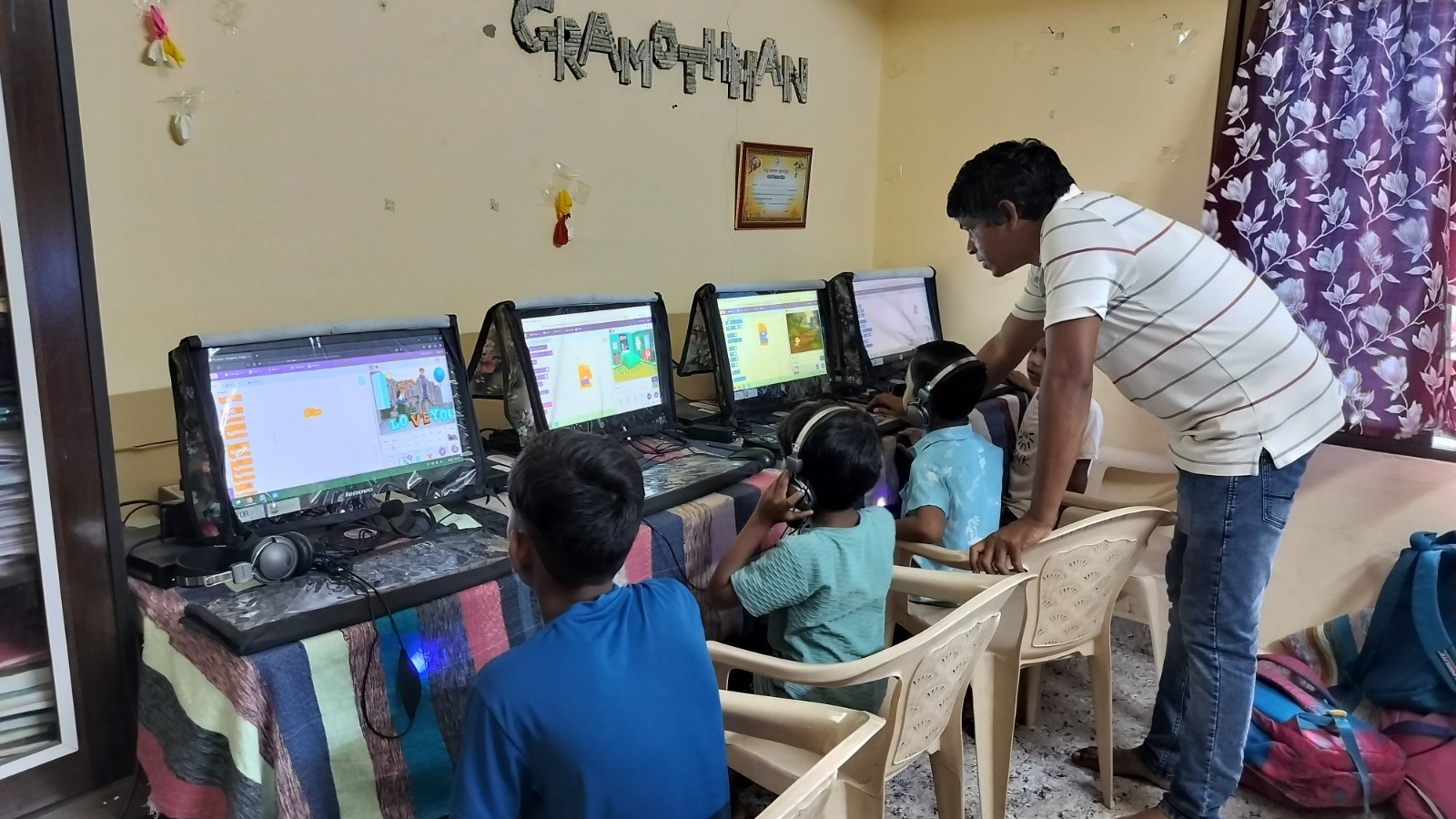
Before expecting children to complete online tasks, ensure they understand basic digital skills such as:
- Typing and navigation
- Using search functions
- Uploading assignments
- Protecting passwords
Strong foundational skills make digital learning smoother and less frustrating.
6. Encourage Questions and Exploration
Digital tools are interactive by nature. Encourage your child to ask questions and explore features.
Ask them:
- What did you learn today?
- What was difficult?
- What new feature did you discover?
Open conversations strengthen understanding and build confidence.
7. Balance Digital and Offline Learning
Digital learning should not replace traditional learning completely. Encourage offline activities such as reading books, writing notes, drawing, and discussing concepts.
A healthy balance:
- Prevents screen fatigue
- Improves comprehension
- Strengthens retention
Children adapt better when digital learning feels integrated, not forced.
8. Address Challenges Calmly
Technical issues, slow internet, or platform confusion can frustrate children. Stay calm and treat problems as learning opportunities.
Show them how to:
- Troubleshoot basic issues
- Restart devices
- Seek help when needed
This builds resilience and problem-solving skills.
9. Promote Digital Responsibility
Adapting to digital learning also means understanding responsibility. Teach your child to:
- Use devices only for learning during study time
- Avoid unnecessary apps while studying
- Respect online etiquette
Responsible use builds maturity and trust.
10. Celebrate Progress
Adapting to digital tools takes time. Celebrate small achievements such as completing an online assignment independently or learning a new feature.
Positive reinforcement boosts:
- Confidence
- Motivation
- Willingness to learn
Encouragement makes a lasting impact.
Conclusion
Helping your child adapt to digital learning tools is not about pushing technology it’s about guiding them through it. With patience, structure, and support, children can become confident digital learners.
Technology should empower children, not overwhelm them. When introduced thoughtfully and balanced with real-world learning, digital tools open doors to creativity, curiosity, and lifelong skills.