


Parent tech support can take hours out of your week when your child’s computer breaks down or won’t start. Apna PC eliminates that stress by arriving ready to use, pre-configured for study, and built to work reliably without constant troubleshooting.
Why do parents spend so much time on tech support?
Most computers require setup, driver installation, software configuration, and ongoing maintenance. When something goes wrong- a virus, a corrupted file, a forgotten password- parents become unpaid IT support staff. This drains your time and energy, especially when you’re juggling work, household duties, and your child’s education.
The real cost is not just the hours spent. It’s the frustration, the missed deadlines for your child’s schoolwork, and the anxiety of not knowing whether the device is secure or properly maintained.
How does Apna PC reduce parent tech support needs?
Apna PC arrives fully configured and ready to use. You don’t need to install an operating system, hunt for software, or troubleshoot driver conflicts. The device runs Zorin OS, a secure and student-friendly Linux system designed to be stable and low-maintenance.
Pre-loaded applications include LibreOffice for documents and spreadsheets, Scratch for coding basics, and Apni Prerna for parental monitoring. Everything your child needs for school is already there. The Apna PC setup guide for parents is straightforward; no technical knowledge required.
What happens during the unboxing and first use?
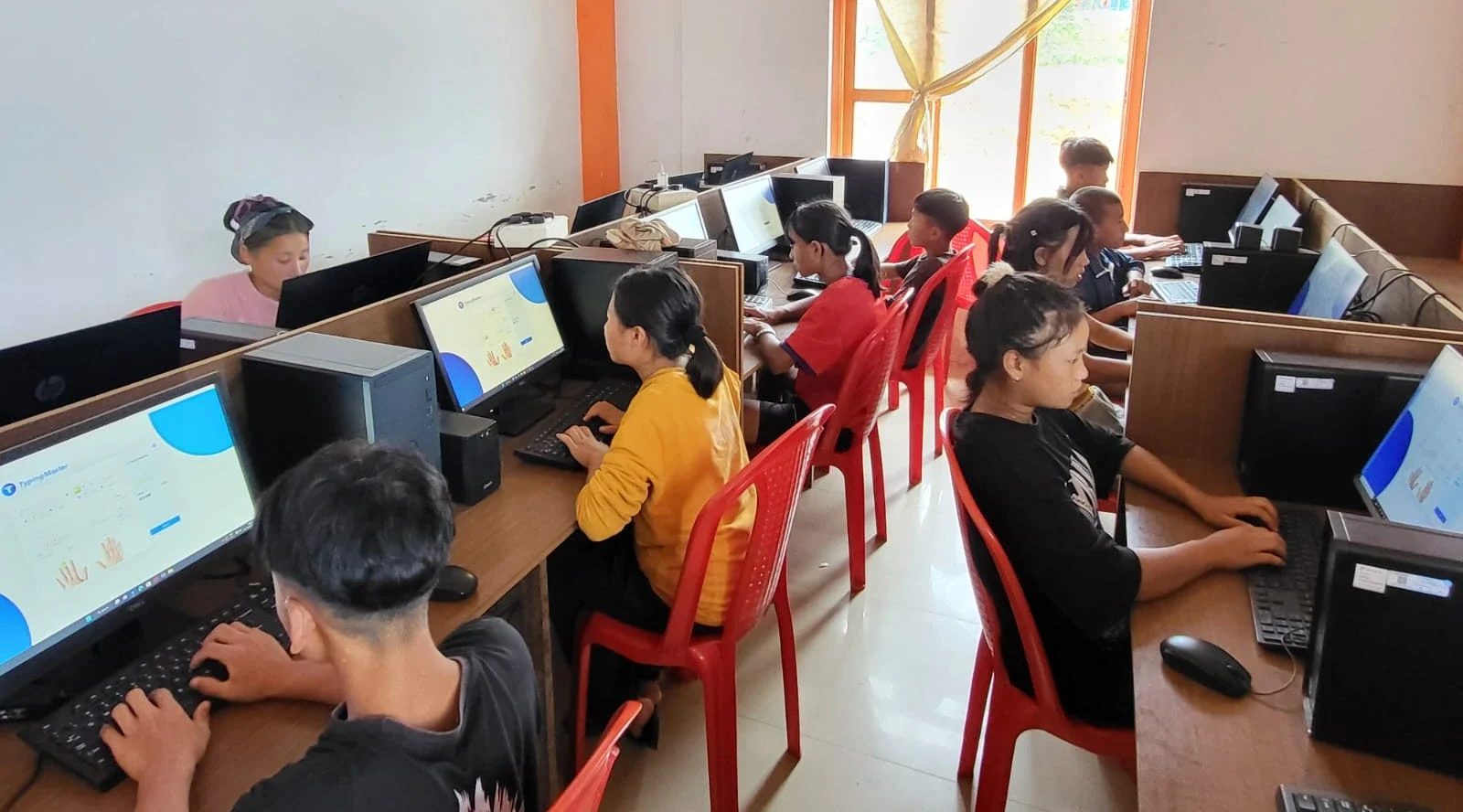
When you open the box, you’ll find the computer, power cable, and documentation. Plug it in, turn it on, and it’s ready to go. There’s no waiting for Windows updates, no antivirus setup, no confusing configuration screens.
Your child can start using it for schoolwork immediately. The unboxing experience for parents is designed to be simple and stress-free, so you can hand it over without worrying about hidden setup steps.
Is Apna PC suitable if your family is new to computers?
Yes. Apna PC is specifically built for families who want a computer that works without technical expertise. If you’re new to computers, you won’t face the steep learning curve that comes with traditional PCs or laptops.
The interface is intuitive, and the pre-installed software is student-friendly. As the India Ministry of Education emphasises digital literacy across schools, having a ready-to-use device helps families take that first step. For families just starting out, Apna PC for first-time users removes the technical barriers. You can focus on your child’s education instead of wrestling with settings and updates.
How does Apna PC compare to buying a regular computer?
| Feature | Apna PC | Regular Computer |
|---|---|---|
| Out-of-box readiness | Fully configured, ready immediately | Requires setup, driver installation, software |
| Parent tech support needs | Minimal; built for stability | Frequent troubleshooting required |
| Student computer setup time | Minutes | Hours or days |
| Pre-loaded educational software | LibreOffice, Scratch, Apni Prerna included | Must purchase or download separately |
| Price (approximate) | Rs. 30,000 (shipping and GST excluded) | Rs. 25,000-50,000+ (plus hidden costs) |
| Parental monitoring | Built-in via Apni Prerna | Requires separate third-party tools |
What support does Apna PC offer if something does go wrong?
While Apna PC is designed for reliability, Apni Pathshala provides customer support to help you if you run into any issues. The device is built to minimise problems, but you won’t be left alone if something unexpected happens.
The Linux-based system is less vulnerable to viruses and malware than Windows, which reduces one of the biggest sources of parent tech support headaches. Regular updates keep the system secure without requiring your intervention.
Can your child learn coding and digital skills on Apna PC?
Yes. Scratch comes pre-installed, allowing your child to learn programming basics through visual, block-based coding. LibreOffice teaches document creation and spreadsheet skills. The Digital India initiative highlights the importance of building digital skills from a young age, and Apna PC supports that goal without requiring you to install or configure anything.
Apna PC is built for study, not gaming, so your child stays focused on learning. The 8GB RAM and 128GB SSD provide enough power for schoolwork, coding projects, and online classes without slowing down.
Stop spending your evenings troubleshooting computer problems and start focusing on what matters: your child’s education. Visit apnapc.com to learn more.