


Raj’s Struggle: Why Computer Hardware Knowledge Changed Everything
Raj sits in his small room in Indore, staring at his father’s old laptop. Its fan whirs loudly. The screen freezes every few minutes. He has an important online exam tomorrow, but the computer keeps crashing. His father asks the local repair shop owner what’s wrong. The answer: “The RAM is full, and the hard drive is dying.” Raj’s father nods, confused. He doesn’t understand computer hardware at all. Neither does Raj. That night, Raj realises something crucial. He doesn’t just need a computer. He needs to understand how it works.
This story repeats in thousands of homes across Tier 2 and Tier 3 cities in India. Students like Raj face a real problem. They use computers for studies, but they dont know what makes them work. Understanding computer hardware isn’t just for tech nerds anymore. It’s essential knowledge for every student.
What Is Computer Hardware and Why Should You Care
Computer hardware refers to the physical parts of your computer. Think of it like the organs in your body. Your CPU is like your brain. Your RAM is like your short-term memory. Your storage is like your long-term memory. Each part does a specific job. When one part fails or is weak, your entire computer suffers.
Students in India often dont learn about computer hardware in school. They use computers in labs, but nobody explains what’s inside. This gap in knowledge creates problems. You can’t troubleshoot issues. You can’t choose the right computer for your needs. You can’t understand why your computer is slow. You feel helpless.
According to the India Ministry of Education, digital literacy is now a core skill. But digital literacy means more than just using software. It means understanding the tools you’re using. Computer hardware knowledge is the foundation.
- CPU (Processor): Controls all operations. A faster CPU means quicker performance.
- RAM (Memory): Temporary storage while your computer runs. More RAM lets you run multiple programs smoothly.
- Storage (SSD or HDD): Permanent storage for your files, photos, and programs. SSDs are faster than older hard drives.
- Display: Shows your work. Screen size and clarity matter for studying.
When you understand these parts, you make better decisions. You know why your friend’s computer is faster. You understand why yours is slow. You can ask the right questions when buying a computer.
How Computer Hardware Impacts Your Studies
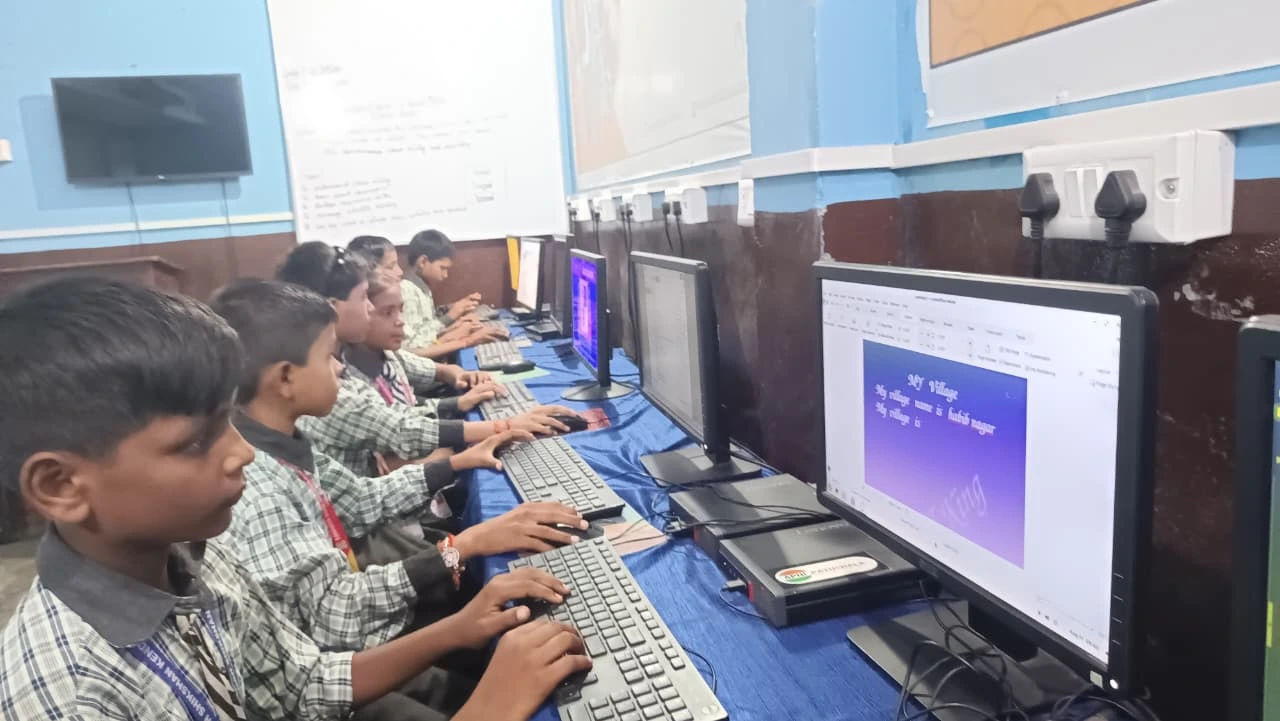
Imagine you’re working on a school project. You’re using design software, a web browser with five tabs open, and a video call with your teacher. Your computer freezes. Your work is lost. This happens because of insufficient RAM or a weak CPU. If you understood computer hardware, you’d know what you need before this happens.
Online classes require stable performance. Video conferencing needs good processing power. Coding and design software demand faster CPUs and more RAM. Gaming for stress relief needs a decent graphics setup. Your computer hardware directly affects your learning experience.
The Digital India initiative aims to make technology accessible to all students. But accessibility means nothing if your computer can’t handle modern software. Understanding hardware helps you make the most of technology.
Students who understand computer hardware perform better. They know how to maintain their computers. They avoid unnecessary repairs. They choose tools suited for their work. They troubleshoot basic problems themselves. These skills save time and money.
Why Most Indian Students Miss This Knowledge
Your school probably has a computer lab. But does anyone teach you what’s inside those computers? Most schools focus on software. They teach you Microsoft Word or Excel. They teach you coding languages. But they skip the foundation: computer hardware.
Parents in Tier 2 and Tier 3 cities often dont have this knowledge either. They buy computers based on price or brand name. They dont consider whether the hardware fits their child’s needs. When problems arise, they feel stuck.
This is changing. More students are realising they need hands-on understanding. They’re learning that building digital skills requires real knowledge, not just access. Understanding hardware is the first step.
Building Your Computer Hardware Knowledge Today
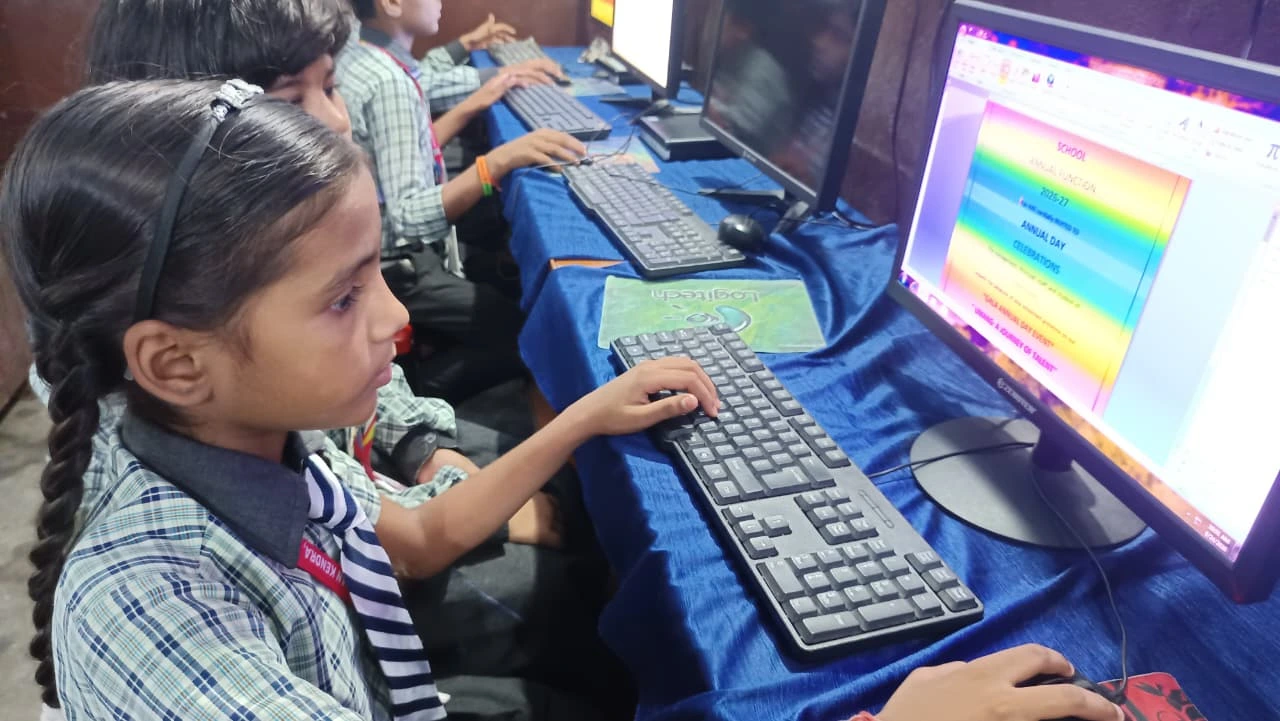
You dont need to become an engineer. You just need practical knowledge. Start by opening your computer settings. Look at your CPU, RAM, and storage details. Research what those numbers mean. Watch videos explaining how these parts work together. Join online communities where students discuss computer specs.
When you’re ready to buy a computer, dont rush. Compare specifications. Understand what each spec means for your work. Ask questions. Dont let salespeople confuse you with technical jargon. You now know what to ask about.
Many students benefit from structured learning. Computer education for non-tech students is becoming more accessible. Programs now focus on practical knowledge, not just theory.
Apna PC understands this gap. It’s an educational computer built specifically for Indian students. It comes with 8GB RAM and 128GB SSD, enough for smooth multitasking and modern software. The CPU is designed for everyday tasks and learning. It runs Zorin OS, a student-friendly operating system. It includes Scratch for coding, LibreOffice for documents, and Apni Prerna for learning tracking. At Rs.30,000 (excluding shipping and GST), it’s affordable for many families.
Your Next Step
Understanding computer hardware changes how you approach technology. You stop being a passive user. You become someone who makes informed choices. You troubleshoot problems. You get more value from your tools. Start today by learning about your current computer’s specs. Ask questions. Explore. Build your foundation.
Visit apnapc.com to learn more.