


Rajesh’s Struggle: When a Phone Became a Barrier to Learning
Rajesh sat in his small room in Indore, staring at his phone screen for the third hour that afternoon. His mother had bought him a budget smartphone two years ago so he could stay connected with his coaching classes. But now, as he prepared for his board exams, he couldn’t focus. The screen was too small. His eyes hurt. WhatsApp notifications kept interrupting his studies. He’d switch between three apps just to access one worksheet. His grades were dropping, and his parents didn’t understand why. They thought a phone was enough for learning in 2024. Then his uncle suggested something different: what if Rajesh studied on a computer instead?
This isn’t just Rajesh’s story. Across Tier 2 and Tier 3 cities in India, thousands of students face the same challenge. While phones are convenient, they’re not designed for serious learning. Your child needs a proper computer, better than a phone, that students can rely on for real academic growth. Let’s explore why a computer is the better choice for your child’s education.
Why a Computer Is Better Than a Phone for Student Learning
A computer gives your child what a phone simply cannot: screen real estate. When your child studies mathematics, they need to see the entire problem clearly. On a 5-inch phone screen, a complex equation becomes tiny text that strains the eyes. A computer screen, whether 15 inches or larger, displays everything your child needs without constant scrolling and zooming.
Typing on a phone keyboard frustrates students. Your child’s fingers are too big for tiny keys. They make mistakes. They get annoyed. They abandon their work. On a computer, typing becomes natural. They can write essays, code in Scratch, or complete assignments without the constant battle against the device itself.
Multitasking on a phone is a myth for learners. Your child opens a research document, then needs to check a reference video. They switch apps. The first app closes in the background. They lose their work. They start over. On a computer, your child keeps multiple windows open simultaneously. They reference a textbook PDF while writing an essay. They watch an educational video while taking notes. This is how real learning happens.
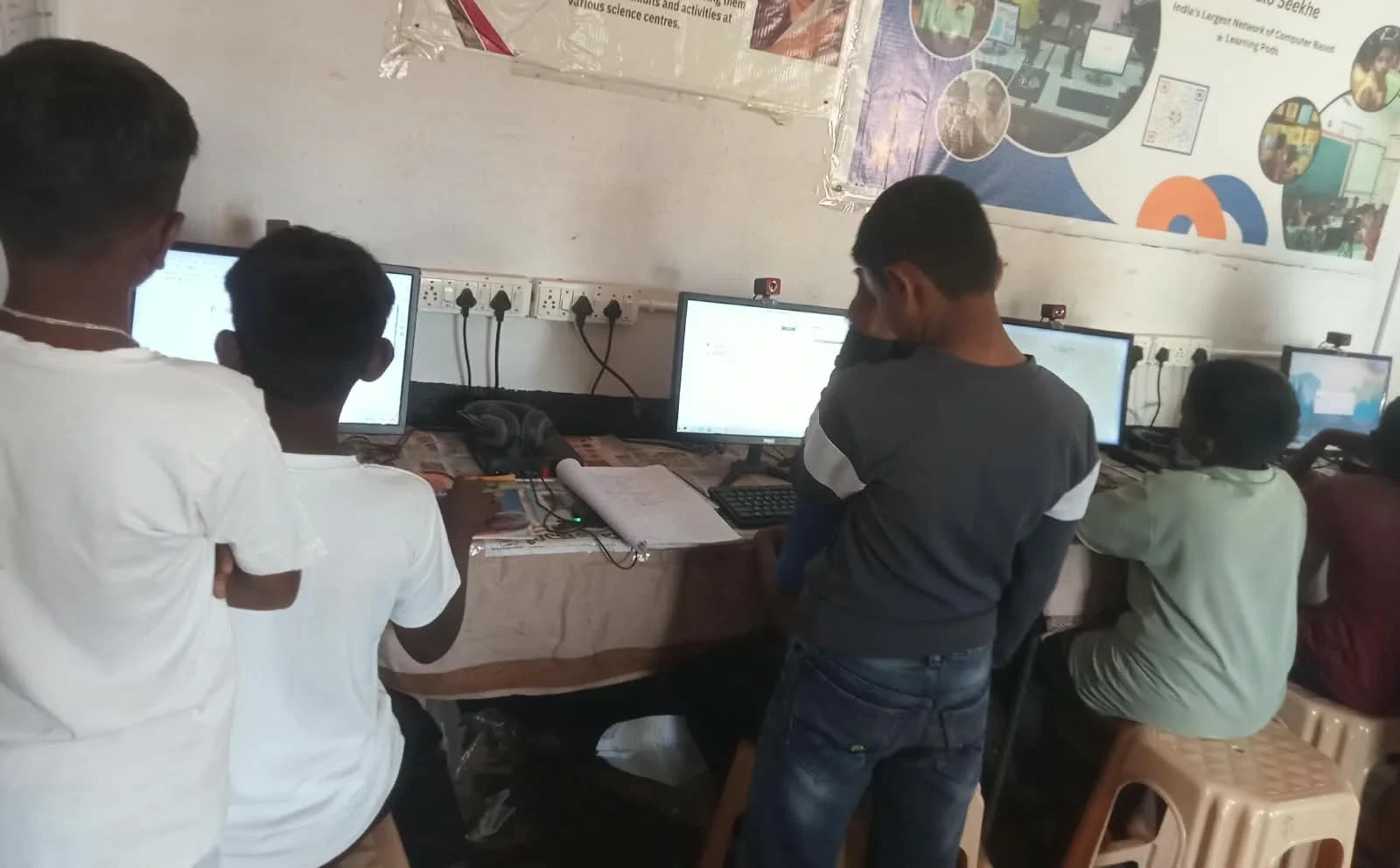
The Focus Problem: Why Phones Distract Indian Students
Phones are designed to grab attention. Every notification is a distraction. Your child sits down to study chemistry, and suddenly a game notification appears. Then a social media alert. Then a message from a friend. Studies from the Ministry of Education in India show that students lose focus every 3-4 minutes when using phones for learning.
A computer changes this dynamic. Yes, your child can still get distracted, but the friction is higher. They’d have to actively open a browser and search for a distraction. It’s not automatic. This extra step gives your child’s brain time to remember: “I’m supposed to be studying.” A computer, better than a phone, creates an environment where focus is possible.
Your child’s eyes also suffer on phones. The blue light, the small text, the constant focusing and refocusing. After 30 minutes, your child’s eyes feel tired. They rub their eyes. They get headaches. They stop studying. A computer screen is larger, farther from the eyes, and easier on vision during long study sessions. Your child can study for 2-3 hours without the physical strain that phones cause.
What Your Child Can Actually Do on a Computer
On a computer, your child can learn coding with Scratch. They can create professional-looking presentations. They can use spreadsheets to organise data for science projects. They can access online courses from the Apni Pathshala blog without constant buffering and crashes.
Your child can take proper online classes without freezing every 10 seconds. Teachers can share their screen clearly. Your child can see demonstrations, watch experiments, and understand concepts better. On a phone, the same class becomes a pixelated mess where your child misses half the details.
Research from UNESCO global education research shows that students who use computers for learning score 15-20% higher than those who rely only on phones. The reason is simple: the tool matters. A computer is built for learning. A phone is built for quick communication and entertainment.
The Apna PC Solution for Your Child
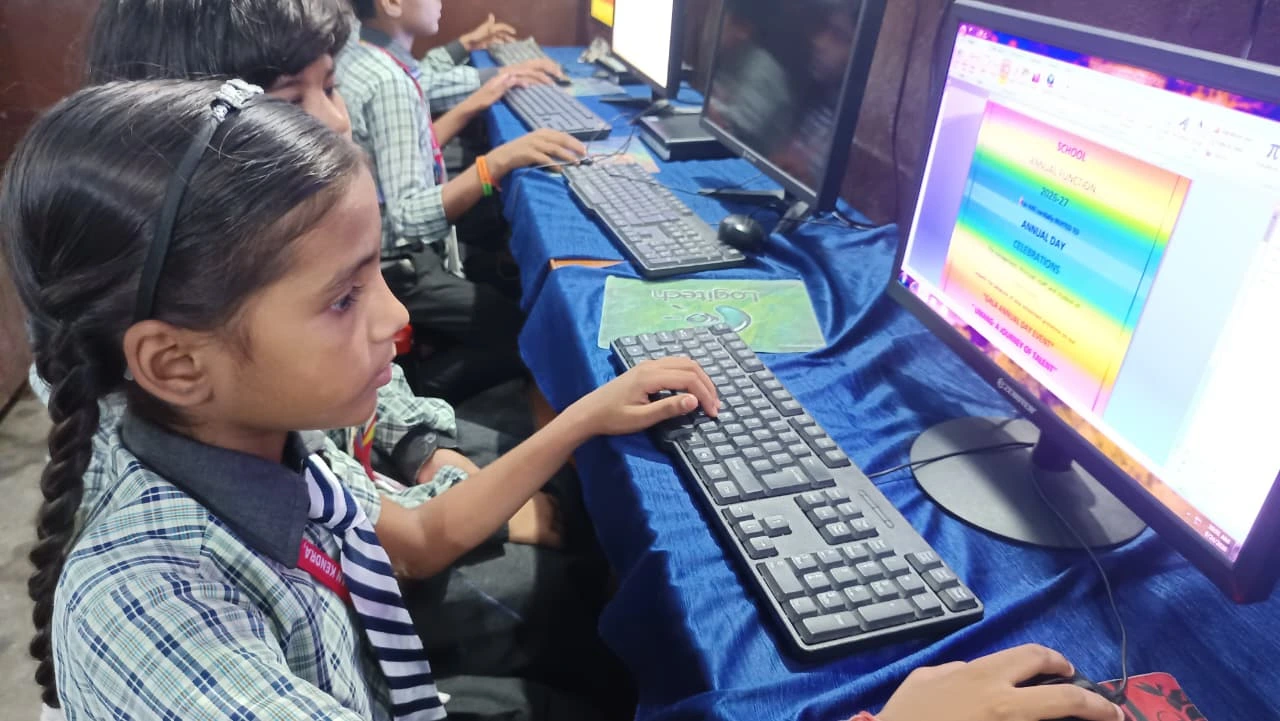
You don’t need to buy an expensive laptop. Apna PC is an educational computer built specifically for students like your child. At just Rs.30,000 (plus shipping and GST), it’s affordable for families in Tier 2 and Tier 3 cities. It comes pre-loaded with everything your child needs: Zorin OS for smooth performance, LibreOffice for documents and spreadsheets, and Scratch for coding.
Apna PC includes Apni Prerna, a special monitoring tool that lets you see what your child is studying. You can track their progress without invading their privacy. The 8GB RAM and 128GB SSD mean your child won’t experience lag or crashes during important study sessions. Your child can use it for research projects, online classes, and competitive exam preparation.
This isn’t just a computer. It’s an investment in your child’s future. When your child studies on a proper computer, they learn faster, retain more, and score better. The limitations of mobile learning disappear when your child switches to a computer. It’s the difference between struggling and succeeding.
Making the Switch: Overcoming Mobile Learning Limitations
Your child might resist at first. They’re used to phones. But within a week, they’ll realise how much easier studying becomes. Their focus improves. Their grades improve. Their confidence improves. Parents report that their children actually want to study once they have a proper computer.
You’ll also notice your child’s relationship with technology changes. Instead of endless scrolling, they create, learn, and build skills. Instead of consuming content, they’re producing it. This is the power of the right tool for student learning.
Your child deserves a computer better than the phone students have been forced to use for too long. Apna PC makes this possible without breaking your budget. Visit apnapc.com to learn more.