


Meera’s Dilemma: Why a Second-Hand Office PC Wasn’t Enough
Meera sat in her small Delhi apartment, staring at the second-hand office PC her neighbour had gifted her son Arjun for his Class 8 studies. The used Dell desktop was fast, had 8GB RAM, and cost her nothing. Yet three weeks into the school year, Arjun was struggling. His online classes kept freezing, the old Windows 7 installation was slow, and she couldn’t monitor what he was doing online. Like many parents in tier 2 and tier 3 cities across India, Meera faced a tough choice: make do with a used office computer, or find something designed for students.
A second-hand office PC might seem like the perfect budget solution for your child’s education. After all, it’s affordable, often comes with decent hardware, and works fine for basic tasks. But here’s what many parents don’t realise: an old office computer isn’t built for student needs. Your child needs something different. They need safety, monitoring tools, and software that supports learning, not just spreadsheets and emails.
What’s Wrong With Using a Second-Hand Office PC for Students
Office computers are designed for one thing: work tasks. They run heavy operating systems like Windows, need constant updates, and come with security risks. When you buy a used office PC, you’re inheriting someone else’s problems. The hard drive might be cluttered, the software licenses might be expired, and worst of all, there’s no built-in protection for children.
Let’s talk about what happens when your child uses an old office computer:
- No parental controls: You can’t see what websites your child visits or how much time they spend gaming instead of studying.
- Outdated security: Old Windows versions are full of vulnerabilities. Hackers target them because they’re easy to break into.
- Bloated software: Office PCs come loaded with programs you don’t need, slowing everything down.
- No educational tools: There’s no Scratch for coding, no LibreOffice for learning, no structured learning environment.
- Confusing for kids: A complex operating system designed for adults makes learning harder, not easier.
Meera’s son Arjun had exactly these problems. His old office computer was pulling him down, not lifting him up.
The Real Cost of Saving Money on Your Child’s Computer
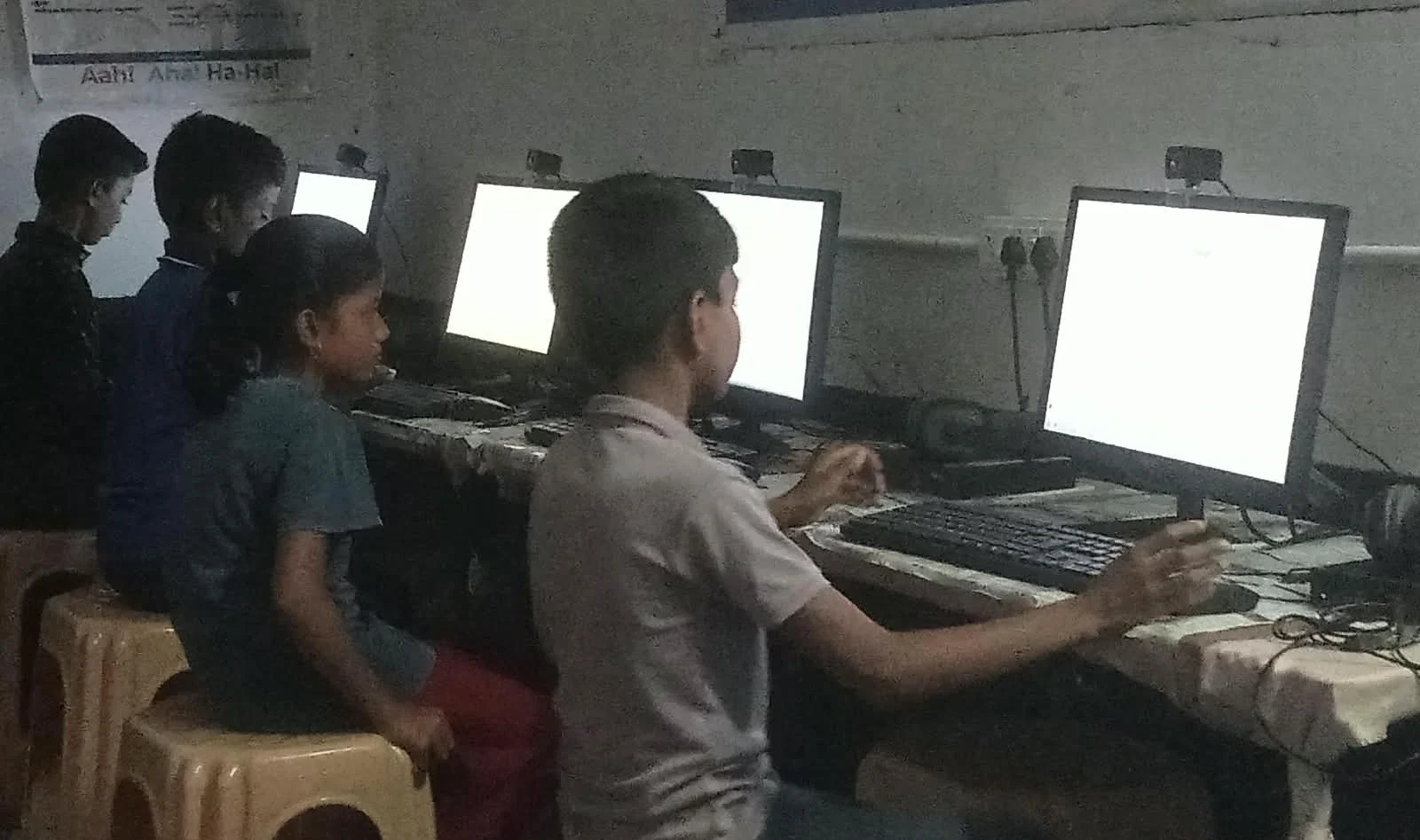
You might think buying a second-hand office PC saves money. But here’s the hidden cost: your child’s education suffers. When the computer is slow, unreliable, or unsafe, your child loses focus. They get frustrated. They waste time troubleshooting instead of learning.
According to Ministry of Education reports, students in India need reliable technology to keep up with online learning. A broken or slow computer isn’t just annoying. It actively holds your child back.
Then there’s the security angle. UNESCO education research highlights that children on unsafe computers are exposed to inappropriate content and online threats. As a parent in a tier 2 or tier 3 city, you might not have IT support nearby. When something goes wrong, you’re stuck.
What an Educational PC Should Actually Do
Your child needs a computer built for learning, not a hand-me-down office machine. An educational PC should have these features:
- Student-friendly operating system: Simple, fast, and secure. Not bloated like Windows.
- Parental monitoring: You should be able to see what your child does online and set time limits.
- Pre-loaded learning software: Coding tools, office applications, and educational programs ready to use.
- Reliable performance: It should run smoothly without slowdowns, even with multiple programs open.
- Long-term support: You need a company that stands behind the product and helps when you need it.
This is exactly why Apni Pathshala, an organisation focused on digital education for Indian students, created Apna PC. It’s not a second-hand office PC. It’s a computer designed specifically for your child.
Apna PC: Built for Indian Students, Built for Your Budget
At just Rs.30,000 (shipping and GST excluded), Apna PC brings together everything your child needs. It runs Zorin OS, a clean and secure operating system that’s fast and intuitive. Your child won’t waste time fighting with complicated settings.
The system comes with 8GB RAM and a 128GB SSD, so it handles schoolwork, video calls, and research without breaking a sweat. But the real difference is the software.
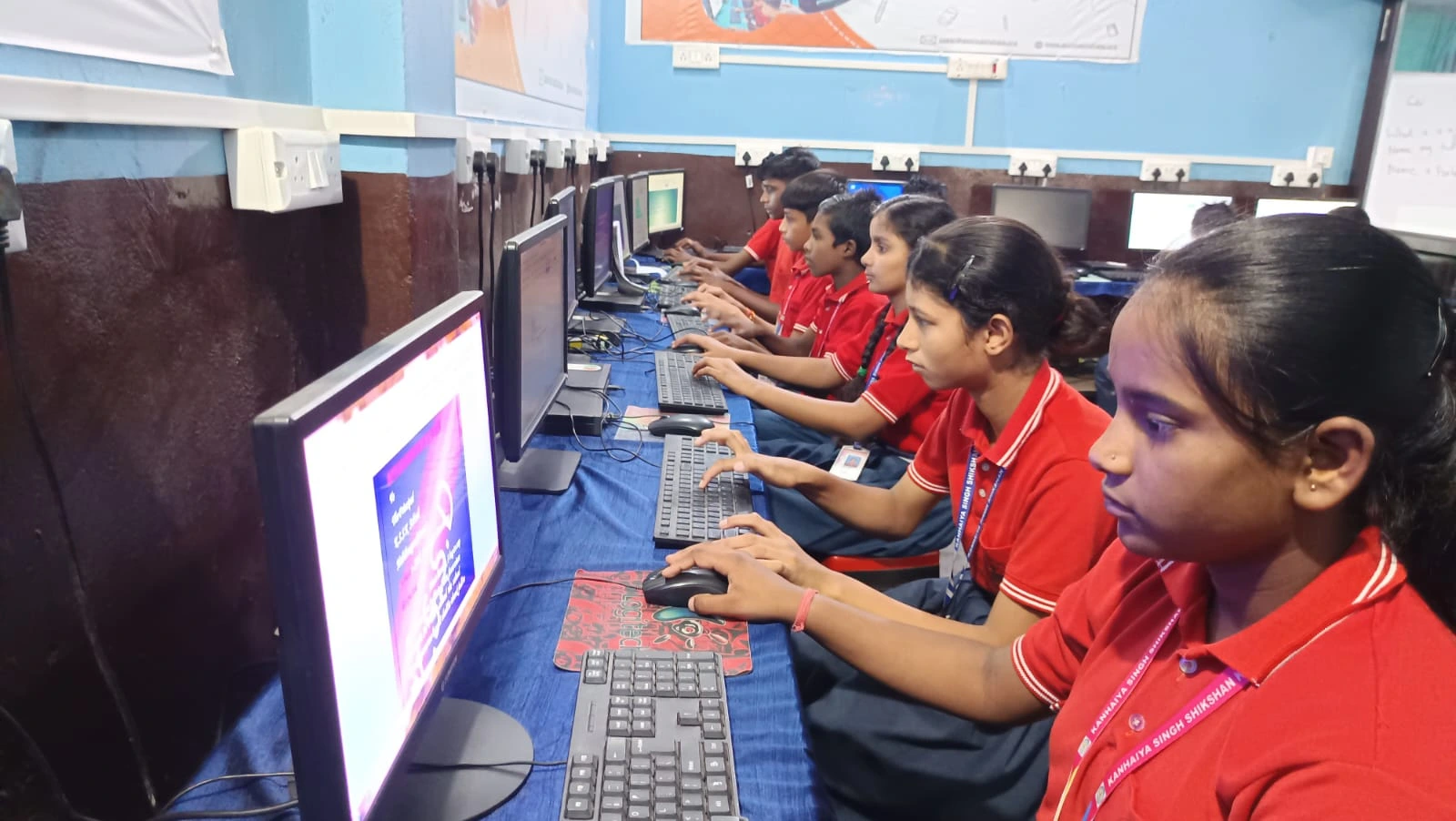
Apna PC comes pre-loaded with Apni Prerna, a monitoring tool that lets you see what your child is doing. You can set study schedules, block distracting websites, and track their progress. It’s not about spying on your child. It’s about keeping them safe and on track.
Your child also gets LibreOffice for documents and presentations, and Scratch for learning to code. These are professional tools used worldwide, but they’re set up to work for students. Setting up separate user accounts for your child creates a safe learning space.
The wider Apni Pathshala initiative ensures that computers like this reach families like yours across India. This isn’t just a product. It’s part of a movement to make quality education technology affordable.
Why Parents in Tier 2 and Tier 3 Cities Are Choosing Apna PC
Parents like you face unique challenges. You can’t easily take a computer to a repair shop. You don’t have access to IT experts. Your internet might not be super fast. You need something reliable that just works.
An old office computer doesn’t meet these needs. Apna PC does. It’s built to be reliable, simple, and secure from day one. You’re not buying someone else’s problems. You’re buying a computer designed for your child’s future.
Meera switched from her second-hand office PC to Apna PC. Within a week, Arjun’s grades improved. He could focus on his studies instead of waiting for the computer to load. She could sleep at night knowing he was safe online. That peace of mind is worth more than the money she saved with the used machine.
The Choice Is Clear
A second-hand office PC might work for a little while, but it’s not the right choice for your child’s education. Your child deserves a computer built for learning, with safety features, educational software, and reliable performance. Apna PC delivers all of this at a price that fits your budget.
Don’t settle for less when your child’s future is at stake. Visit apnapc.com to learn more.