


Ravi’s Story: When Books Met the Screen
Ravi, a 9-year-old from Indore, used to spend three hours every evening glued to his phone watching videos. His mother Priya was worried. She’d bought him books, but they sat untouched on the shelf. Then she got him an Apna PC, thinking it might help with his studies. What happened next surprised her: Ravi started reading more, not less. The computer became a bridge between his love for screens and his mother’s dream of building strong reading habits in her son.
If you’re a parent in a Tier 2 or Tier 3 city, you’ve probably faced this same battle. Your child wants screen time; you want them reading books. It feels like choosing between two opposite worlds. But what if your child’s reading habits could actually grow stronger with the right computer setup at home? Let’s explore how you can make this happen.
Why Reading Habits Matter More Than Ever
Reading isn’t just about finishing a book. It builds focus, expands vocabulary, and helps your child understand complex ideas. When kids read regularly, their school performance improves across all subjects, not just English. The problem is that in 2024, most children see reading as boring compared to videos and games.
Your child’s brain is wired for quick dopamine hits from screens. Reading requires patience. It requires sitting with one idea for longer than 30 seconds. But research shows that kids who read for pleasure score 15-20% higher on comprehension tests. They also develop stronger critical-thinking skills. You don’t have to choose between screen time and reading habits. You need the right tools.
How Apna PC Supports Reading Without Removing Screens
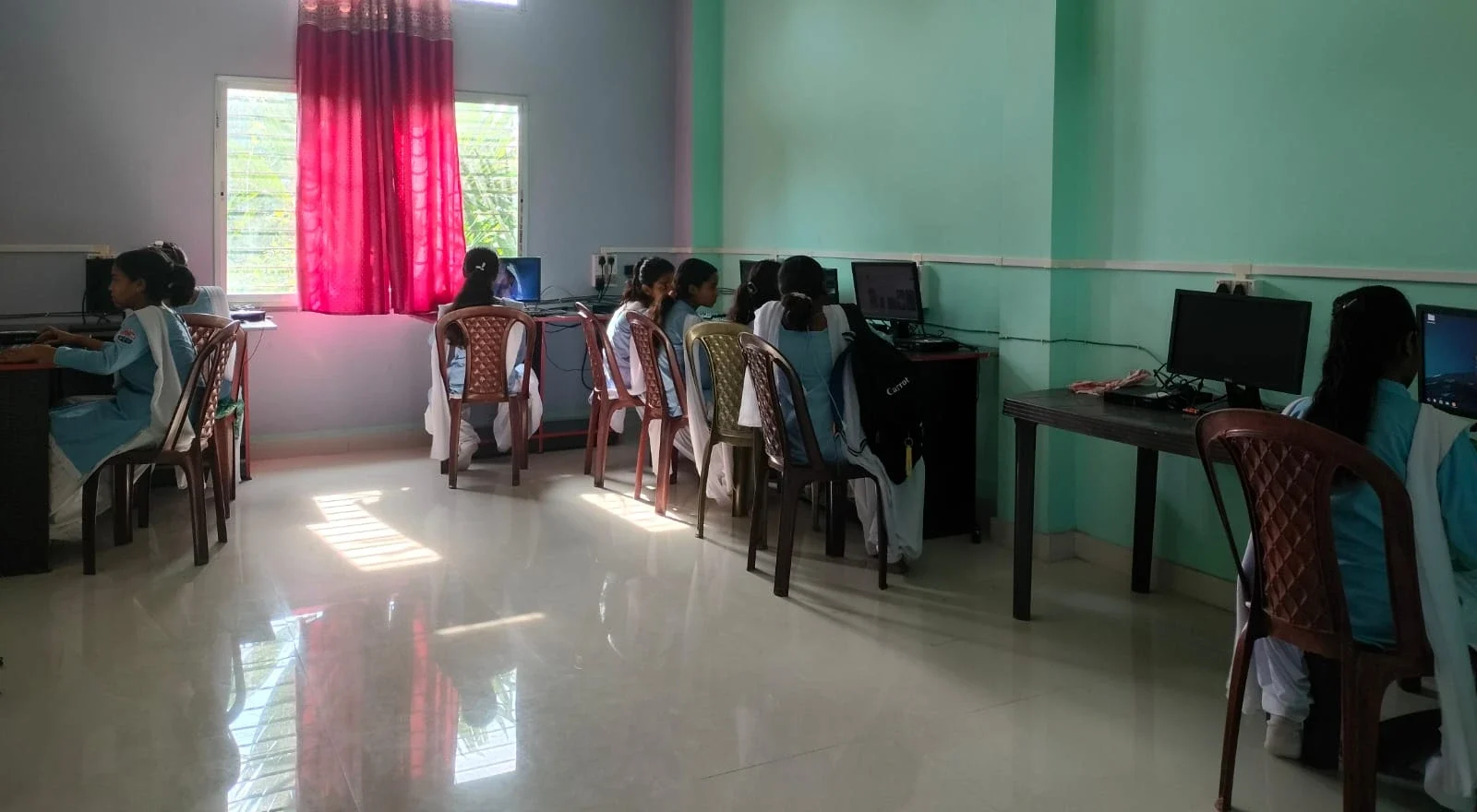
Apna PC comes pre-loaded with tools that make reading part of the learning experience. LibreOffice lets your child create digital stories and book reviews. Scratch teaches coding through storytelling. Zorin OS offers a clean, distraction-free environment where your child can focus. The 8GB RAM and 128GB SSD mean everything runs smoothly without lag that frustrates young learners.
What makes Apna PC different from a regular laptop is Apni Prerna, the built-in student monitoring system. You can see what your child is doing without being intrusive. If they’re reading an e-book on the computer, you know it. If they’re drifting toward games, you can gently redirect them. This isn’t about control. It’s about guidance. At Rs.30,000, Apna PC is designed specifically for Indian families who want their children to learn better, not just be entertained.
Digital Reading Platforms Your Child Can Access
Once you set up Apna PC, your child gets access to free digital reading resources:
- DIKSHA digital learning platform offers thousands of educational stories and books aligned with the school curriculum
- Project Gutenberg provides classic books completely free
- Local library apps often work on Linux systems like Zorin OS
- Your child can read articles, create digital portfolios, and join online reading communities
The key difference is that these aren’t passive activities like watching videos. Your child actively engages with text, takes notes, and creates their own content. This is how reading habits stick.
Creating a Reading Routine Around Screen Time
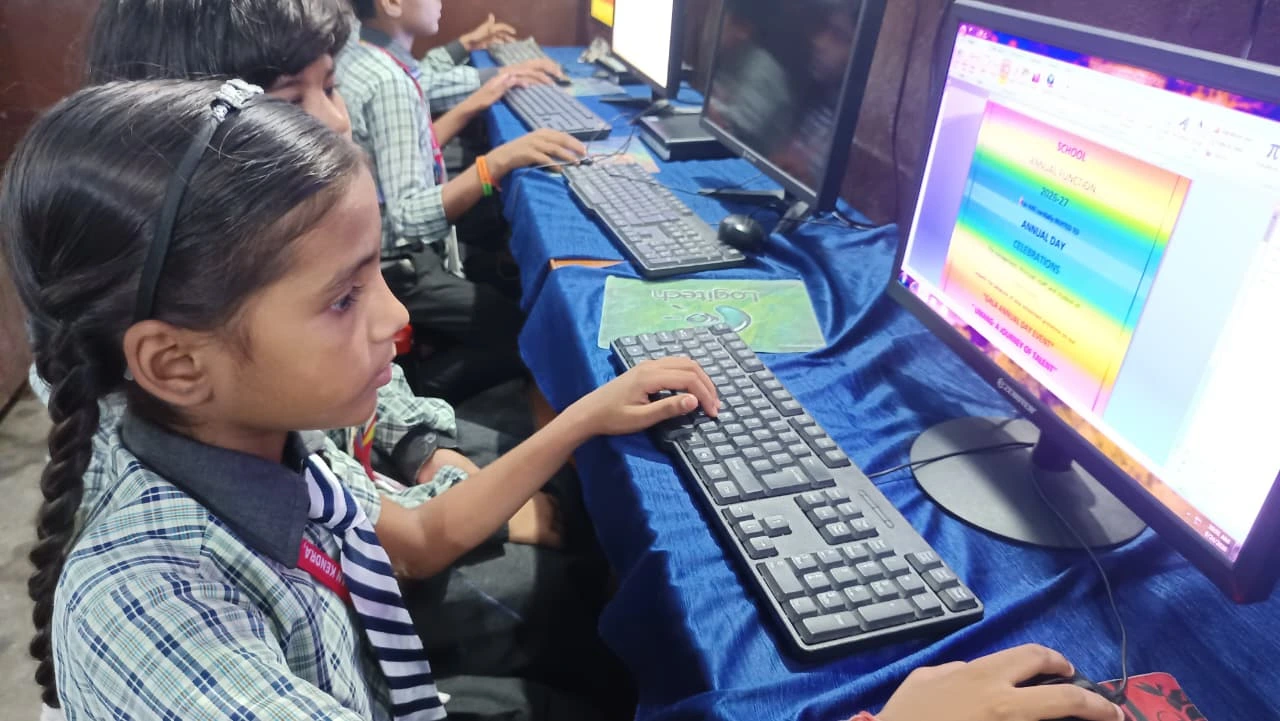
Here’s what Priya did with Ravi’s Apna PC setup. She created a simple rule: 30 minutes of reading on the computer, then 20 minutes of free time. The reading part included everything from e-books to school research projects. After a month, Ravi stopped complaining about the reading time. After three months, he was asking for more.
You can do the same. Start small. Maybe 15 minutes on weekdays, 30 minutes on weekends. Let your child choose what to read from approved sources. Make it about discovery, not punishment. When reading feels like a choice rather than a chore, your child’s reading habits improve naturally. Apna PC’s focused learning-at-home setup makes this easier because the computer is designed for learning, not endless scrolling.
You might also explore extracurricular learning with a computer to find activities that combine reading with other skills like coding, design, or digital storytelling. This keeps your child engaged while building stronger reading skills.
Balancing Digital and Physical Books
Apna PC isn’t meant to replace physical books. It’s meant to complement them. Your child can read a physical book in the morning, then create a digital book review on the computer in the evening. They can research topics online for school projects, then read related fiction books. This mix keeps reading fresh and exciting.
The Ministry of Education has recognised that digital and physical reading both have value. Your job as a parent is to help your child see reading as a normal part of their day, whether it’s on a page or a screen. With the right computer, this becomes much easier to manage.
What Parents Are Seeing
Families across Indore, Bhopal, Jaipur, and other Tier 2 cities are reporting similar results with Apna PC. Children who were reluctant readers are now finishing books. Kids who struggled with focus are spending longer periods on single tasks. Parents are noticing better grades and more curiosity about the world. This happens because Apna PC removes distractions and makes reading part of a structured learning environment.
The computer costs Rs.30,000 (shipping and GST excluded), which is less than many premium tablets. But unlike tablets, Apna PC is built for real learning, not just consumption. Managing screen time becomes simpler too, because your child uses the same device for reading and studying.
Your child’s digital reading habits won’t build themselves, and screen time won’t go away. The question is whether you’ll let screens compete with books, or whether you’ll use the right technology to bring them together. Apna PC makes this possible. Visit apnapc.com to learn more.