


Rahuls Story: Why Professional Computer Skills Matter Right Now
Rahul sat in his college hostel room in Indore, refreshing his email for the hundredth time. He’d applied to fifteen companies in the last month, but his inbox stayed empty. His resume looked good on paper, decent grades, a degree in commerce, but when he finally got an interview call, the interviewer asked about his spreadsheet skills, his ability to work with design software, and whether he could handle basic coding tasks. Rahul froze. He’d never really used a computer beyond browsing and messaging. That day, he realized that professional computer skills weren’t optional anymore. They were the difference between getting hired and getting rejected. If you’re a student like Rahul, this is your wake-up call. Building workplace-ready professional computer skills now means you wont struggle when you step into your first job.
Why Professional Computer Skills Are Your Career Foundation
Every job today, whether its in banking, retail, teaching, or healthcare, expects you to have basic computer competency. Employers aren’t just looking for your degree. They want to see that you can handle Microsoft Office, create presentations, manage files, and maybe even pick up new software quickly. When you build these skills as a student, you’re not just preparing for interviews, you’re building confidence that carries into your actual work.
The gap between college and career readiness is real. According to India Ministry of Education reports, many graduates lack practical workplace skills despite their academic achievements. This isn’t about blame. Its about opportunity. Right now, while you’re still studying, you have the time and space to develop these skills without job pressure.
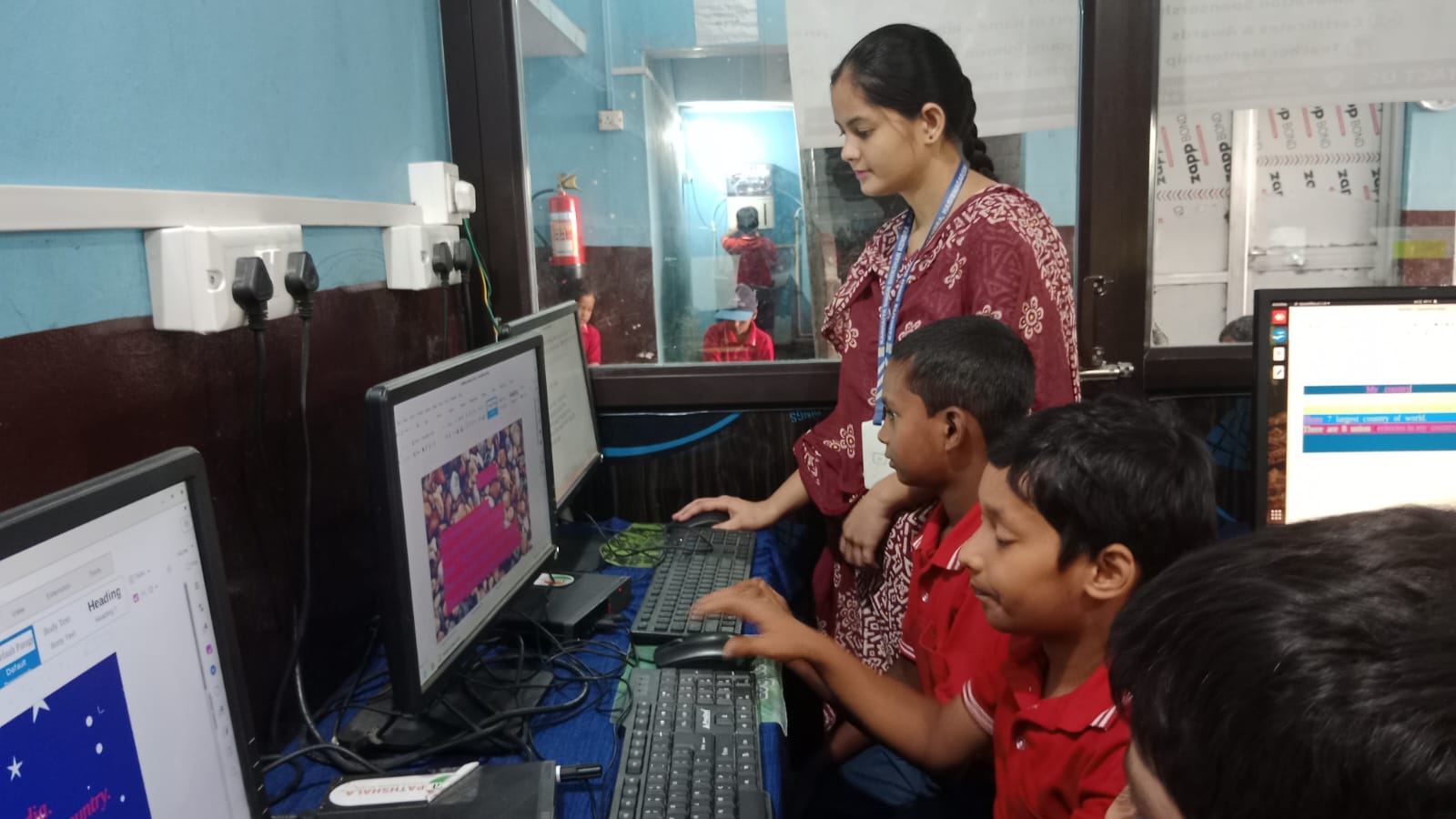
Five Actionable Steps to Build Professional Computer Skills Today
Dont wait for your company to train you. Start building these skills now with these concrete steps:
- Master Office Productivity Tools: Learn Microsoft Excel or LibreOffice Calc inside and out. Practice creating budgets, analyzing data, and building charts. These skills apply to every industry. Spend 30 minutes daily for two weeks just learning formulas and pivot tables. This single skill will set you apart in interviews.
- Get Comfortable with Presentations: Whether its PowerPoint or Impress, learn to create clean, professional slides. Practice presenting your ideas clearly. Record yourself and watch it back. Companies value people who can communicate ideas visually and verbally. This is career readiness in action.
- Explore Basic Design and Content Creation: Tools like Canva or GIMP help you create social media posts, flyers, and graphics. Even if design isn’t your career path, this skill makes you valuable in any team. Marketing teams, HR departments, and startups all need people who can create quick visuals.
- Learn One Programming Skill, No Matter How Basic: You don’t need to become a coder, but understanding how code works gives you a massive advantage. Start with Scratch or Python. These teach you logical thinking and problem-solving, skills that employers desperately want. Spend time on DIKSHA digital learning platform which offers free coding courses for Indian students.
- Practice Typing and Digital Organization: Slow typing wastes hours of your professional life. Aim for at least 40 words per minute. Learn to organize your files in folders, name them properly, and back them up. These habits might seem small, but they’re what separate professionals from amateurs.
- Take Free Online Courses Seriously: Platforms like Apni Pathshala offer structured learning that goes beyond YouTube tutorials. Commit to finishing at least one course fully. Add it to your resume. This shows employers you’re serious about growth.
The Right Equipment Matters More Than You Think
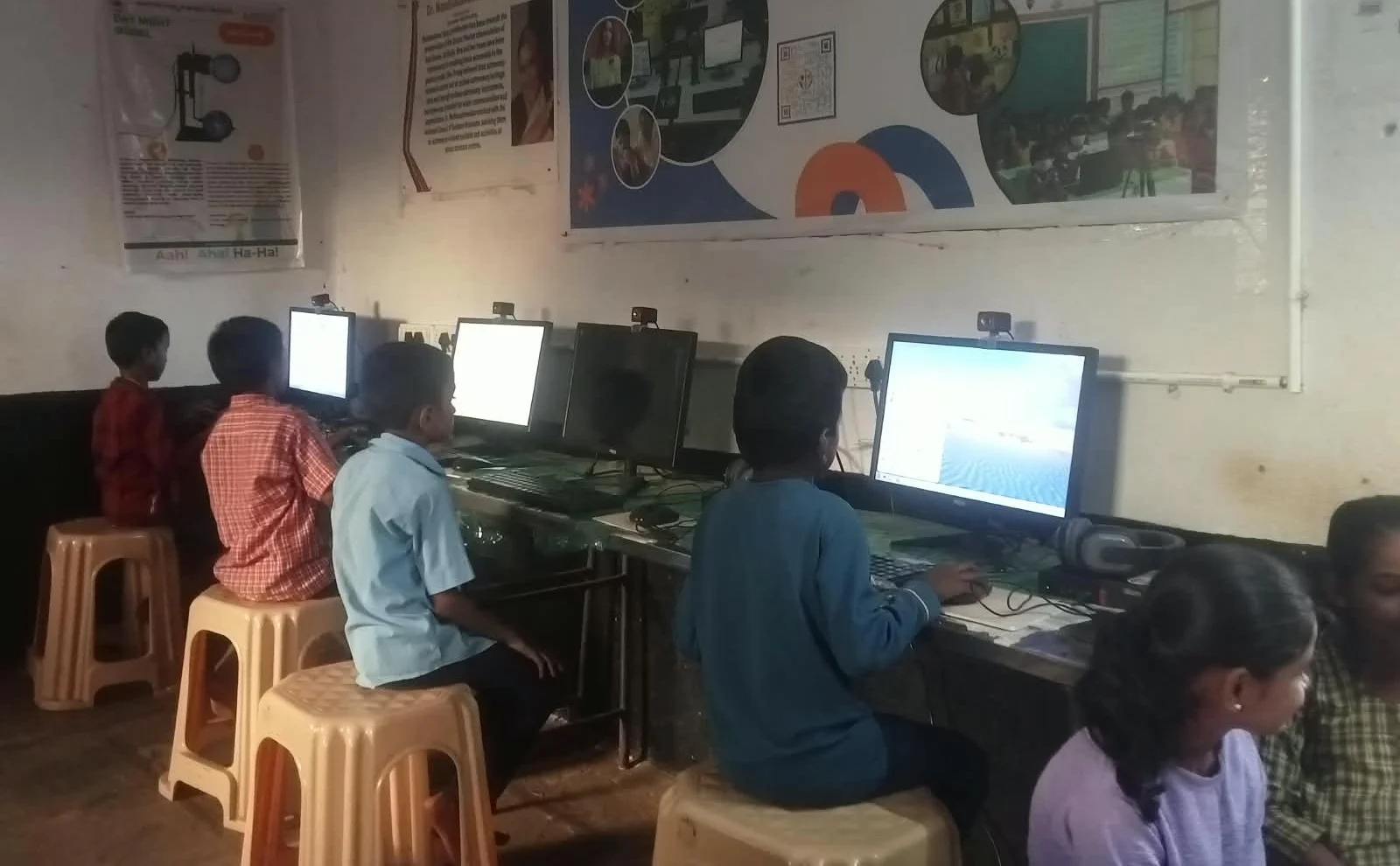
Heres the real talk: you cant build professional computer skills on a slow, frustrating device. If your laptop takes five minutes to open an application, you’ll give up learning before you even start. A slow computer and student productivity are basically enemies.
The Apna PC is designed exactly for students like you. At Rs.30,000, its affordable for most families. It comes pre-loaded with Zorin OS, LibreOffice, and Scratch, everything you need to start building professional computer skills immediately. The 8GB RAM and 128GB SSD mean your applications launch instantly. No waiting. No frustration. Just smooth, distraction-free learning.
More importantly, the Apna PC comes with Apni Prerna, a student monitoring tool that helps you track your learning progress. You can see exactly which skills you’re developing and where you need more practice. This feedback loop is crucial for building workplace-ready capabilities.
Start Your Career Readiness Journey This Week
You dont need to be perfect. You just need to be better than you were yesterday. Pick one skill from the list above and commit to it for the next seven days. Whether its learning Excel, creating your first presentation, or completing a Scratch tutorial, take action today.
Your future employer isn’t looking for a genius. They’re looking for someone reliable, capable, and willing to learn. When you build professional computer skills now, you’re telling them: “I’m ready.” Dont let slow equipment or lack of direction hold you back from becoming workplace-ready. Visit apnapc.com to learn more.