


Long-form writing on a computer helps students organise ideas, edit easily, and produce polished work that’s hard to achieve on paper alone. A dedicated study PC gives you the tools, screen space and comfort to tackle essays, reports and projects without distraction.
This article explains how a computer supports better long-form writing, which features matter most, and how to set up a workspace that keeps you focused.
Why Do Students Need a Computer for Long-Form Writing?
Long-form writing requires sustained focus and the ability to revise without starting over. A computer lets you move paragraphs, rewrite sentences and reorganise your thoughts in minutes, while handwriting the same changes takes hours and makes pages messy.
Screen space matters too. On a desktop monitor, you can see your outline, your current paragraph, and your research notes all at once, so you don’t lose your train of thought. A larger display reduces eye strain during the hours you spend drafting and editing essays or project reports. When you’re working on a school assignment or preparing for a competitive exam, a proper workspace with a real keyboard and mouse also improves your typing speed and accuracy, saving time and reducing frustration.
What Features of a PC Help With Student Writing?
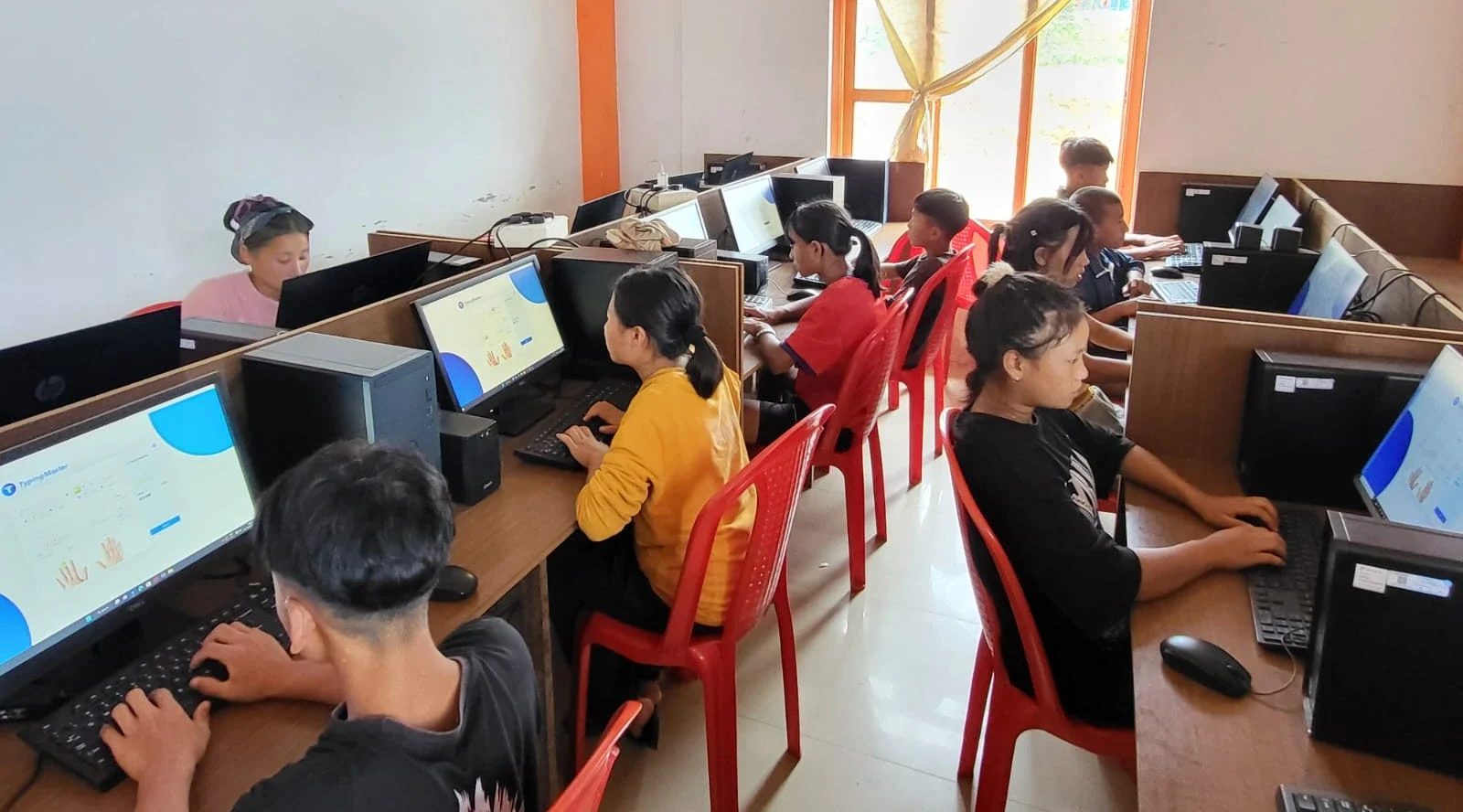
The most important features for long-form writing are a comfortable keyboard, a large enough screen, reliable software, and a system that doesn’t lag or freeze mid-work. You don’t need a gaming PC or expensive hardware for writing.
A PC built for study, like Apna PC for easy learning, includes LibreOffice, a free word processor that handles essays, reports and formatted documents just like Microsoft Word. The 8GB RAM and 128GB SSD storage mean your applications open fast and your files save without delay, so you can focus on writing instead of waiting for your computer. Linux (Zorin OS) is a secure, distraction-free operating system that keeps your attention on schoolwork, not games or unnecessary updates. A home desktop for students also keeps work separate from family entertainment, reducing the temptation to switch tasks.
How Does a Dedicated PC Improve Your Writing Process?
A computer structured for study supports each stage of long-form writing: planning, drafting, revising and final submission. You can use digital outlines to organise your thoughts before you start writing, then expand each point into full paragraphs without losing your structure.
During drafting, you can write freely without worrying about handwriting neatness or running out of paper. Revision becomes faster because you can cut, paste and reorder sentences in seconds. You can also use Find and Replace to check for repeated words or phrases, and adjust your tone and vocabulary more easily than you could on paper. When you’re ready to submit, you can format your document with proper headings, spacing and fonts in minutes, and save it as a PDF to ensure it looks the same on your teacher’s screen as it does on yours.
What’s the Difference Between Writing on a Laptop and a Desktop PC?
Both laptops and desktops can handle long-form writing, but they offer different advantages depending on your needs and study habits. The table below compares the two for student writing work:
| Feature | Laptop | Desktop PC |
|---|---|---|
| Screen Size | 11-15 inches (smaller, tiring for long sessions) | 20-24 inches (larger, easier on eyes) |
| Keyboard Comfort | Built-in, can cause wrist strain | Separate, ergonomic options available |
| Portability | Easy to move between rooms or school | Stays in one place, reduces distractions) |
| Cost | Generally higher | More affordable for the same power |
| Distractions | Easy to carry to bed or living room | Fixed workspace encourages focused study |
| Best For | Students who need flexibility and travel | Students who want a dedicated study space |
For long-form writing, a desktop PC is often better because the larger screen, separate keyboard and fixed location all support longer, more focused writing sessions. A desktop for home use also costs less than a laptop with similar performance, so your family gets better value.
How Should You Set Up Your PC Workspace for Writing?
Your physical setup affects how well you can write. Position your monitor at eye level about an arm’s length away, so you don’t have to crane your neck or strain your eyes. Keep your keyboard and mouse at a height where your elbows are at 90 degrees, and your wrists are straight.
Make sure your chair supports your lower back and allows your feet to rest flat on the floor. Good lighting prevents headaches during long writing sessions. Close unnecessary browser tabs and notifications so you can concentrate on your document. Many students find it helpful to use a timer (like the Pomodoro Technique: 25 minutes of writing, then a 5-minute break) to maintain focus and avoid burnout on long essays or reports.
Can a PC Help You Develop Better Writing Skills?
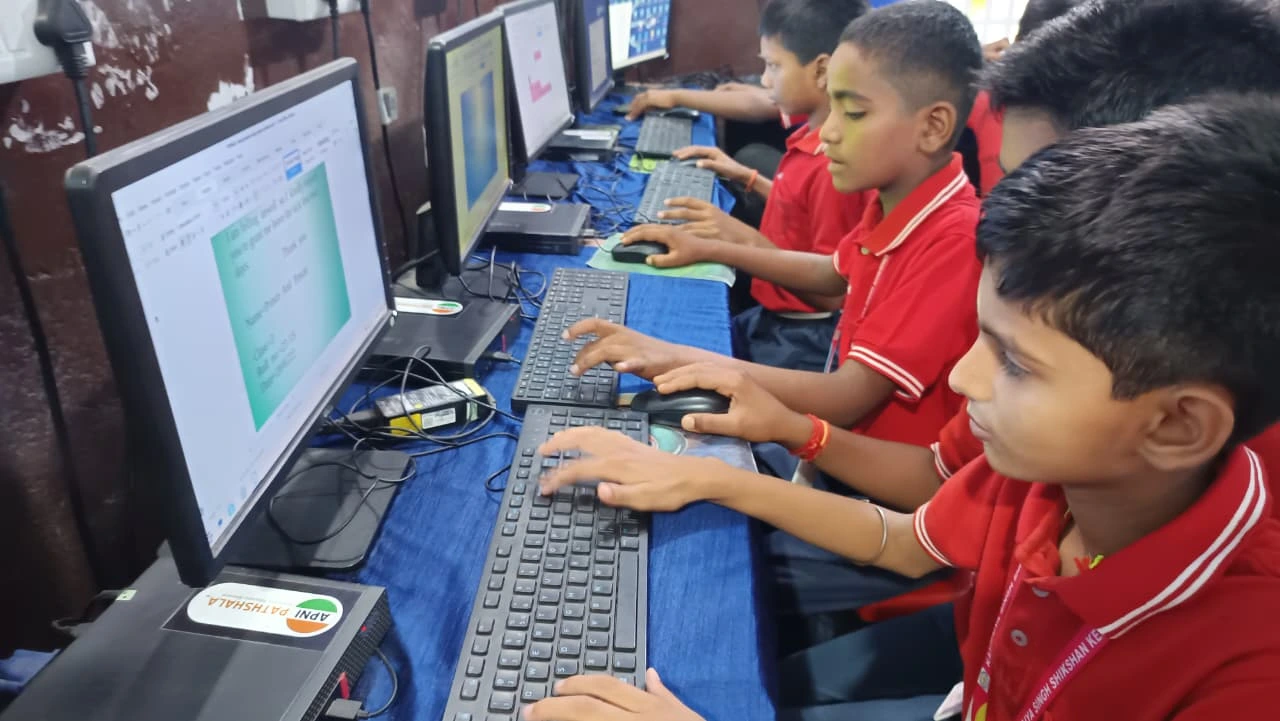
Yes. A computer makes it easier to practice writing regularly because you’re not limited by paper or pen, and you can save and revisit your old work to see how you’ve improved. Digital tools like spell-check and grammar suggestions help you learn from mistakes without feeling embarrassed, and you can experiment with different sentence structures and vocabulary without wasting paper.
Writing on a computer also prepares you for real-world work and higher education, where most writing happens digitally. Schools and competitive exams increasingly use online platforms like the DIKSHA digital learning platform for assignments and assessments, so practising on a PC now builds skills you’ll need later. The Digital India initiative also encourages digital literacy in schools, making computer-based writing a key part of modern education.
What Software Should You Use for Long-Form Writing?
LibreOffice, which comes pre-loaded on Apna PC, is a free, powerful word processor that handles essays, reports and formatted documents. It’s compatible with Microsoft Word files, so you can open and edit documents your teachers send you without any trouble.
To plan and organise your ideas before you write, you can use simple tools like digital notebooks or outline makers, many of which are free online. Once you’ve drafted your work in LibreOffice, you can save it as a PDF to submit to your teacher, ensuring the formatting stays exactly as you intended. You don’t need expensive software to write well; free, reliable tools are enough to produce professional-quality long-form writing.
Frequently Asked Questions
How many hours should I spend writing on a computer each day?
There’s no fixed number, but take a 5-10 minute break every 30-45 minutes to rest your eyes and stretch. Most students find that 2-3 hours of focused writing per day, spread across multiple sessions, is productive without causing fatigue or strain.
Is Linux (Zorin OS) on Apna PC suitable for writing assignments?
Yes. Zorin OS runs LibreOffice smoothly and handles all common document formats. It’s secure, fast and designed to keep you focused on schoolwork rather than system updates or distractions, making it ideal for student writing tasks.
Can I use a PC for long-form writing if I’m not a fast typist?
Absolutely. Even slow typists benefit from a computer because editing and revising are much faster than rewriting by hand. Your typing speed will improve naturally as you practice, and a comfortable keyboard and proper posture help you type more efficiently over time.
What’s the advantage of a desktop PC over a smartphone for writing?
A desktop offers a larger screen, a real keyboard, better software and fewer distractions. Smartphones are useful for quick notes, but long-form writing on a small screen causes eye strain and typing errors. A proper computer is designed for sustained writing work.