


Adityas First Week: Why College Computer Skills Matter
Aditya sat in the computer lab at his college in Indore, staring at the blank screen. His laptop had crashed during an assignment submission, and he didnt know how to restart it properly. Around him, other students were typing away, uploading files, and collaborating on projects. He felt lost. This is the reality for thousands of Indian college freshmen entering Tier 2 and Tier 3 cities every year. You might think you know computers because you use WhatsApp and Instagram, but college computer skills are completely different. The gap between social media scrolling and actual digital literacy can cost you grades, opportunities, and confidence.
College demands that you master essential college computer skills from day one. Whether its submitting assignments, accessing online resources through DIKSHA, or collaborating with classmates, youll need practical knowledge that goes beyond basic phone usage. The good news is that these skills arent complicated. They just need focus and practice. Lets break down the five essential computer skills every college freshman should master first.
Skill 1: Master File Management and Organisation
This sounds simple, but its where most students fail. File management means knowing how to create folders, name files properly, and find them later. Many students save everything to the Desktop and then spend hours searching for that one assignment.
- Create a folder structure: Make separate folders for each semester, subject, and assignment type
- Use clear naming: Instead of “Assignment1,” use “Physics_Chapter5_Friction_Nov2024”
- Learn the difference: Understand Documents, Downloads, Desktop, and where files actually live
- Use cloud backup: Google Drive or OneDrive saves your work automatically
When your professor asks for a file, youll find it in seconds. When your laptop crashes (and it will), your work is safe. This single skill saves hours of stress during exam season.
Skill 2: Become Comfortable With Office Productivity Tools
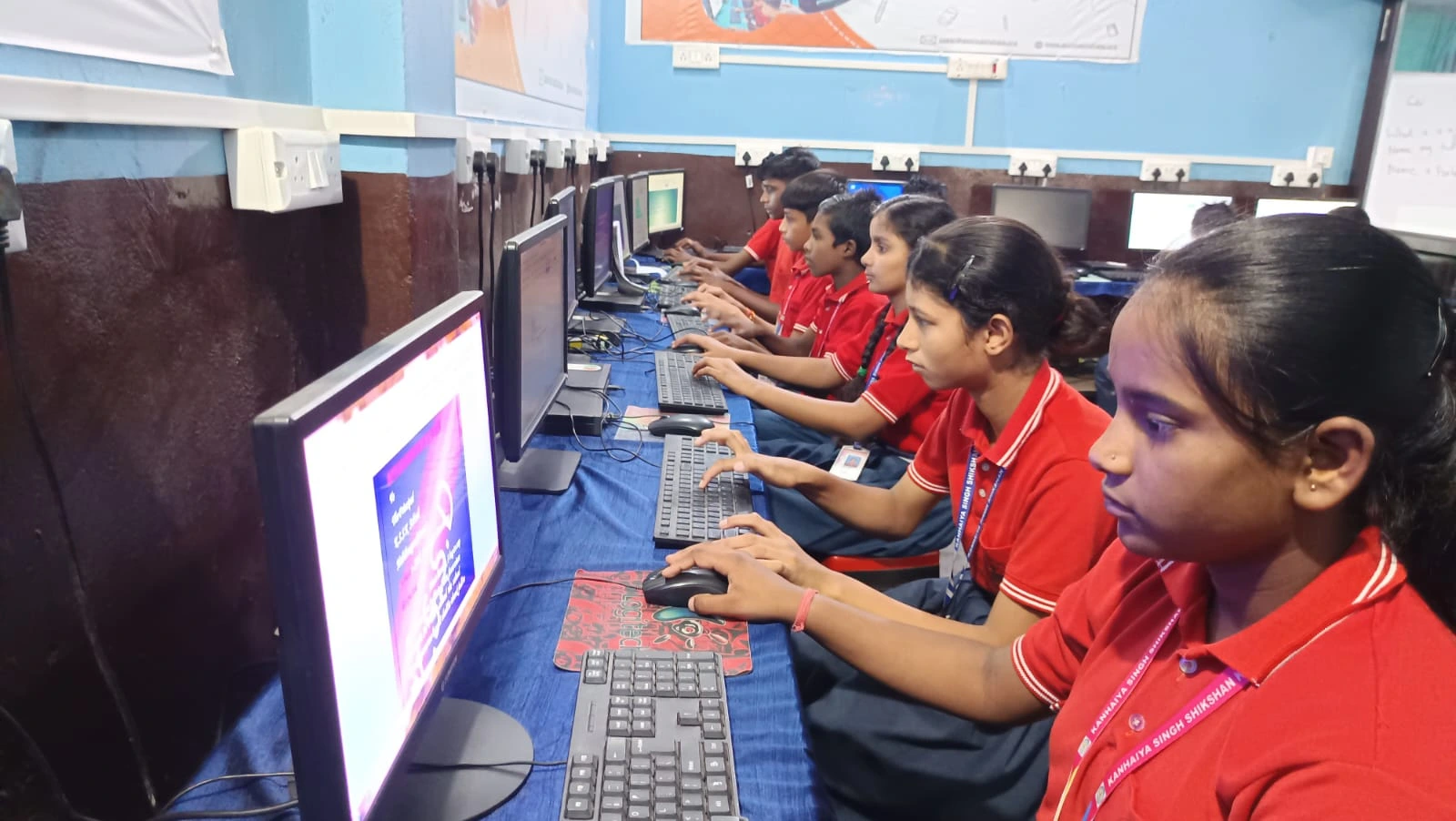
Your college computer skills must include LibreOffice, Google Docs, and Microsoft Office basics. These tools are non-negotiable for assignments, presentations, and reports. You need to know more than just typing.
- Word processing: Formatting text, creating headers, adding page numbers, and using styles
- Spreadsheets: Creating tables, using basic formulas, and organising data for science projects
- Presentations: Building slides that dont look like a ransom note with 15 different fonts
- Collaboration: Sharing documents and working with classmates in real-time
Many colleges now require submissions in specific formats. Knowing how to convert files, adjust margins, and export properly keeps you from last-minute panic. LibreOffice comes pre-loaded on affordable educational computers like Apna PC, giving you free access to professional-grade tools.
Skill 3: Learn Basic Internet Research and Information Verification
Not everything on the internet is true. Your college computer skills must include knowing how to research properly and verify sources. This is especially important for assignments and projects.
- Use academic databases: Access resources through your college library instead of random websites
- Identify credible sources: .edu and .org sites are more reliable than random blogs
- Check publication dates: Old information might be outdated, especially in science and technology
- Cross-reference facts: If only one source says something, its probably wrong
Your professors will catch plagiarism instantly. They can also tell when youve used unreliable sources. Learning to research properly now builds skills youll need throughout your career. The CBSE and other educational boards now emphasise research literacy in their curriculum.
Skill 4: Master Email Communication and Digital Etiquette
Email isnt just about sending messages. Its your professional communication tool. Your professors expect proper email etiquette, and this skill matters for internships and jobs later.
- Write clear subject lines: “Question about Assignment 3” not “Hi”
- Use proper greeting: “Dear Professor” or “Hello Dr. Sharma” not “Yo”
- Keep it brief: Professors get hundreds of emails daily
- Proofread before sending: Spelling mistakes look unprofessional
- Attach files correctly: Check that the file is actually attached before hitting send
This skill seems small, but it directly impacts how professors perceive you. A well-written email asking for help shows maturity and respect.
Skill 5: Understand Basic Computer Maintenance and Security
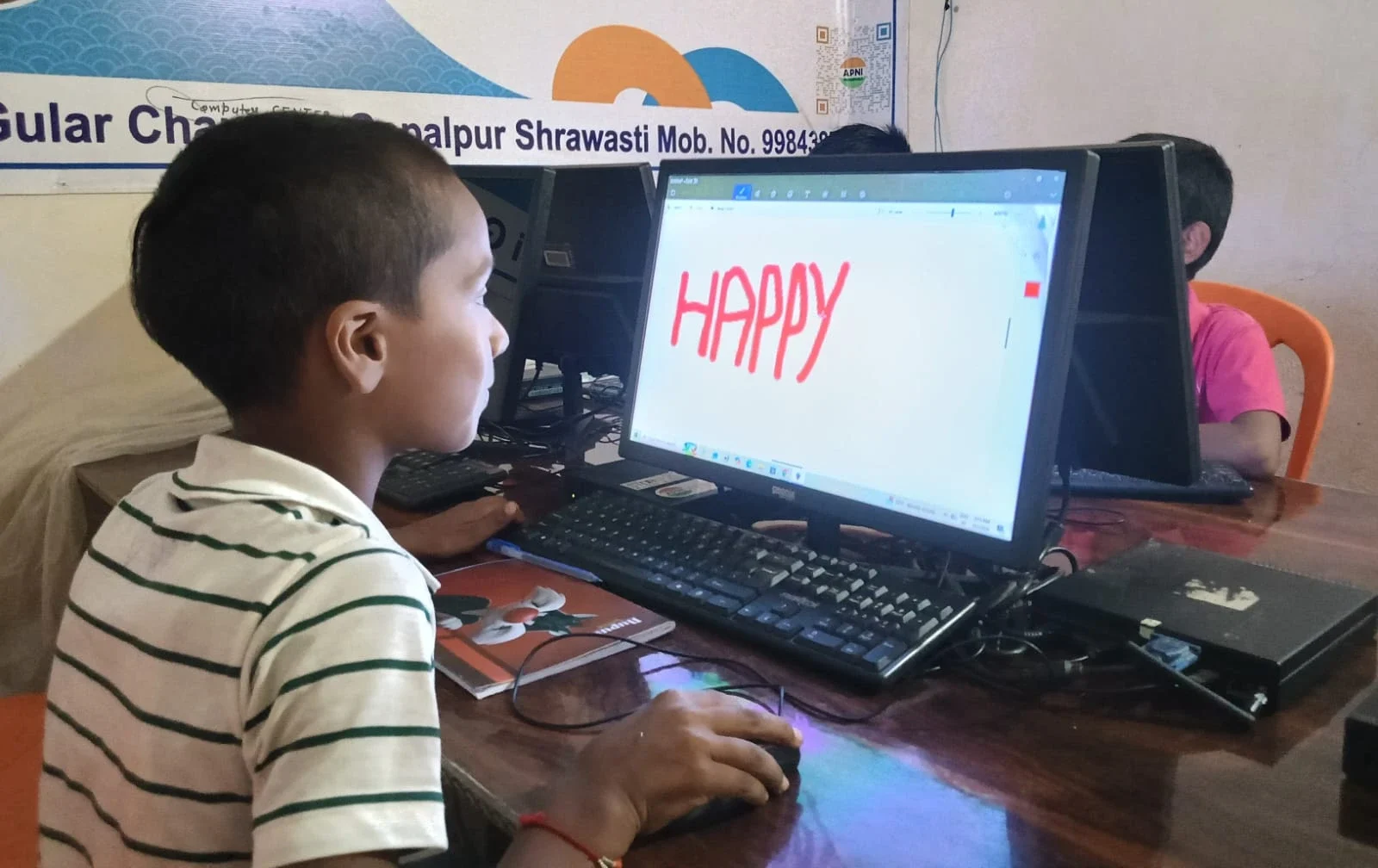
Your computer is a tool that needs care. Learning computer maintenance skills keeps your device running smoothly and protects your data. You dont need to be a technician, but basic knowledge goes a long way.
- Keep your system updated: Install software updates and security patches regularly
- Use strong passwords: Dont use “12345” or your birthday
- Create backups: Your college work is too important to lose
- Recognise phishing: Dont click suspicious links or download unknown files
- Clean your hard drive: Delete old files and temporary data to keep things fast
A slow computer ruins productivity. A hacked account ruins your academic record. These basics protect both.
Why These Skills Matter for Your Future
College computer skills arent just about passing this semester. Every job posting now requires digital literacy. Whether youre aiming for engineering, commerce, arts, or any field, you need these foundational skills. The Digital India initiative is pushing digital skills across the country, and colleges are responding by making these competencies mandatory.
Students from Apni Pathshala have noticed that those who master these five skills early adapt faster to online classes, submit better work, and feel more confident in college. You can start learning today, even on a basic computer.
Aditya eventually learned these skills. By mid-semester, he was helping other students with file management and email writing. He realised that computer skills arent mysterious or difficult. They just need practice. You can start right now with whatever device you have access to. Visit apnapc.com to learn more.