
Apna PC and the Environment: Why Refurbished Actually Matters?
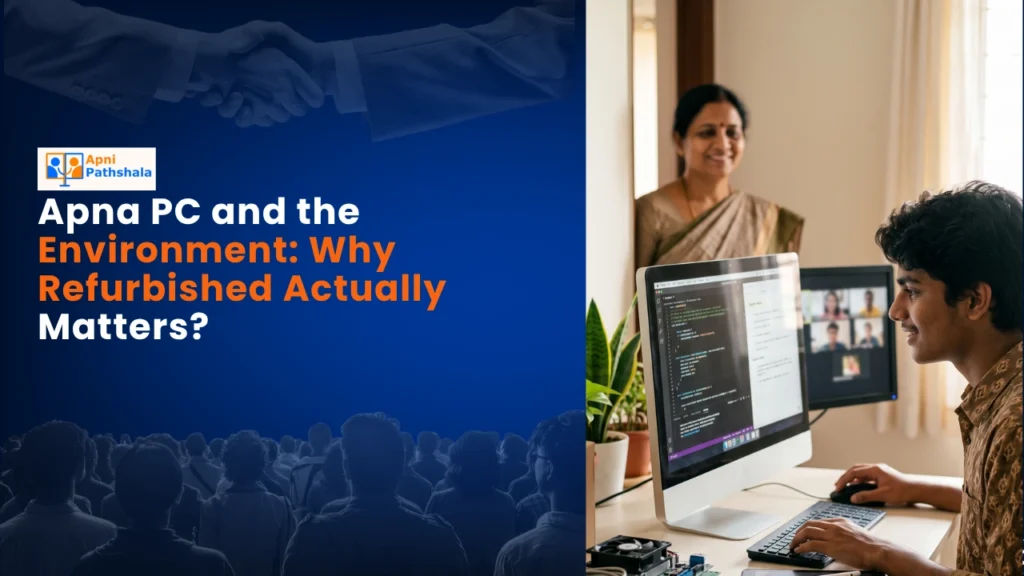
Choosing a refurbished Apna PC isn’t just a smart financial decision, it’s an environmentally responsible one.
Apna PC vs. Just Installing Parental Control Software on Any Computer
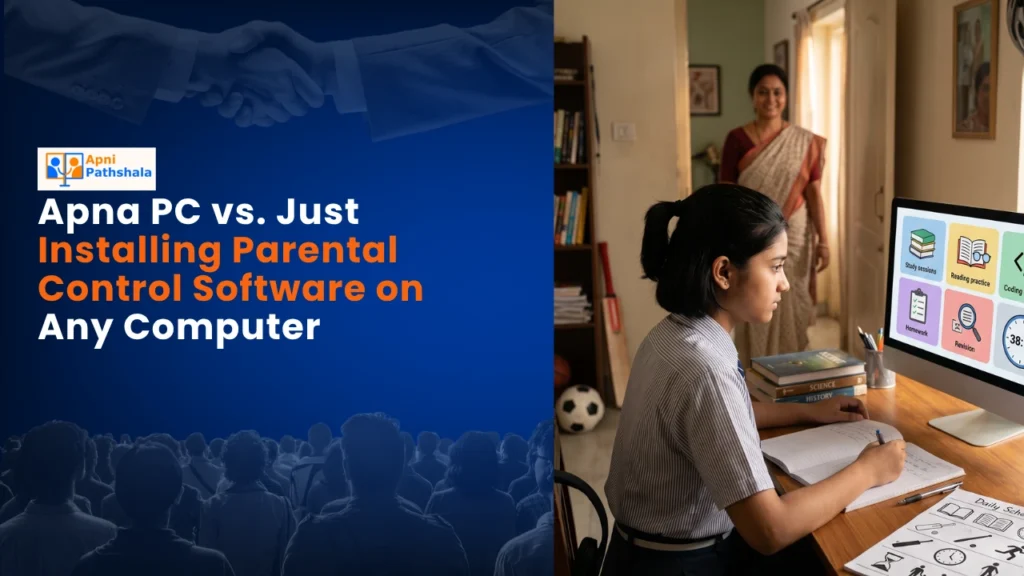
Is installing parental control software enough, or does your child need a computer built for learning? Compare Apna PC with standard parental control solutions to understand which offers a better study experience, fewer distractions, and stronger support for academic success.
How Much Time Should a Student Actually Spend on Apna PC Each Day?
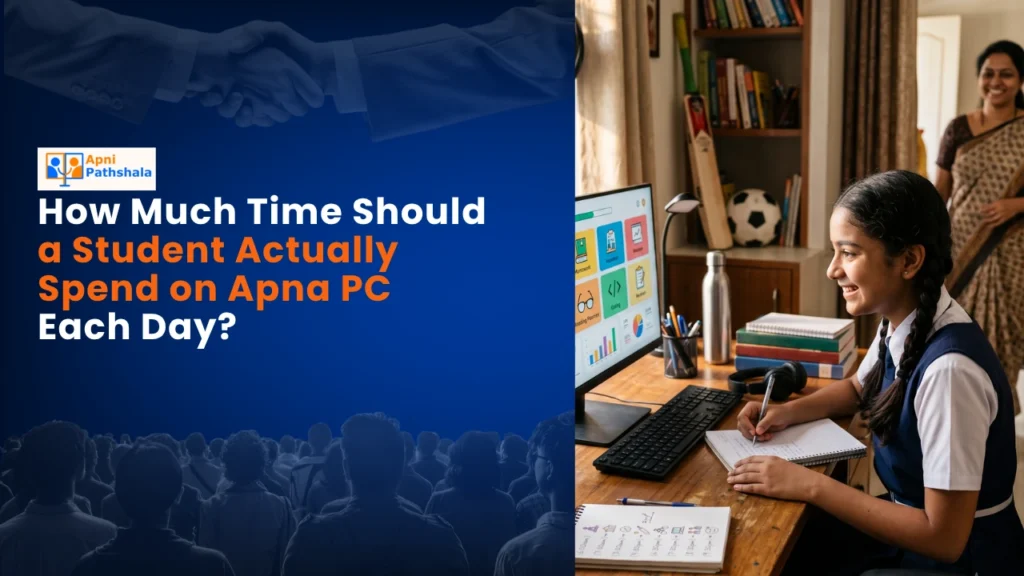
Discover how much time students should actually spend on Apna PC each day for productive learning.
How Long Does It Take a Child to Get Used to Apna PC’s Safety Features?
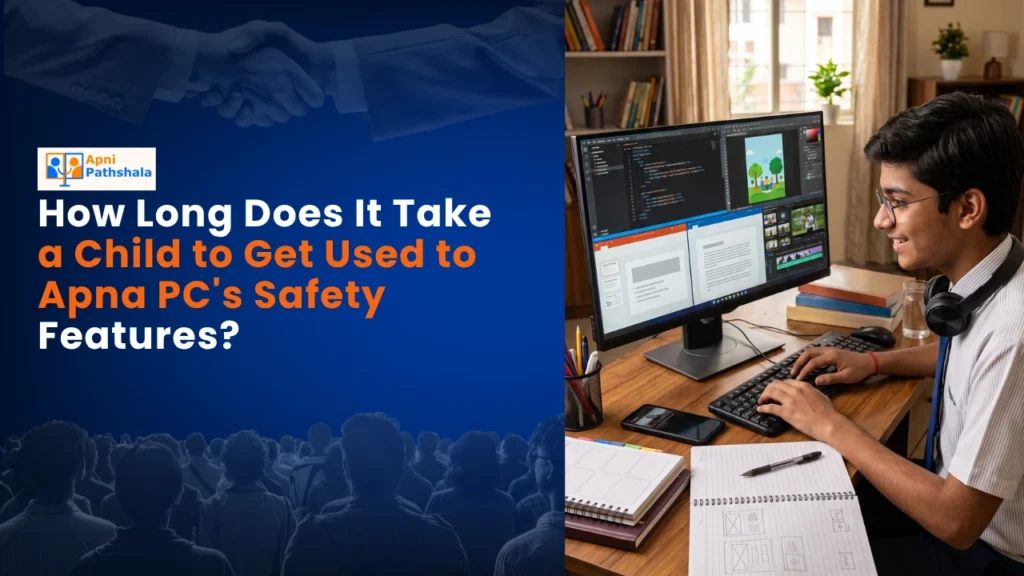
Children usually adapt to Apna PC’s safety features within a few weeks. Discover what the adjustment process looks like, how parents can support it, and why consistent use helps create healthier digital habits.
How Apna PC’s Distraction-Free Design Compares to “Kids Mode” on a Regular Computer
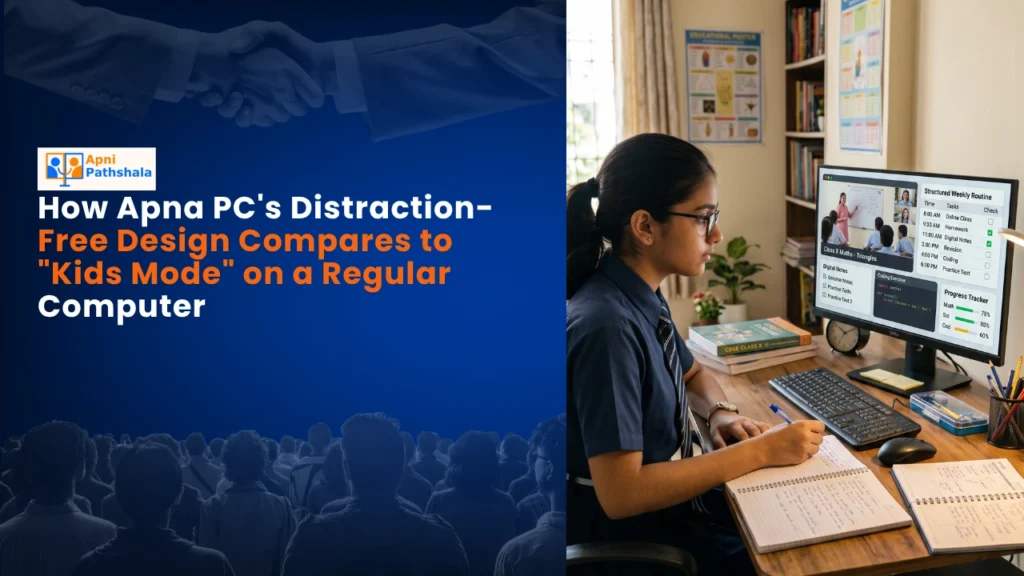
Many parents rely on Kids Mode to limit distractions, but is it enough for serious learning?
A Parent’s Guide to Reading Apna PC’s Usage Reports

Learn how to understand Apna PC’s usage reports, track your child’s study patterns, screen time, and learning progress with confidence.
The Real Difference Between “Study Time” and “Screen Time”

Not all screen time is the same. A child can spend hours on a device without learning, or make meaningful progress in just one focused study session.
Turn APNA PC Into Monthly Proof Parents Can See
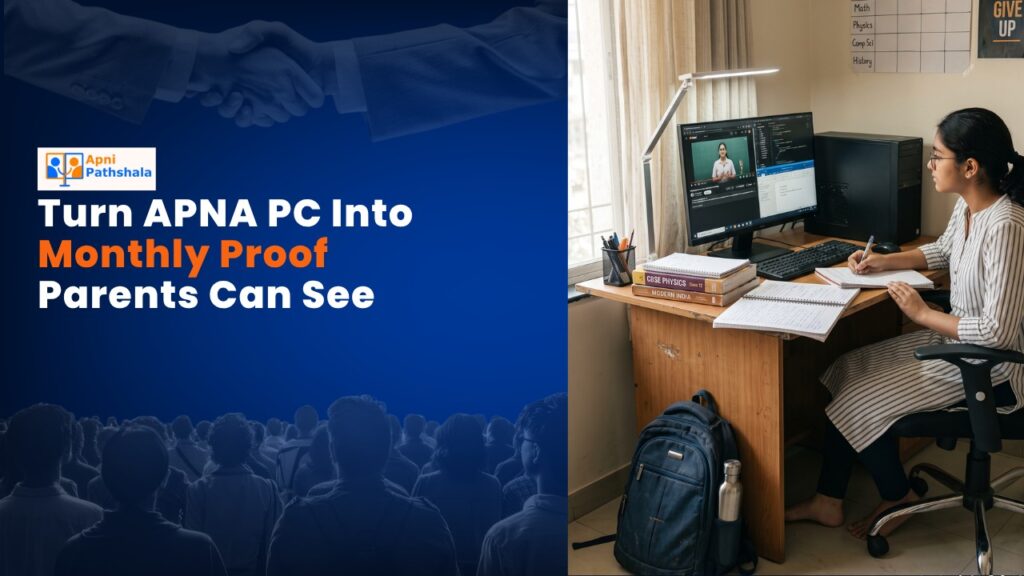
See how APNA PC helps families track monthly learning progress through clear reports that make every study milestone visible and meaningful.
5 Skills Students Can Create Using Apna PC’s Pre-Loaded Software
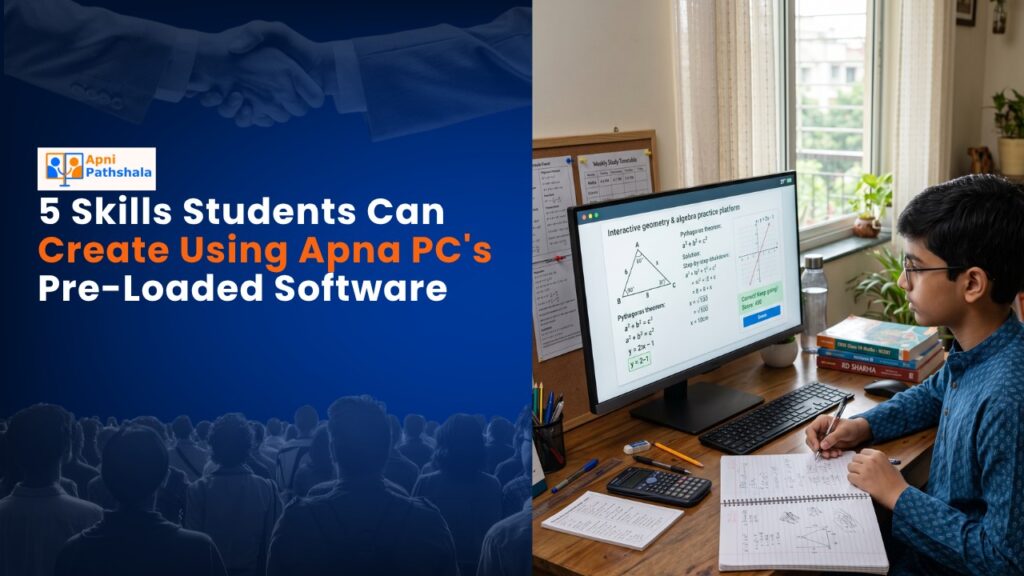
Apna PC comes with essential software already installed, helping students start learning from day one.
How to Set Screen Time Limits Without Turning It Into a Daily Fight
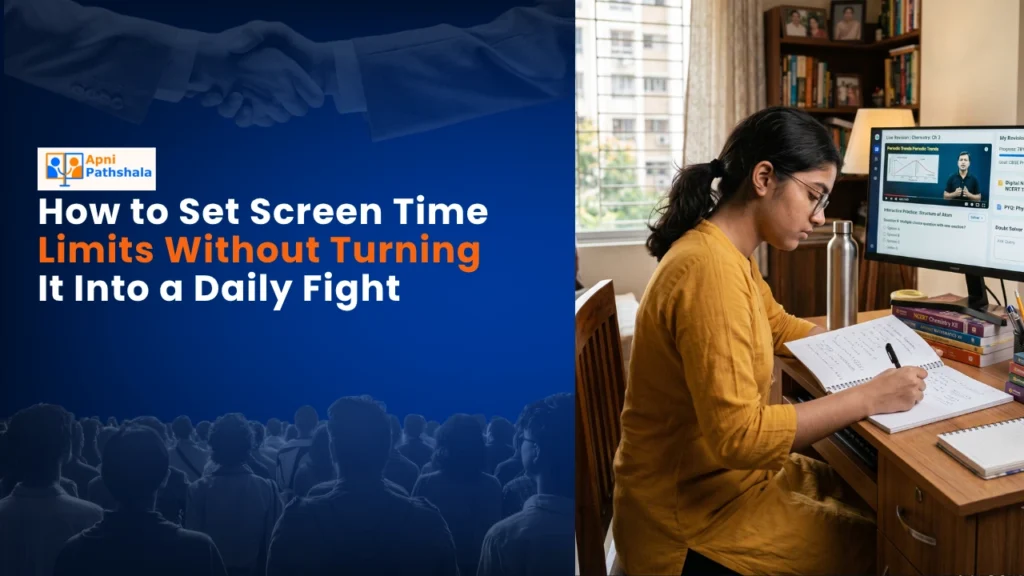
Setting screen time limits doesn’t have to end in daily arguments. This guide shares practical, family-friendly strategies that help parents create healthy digital habits, reduce conflicts, and encourage children to manage their screen use with greater responsibility and consistency.