


Ravi’s Struggle with Paper Notes: A Story Many Indian Families Know
Last year, Ravi’s mother found his study table buried under stacks of notebooks. His Class 10 exam was just three months away, and he couldn’t find his algebra notes from two weeks ago. His sister had borrowed his chemistry notebook, his history notes were scattered across three different books, and worst of all, he’d written the same concept twice in different places. Ravi spent more time searching for information than actually studying. His parents were frustrated, and Ravi felt overwhelmed. This is when they realised they needed a better way for him to organise digital notes on a computer instead of relying on paper.
If you’re a parent or student in a Tier 2 or 3 city, you’ve probably faced the same problem. Digital note-taking isn’t just about going paperless. It’s about creating a system that saves your time, keeps your study materials organised, and helps you study smarter. When you organise digital notes properly on a computer, everything you need is just a few clicks away.
Why You Should Organise Digital Notes on a Computer
Paper notes have their charm, but they come with real problems. You can’t search them quickly; they can get damaged, and you can’t access them across devices. When you organise digital notes on a computer, you gain flexibility that paper can never offer. Your notes travel with you, they’re backed up safely, and you can edit them anytime without messy erasures.
Studies show that students learn better on a computer when they use proper organisation systems. A computer gives you tools that notebooks simply don’t have. You can use different colours, add links between topics, insert images, and create searchable documents. For students preparing for board exams or competitive tests, this matters tremendously.
Create Folders to Organise Digital Notes on a Computer
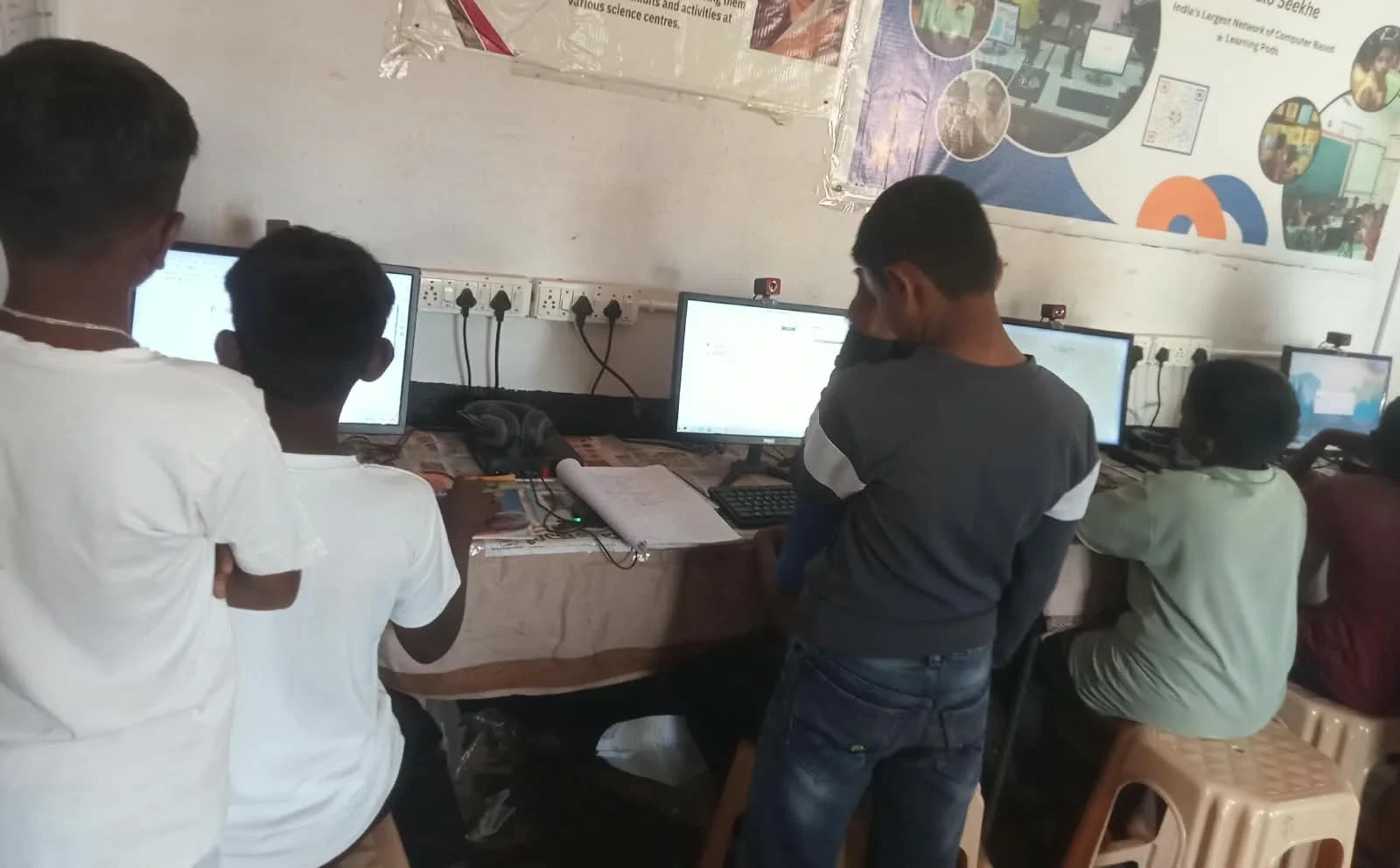
Your first step is to create a clear folder structure on your computer. Open your Documents folder and create a main folder called “My Study Notes” or “School Work.” Inside this, create separate folders for each subject you study. For example: Mathematics, Science, English, Social Studies, and Hindi.
Inside each subject folder, create subfolders for each chapter or unit. If you’re studying Class 10 Science, you might have folders like “Biology – Chapter 1,” “Chemistry – Chapter 2,” and “Physics – Chapter 3.” This structure means you’ll never waste time hunting for notes again. You know exactly where everything is.
Use consistent naming for all your files. Instead of “notes,” “math stuff,” or “important,” name your files clearly like “Algebra – Quadratic Equations – Sept 2024.” This simple habit saves hours of confusion later. When you do this, finding information becomes automatic.
Use Simple Tools That Work for Everyone
You don’t need expensive software to organise your notes well. LibreOffice Writer comes pre-loaded on educational computers like Apna PC, and it works perfectly for note-taking. You can also use free tools like Google Docs, which lets you access your notes from any device with an internet connection. Many schools now recommend these simple, reliable tools.
For subjects with lots of diagrams like Science or Mathematics, try using simple drawing tools within LibreOffice. You can insert images, create tables, and add bullet points. The key is to keep your tools simple so you focus on studying, not learning complicated software.
Colour Code and Highlight Key Information
When you take notes digitally, use colours strategically. Make definitions blue, important formulas red, and key dates green. This visual system helps your brain remember information faster. Your eyes can quickly spot important content without rereading everything.
Create a legend at the top of your document explaining what each colour means. This takes just two minutes but saves you hours during revision. Consistency across all your notes makes studying much more efficient.
Link Related Topics Together
One advantage of digital notes is creating connections between different topics. If you’re studying the French Revolution in History and also learning about historical events in English literature, link those notes together. Most note-taking tools let you add hyperlinks or cross-references.
For example, in your History folder, you might write: “See English Literature notes on 19th Century Romanticism for connected context.” This helps you see how different subjects connect, which improves your overall understanding.
Review and Update Your Notes Weekly
Organisation isn’t just about creating folders once. Every week, spend 15 minutes reviewing your folder structure. Delete duplicate files, reorganise notes if needed, and add new material from recent classes. This weekly habit keeps your system fresh and useful.
As you progress through the year, you’ll notice which organisational system works best for your brain. Some students prefer organising by date, others by topic. Adjust your system based on what actually helps you study faster.

Why Apna PC Helps You Organise Better
Having the right computer makes a real difference in how well you can organise your study materials. Apna PC comes with 8GB RAM and 128GB SSD storage, giving you plenty of space and speed for managing thousands of digital notes. The pre-loaded LibreOffice suite is perfect for creating well-organised documents.
Apna PC also includes Apni Prerna, a monitoring tool that helps parents track study progress without being intrusive. Apni Pathshala created this computer specifically for Indian students in Tier 2 and 3 cities, understanding the challenges you face. At Rs.30,000 (excluding shipping and GST), it’s an investment in your academic success that lasts for years.
Resources to Help You Study Better
Your school or state education board might already have digital resources you can integrate with your organised notes. Check out the DIKSHA digital learning platform for free educational content. The India Ministry of Education also provides guidelines on digital learning. For research on effective study habits, UNESCO global education research offers evidence-based insights.
Start Today, Study Better Tomorrow
Ravi implemented these organisational tips three months before his board exams. By the time exams arrived, he could find any concept in seconds. His confidence improved because he wasn’t stressed about lost notes. His marks improved too, jumping from 68% to 82% in his final exams.
You can have the same success. Start organising your digital notes on your computer today using these simple steps. Your future self will thank you when exam season arrives, with everything organised and ready. Visit apnapc.com to learn more.