


Ravi’s Worry About His Daughter’s School Project
Ravi sat in his small flat in Indore, staring at his old laptop. His daughter Priya, a class 8 student, had just called from school, saying she needed to open PowerPoint files on the student’s computer at home to finish her science project. The laptop was slow, kept freezing, and Ravi wasn’t sure if it could even handle PPT files properly. He’d heard about cheap computers online, but didn’t know if they’d work for his daughter’s schoolwork. That’s when he discovered that opening PowerPoint files on a student computer doesn’t have to be complicated or expensive.
Can Students Really Open PowerPoint Files on an Educational Computer?
Yes, absolutely. Your student can open PowerPoint files on an educational computer without any problems. The key is having the right software installed and enough processing power to run it smoothly. Many parents worry that budget computers won’t support PPT files, but that’s simply not true.
You can open Microsoft PowerPoint files with several programs, not just the original Microsoft Office. This gives you flexibility and saves money. Your child doesn’t need an expensive computer loaded with costly software to complete school presentations and projects.
What Software Opens PowerPoint Files Easily
LibreOffice Impress is one of the best free alternatives for opening PowerPoint files. It’s lightweight, reliable, and designed to work on computers with limited resources. Your student can edit, view, and present PPT files without any compatibility issues.
Google Slides is another option if your child has internet access. It’s cloud-based and works on any device with a browser. However, for offline work and school environments where internet might be limited, having LibreOffice Impress installed is smarter.
The Apna PC comes pre-loaded with LibreOffice Impress, which means you won’t need to install anything extra or pay for expensive Microsoft Office licenses. Your child can start working on presentations immediately after unboxing.
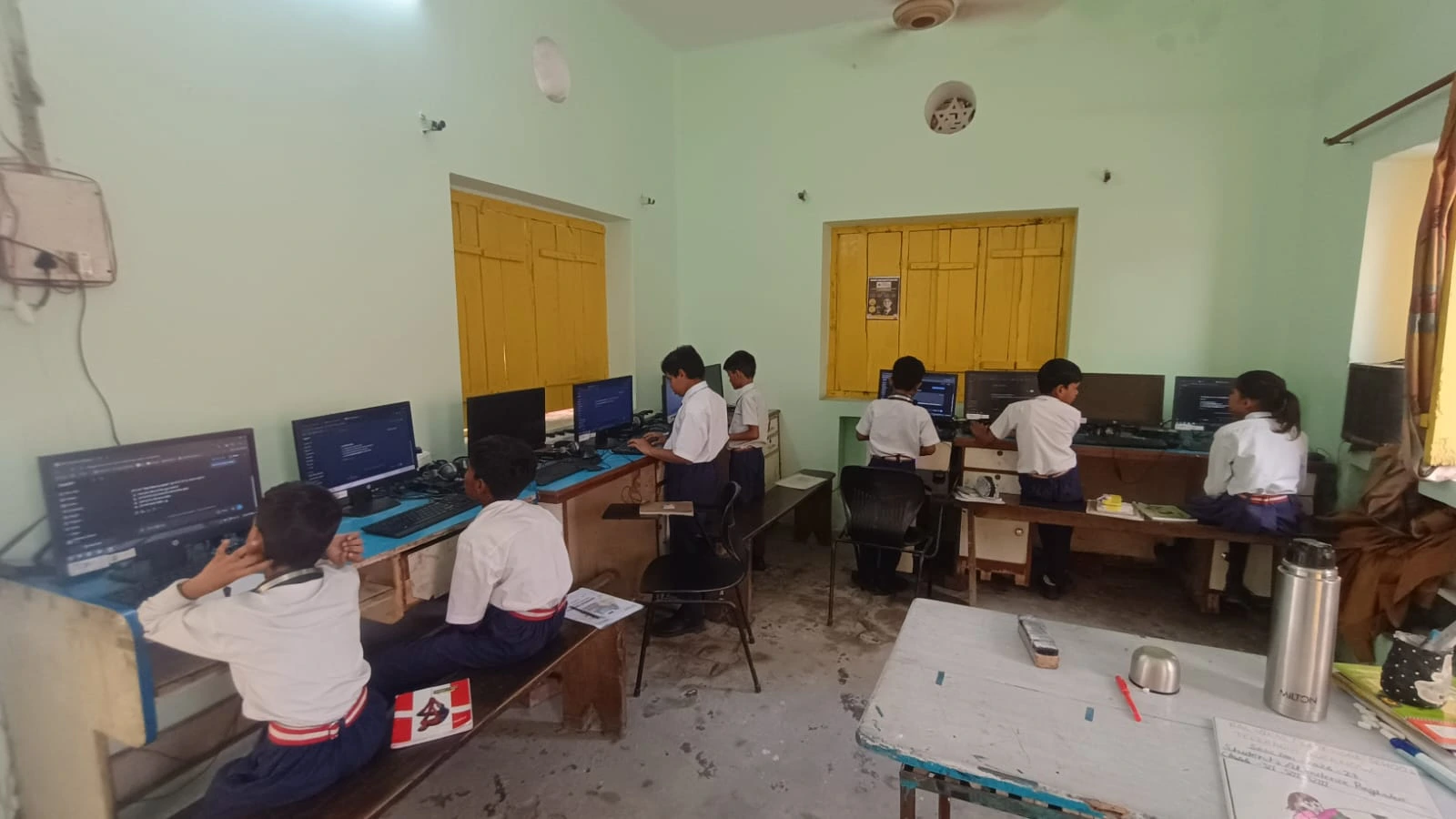
Why Your Student Computer Needs Proper Specifications
Opening PowerPoint files smoothly requires decent RAM and storage space. A computer with only 2GB RAM will struggle when your student has multiple presentations open with images and videos. You’ll notice lag, freezing, and frustration.
The Apna PC has 8GB RAM and 128GB SSD storage, which is more than enough for school projects. Your student’s computer can work on multiple PPT files, switch between applications, and run educational software without slowdowns. The SSD ensures fast boot times and quick file loading.
Storage matters too. If your student has several school projects with large video files in presentations, they need adequate space. 128GB SSD gives you room for hundreds of presentations plus other schoolwork and educational applications.
Opening School Documents on Your Budget Computer
You can open school documents on PC without worrying about compatibility or performance issues. Educational computers designed for students handle all common file formats. This includes Word documents, Excel sheets, PDFs, and yes, PowerPoint files.
Zorin OS, which comes on the Apna PC, is a student-friendly, secure Linux operating system. It protects your child from malware while running all necessary educational software smoothly. Your student can focus on learning instead of dealing with technical problems.
The Apna PC Advantage for Student Projects
The Apna PC is built specifically for students like Priya. It’s affordable at just Rs.30,000 (shipping and GST excluded) and comes from Apni Pathshala, an organisation focused on education. You get a complete package ready for schoolwork on day one.
Pre-loaded features include:
- LibreOffice Impress for opening and editing PowerPoint files and creating presentations
- Scratch for learning coding and computational thinking
- Apni Prerna for parental monitoring and tracking your child’s computer usage
- Zorin OS is an operating system that’s safe, fast, and designed for education
Your child won’t ask you to install software or deal with activation codes. Everything works right away, so there’s more time for studying and less time troubleshooting.
Aligning With India’s Digital Learning Push
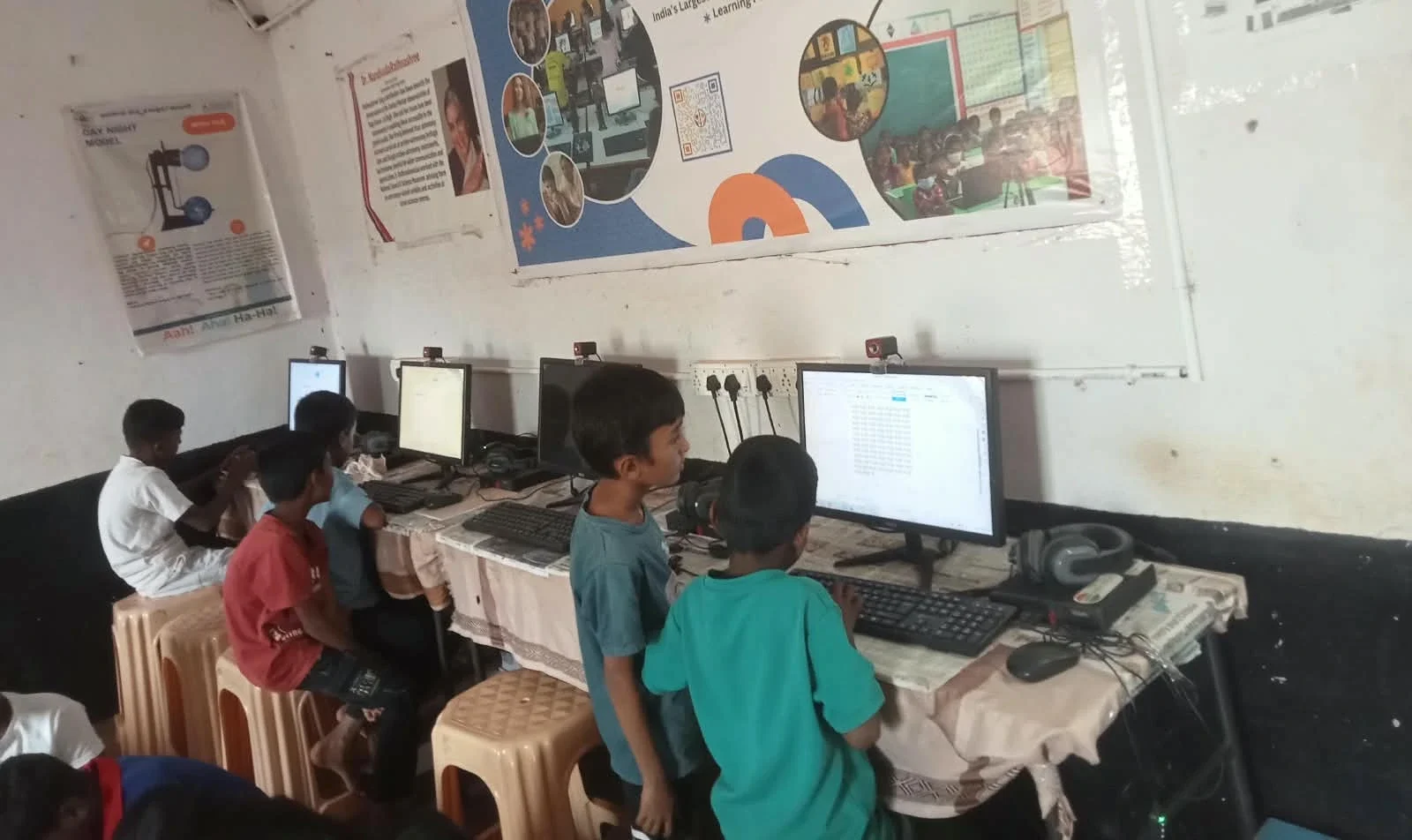
The government’s Digital India initiative encourages students to use computers for learning. Having a proper educational computer at home supports this goal. Your child stays connected with school requirements and modern learning methods.
In Tier 2 and Tier 3 cities, access to quality educational computers has been limited. The Apna PC changes this by bringing affordable, capable technology directly to families like yours. Your student can access PowerPoint files and other school materials just like kids in metro cities.
Real-World Example: How Priya Uses Her Computer
After Ravi bought the Apna PC, Priya could finally open her school’s PowerPoint presentation templates without problems. She added images, videos, and animations to her science project. The student computer didn’t freeze or crash even once.
She also used Scratch to learn coding basics and completed her computer class assignments. Her parents could monitor her usage through Apni Prerna, making sure she studied instead of playing games. One computer solved multiple problems for the entire family.
Cost Comparison: Why Budget Computers Make Sense
Buying an Rs.80,000+ laptop just to open PowerPoint files is wasteful. You’re paying for features your student doesn’t need. The Apna PC at Rs.30,000 gives you exactly what’s necessary for school, nothing more, nothing less.
You also save on software costs. No Microsoft Office license needed. No antivirus subscriptions. No operating system upgrades. The total cost of ownership is genuinely affordable for middle-class families.
Getting Started With PowerPoint Files on Your Student PC
Once you have the Apna PC, opening PowerPoint files is simple. Your child clicks any PPT file, and it opens automatically in LibreOffice Impress. No special steps needed, no confusion about file formats.
If your student receives PPT files from school via email or USB drive, they’ll open perfectly. If they need to save their work as PowerPoint files to submit to teachers, that works too. Complete compatibility, no stress.
Your child can learn presentation skills, work on group projects, and complete assignments without technical barriers. That’s what an educational computer should do.
Ravi’s worry disappeared once Priya started using the Apna PC. If you’re facing similar concerns about your child’s school computer needs, the solution is right here. Visit apnapc.com to learn more.