


Why Every Scholarship Application Now Needs a Computer
Last year, Priya from Jaipur watched her daughter fill out a National Merit scholarship application on a neighbour’s phone. The form kept timing out. The screen was too small to read the fine print. Halfway through, the browser crashed and erased everything. Her daughter missed the deadline by two hours.
This scene plays out in thousands of Indian homes every scholarship season. Students and parents scramble to find a working device, stable internet, and enough time to complete lengthy online forms. If your family doesn’t have a reliable computer at home, these opportunities slip away quietly.
Scholarship Forms Have Gone Digital, Is Your Family Ready?
Almost every major scholarship in India today- from national schemes to state-level programmes- requires online submission. The National Scholarship Portal (NSP), state government portals, and private foundations all expect students to register, upload documents, and track their applications through websites.
This shift saves paperwork and travel, but it creates a new problem for families without a proper computer. A smartphone can handle simple browsing, but scholarship forms demand more. You need to type long answers, upload scanned certificates, resize images, and sometimes fill out multiple forms across different portals.
A desktop computer at home solves this completely. Your child can work at their own pace, save drafts, double-check entries, and submit everything without rushing. No borrowing devices. No internet cafe queues. No last-minute panic.
What to Look for in a Computer for Scholarship Applications
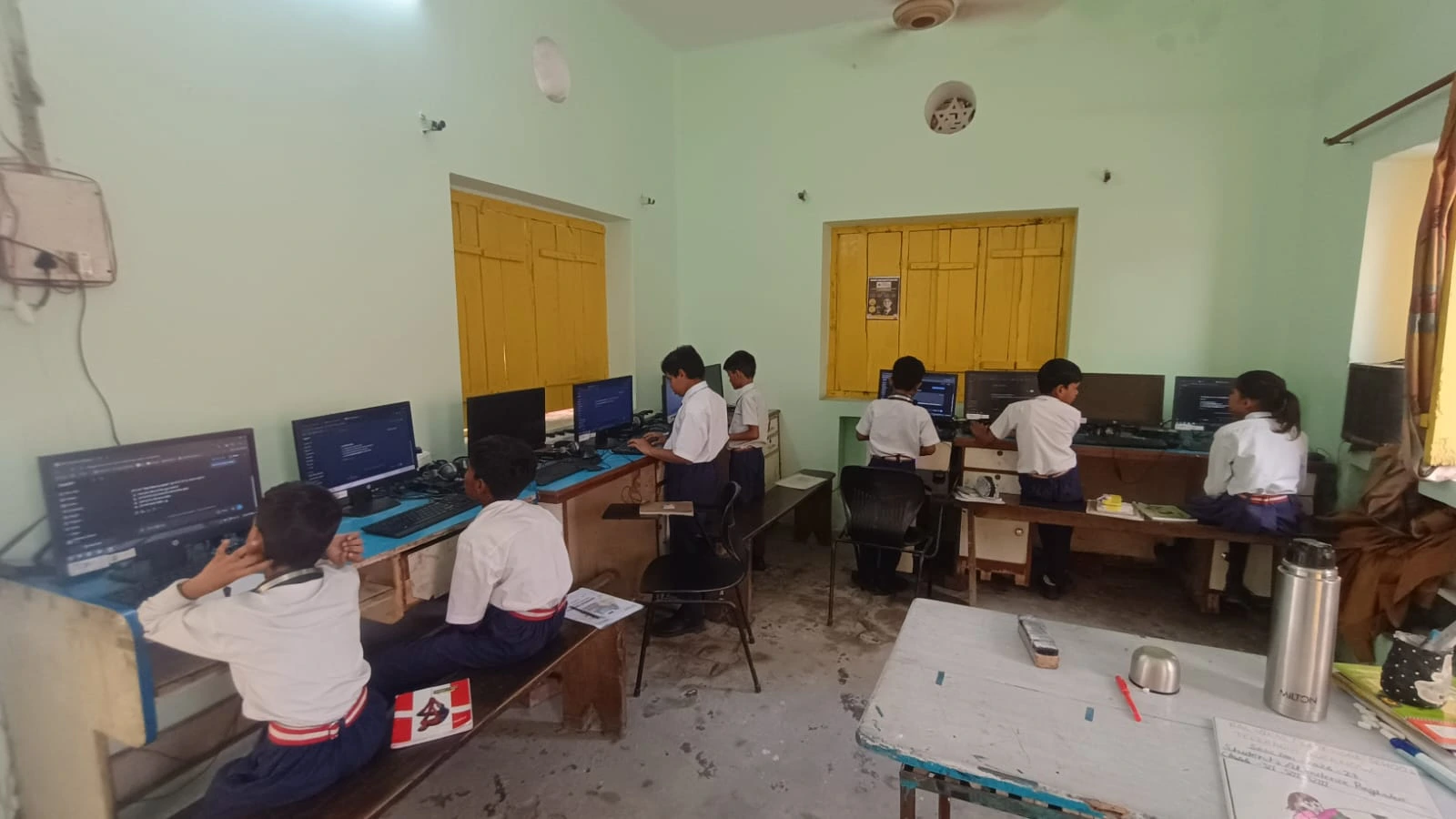
You don’t need an expensive gaming setup. For scholarship work, online research, and school projects, a student computer should have three things:
- Enough speed to handle multiple browser tabs- scholarship portals, email, document editors, and reference sites often run at the same time
- Reliable document editing software – your child will type essays, fill forms, and create PDFs
- Built-in tools for learning – a computer that does more than just browse the internet gives better long-term value
This is where Apna PC fits perfectly. At Rs.30,000 (shipping and GST excluded), it gives your child a complete setup for scholarship applications, schoolwork, and digital learning. There are no hidden software costs; everything is pre-loaded and ready.
How Apna PC Makes Scholarship Applications Easier
Apna PC is specifically designed for students in tier 2 and tier 3 cities. It comes with 8GB RAM and 128GB SSD, which is more than enough for handling multiple scholarship applications, document uploads, and online exams. The computer runs Zorin OS, a user-friendly operating system that works just like Windows but is faster and more stable.
What makes Apna PC special is the pre-loaded software. It includes LibreOffice for creating and editing documents, Scratch for learning basic programming, and Apni Prerna for tracking your child’s academic progress. Everything your child needs is already there. You don’t have to buy expensive software separately.
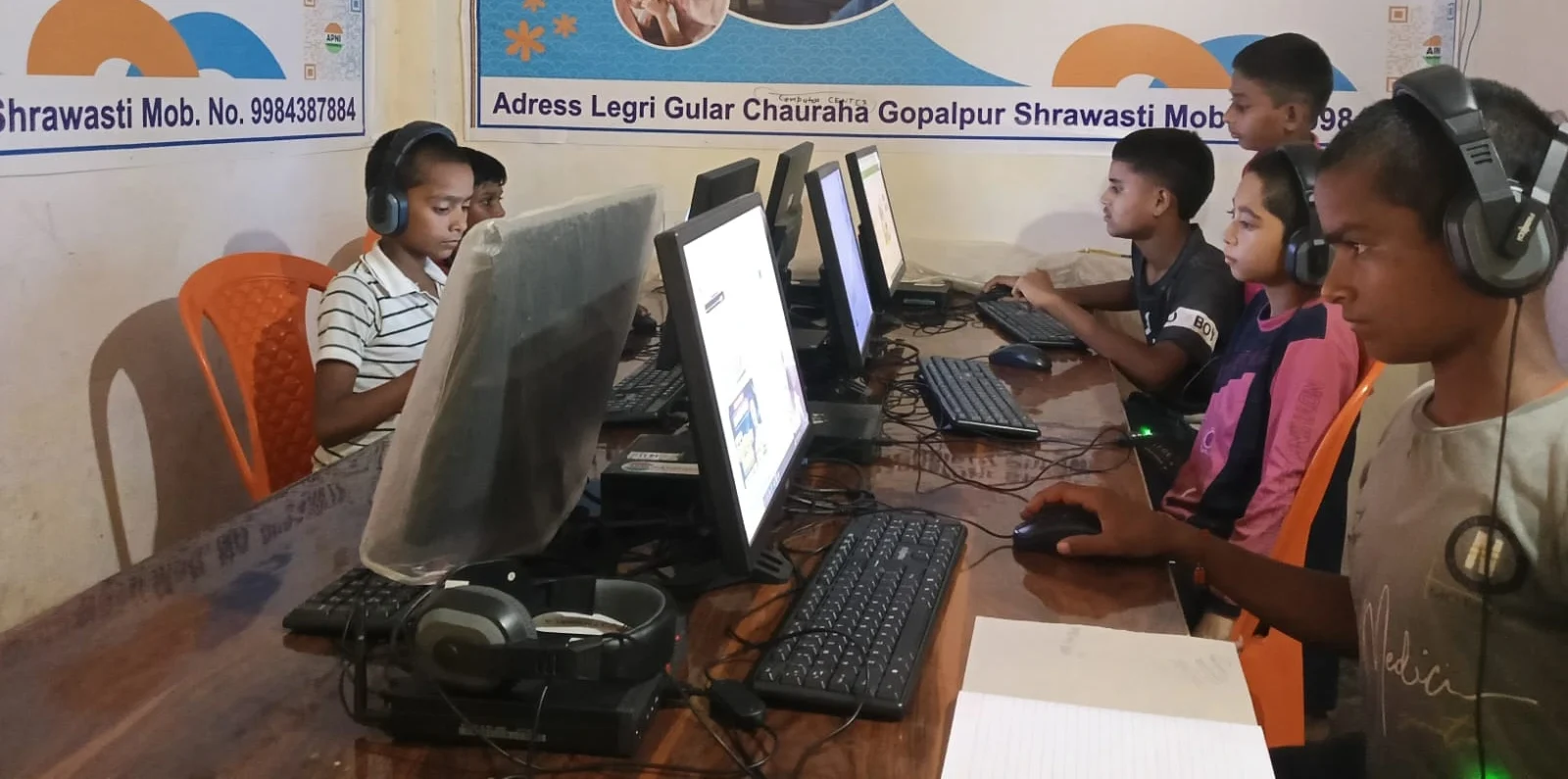
Apna PC is built by Apni Pathshala, an organisation focused on education in underserved communities. They understand the challenges students face in tier 2 and tier 3 cities. This computer is built for Indian students by people who understand Indian education.
Start Your Child’s Scholarship Journey Today
Priya’s story doesn’t have to be your child’s story. With the right computer, your child can confidently apply for scholarships, fill out forms without stress, and focus on their studies instead of worrying about access to technology. The investment of Rs.30,000 today can open doors to scholarships worth lakhs of rupees.
Your child’s future is built on small decisions you make today. Giving them access to a reliable computer for scholarship applications, online learning, and student work is one of the best investments you can make. Visit apnapc.com to learn more.