


Rahul’s Game Changed Everything
Rahul sat in his small room in Indore, staring at his biology notes for the tenth time. The photosynthesis chapter wasn’t sticking, and his exams were three weeks away. His younger sister walked in with her phone and showed him a video of kids solving puzzles in an escape room at a Delhi mall. That’s when it hit him: what if he could turn his boring study material into something fun? What if he created a digital escape room where students like him could learn while playing?
That one idea changed how Rahul studied. It also inspired his friends to learn in a new way. Today, you can do exactly what Rahul did, and we’ll show you how.
What’s a Digital Escape Room for Learning?
A digital escape room is an interactive game where students solve puzzles, riddles, and challenges to “escape” or complete levels. But here’s the twist: each puzzle teaches you something real. You might solve a math problem to unlock a code, answer history questions to find clues, or use science facts to crack a combination.
It’s not just gaming. It’s learning wrapped in excitement. Your brain stays engaged because you’re chasing a goal, not just reading textbook pages.
Think of it like this: instead of memorising capitals, you solve a puzzle where each capital unlocks a new level. Instead of learning formulas, you use them to escape a locked virtual room. The knowledge sticks because you’re using it, not just storing it.
Why You Should Build Your Own Digital Escape Room
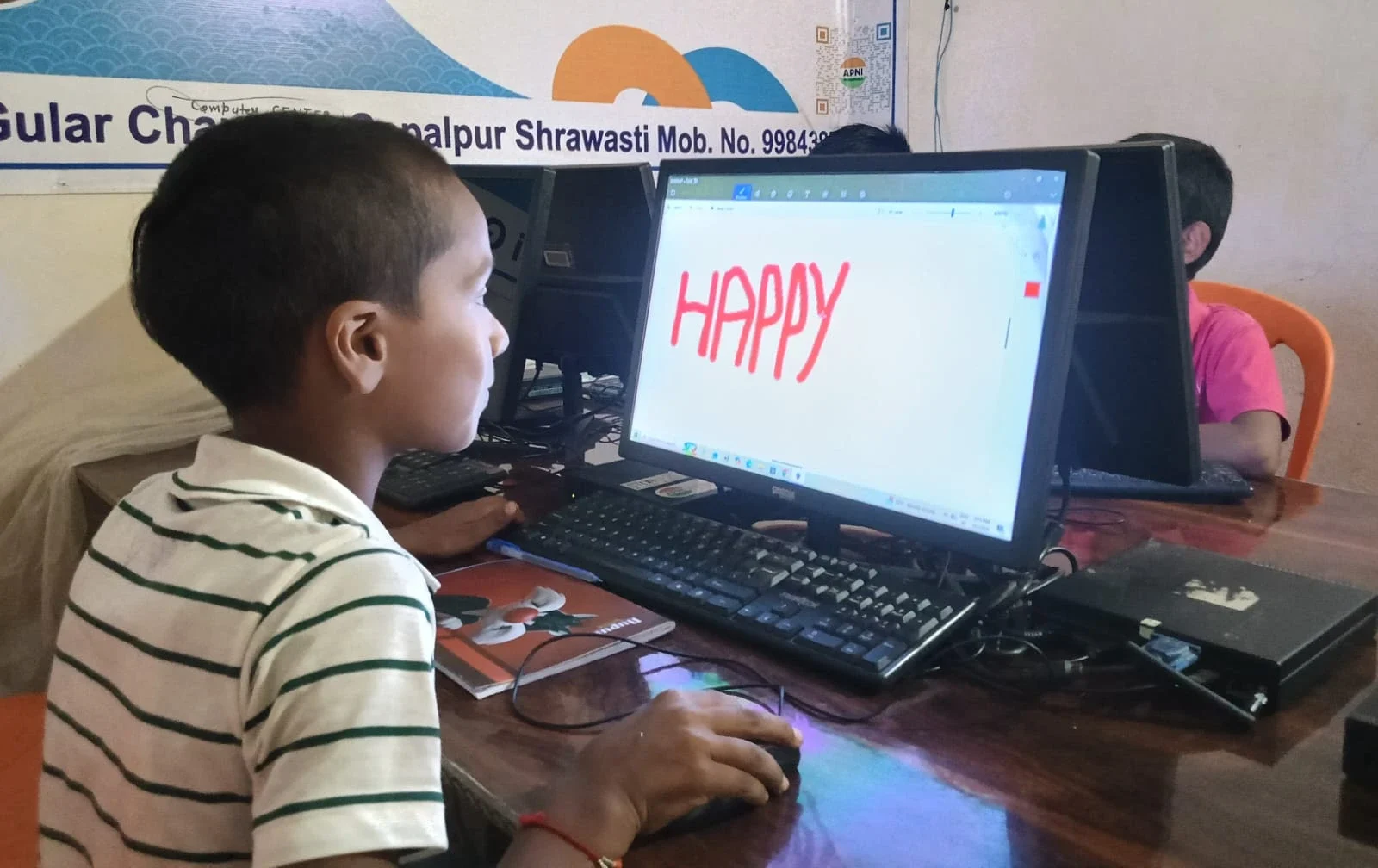
Creating your own digital escape room teaches you way more than playing one. You learn how to think like a game designer, a teacher, and a problem-solver all at once. You’ll understand your subject better because you’ll have to explain it through puzzles.
Plus, when your classmates play your game, you’re actually teaching them. Imagine scoring points not just on exams, but by helping others learn. That’s real impact.
Building a digital escape room also looks amazing on your school portfolio or college applications. It shows you’re creative, tech-savvy, and serious about learning.
Tools You’ll Need to Get Started
You don’t need expensive software or coding skills to start. Here are the tools that work best:
- Google Forms: Create quizzes where answers unlock the next level. Free and simple.
- Scratch: Build interactive games and puzzles without coding experience. It’s already loaded on Apna PC.
- Canva: Design beautiful puzzle graphics and story elements. The free version is perfect for students.
- Padlet or Jamboard: Create collaborative puzzle boards where students work together.
- PowerPoint or Google Slides: Build a branching story where each correct answer takes you to a new slide.
The best part? You can start with just your computer and these free tools.
Step-by-Step: Build Your First Digital Escape Room
Step 1: Pick Your Topic
Choose something you’re studying right now. It could be the French Revolution, photosynthesis, the Periodic Table, or Shakespeare’s plays. Pick something that excites you because that energy will show in your game.
Step 2: Design Your Story
Every escape room needs a story. Maybe your players are detectives solving a mystery about a historical event. Maybe they’re scientists trying to save a forest using biology knowledge. The story makes learning feel like an adventure.
Step 3: Create 5-7 Puzzles
Each puzzle should teach one concept. A riddle about math formulas. A code that requires history dates. A sequence puzzle using science facts. Mix question types so it stays interesting.
Step 4: Set Up the Tech
Use Google Forms to link puzzles together. When someone answers correctly, the form redirects them to the next puzzle. It’s like magic, but it’s just smart form setup.
Step 5: Test and Refine
Ask a friend to play and watch where they get stuck. That’s where you need to make things clearer. Adjust difficulty based on feedback.
Real Examples You Can Build Right Now
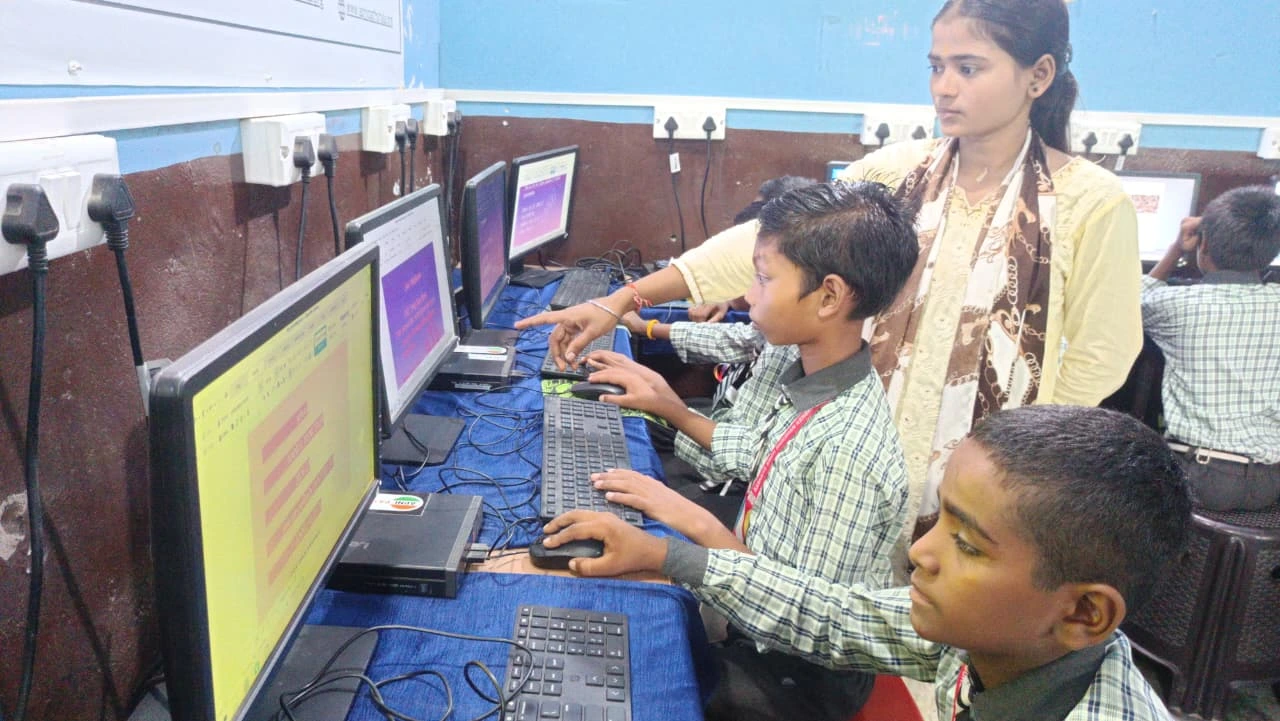
A student in Mumbai created an escape room about Indian independence. Players solved puzzles about key dates, freedom fighters, and events to “escape” British rule. Her classmates learned more in one hour of playing than a week of lectures.
Another student in Bangalore built a math escape room where each level required using different formulas. Solving the puzzle meant you’d learned the formula. His friends actually asked to play it multiple times.
You can even create one on topics you’re teaching younger students. Check out how students explore space missions or test business ideas on Apna PC. Your digital escape room could be your next big project.
Why Apna PC is Perfect for This Project
Building a digital escape room requires a reliable computer and solid software. Apna PC comes with 8GB RAM and a 128GB SSD, which means it runs smoothly even with multiple browser tabs and design tools open. You won’t face lag when you’re creating or testing.
It comes pre-loaded with Scratch, which is perfect for building interactive games and puzzles. LibreOffice helps you create documents and organise your project. Zorin OS is stable and student-friendly, so you get fewer crashes when you’re in the zone.
At just Rs.30,000 (shipping and GST excluded), Apna PC gives you a dedicated machine for your learning projects. No fighting with family members over the laptop. No slow performance killing your creativity.
Get Support from Your School and Teachers
Talk to your teacher about your digital escape room project. Many teachers will give you extra credit for creating educational games. Some might even let you use it in class.
Check out resources from the Ministry of Education for ideas on how your project fits into learning standards. You can also explore the Digital India initiative to understand how your project connects to India’s digital learning push.
Start Building Today
You don’t need to wait for permission or for the perfect moment. Start small. Pick one topic. Design one puzzle. Build one level. Then show it to a friend.
Creating a digital escape room isn’t just about making a game. It’s about taking control of your learning and making it exciting. It’s about proving that you can teach others while learning yourself. Your computer, your creativity, and your knowledge are all you need to start. Visit apnapc.com to learn more.