


Priya’s Dream of Tracking ISRO Missions From Her Tier 2 City
Priya sits in her small room in Indore, staring at her old laptop that takes five minutes to load a single webpage. She’s been following ISRO’s Chandrayaan-3 mission since its launch, but streaming live updates and accessing space data feels impossible on her sluggish computer. Her friends in Mumbai have fancy gaming laptops, but Priya just wants a reliable machine that lets her track ISRO space missions and explore space from her computer without frustration. Last month, her school got an Apna PC, and everything changed.
You don’t need to live in a metro city or own an expensive computer to explore India’s space achievements. With the right tools and a capable device, students like you can track ISRO missions, access real-time satellite data, and dive deep into astronomy from home.
Why ISRO Space Missions Matter for Your Learning
ISRO isn’t just about launching rockets. It solves real problems for India through satellite technology, weather forecasting, disaster management, and scientific discovery. When you track ISRO missions and explore space from your computer, you’re connecting with India’s innovation story. Understanding these missions shows how physics, mathematics, and engineering work together in the real world.
Every ISRO launch teaches you something valuable about propulsion, orbital mechanics, and space science. You get to witness live what your textbooks describe in theory. This hands-on learning experience makes space education in India more engaging and relevant to your future career choices.
Tools and Resources to Track ISRO Missions From Your Computer
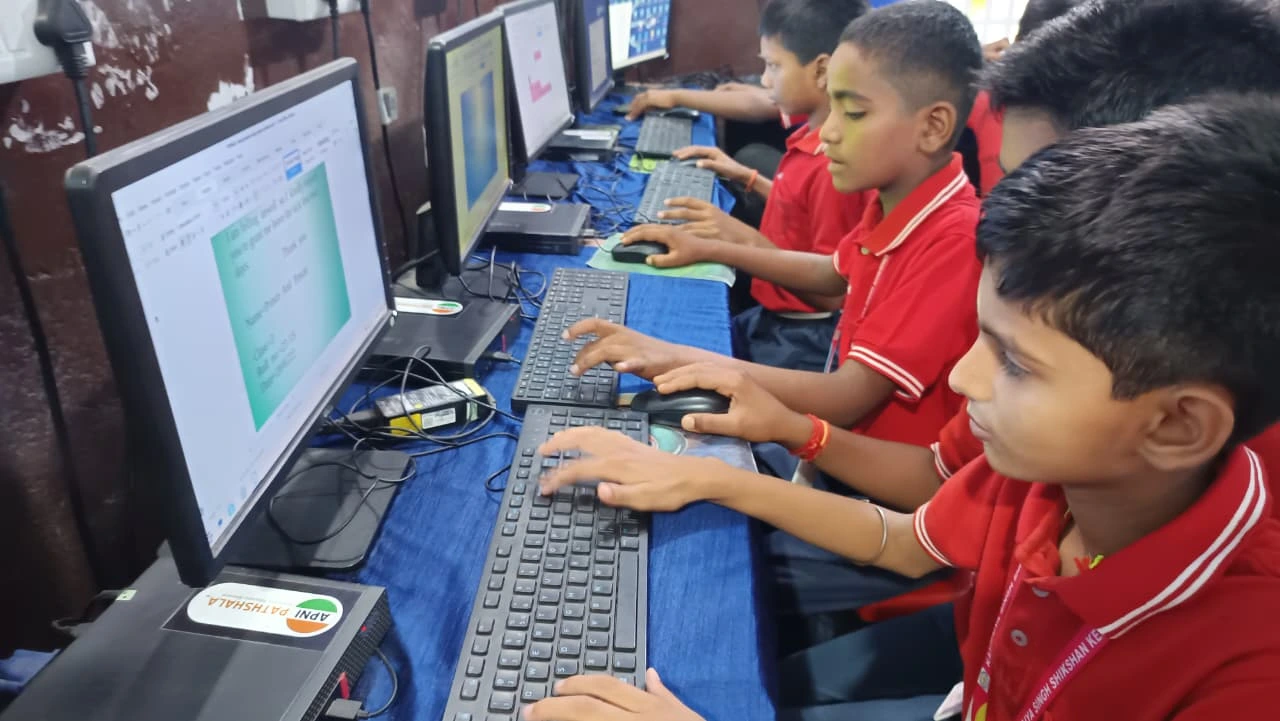
The ISRO official website is a great place to start. It provides real-time mission updates, launch schedules, satellite tracking information, and detailed technical documentation. You can find live launch streams, mission timelines, and educational resources for each project.
Here are the best ways to track ISRO missions and explore space from your computer:
- NASA’s Worldview: View satellite imagery from ISRO and other space agencies in real-time. Watch how weather patterns move, track cyclones, and see forest fires across India.
- Heavens-Above: Track satellite positions, predict when you’ll see ISS passing over your city, and learn about orbital mechanics.
- Stellarium: A free planetarium software that shows you the night sky from your location. Identify constellations, planets, and stars visible from Tier 2-3 cities.
- DIKSHA Platform: The DIKSHA digital learning platform offers curated space education content aligned with your school curriculum.
- YouTube Channels: Subscribe to official ISRO channels for launch commentary, mission explanations, and behind-the-scenes footage.
These resources are free and don’t require expensive software. A basic computer with decent processing power can handle them all smoothly.
Why Your Computer Needs to Be Reliable for Space Exploration
When you’re tracking ISRO space missions and exploring space from your computer, you need a device that won’t let you down. Slow loading times, freezing screens, and sudden crashes will frustrate your learning journey. You need a computer built for students who want to do real work, not just browse social media.
The Apna PC comes pre-loaded with Zorin OS, a lightweight operating system that runs smoothly even with multiple browser tabs open. Its 8GB RAM and 128GB SSD mean you can stream ISRO live launches, download satellite data, and run space simulation software without lag. At Rs.30,000 (excluding shipping and GST), it’s designed specifically for Indian students in Tier 2-3 cities who need reliable technology for learning.
The device includes LibreOffice to create project reports on missions you track, and Scratch to code your own space-themed programs. It also includes digital learning records for students, so teachers can monitor your progress as you explore space education resources.
Real Learning Projects You Can Do at Home
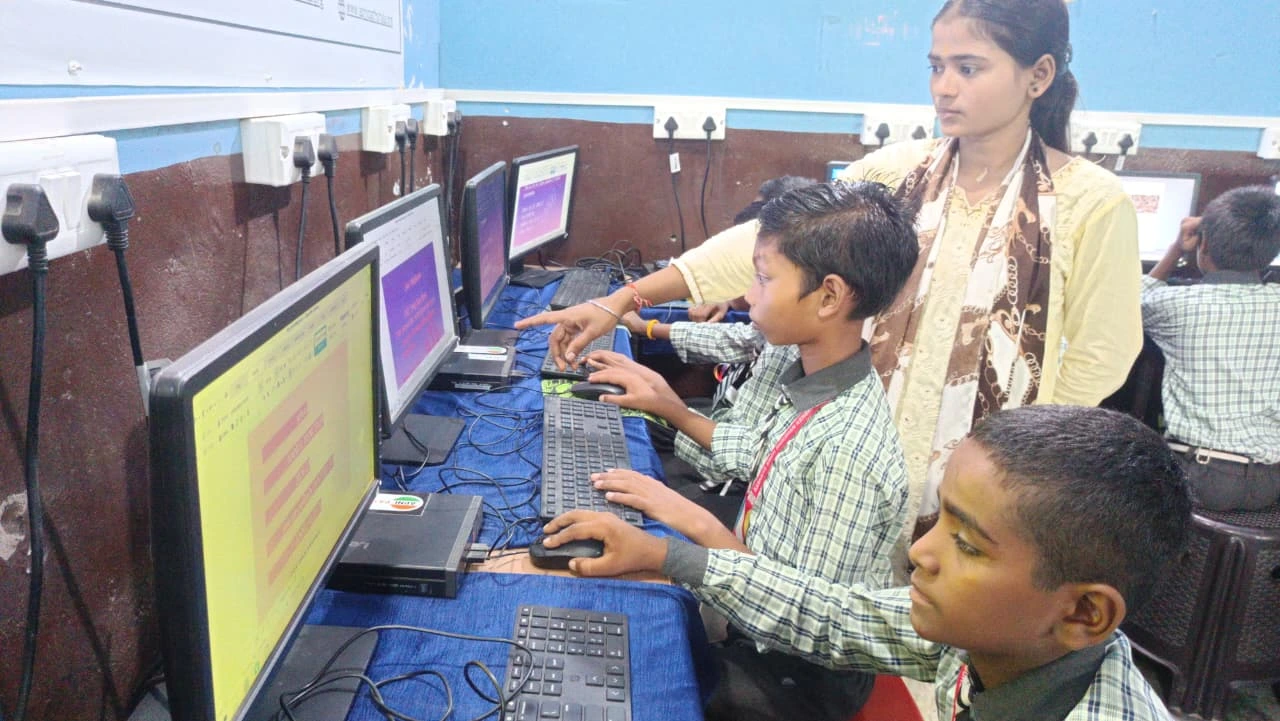
Don’t just watch ISRO missions passively. Create projects that deepen your understanding. Track a specific satellite’s orbit over several weeks and plot its path. Collect weather data from ISRO satellites and compare it with actual weather patterns in your city. Write detailed reports about each Chandrayaan or Mangalyaan mission, explaining the science behind it.
You can also join online astronomy clubs, participate in citizen science projects, and connect with other students across India who share your passion. These aren’t just hobbies. They’re digital tools that solve local problems and help you develop skills that matter for engineering and science careers.
Getting Started Today
You don’t need anyone’s permission to start exploring ISRO missions. Visit the official ISRO website and check the launch calendar. Download Stellarium and spend an evening identifying constellations from your rooftop. Join online forums where students discuss space missions and ask questions.
A reliable computer like Apna PC removes the technical barriers that stop many students in Tier 2-3 cities from pursuing space education. It lets you track ISRO space missions and explore space from your computer whenever you want. Visit apnapc.com to learn more.