


Priya’s Story: Why a Budget Computer Changed Everything
Priya’s mother sat in their small living room in Indore, staring at the school’s email. “Online classes start next week,” it said. Her daughter needed a computer, but the family’s monthly income barely covered rent and groceries. The laptops at the electronics shop cost 60,000 rupees or more. Priya’s dreams of continuing her studies felt impossible. Then her uncle mentioned something that changed their lives: a budget computer for students in India that actually worked for learning, not just gaming.
If you’re in a similar situation, you’re not alone. Thousands of families across Tier 2 and Tier 3 Indian cities face the same challenge. You want your child to succeed in online learning, but expensive computers seem out of reach. This guide shows you how to set up an affordable PC learning system that works for your needs.
Why Your Student Needs a Dedicated Learning Computer
Online learning requires more than just internet access. Your child needs a reliable device that can handle video calls, document editing, and interactive lessons without freezing or crashing. A budget computer for students in India doesn’t mean poor quality. It means smart choices that prioritise education over unnecessary features.
When you choose the right student computer setup, your child can:
- Attend live classes without video lag or audio issues
- Complete assignments using office software and coding tools
- Access educational resources from platforms like DIKSHA digital learning platform
- Learn new skills like coding and digital literacy
- Stay focused on studies instead of distracting games or apps
What Makes an Affordable PC Learning Setup Work
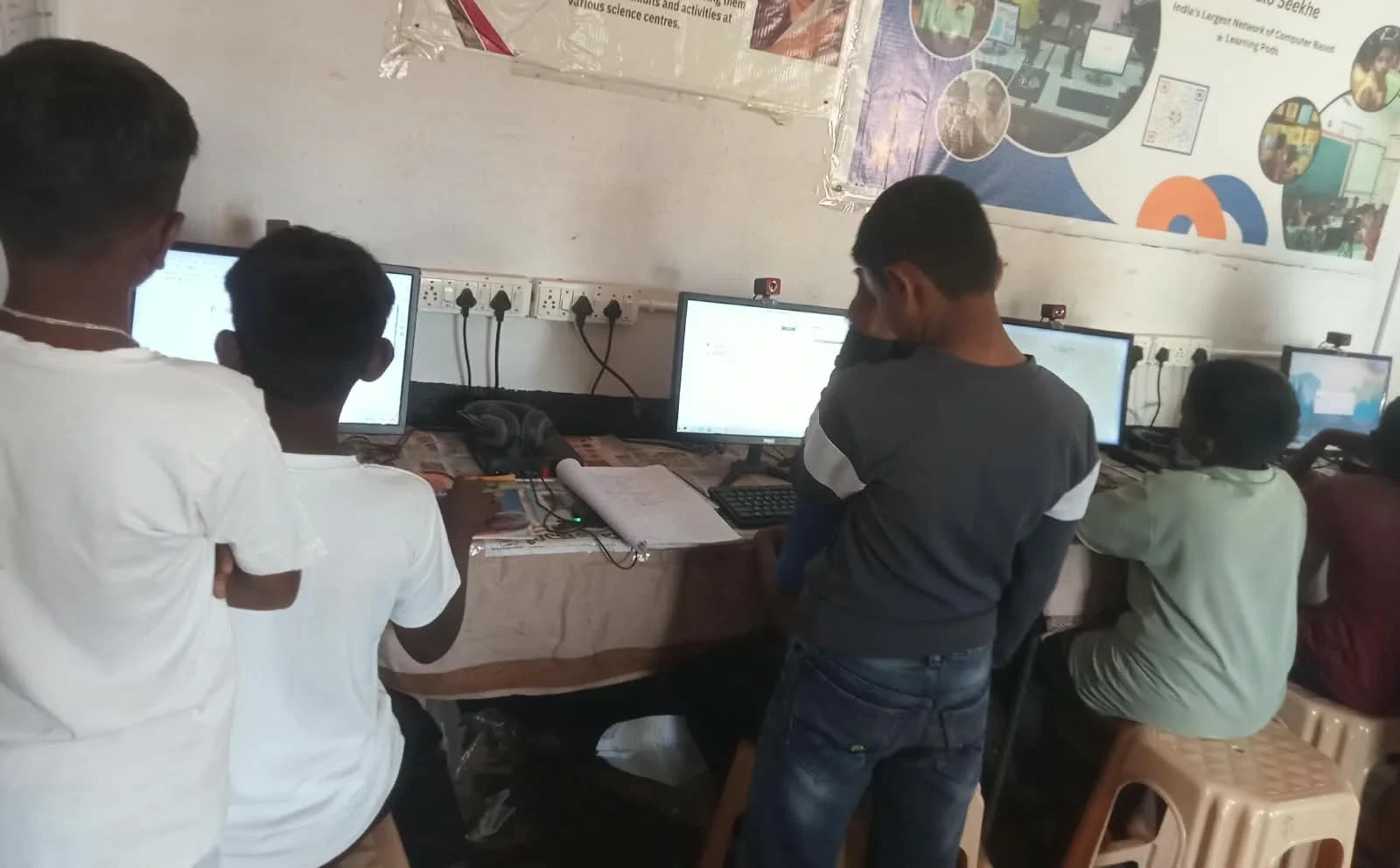
You don’t need the latest processor or fancy graphics card for online learning. What matters is reliability, speed, and the right software. A good student computer setup has three key components: enough RAM to run multiple applications, fast storage for quick boot times, and an operating system built for learning.
The Apna PC comes with exactly what your child needs. It features 8GB RAM for smooth multitasking, a 128GB SSD for fast performance, and Zorin OS, a clean Linux-based system that’s perfect for students. The price is just Rs.30,000 (shipping and GST excluded), making it genuinely affordable for middle-class families.
What makes this different from a regular budget computer? Apna PC comes preloaded with educational software. Your child gets LibreOffice for documents and presentations, Scratch for coding, and Apni Prerna for progress monitoring. You don’t need to buy expensive Microsoft Office licenses or hunt for learning tools.
Setting Up Your Student Computer for Success
Once you have your budget computer for students in India, setup takes just a few steps. First, connect to your home internet and create a user account for your child. Second, explore the preloaded applications to see what’s available.
Your child can start using LibreOffice right away to write essays and create presentations. They can join video calls on Google Meet or Zoom without buying extra software. For coding interest, they can explore ideas using the built-in Scratch application and turn simple ideas into real projects on their home computer.
The Apni Prerna monitoring system helps you track your child’s learning progress. You can see which applications they use, how long they study, and what resources they access. This keeps everyone accountable and helps identify areas where your child needs more support.
Making Your Budget Computer Setup Even Better
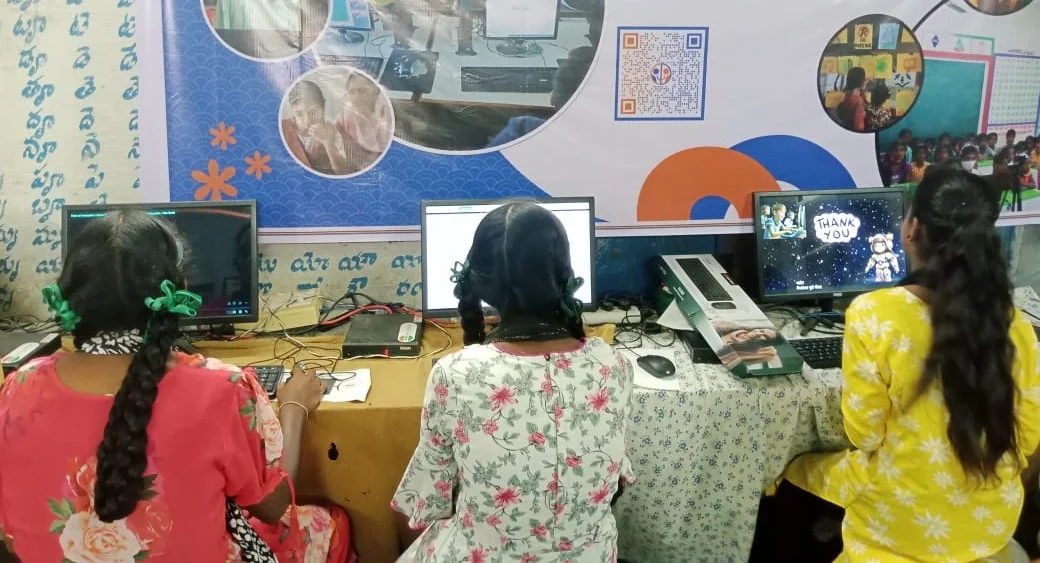
Your affordable PC learning setup becomes more powerful when you add these free resources. Register on DIKSHA for thousands of free courses and study materials from across India. Explore the Digital India initiative for government-backed digital education programs available to every student.
If your budget allows, consider investing in a basic webcam (1,500-2,000 rupees) and a microphone headset (800-1,500 rupees). These improve video call quality for classes. A simple desk lamp helps reduce eye strain during long study sessions.
Your internet connection matters as much as the computer itself. Aim for at least 5 Mbps download speed for smooth video classes. If your current connection is slow, talk to your provider about student plans or consider a shared connection with neighbours.
Real Results: How Budget Computers Transform Learning
Back to Priya’s story: her family purchased an Apna PC three months ago. She now attends her online classes without missing a single session. Her grades improved because she could submit assignments on time and access learning materials whenever she needed them. Her mother no longer worries about technology being a barrier to education.
You can create the same success for your child. A budget computer for students in India isn’t a compromise on quality. It’s a smart investment in your child’s future. Prepare your child’s digital career starting from school, with tools designed specifically for students like yours, in cities like yours, with budgets like yours.
Take the Next Step Today
Your child’s education shouldn’t depend on how much money your family has. An affordable PC learning setup with the right tools and resources levels the playing field. The time to invest in your student’s future is now, not next year when computers might cost even more.
Visit apnapc.com to learn more.