


Rahul sat in his small room in Indore, scrolling through WhatsApp groups where classmates shared study notes. His phone was cluttered with PDFs, screenshots, and links. He had saved a chemistry chapter three times in different folders and couldn’t find his photosynthesis notes when exam time came. His frustration was real: “I have so much material, but I can never find what I need.” This is where a digital study archive changes everything. Instead of scattered files across devices, you need one organised space where all your study resources live together. A digital study archive isn’t just about storing files; it is about building a personal digital library that works for you.
What Exactly is a Digital Study Archive?
A digital study archive is your organised collection of study materials stored in one central location. Think of it like a library card catalogue, but for all your notes, PDFs, videos, and research materials. Your archive includes textbooks, handwritten notes converted to digital format, video lectures, question banks, and reference links, all sorted by subject and topic. When you build this system properly, you spend less time hunting for materials and more time actually studying. The best part? You can access everything from your computer, tablet, or phone whenever you need it.
Why Your Digital Study Archive Matters Right Now
Students in Tier 2 and Tier 3 cities often lack access to expensive coaching centres or large libraries. Your digital study archive levels the playing field by letting you collect resources from everywhere. You can gather materials from the DIKSHA digital learning platform, YouTube channels, your school online portal, and books your friends recommend. This means you are not dependent on what is available locally.
Having an organised digital study archive also reduces anxiety during exam season. Instead of panic-searching for notes the night before your test, everything is ready and organised. Your study sessions become more efficient because you don’t waste time on file management.
Building Your Digital Study Archive Step by Step
Start by choosing your storage platform. Google Drive offers 15GB of free storage and works well for most students. OneDrive and Dropbox are other solid options. The key is to pick one platform and stick with it.
Next, create a folder structure that makes sense for your brain. Most students organise by subject, then by chapter or topic. For example: Physics, then Mechanics, then Newton’s Laws. Some prefer organising by exam type first, like JEE, then Physics, then Mechanics. Try both approaches and see what feels natural.
Now start collecting. Photograph your handwritten notes using a free app like Microsoft Lens or Adobe Scan to convert them to PDFs. Download important PDFs from your school portal. Save links to useful YouTube videos in a spreadsheet. Gather previous years’ question papers. Don’t worry about perfection; just get materials into your system.
The final step is maintaining your archive. Spend 15 minutes every Sunday organising new materials into their correct folders. Delete duplicate files. Update your folder names if you find better ones. This regular maintenance keeps your archive useful instead of letting it become a digital junkyard.
Tools That Make Your Archive Better
You do not need expensive software to build a great digital study archive. Free tools work perfectly well. Use Notion or OneNote to create searchable notes linked to your PDFs. These apps let you tag materials by difficulty level, importance, or chapter number. Anki is fantastic for creating flashcards from your archived materials for quick revision.
If you are learning coding alongside your regular studies, you will want to organise programming projects too. Check out how you can learn coding without classes using organised digital resources. A computer like Apna PC with 128GB SSD storage and pre-loaded software like LibreOffice and Scratch gives you the space and tools to build your archive properly.
Making Your Archive Actually Useful
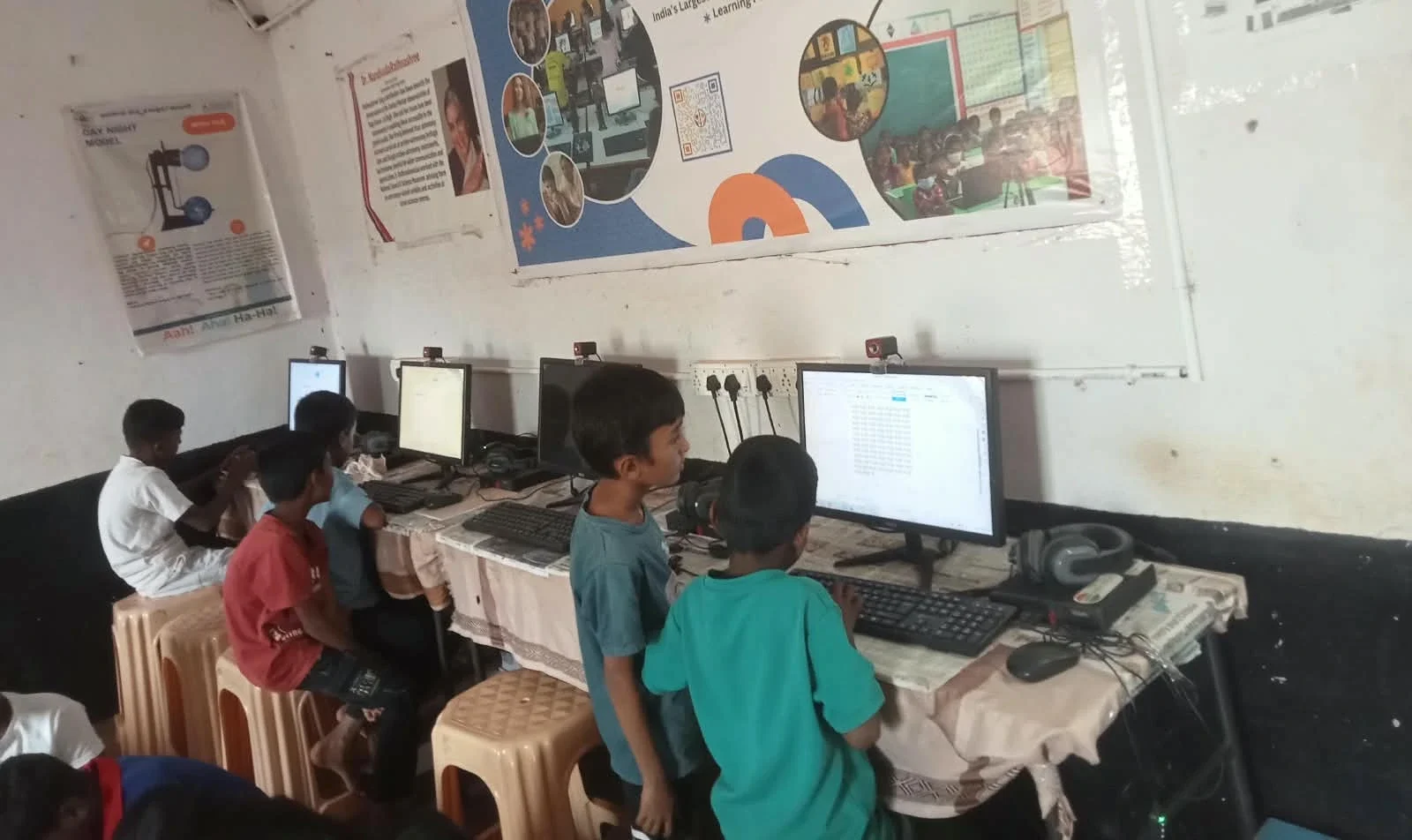
Here is the truth: most students create archives but never use them effectively. Change this by reviewing your archive weekly. When you finish a chapter, open your archive folder for that chapter and spend 10 minutes reviewing what you have collected. This keeps materials fresh in your mind and helps you spot gaps.
Use your archive for revision differently than you used it for learning. During exams, you are not reading everything again; you are using your archive as a quick reference guide. Highlight the most important points in your PDFs. Create summary sheets that link to detailed materials. This layered approach saves time in crunch mode.
Share your archive structure with study friends. When others follow your system and you share materials, everyone’s archive becomes richer. Your classmate might find a brilliant YouTube channel you missed, while you might have the best notes on a difficult topic.
The Hardware That Supports Your Archive
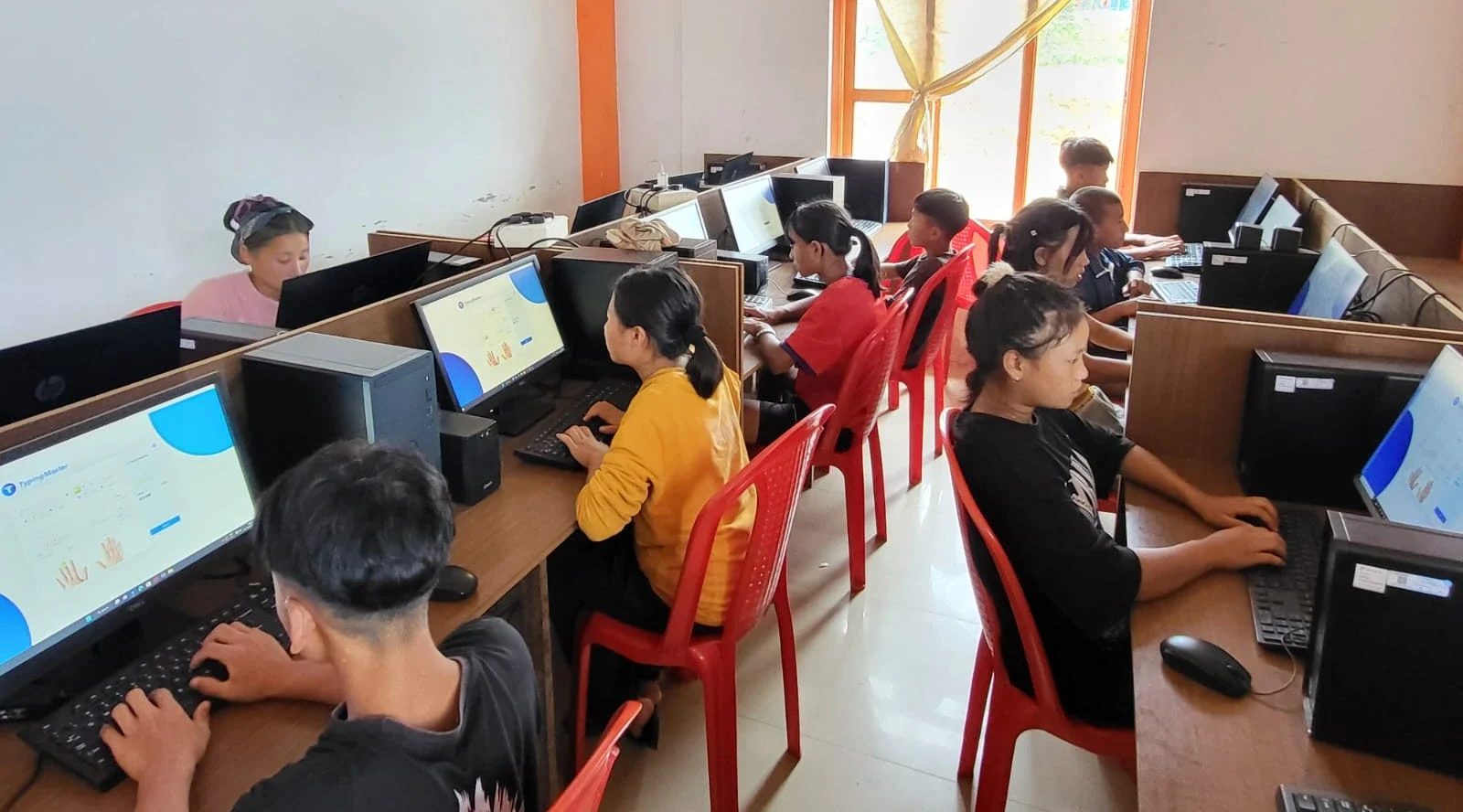
Building a digital study archive works best on a reliable computer with good storage. Apna PC by Apni Pathshala comes with 128GB SSD storage, which gives you plenty of space for thousands of PDFs, videos, and documents. The 8GB RAM ensures your computer runs smoothly even when you are working with large files or multiple browser tabs open for research.
Pre-loaded software like LibreOffice lets you create and edit documents right on your computer. Scratch helps you organise projects if you are combining academics with coding learning. At Rs.30,000 (shipping and GST excluded), Apna PC is built specifically for students who need reliable technology without breaking their family budget.
Your digital study archive is an investment in your academic success. Start today by creating one folder for one subject and collecting five materials into it. Build from there. The organised student who can find their photosynthesis notes in 10 seconds beats the student with scattered files every single time. Visit apnapc.com to learn more.