


Rahul’s Laptop Broke During Board Exams: A Real Story
Rahul sat in his Indore coaching centre when his five-year-old Dell laptop suddenly wouldn’t turn on. The screen stayed black. His fingers trembled as he realised his entire study material, practice tests, and notes were locked inside. His father called a technician who said the motherboard was damaged. The repair would cost Rs.15,000 and take two weeks. Rahul had just three weeks left for his board exams.
This is when Rahul’s parents faced a tough choice: should they repair the laptop or replace it entirely? Your situation might be similar. Whether you’re a student in Delhi, Mumbai, or a smaller city in Maharashtra, knowing when to replace vs upgrade a computer can save you money and stress.
Replace vs Upgrade Computer: 5 Signs Upgrading Wins
Upgrading makes sense when your computer’s core is still strong, but it’s just running slow. Think of it like adding more petrol to your bike’s tank. If your laptop is two to three years old and only struggles with speed, you might just need more RAM or a faster SSD.
In the replace vs upgrade computer debate, upgrading wins when the problem is small and cheap to fix. Adding 8GB of RAM costs Rs. 2,000 to Rs. 4,000. Replacing a hard drive with an SSD costs Rs. 3,000 to Rs. 5,000. These small changes can make your old PC feel like new again.
Your computer upgrade makes sense if:
- It still powers on and runs – The device turns on without major issues
- Only one or two parts are slow – RAM or storage is the problem, not the processor
- You’ve had it less than 4 years – The motherboard and CPU are still reliable
- The repair cost is under Rs.5,000 – You’re spending less than 20% of a new computer’s price
- You don’t need it urgently – You can wait 3-5 days for the upgrade
Replace vs Upgrade Computer: 6 Signs Buying New Wins
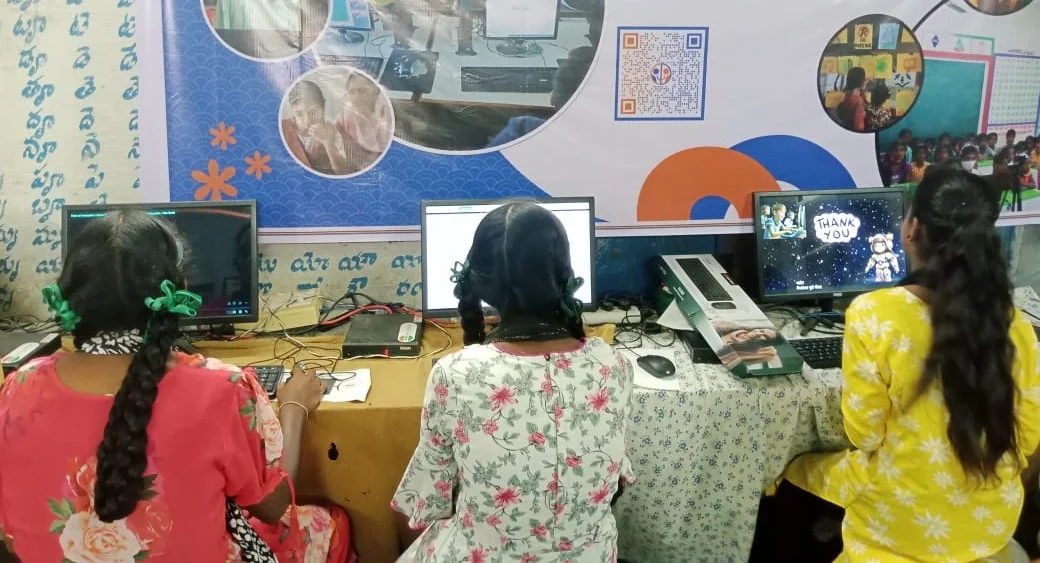
Replacing your old PC is the right choice when the damage is serious. If your laptop won’t start, the screen is cracked, or the motherboard is fried, repair costs spiral quickly. You might spend Rs.10,000 to Rs.20,000 only to end up with a computer that still feels old.
Replacement becomes smart when you’re a student because you need reliability during exam season. You can’t afford your computer breaking down in March when your finals are in April. A new device gives you peace of mind for the next three to four years.
Replace your computer when:
- It won’t turn on at all – The motherboard or power system is dead
- Repair costs exceed Rs.8,000 – You’re spending too much on an old machine
- You’ve owned it for 5+ years – The device is ageing, and other parts will fail soon
- Multiple parts are damaged – Screen, keyboard, and battery all need fixing
- You need it immediately – Exams or project deadlines are coming
- It overheats or makes strange noises – The cooling system is failing
The Student Computer Advantage
Here’s what many students and parents don’t know: you don’t need an expensive laptop for studies. You need a reliable computer that runs your study apps smoothly. Check out the CPU vs complete computer comparison to understand what specs actually matter for your coursework.
Apna PC is built exactly for students like you. It comes from Apni Pathshala, an education initiative focused on Indian students. At just Rs.30,000 (before shipping and GST), it comes with 8GB RAM and a 128GB SSD. This means it runs fast enough for online classes on the DIKSHA digital learning platform, video calls, document editing, and coding practice in Scratch.
The computer comes pre-loaded with Zorin OS, LibreOffice for documents, and Scratch for programming. Your parents can monitor your study progress through Apni Prerna. You get a device designed for Indian students, not a fancy gaming laptop you don’t need.
What About Your Study Files and Data?
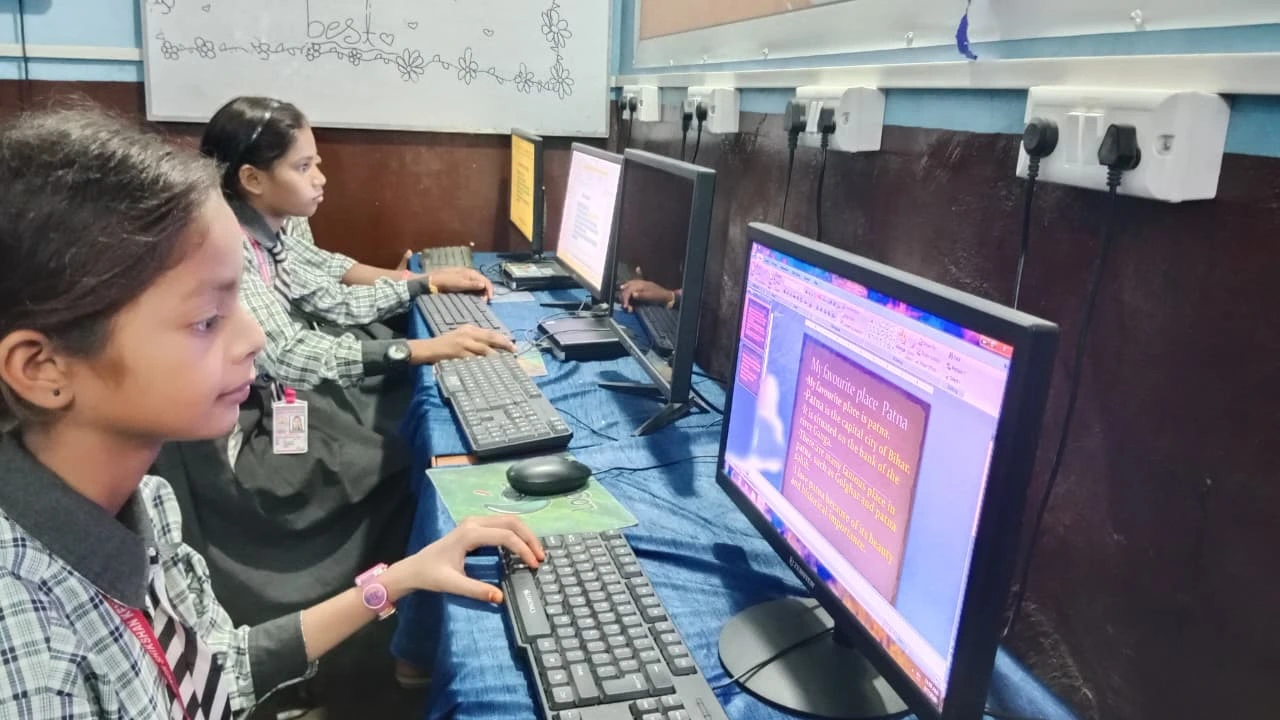
When you replace or upgrade a computer, the decision can feel stressful, and your biggest fear is losing everything. Your notes, assignments, and research are inside that broken laptop. Before you decide, back up your data to Google Drive or OneDrive. Most student data takes only 15-20 minutes to upload.
Check government resources like the Ministry of Education and CBSE websites for study materials you might have missed. You won’t lose your studies even if you lose the device.
Making the Right Decision for Your Situation
Ask yourself three questions before deciding. First: Is the repair cost more than one-third of a new computer’s price? Second: Do you have exams or important deadlines in the next month? Third: Has this computer already caused you stress or lost work before?
If you answered yes to any of these, replacement is smarter than an upgrade. Your time and peace of mind matter more than saving a few thousand rupees on repairs.
Rahul’s parents chose replacement. They bought a new student computer that arrived within a week. Rahul had his device ready for his final weeks of exam prep. He scored well because he wasn’t stressed about his computer failing again.
Your situation doesn’t have to be a crisis. If your computer is struggling, take action now. Whether you upgrade or replace, do it before your exams arrive. The right computer keeps your studies on track and your stress levels down. Visit apnapc.com to learn more.