


The Story of Rajesh’s Daughter and Her Struggling Laptop
Rajesh sat in his small flat in Indore, watching his daughter Priya struggle with her online classes. Her three-year-old Dell laptop was freezing every few minutes. Applications took forever to load. Videos would buffer endlessly. Priya’s frustration was visible, and Rajesh knew something had to change. He’d saved some money and wanted to help, but he wasn’t sure what to upgrade first. Was it time for a computer upgrade, or could he fix the old one with some smart changes? This is a question thousands of parents in tier 2 and tier 3 Indian cities are asking right now.
If your child’s computer is slow, you’re probably wondering the same thing. Do you need to replace the entire machine, or can a computer upgrade solve the problem? The good news is that you don’t always need to buy a new device. Sometimes, smart upgrades can breathe new life into an old computer and save you thousands of rupees.
What’s Actually Making Your Child’s Computer Slow?
Before you spend money, you need to understand what’s slowing down your child’s computer. Most parents think it’s the processor that needs upgrading, but that’s rarely the real problem. The actual culprits are usually two things: RAM and storage speed.
When your child opens multiple browser tabs for research, runs Zoom calls, and has several applications open at once, the computer needs enough RAM to handle it all. If your computer only has 4GB of RAM, it’s like trying to fit ten people into a small room. Everything gets cramped and slow. Your computer struggles to keep up.
The second issue is storage speed. If your computer uses an old hard drive (HDD), it’s like reading from a book buried in a box. An SSD, or solid-state drive, is like having that same information right on your desk. It’s instantly accessible. This is why computers with SSDs feel much faster.
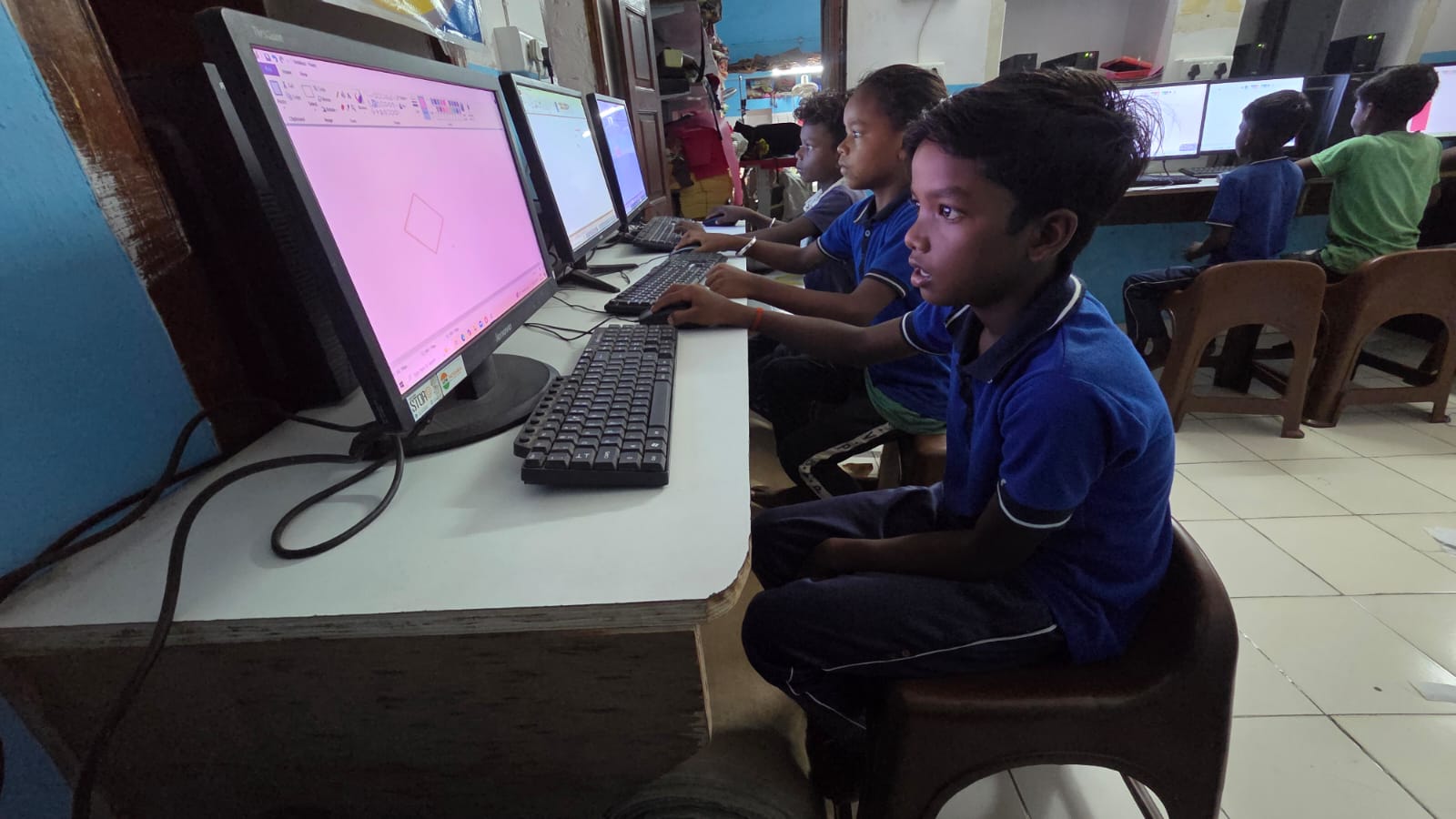
Computer Upgrade: RAM vs SSD, Which One Comes First?
Here’s the practical truth for your situation. If your computer is slow during everyday tasks like opening files, launching applications, or running multiple browser tabs, you likely need a RAM upgrade first. If your computer is slow specifically when it’s starting up or loading files, you need an SSD upgrade.
Most old computers have 4GB or 8GB of RAM. For a student today, 8GB is the bare minimum. If you’re stuck at 4GB, upgrading to 8GB will make a massive difference. You’ll notice applications opening faster. Video calls will be smoother. Your child won’t get frustrated waiting for things to load.
An SSD upgrade is also important, but here’s why RAM should come first. Upgrading to 8GB RAM costs around Rs.2,500 to Rs.4,000. An SSD upgrade costs Rs. 3,000 to Rs. 6,000. If your budget is tight, start with RAM. The improvement will be noticeable immediately.
Think about Priya’s situation. Her laptop had 4GB RAM and an old hard drive. When Rajesh upgraded the RAM to 8GB first, her online classes improved dramatically. The freezing stopped. After a month, he added an SSD upgrade, and the computer felt like new.
The Computer Upgrade Path: Step by Step
Here’s how you should approach this. First, check your current RAM and storage. On Windows, right-click on “This PC” and select Properties. You’ll see how much RAM you have. For storage, check if you have an HDD or SSD. Most computers three years old or older have HDDs.
If you have 4GB RAM, upgrade to 8GB immediately. This should be your first priority. If you already have 8GB RAM but still have an HDD, then get an SSD. If you have both 8GB of RAM and an SSD, your computer should run well. If it’s still slow, then you might need a new device.
The beauty of these upgrades is that they’re reversible. You can take out the old RAM or hard drive and keep them. You’re not locked into anything permanent.
When Should You Just Buy a New Computer?
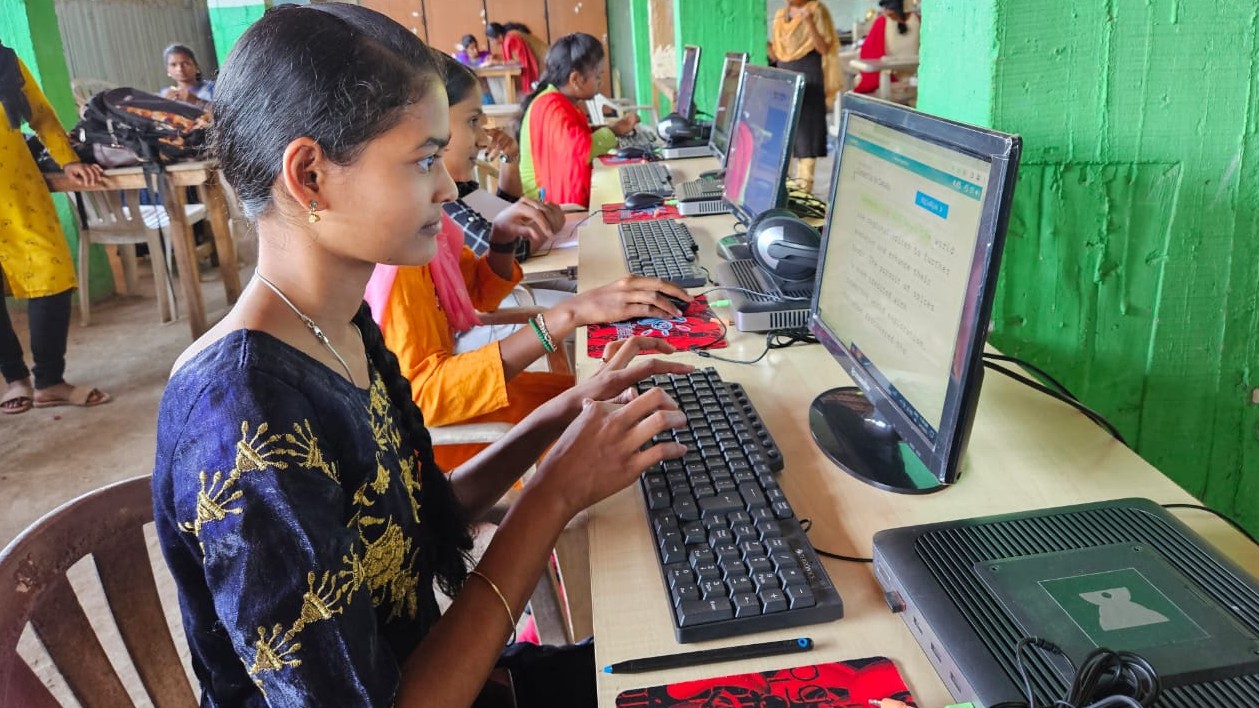
Sometimes, a computer upgrade isn’t enough. If your computer is more than five years old, has only 2GB RAM, and uses an old hard drive, the costs of upgrading might add up. You might spend Rs.6,000 to Rs.8,000 on upgrades and still have an ageing machine.
This is where you should consider a new educational computer. Apna PC offers an affordable option at just Rs.30,000 (shipping and GST excluded). It comes pre-loaded with everything your child needs: Zorin OS, educational software, LibreOffice, and Scratch for coding. It has 8GB of RAM and a built-in 128GB SSD. Apni Pathshala designed it specifically for Indian students.
You could also look at a second-hand office PC if your budget is very tight. These are refurbished machines that work well for students and cost much less.
Government Support for Your Child’s Digital Learning
Remember, the government understands how important computers are for education. The Ministry of Education and the Digital India initiative have programs to help families like yours. Some states offer subsidies or schemes for student computers. Check with your local education office to see if you qualify.
Don’t let your child’s education suffer because of a slow computer. A smart upgrade can solve most problems without breaking your budget. Start with RAM if you’re on a tight budget, then move to an SSD. Your child’s learning experience will improve dramatically, just like it did for Priya.
The right upgrade can transform your child’s learning experience at home. Visit apnapc.com to learn more.