


Rajesh’s Daughter Finally Got Her Own Computer
Rajesh sat in his small shop in Indore, scrolling through his phone during lunch break. His daughter Priya, a Class 8 student, was messaging him from home: “Papa, my online class is lagging again. The video keeps freezing.” He’d heard this complaint every week for two years. Priya had been studying entirely on her family’s shared smartphone, balancing her online classes, assignments, and research on a 6-inch screen. Last month, Rajesh made a decision that changed everything. He bought her a desktop computer. Within days, Priya’s entire approach to learning shifted. The move from phone to desktop wasn’t just about a bigger screen. It changed how she studied, how fast she learned, and how confident she felt in class.
If you’re a parent in a Tier 2 or Tier 3 city wondering whether your child really needs a desktop for studies, Priya’s story might sound familiar. Many Indian students today rely on phones for everything. But the truth is, the shift from phone to desktop creates real, measurable changes in how students learn and perform. Let’s explore what actually happens when a student makes this jump.
How the Phone-to-Desktop Shift Changes Focus and Screen Size
When you study on a phone, your brain works differently. A 6-inch screen forces you to scroll constantly, tap between apps, and lose context. Priya used to take 45 minutes to complete assignments that now take her 25 minutes on a desktop. The larger screen lets her see entire documents, spreadsheets, and video tutorials without constant switching.
Your eyes also get less strained. Phone screens require closer focus and more frequent adjusting. Desktop monitors sit at arm’s length, which is what eye doctors recommend. After two weeks on a desktop, Priya complained less about headaches by the end of her study sessions.
Typing Speed and Writing Quality Jump
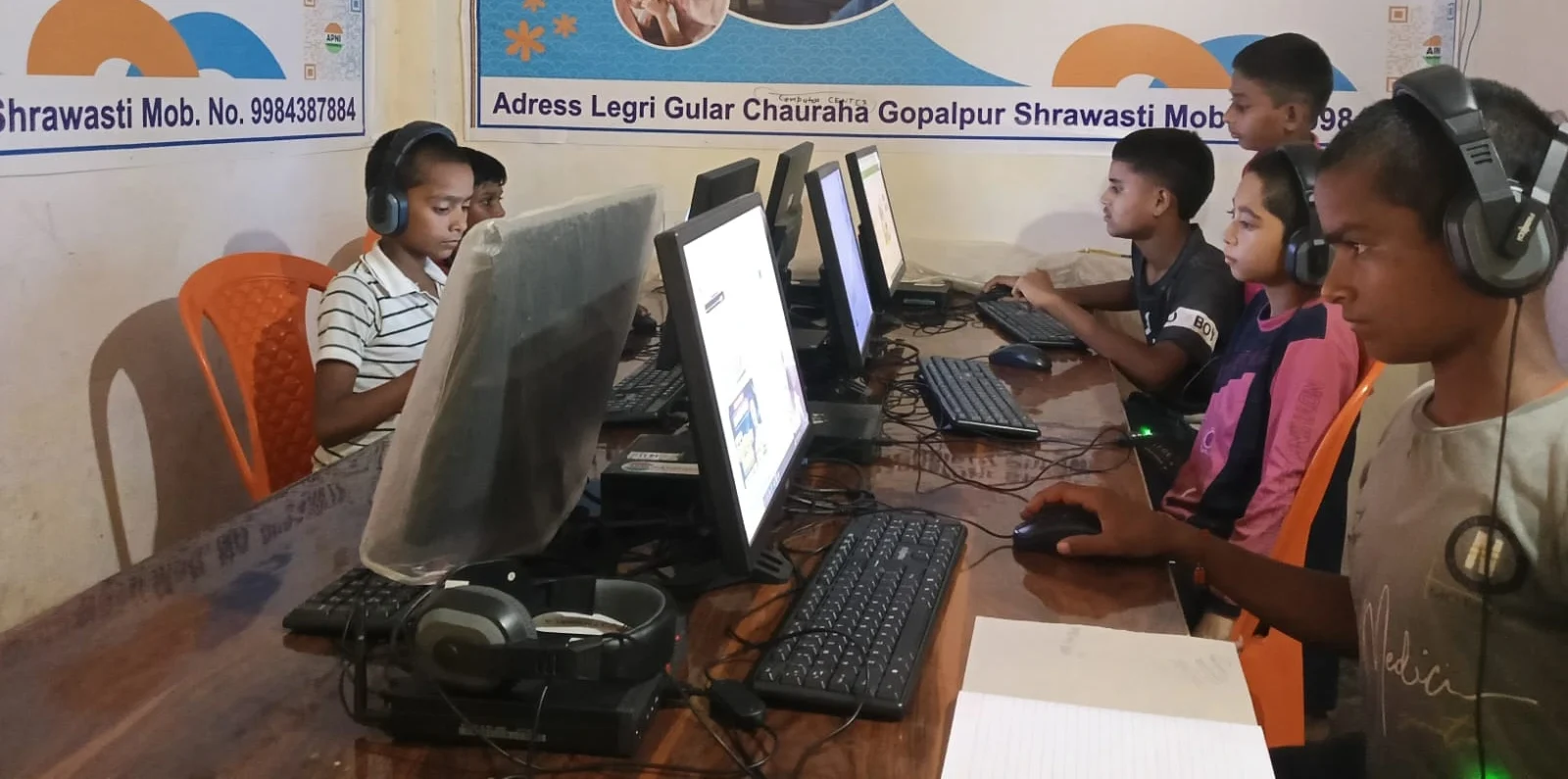
Priya’s typing speed on a phone was around 15 words per minute. On a desktop keyboard, it jumped to 52 words per minute within a month. This matters more than you’d think. When students can type faster, they write more. When they write more, their thinking becomes clearer.
Online Classes Feel Like Real Classes Again
Before the desktop, Priya’s online classes on her phone felt cramped and disconnected. She’d miss important points because she couldn’t see the teacher’s screen clearly. She couldn’t take notes while watching simultaneously. The experience felt incomplete.
A desktop changes this completely. Now she can see her teacher, her notes, and the lesson materials all at once. Her participation in class increased. She started asking questions. Her teachers noticed her engagement went up. The bigger screen made online learning feel like a real classroom.
Organisation and File Management Become Possible
On a phone, Priya’s study materials were scattered. Photos of notes, PDFs in different apps, screenshots everywhere. Finding anything took forever. A desktop with proper storage (like the 128GB SSD in Apna PC) lets you organise properly.
She created folders for each subject. She saved all her notes in one place. She downloaded educational resources from the DIKSHA digital learning platform and stored them organised by topic. This simple change saved her hours every week.
Software and Tools Open Up New Possibilities
Phones have limitations. You can’t run serious programming software. You can’t use professional design tools. You can’t work with complex spreadsheets effectively. Desktops open all these doors.
Apna PC comes preloaded with Scratch, a programming language designed for students. Priya’s school started a coding club, and suddenly she could actually participate properly instead of struggling with phone apps. LibreOffice lets her create presentations and handle data in ways she never could on a phone.
The Digital India initiative and the Ministry of Education have been pushing digital literacy. A desktop isn’t just for studying existing subjects. It’s the foundation for learning the skills your child will actually need in the future.
Posture and Health Actually Matter More Than You Think
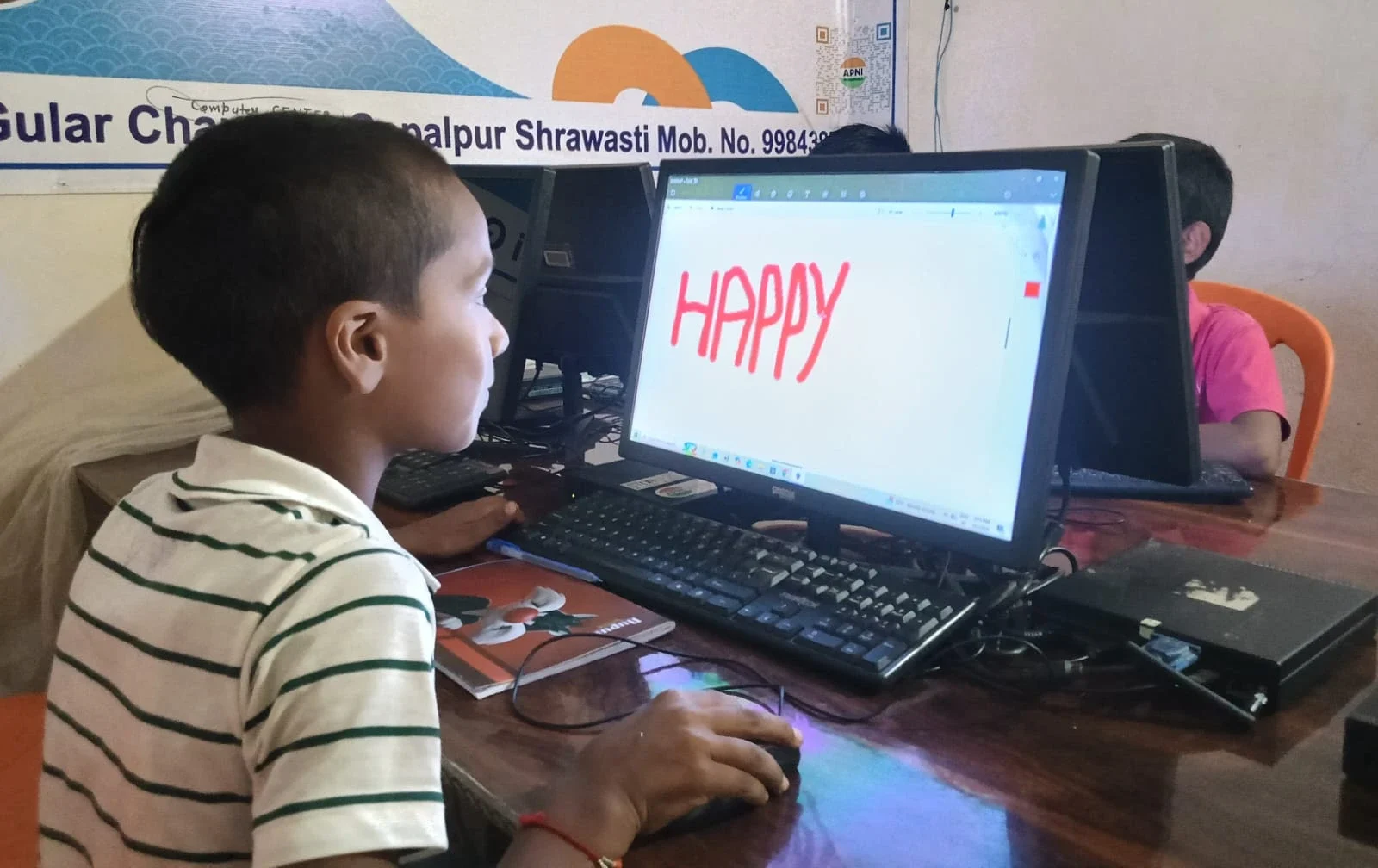
Studying hunched over a phone for hours creates real physical problems. Bad posture leads to neck pain, back pain, and eye strain. Priya used to complain about her neck hurting by evening. That stopped within a week of using a desktop.
If you’re trying to decide between a tablet and a desktop, remember that tablets still encourage hunching. Desktops, when used with proper furniture, actually protect your child’s physical health.
Distraction Reduces on Desktop
Phones are designed to distract you. They’re full of notifications, games, social media, and messaging apps. Even when you’re trying to study, the phone keeps pulling your attention. Priya used to study with her phone nearby, and she’d get distracted every few minutes.
A desktop, especially one designed specifically for students like those from Apni Pathshala, can be configured to minimise distractions. Apna PC comes with Apni Prerna, a student monitoring system that helps parents ensure focused study time. Your child can study without the constant pull of notifications and alerts.
Confidence Grows After the Phone-to-Desktop Shift
Here’s something nobody talks about: students feel more confident when they have proper tools. Priya used to feel like she was studying at a disadvantage. Her classmates had computers. She had a phone. Now she has the same tools they do.
This confidence shows in her grades and in how she approaches new subjects. When you have the right tool for the job, you do the job better. It’s that simple.
The transition from phone to desktop isn’t just technical. It’s psychological. Your child stops feeling like they’re making do with less and starts feeling equipped to learn.
Getting Started With a Desktop for Your Student
You don’t need an expensive computer. Apna PC costs just Rs.30,000 (shipping and GST excluded) and comes with everything a student needs. It has 8GB RAM and 128GB SSD, which is more than enough for online classes, research, assignments, and even basic coding projects.
It runs Zorin OS, a secure, Linux-based system designed for learning. It comes with Scratch for coding, LibreOffice for documents and presentations, and Apni Prerna, which lets parents monitor study progress. Everything is preloaded and ready to go.
You don’t need to be tech-savvy to set it up. You don’t need to buy expensive software licenses. You don’t need to worry about viruses or performance issues. It’s built specifically for Indian students in Tier 2 and Tier 3 cities who want to study seriously.
Rajesh made his investment last month. Today, Priya studies for longer hours without complaining about fatigue. Her grades are up. Her confidence is up. Her future is looking brighter. The shift from phone to desktop changed her educational trajectory.
Your child deserves the same opportunity. Visit apnapc.com to learn more.