


Meera’s Dilemma: Choosing the Right Computer for Pallavi’s Future
Meera sat in her small living room in Indore, staring at two laptop screens her neighbour had brought over. Her daughter Pallavi was entering class 8, and the school had started assigning digital projects. Meera earned Rs.35,000 a month as a teacher, and she wanted to invest wisely in her child’s education. One neighbour swore by a Chromebook; another insisted on Windows. Meera felt lost. Should she buy a Windows vs ChromeOS device? What would actually help Pallavi learn better?
You’re probably facing the same confusion right now. The choice between Windows vs ChromeOS isn’t just about price or brand names. It’s about what your child actually needs to learn, create, and grow. Let’s break this down in a way that makes sense for Indian families like yours.
Windows vs ChromeOS: What’s the Real Difference for Your Child?
Windows PCs are the traditional computers you’ve likely used for years. They run software programs that you install directly on the machine. You can download applications, edit files offline, and fully control what happens on your device. Think of it like owning a house where you can paint the walls any colour you want.
Chromebooks run ChromeOS, a simpler operating system built around internet browsing and cloud storage. Everything happens online through Google’s ecosystem. You don’t install programs the traditional way. Instead, you use web applications and Google’s tools like Docs, Sheets, and Classroom. It’s like renting a furnished apartment where everything is already set up.
For students in tier 2 and tier 3 Indian cities, this difference matters more than you’d think. Many schools now use platforms like the DIKSHA digital learning platform and CBSE online resources. But not all areas have consistent, fast internet. Your choice depends on your internet reliability and your child’s actual learning needs.
ChromeOS for Students: When It Works Brilliantly
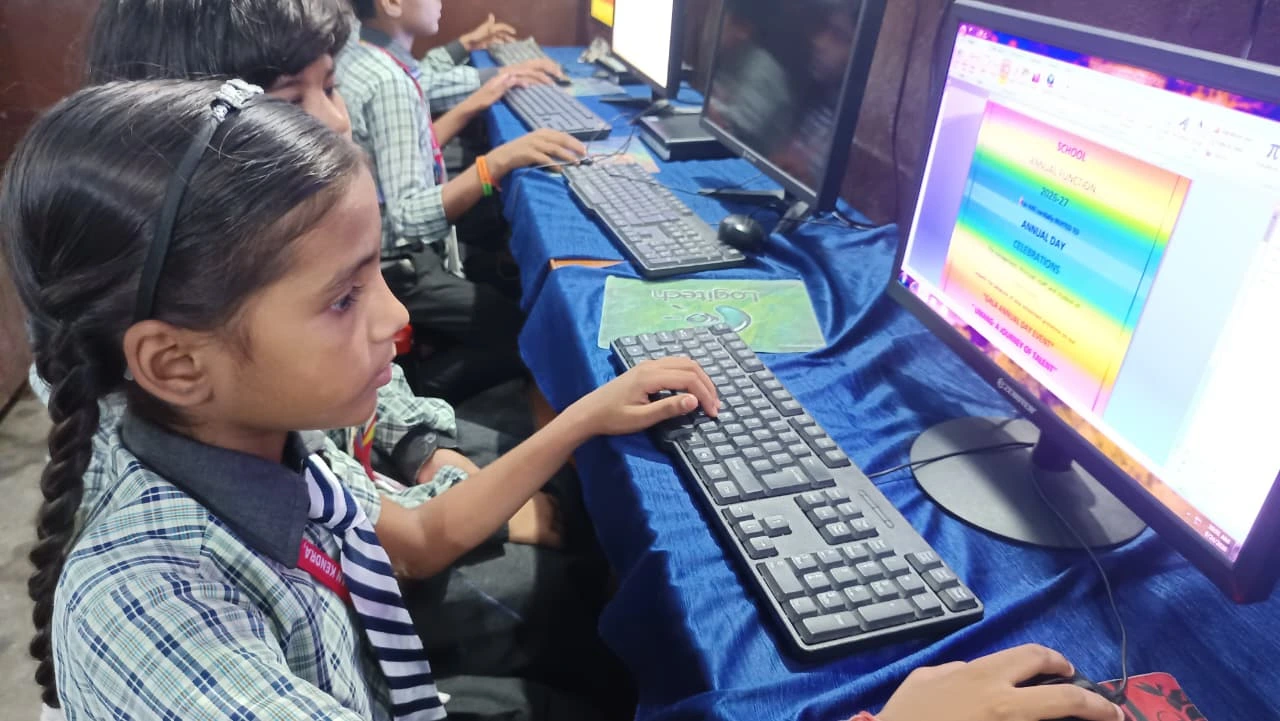
Chromebooks shine when your internet connection is stable. They’re lightweight, affordable, and perfect for students who mainly need to browse, take notes in Google Classroom, and submit assignments online. If your child’s school relies heavily on Google Workspace for Education, a Chromebook can be a great fit.
Here’s what works well with ChromeOS:
- Cost: Chromebooks are typically cheaper than Windows laptops
- Speed: They boot up instantly and run smoothly for web-based tasks
- Simplicity: Fewer technical problems and easier for young students to use
- Safety: Built-in security features protect your child from malware
- Collaboration: Real-time sharing and editing in Google Docs work seamlessly
But here’s the catch. If your internet goes down, your child can’t work. If the school requires specific software like advanced coding environments, design tools, or offline educational applications, ChromeOS becomes limiting.
Windows PC: The Powerful, Flexible Choice
Windows computers give you and your child far more flexibility. You can install specialised software for coding, graphic design, video editing, or any subject-specific tool your school might require. Windows works well offline, which matters if your internet isn’t always reliable.
Windows PCs are ideal when your child needs:
- Coding and programming: Tools like Python, Java, and specialised IDEs
- Creative work: Photo editing, video production, or graphic design
- Offline capability: Work without depending on a constant internet connection
- School-specific software: Particular applications your school uses
- Future-proofing: Skills that transfer to college and professional work
The downside? Windows PCs need more maintenance. They can get slower over time. They’re more vulnerable to viruses if you’re not careful. And they’re typically more expensive upfront.
What About Internet in Your City?
Here’s something nobody talks about directly. In many tier 2 and tier 3 Indian cities, internet isn’t always reliable. Power cuts happen. WiFi drops during monsoon. Your broadband plan might have data limits. These realities change everything in the Windows vs ChromeOS debate.
If you live in an area with spotty internet, ChromeOS can be frustrating. Your child can’t complete assignments when the connection fails. With a Windows PC, they can work offline and sync later. This flexibility is worth more than you might realise.
Apna PC: A Smart Third Option for Indian Families
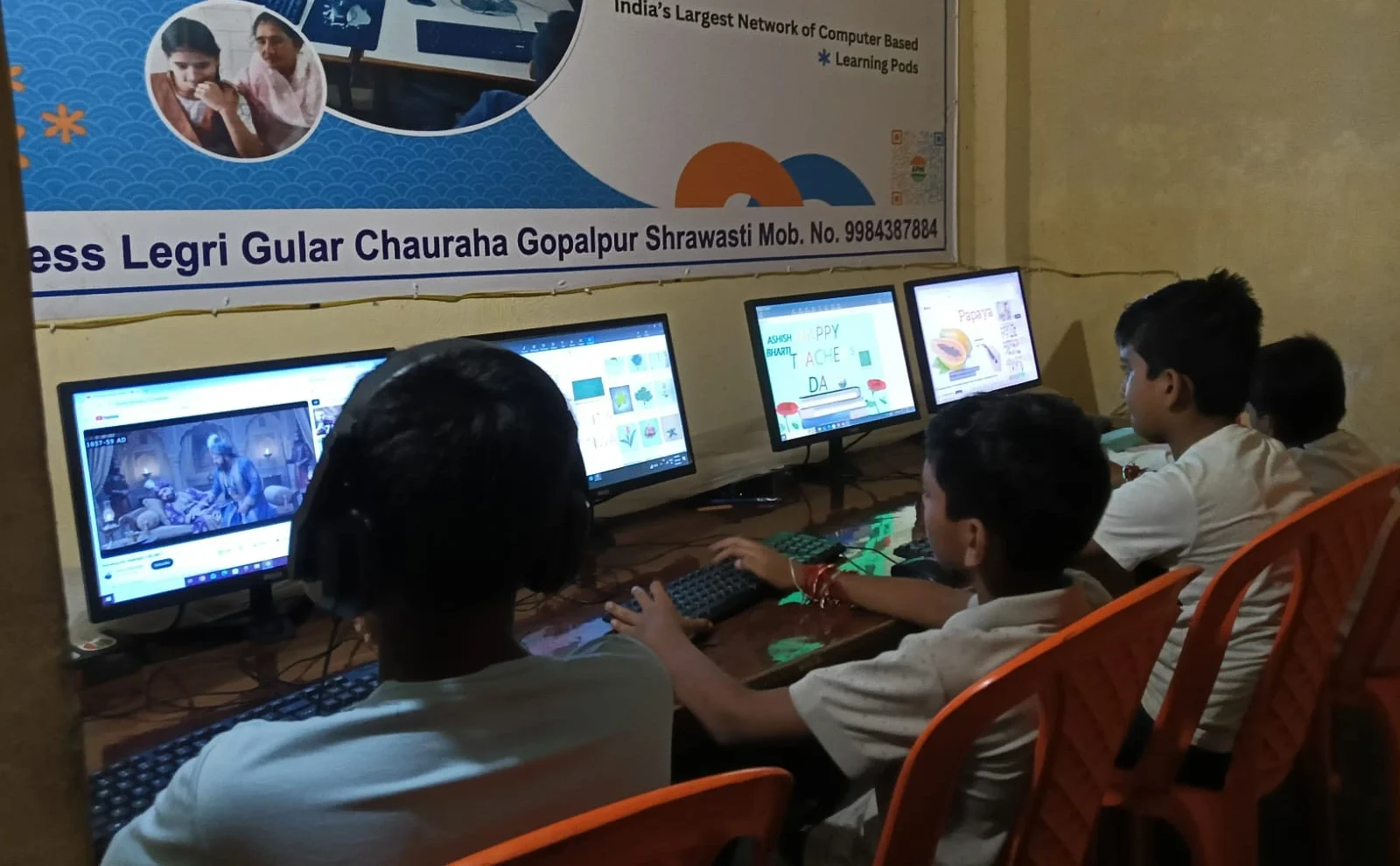
You don’t have to choose between Windows and ChromeOS. Apna PC offers something different, designed specifically for Indian students. Created by Apni Pathshala, this educational computer costs just Rs.30,000 and comes with powerful learning tools built right in.
Apna PC runs Zorin OS, which gives you the power of a traditional computer with the simplicity students need. It comes pre-loaded with LibreOffice for document creation, Scratch for coding, and Apni Prerna for student monitoring. You get 8GB RAM and 128GB SSD, which is more than enough for any school project or online class.
The real advantage? It works offline. Your child can code, create documents, work on projects, and learn without depending on the internet every single moment. When the internet is available, they can upload assignments and collaborate. You get flexibility without the complexity.
How to Decide: Questions to Ask Yourself
Before you spend your money on the Windows vs ChromeOS question, answer these questions honestly:
- Is your internet connection stable and fast most days?
- Does your child’s school use specific software beyond Google Classroom?
- Will your child be learning coding or design skills?
- Can you afford ongoing maintenance and potential repairs?
- How important is offline capability for your situation?
- What will your child need for college entrance exams and beyond?
For most Indian families in tier 2 and tier 3 cities, the answer leans toward having offline capability. Your child shouldn’t be stuck when the internet fails. They should be able to complete their homework, practice coding, and create projects regardless of connectivity.
The Real Cost of Your Choice
Don’t just compare initial prices when weighing Windows vs ChromeOS. Think about total cost. A cheap Chromebook might seem smart until your child needs to do something it can’t handle. Then you’re buying a second device. A Windows PC might need antivirus software, updates, and occasional repairs.
With Apna PC at Rs.30,000, you’re investing in a device built for Indian students, with offline capability and learning software already included. No hidden costs. No surprise limitations. For your family’s situation, this might be the smartest choice.
Check out our detailed desktop and Chromebook comparison to understand more. You can also explore UNESCO global education research on what devices actually help students learn better.
Your child’s education deserves a device that works for your reality, not against it. Apna PC is designed exactly for that. Visit apnapc.com to learn more.