


The Sharma Family’s Computer Dilemma
Last month, Priya Sharma’s parents bought her an old office desktop their neighbour was selling. It cost Rs.15,000, came with Windows 10, and had decent specs on paper. Within two weeks, Priya’s grades dropped. She spent hours distracted by games and videos. Her parents couldn’t monitor what she was doing. The keyboard broke from rough handling. They realised too late: an office computer and a student computer aren’t the same. This is the real difference between an office pc vs student pc that most Indian families discover only after making an expensive mistake.
Why Your Office Computer Isn’t Built for Learning
An office computer is designed for one job: productivity in a professional environment. It runs spreadsheets, emails, and documents. A student computer must do something completely different. Your child needs tools for learning, not just working. The software is different. The monitoring is different. Even how the machine handles distractions is different.
When you buy a used office computer for your son or daughter, you’re bringing home a machine built for adults making money, not children building skills. The operating system doesn’t care about education. Windows or standard Linux on an office machine gives your child full access to everything. There’s no built-in protection. No learning focus. No way for you to see what they’re actually studying.
The Software Problem: Office Tools vs Learning Tools
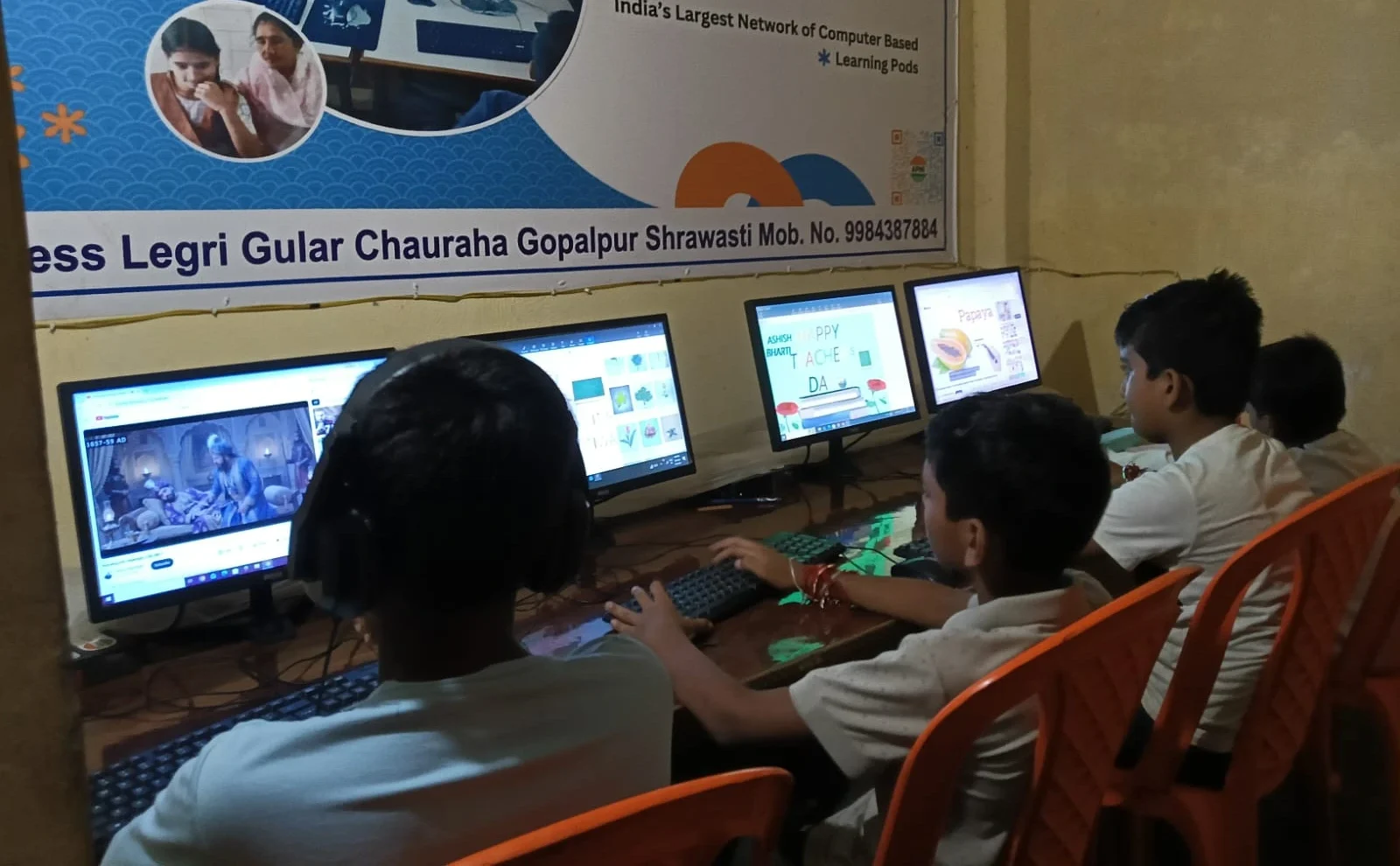
An educational computer comes with software chosen specifically for students. The Apna PC, created by Apni Pathshala, includes Zorin OS (a clean, distraction-free system), LibreOffice for documents and presentations, and Scratch for coding. These tools teach real skills. They’re free from ads and gaming distractions.
An office computer typically runs Microsoft Office or generic software. Your child can install anything. Games, social media apps, streaming services. You can’t stop them. The student computer vs office computer choice becomes clear when you realise that an educational computer filters what can be installed. It protects learning time.
Apna PC also includes Apni Prerna, a student monitoring system built into the machine itself. You can see what your child is studying, how long they study, and when they’re taking breaks. An office computer has no such feature. You’re blind to their screen time.
Monitoring and Parental Control: The Hidden Cost
Here’s what office computer sellers don’t tell you: you’ll need to buy expensive monitoring software separately. Parental control apps cost Rs. 500 to Rs. 2,000 per year. They often don’t work well on older machines. They slow down the computer. Your child learns to disable them.
A student computer built for education has monitoring built in from day one. It’s not an afterthought. It’s part of the design. You get real visibility into your child’s learning without paying extra or fighting technical problems. This alone saves you money and stress over the next 3-4 years your child uses the machine.
Durability and Repair: Why New Beats Used
An old office computer is old for a reason. Companies replace them after 4-5 years because they wear out. The hard drive is tired. The battery is dead. The keyboard is worn. You might get another year or two, but then repairs start piling up. A Rs.15,000 used machine suddenly costs Rs.8,000 in repairs within 12 months.
A new student computer like Apna PC comes with a warranty. The SSD is fresh. The RAM is new. You’ll have 3-4 years of reliable use without surprise breakdowns during exam season. That’s worth more than the price difference.
The Real Price: Office PC vs Student PC
Yes, Apna PC costs Rs.30,000 (before shipping and GST). A used office computer costs Rs. 10,000 to Rs. 20,000. The difference looks big until you do the math. Add monitoring software for the office machine. Add repair costs. Add the cost of your child’s distraction and lower grades. Add the stress of not knowing what they’re doing online.
An educational computer built for students includes everything you need from day one. 8GB RAM is enough for learning. 128GB SSD is enough for schoolwork and projects. Zorin OS is lightweight and fast. LibreOffice handles all school assignments. Scratch teaches coding. Apni Prerna keeps you informed. You’re not buying a cheap machine. You’re investing in your child’s focus and your peace of mind.
Operating System Matters More Than You Think
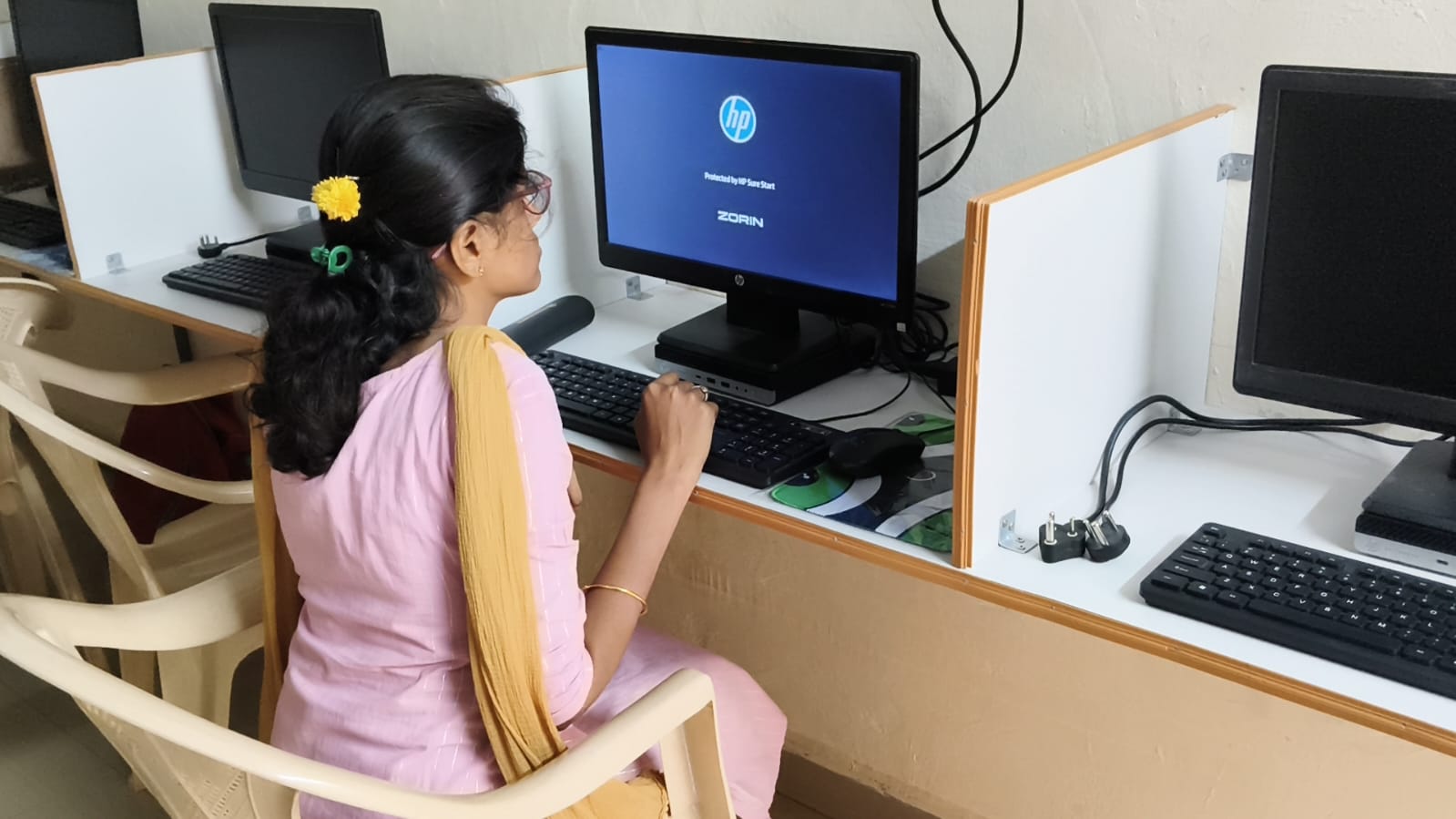
Windows on an office computer is powerful but messy. Updates interrupt study time. Security warnings pop up constantly. Your child can disable settings you set. Linux on an educational computer is clean, fast, and designed for learning. Zorin OS looks familiar but works differently. It boots faster. It never slows down. It runs exactly what your child needs and nothing else.
If you’re curious about different computer types for students, check out our Mini PC vs traditional desktop guide to understand all your options.
What Government Initiatives Say About Educational Technology
India’s DIKSHA digital learning platform and the Ministry of Education have clear guidelines: students need devices designed for learning, not repurposed office equipment. The Digital India initiative emphasises that the right technology improves educational outcomes. An office computer is not the right technology. A student computer is.
Making the Smart Choice for Your Child
Priya’s parents eventually bought an Apna PC. Within three weeks, her focus improved. She spent less time distracted and more time learning. Her parents could see exactly what she was studying through Apni Prerna. The keyboard didn’t break because it was built for student use. The machine didn’t slow down with bloatware. They realised they hadn’t wasted money on a cheap office computer. They had invested in their daughter’s education.
The real difference between an office PC and a student PC comes down to this: one is built to make money; the other is built to make learners. When you’re choosing a computer for your child, choose one designed for their actual needs. Your child deserves a machine built for learning, not a hand-me-down built for something else. Visit apnapc.com to learn more.