


Rahul’s Struggle With Digital Documents
Rahul sits in his small room in Indore, staring at his laptop screen. His history teacher just sent 47 pages of notes as a PDF, but he’s drowning in the file. He can’t find the important dates; his annotations are scattered across three different apps, and when he tries to print it, half the images come out blurry. His frustration is real, and he’s not alone. Thousands of Indian students in Tier 2 and Tier 3 cities face the same problem every single day.
The truth is, PDFs are everywhere in your school life now. Whether it’s your CBSE exam syllabus, your coaching institute notes, or your teacher’s assignments, digital documents have become the backbone of modern education. But most students don’t know how to use them properly. You might waste hours organising files, searching for lost documents, or struggling with tools that don’t work on your computer.
This post will show you exactly how to handle PDFs smarter. We’ll cover practical tips that work, free tools, and how the right computer setup can make everything easier. By the end, you’ll be handling your digital documents like a pro.
Why PDFs Matter for Students in School
PDFs are the standard format for almost everything in school now. Your textbook chapters come as PDFs, your question banks are PDFs, and your mock test papers arrive as PDFs. Unlike Word documents or Google Docs, PDFs stay the same on every device. Your teacher sends you a file, and it looks the same on your phone, laptop, or tablet.
The real power of PDFs is that they work everywhere. You can open them on any computer, even old ones. You can read them offline without internet. You can print them without the formatting getting messed up. For students in smaller cities where internet is slow or unreliable, this is a huge advantage.
But here’s the thing: most students use PDFs only to read and print. That’s like buying a smartphone and only using it to make calls. PDFs have so many hidden features that can save you hours every week.
How PDF for Students Can Organise Files Better
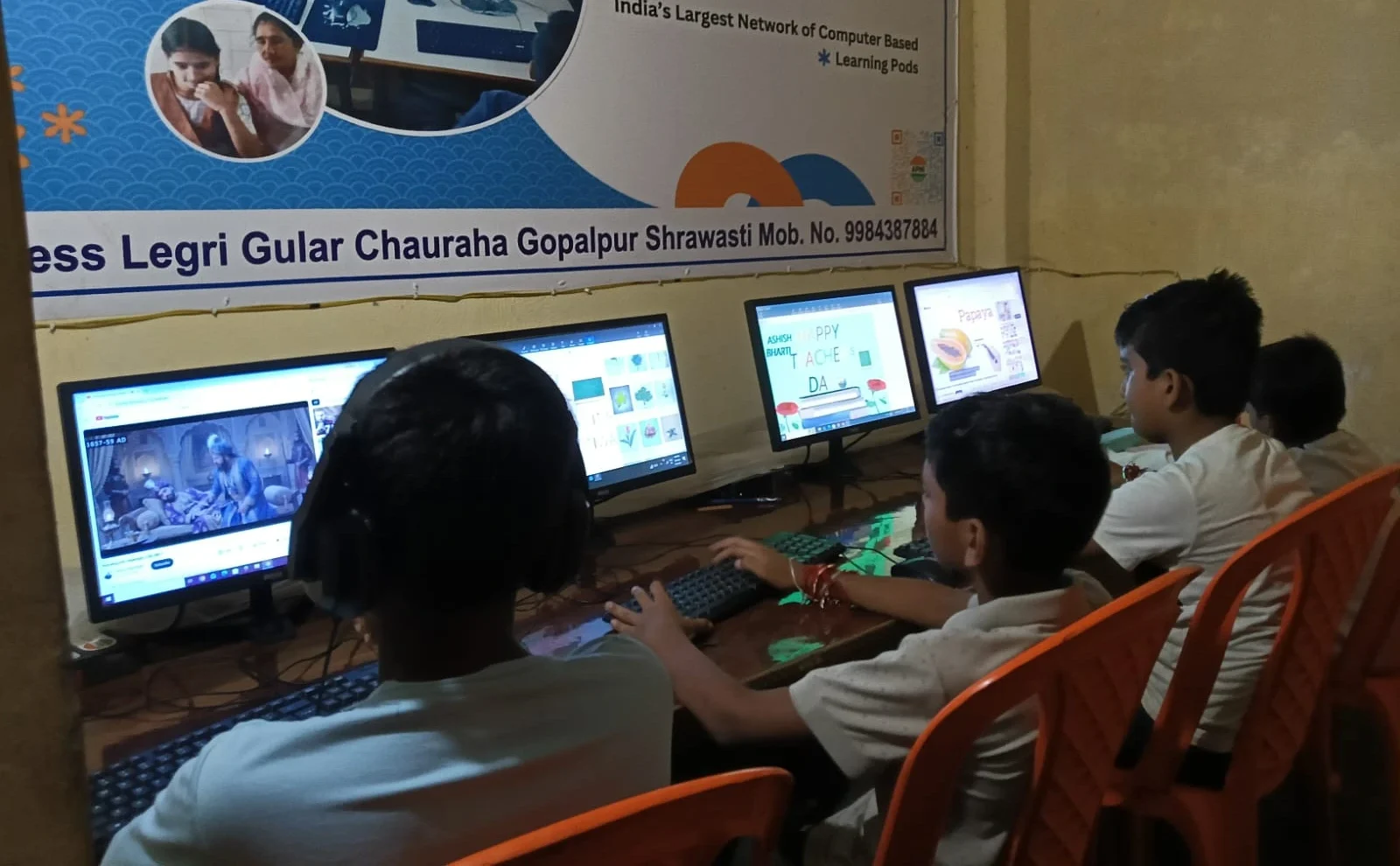
Your first step is creating a system that actually works. Start by making folders for each subject on your computer. Inside each subject folder, create subfolders for chapters, assignments, and exam papers. This sounds simple, but it saves you from the nightmare of searching through 200 random files.
Name your files clearly. Instead of “Document1.pdf” or “Notes_Final_FINAL_v2.pdf”, use names like “Biology_Chapter5_Photosynthesis_2026.pdf”. When you search for something later, you’ll find it in seconds instead of minutes.
Use your computer’s search function to find PDFs by date or keyword. On Windows, you can search by file type. On Linux systems like Zorin OS that come pre-loaded on educational computers, you can search even faster. The key is having a system that works for you, not against you.
Annotation Tools That Actually Save Time
Reading a PDF without marking it is like studying with your eyes closed. You need to highlight important points, write notes in the margins, and mark questions you don’t understand. This is where most students get stuck because they think they need expensive software.
LibreOffice, which comes free on many educational computers, can open PDFs and let you add text boxes and comments. You can also use free online tools that let you upload a PDF and annotate it directly in your browser. The goal is to mark up your documents so that when you review them later, the important information jumps out at you.
Another smart trick is to take screenshots of important PDF sections and paste them into a OneNote or Google Keep document. You can then add your own notes next to each screenshot. This creates a personalised study guide that you actually understand.
Combining Multiple PDFs Into One Document
Your teachers often send materials in separate files. One PDF has the chapter content, another has practice questions, and a third has the answer key. Searching through three files during study time is wasteful. Many free online tools let you merge PDFs into a single document, and you can even rearrange the pages.
When you convert files to PDF and combine them, you create a complete study package. Your entire unit is in one place. You can read it straight through without jumping between files. This is especially useful before exams when you want to review everything quickly.
Searching Inside PDFs Like a Detective
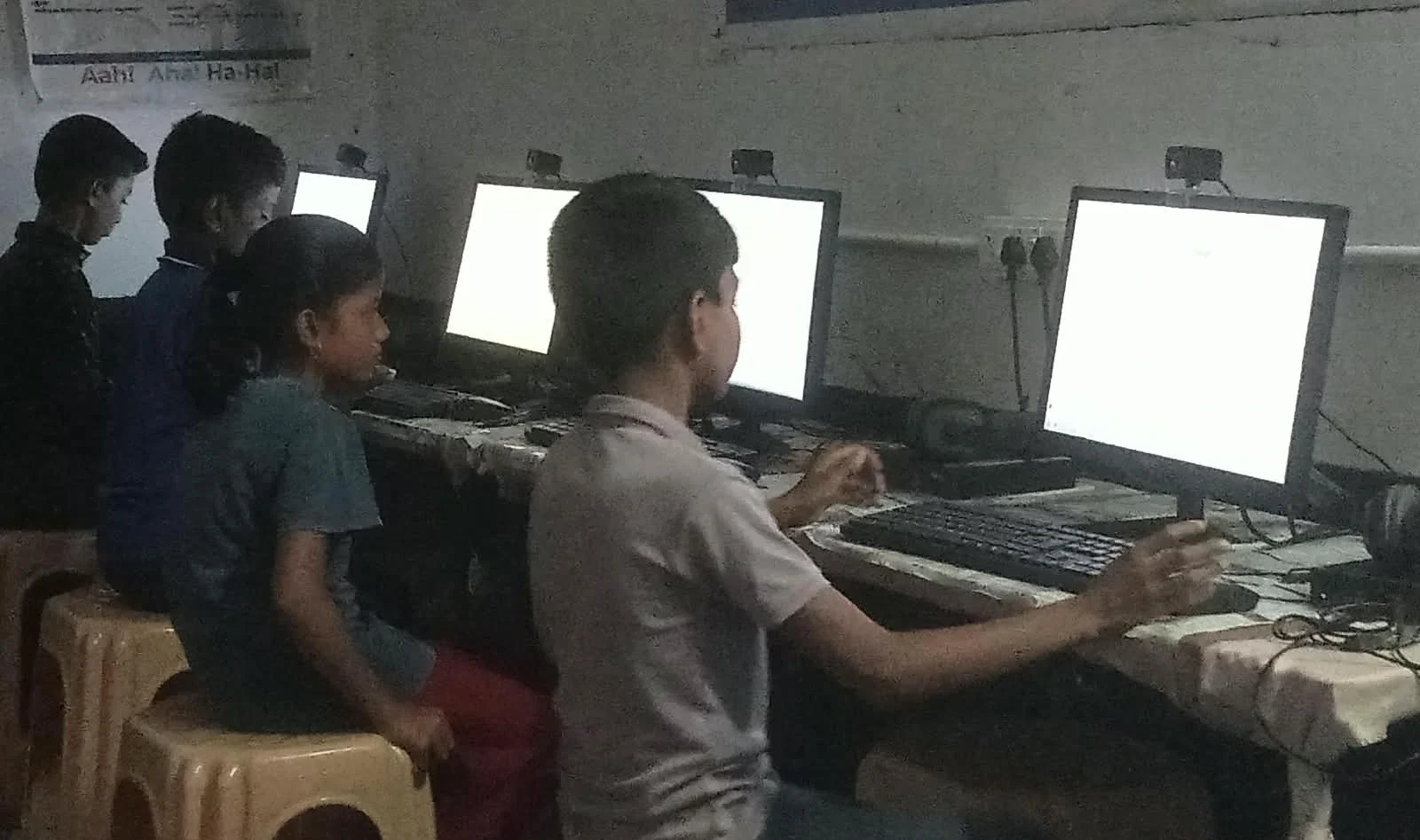
PDFs have a search function that most students never use. Press Ctrl+F while reading a PDF, and a search box appears. Now you can find any word instantly. Your teacher mentioned something about “mitochondria” three chapters ago? Search for it, and you’ll find it in seconds.
This skill alone can cut your study time in half. Instead of reading 50 pages to find one concept, you search for it. This is especially valuable during exam prep when you need to review specific topics quickly.
Protecting Your Important Documents
Your study materials are valuable. Some PDFs contain personal information, scores, or teacher feedback. Password-protect important files so no one else can access them. Most free PDF tools have a simple option to add password protection.
Also, keep backups of your important PDFs. Use cloud storage like Google Drive or OneDrive to save copies. If your computer crashes, your files are still safe. This basic protection takes five minutes but can save you from disaster.
The Right Computer Makes Everything Easier
These tips work better when you have a computer designed for students. The Apna PC from Apni Pathshala comes with 8GB RAM and 128GB SSD storage, so you can open hundreds of PDFs without your computer slowing down. It runs Zorin OS, which handles PDFs smoothly and includes LibreOffice.
The computer also comes with Apni Prerna, a tool that helps you track your study progress. You can organise all your PDFs for student work, annotate them, and monitor which subjects you spend time on. At Rs. 30,000 (shipping and GST excluded), it’s an investment in your education that pays off every day.
Your computer is where all your study happens now. A fast, reliable, student-designed one removes friction from your learning. You spend less time fighting with technology and more time actually studying.
Using Official Resources as PDFs
The DIKSHA digital learning platform offers thousands of study materials as downloadable PDFs. Your school might also use resources from the Central Board of Secondary Education (CBSE). Download these official materials and organise them in your system. These are high-quality resources that you can trust.
Many coaching institutes also provide study materials as PDFs. Download them immediately and back them up. These are your study tools, and they deserve proper organisation.
Quick Wins You Can Start Today
You don’t need to overhaul your entire system today. Start with three small changes: first, create a simple folder structure for your subjects. Second, learn the Ctrl+F search trick and use it this week. Third, try annotating one PDF using your computer’s built-in tools.
These three steps will immediately make your PDF work easier. From there, you can add more tools and techniques as you get comfortable. The goal is to work smarter with your digital documents, not harder.
Your education depends on how well you manage your materials. PDFs are the format of modern learning, and mastering them is a skill that will help you through school, college, and beyond. The time you invest in learning these techniques now will save you hundreds of hours later.
Start organising your PDF for students’ work today, and watch how much faster you study. Visit apnapc.com to learn more.