


Rishav’s Assignment Disaster: Why Converting Files to PDF Matters
Rishav, a Class 9 student from Indore, spent three hours perfecting his history project in Microsoft Word. He emailed it to his teacher the night before it was due. The next morning, his teacher called his mother saying the file was corrupted and unreadable. Rishav’s heart sank. He didn’t know that his teacher’s computer couldn’t open the .docx file properly. If he’d known how to convert files to PDF, his assignment would’ve been safe, readable, and professional across any device.
This isn’t just Rishav’s story. Thousands of Indian students face similar problems every year because they don’t understand digital documents and file formats. The good news is that learning to convert files to PDF takes just two minutes, and it can save your schoolwork from disaster.
What Does It Mean to Convert Files to PDF?
PDF stands for Portable Document Format. Think of it as a digital photograph of your document that looks exactly the same on every computer, tablet, and phone. When you convert files to PDF, you’re creating a file that can’t be accidentally changed, corrupted, or reformatted by someone else’s device.
Your Word document might look perfect on your laptop but appear broken on your teacher’s old desktop computer. Your PowerPoint slides might have weird spacing on a smartphone. But a PDF? It stays exactly as you made it, every single time, on every device.
This is why PDF for students isn’t just a nice skill to have. It’s essential for anyone submitting schoolwork online.
Why Teachers and Schools Love PDF Documents
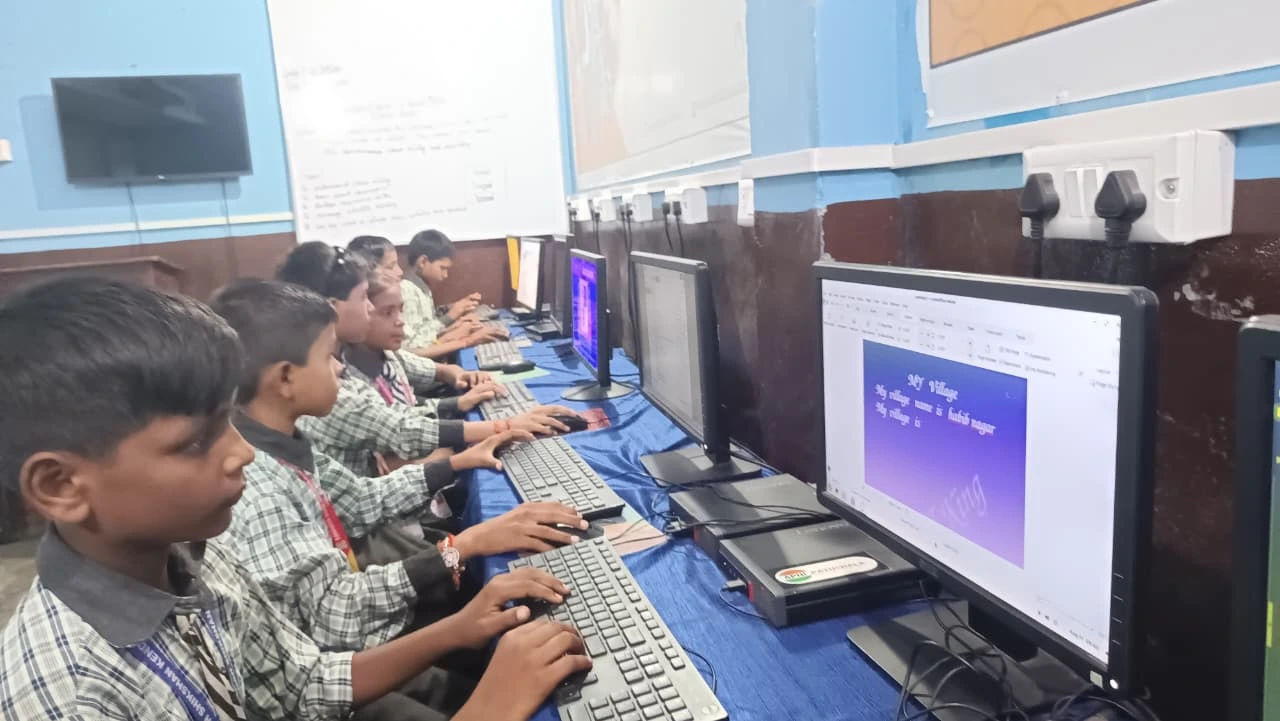
When your teacher receives a PDF, they know exactly what they’re looking at. There’s no guessing about fonts, no broken images, no missing formatting. The Central Board of Secondary Education (CBSE) and most Indian schools now prefer PDF documents for online submissions and digital exams.
Many schools use digital assignment portals where PDFs upload faster and display instantly. Your teacher can grade your work immediately without waiting for the file to load or convert. Some online exam platforms actually require PDF submissions only.
By mastering this format, you’re speaking your school’s digital language. You’re showing maturity and technical awareness that teachers notice.
How to Convert Files to PDF on Your Computer
Here’s the beautiful part: converting files to PDF is completely free and takes seconds. If you’re using a computer like Apna PC, which comes pre-loaded with LibreOffice, you already have everything you need.
Open your document in LibreOffice Writer, Calc, or Impress. Click the File menu. Select “Export as PDF.” Choose where to save your file. Click Export. Done. Your document is now a PDF that works everywhere.
On Windows computers with Microsoft Office, click File, then “Save As,” then choose PDF from the file type dropdown. On Mac, click File, then “Export as PDF.” Every device has this built-in. You don’t need to buy special software or pay for premium tools.
Real Situations Where PDF for Students Saves the Day
Imagine submitting your English essay at 11:59 PM before the deadline. Your teacher opens it the next morning, and it looks perfect because it’s a PDF. No formatting disasters. No missing fonts. Full marks for presentation.
Picture yourself sending your resume to a scholarship program or college. They receive it as a PDF. Your layout, your design, your hard work look professional and exactly as you intended. You’re not competing against students whose documents arrived broken or misformatted.
Think about sharing your science project with classmates for group work. You send a PDF. Everyone sees the same thing. No one wastes time troubleshooting file compatibility issues. Everyone can focus on the actual content and collaboration.
These aren’t hypothetical situations. These happen every single day in Indian schools, and PDF for students solves every one of them.
Digital Documents and Your First Educational Computer
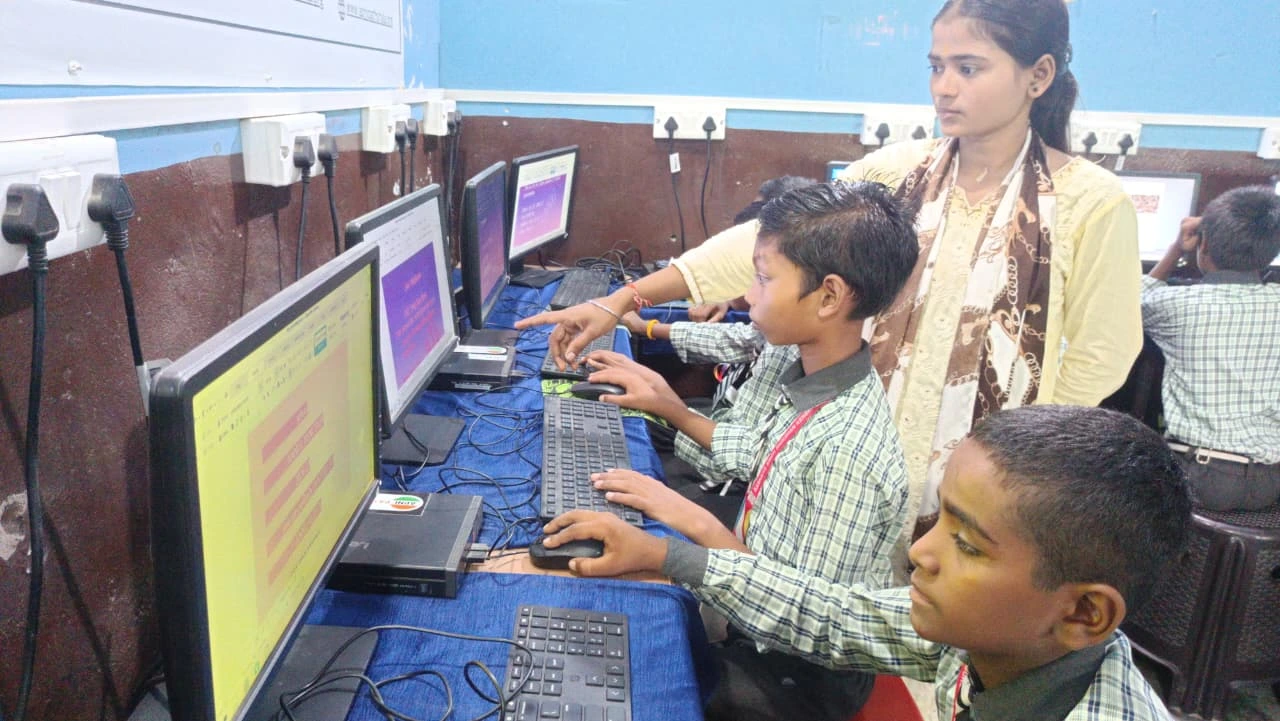
If your parents are buying your first educational computer, understanding digital documents is part of digital literacy. Apni Pathshala designed Apna PC specifically for students like you, priced at just Rs.30,000, with 8GB RAM and 128GB SSD storage.
The computer comes pre-loaded with LibreOffice, which means you’re ready to create documents and export them to PDF from day one. No extra software. No confusion. You can write essays, build presentations, organise spreadsheets, and save everything in the right format instantly.
Learning on a purpose-built educational computer means you learn file management, document creation, and digital literacy at the same time. You’re not just using technology. You’re understanding it. And that understanding includes knowing how to convert files to PDF properly.
Why This Skill Matters Beyond School
PDF skills aren’t just about getting good grades on assignments. It’s a skill that follows you through college and your entire career. Professionals handle PDFs every single day when they submit reports, applications, portfolios, and contracts.
The India Ministry of Education has been pushing for digital literacy in schools, and UNESCO global education research shows that document skills are a core part of modern learning. By mastering this format now, you’re building a skill employers will expect in five years.
Companies, government offices, universities, and online platforms worldwide use PDF as the standard format for important documents. Learning this now gives you a head start that many of your classmates don’t have.
Getting Started Today
You don’t need to wait for a special lesson or workshop. Open any document you’re working on right now. Click File. Look for Export as PDF or Save as PDF. Try it. See how simple it is. Your schoolwork just became more professional and more reliable.
If you’re still using an older computer that makes this process difficult, consider how an educational computer designed for students can smooth your digital workflow. Knowing how to print school work is important, but mastering file formats is equally critical in today’s digital learning environment.
Start today. Convert your next assignment to PDF. Watch how smoothly it submits. Feel confident knowing your work will display perfectly, no matter what device your teacher uses to open it.
Digital literacy isn’t complicated. It starts with small skills like this one. Your future self and your current grades will thank you. Visit apnapc.com to learn more.