


Ravi’s Marksheet Crisis: Why Your School Documents Need Digital Backup
Ravi sat in his bedroom in Varanasi, staring at the empty folder where his Class 9 marksheet used to be. His younger brother had accidentally spilt water on it last week, and now the ink was completely smudged. The school office said it would take three weeks to issue a duplicate. Ravi needed that marksheet for his coaching centre admission next Monday. This is when he realised he should have scanned documents right after receiving them. If you’re a student in India, you face similar risks every day. Your school records, assignments, certificates, and important papers can get lost, damaged, or misplaced. Learning how to scan documents and create digital documents is no longer optional. It’s a practical skill that can save you from stress and delays.
Why You Need Digital Documents of Your School Records
Your student records are valuable. They include marksheets, admit cards, certificates, transfer certificates, and achievement awards. Physical papers fade, get damaged by moisture, or disappear in the chaos of moving homes. Digital documents, on the other hand, stay safe forever if you store them properly. You can access them from any device, share them instantly with teachers or coaching centres, and create backup copies. Document scanning transforms your pile of papers into organised digital files that you can search, sort, and retrieve in seconds.
Think about the times you’ve needed a particular school document urgently. Your parents couldn’t find it, or it was at home while you were at a coaching centre. With digital documents, this problem vanishes. You can keep all your student records in one folder on your computer and access them anytime. This also helps you develop digital organisation skills that colleges and employers value highly.
How to Scan Documents at Home: A Simple Process
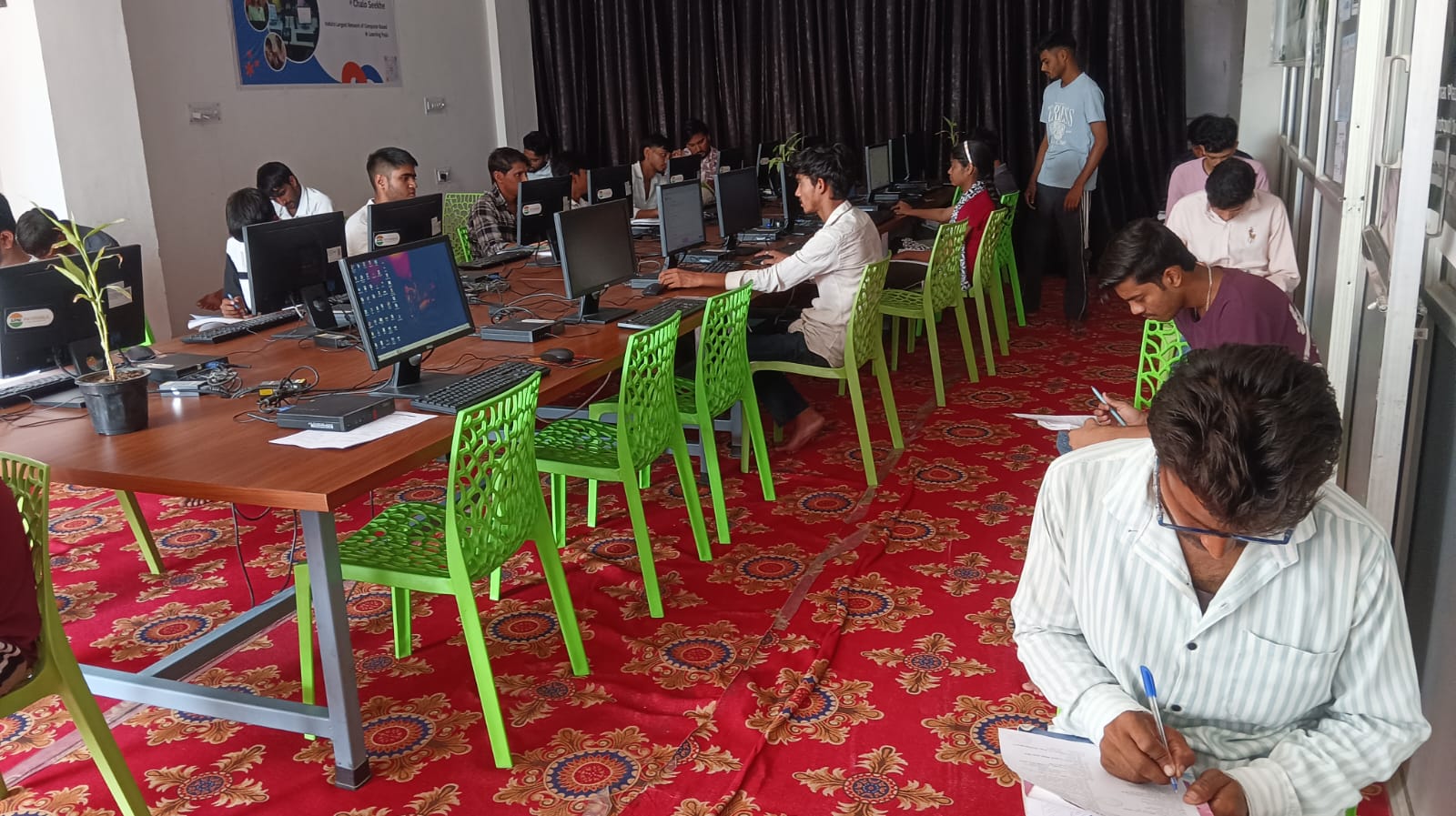
You don’t need expensive equipment to scan documents. A basic USB scanner or a multifunction printer with scanning capability costs between Rs. 3,000 and Rs. 8,000. Many schools and coaching centres also have scanners you can use for free or a small fee. The Apna PC comes pre-loaded with software that works seamlessly with common USB scanners and multifunction printers, making document scanning simple and fast.
Here’s your step-by-step process for document scanning:
- Gather your documents: Collect all your school records, marksheets, certificates, and important papers in one place.
- Clean your scanner: Wipe the scanner glass with a soft cloth to ensure clear scans.
- Adjust scanner settings: Set the resolution to 300 DPI for text documents and 600 DPI for certificates or awards you might need to print later.
- Scan one document at a time: Place the document face-down on the scanner and press the scan button.
- Save with clear names: Name each file clearly, like “Class9_Marksheet_2024” or “Transfer_Certificate_2023”.
- Organise into folders: Create folders by year or document type so you can find files quickly.
Setting Up Your Digital Document System
Once you start scanning documents, you need a system to keep them organised. Create a main folder called “My School Records” on your computer. Inside it, make subfolders for each academic year or document category. Put your Class 9 marksheets in one folder, Class 10 certificates in another, and so on. This organisation saves you hours of searching when you need a specific document.
The Apna PC is perfect for this task because it has 128GB of SSD storage, which is plenty for thousands of scanned documents. It runs Zorin OS, a user-friendly operating system that makes file management simple even if you’re new to computers. You can also use LibreOffice, which comes pre-installed, to edit scanned documents if needed.
Why You Must Scan Documents and Back Them Up
Scanning documents is only half the battle. You must also protect your digital files from loss or damage. Create at least two backup copies of your important student records. Store one backup on an external hard drive kept at home and another on a cloud service like Google Drive or OneDrive. This way, even if your computer crashes, your documents remain safe.
Never store sensitive documents like marksheets or certificates on public computers or shared devices. Use your personal computer with a strong password. If you’re sharing documents with teachers or coaching centres, send them through secure email rather than messaging apps.
Going Beyond Scanning: Building Your Digital Portfolio
Once you’ve digitised your student records, you can build a digital portfolio of your achievements. Include your scanned marksheets, certificates, project reports, and photos from school events. This portfolio becomes invaluable when you apply to colleges or internships. Employers and admission committees love seeing organised digital evidence of your academic journey. You’re essentially creating a permanent record that can’t be lost or damaged.
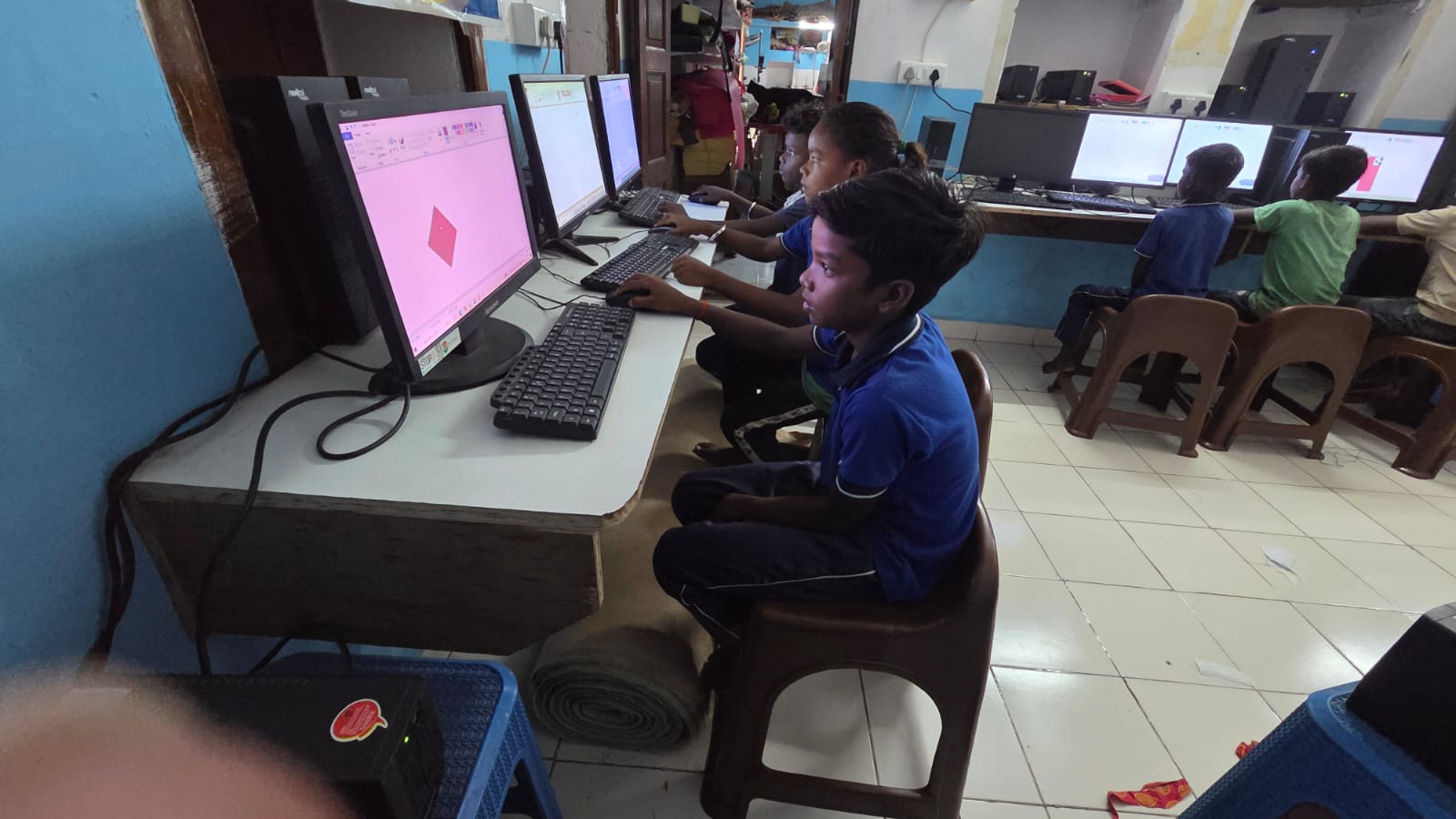
The Apni Pathshala team designed the Apna PC with students like you in mind. The pre-loaded Apni Prerna student monitoring software helps you track your academic progress digitally. Combined with your scanned documents and organised files, this creates a complete digital learning environment right at home.
Connecting to India’s Digital Learning Ecosystem
Your document scanning efforts align with larger national initiatives. The DIKSHA digital learning platform encourages students to maintain digital records of their learning journey. The Digital India initiative aims to make every Indian citizen digitally capable. By learning to scan documents and organise digital files, you’re becoming part of this movement. The Skill India mission recognises digital literacy as a core skill for your future career.
Why Tier 2 and Tier 3 City Students Benefit Most
If you live in a Tier 2 or Tier 3 city, document scanning becomes even more important. Because major educational institutions are far away, you can’t easily visit schools to request duplicate documents. Digital copies of your student records save time and travel costs. You can share your digital documents instantly with coaching centres in other cities or with online tutors.
The Apna PC at Rs. 30,000 is an affordable investment in your educational future. It gives you a dedicated device to scan documents, organise files, and access digital learning resources. Unlike shared family computers, you’ll have full control over your academic records and can build your digital portfolio without interruptions.
Start today by gathering your school documents and planning your scanning project. Your future self will thank you for the organised digital records you create now. Visit apnapc.com to learn more.