


Rahul’s Print Shop Problem (And How Your Home Setup Solves It)
Rahul, a Class 9 student in Indore, stood in a crowded print shop at 4 PM on a Tuesday. His history project was due the next morning. Twenty people ahead of him. The printer jammed twice. He finally got his pages at 6:30 PM, rushed home, and stayed up until midnight glueing pictures and writing captions. His parents watched helplessly. This is the reality for thousands of Indian students trying to print school projects in their cities.
What if Rahul had a computer at home? What if he could design, edit, and print his student projects without leaving his room? This is exactly what a home setup with Apna PC makes possible. You no longer need to visit a print shop. Your computer printing happens on your schedule, not someone else’s queue.
Why Print School Projects at Home?
Printing your project work from home saves you time, money, and stress. You can print whenever you want, fix mistakes instantly, and try different designs without paying for each attempt. A single trip to a print shop might cost you Rs.200-500 and two hours of your day. Over a school year with 8-10 major projects, that’s Rs.2000 wasted and 20 hours lost.
Home printing also gives you control over quality. You decide the paper type, colour settings, and layout. Your project looks exactly how you imagined it, not how the shop owner thinks it should look.
What You Need to Print School Projects at Home
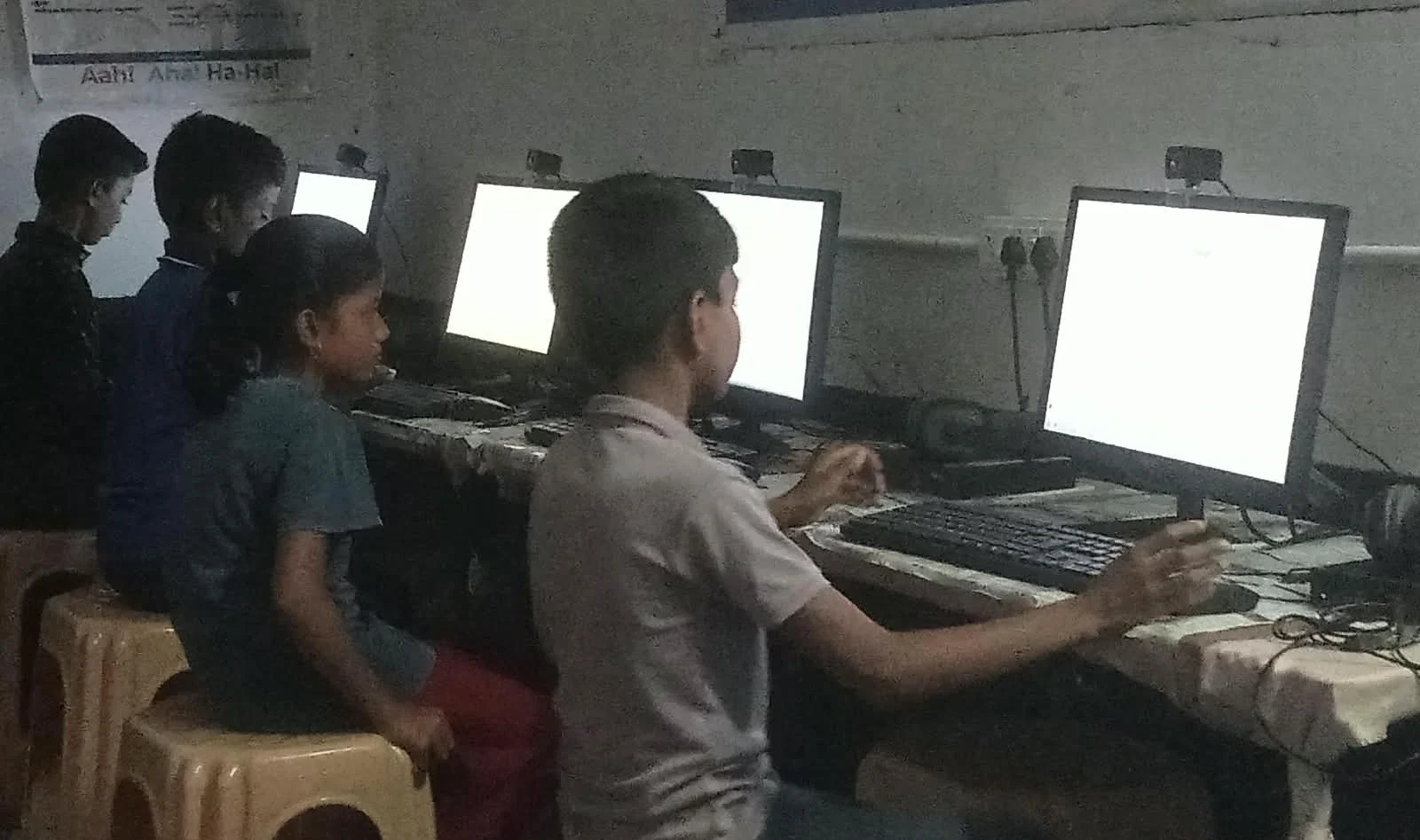
You need three things: a computer, a printer, and the right software. Apna PC provides the computer. It’s an educational computer built for students like you, priced at Rs.30,000 (plus shipping and GST). It comes with 8GB RAM and 128GB SSD, which is more than enough for your project work.
The software is already loaded. LibreOffice lets you create documents, spreadsheets, and presentations. Scratch helps with creative computing projects if your school teaches coding. Zorin OS is the operating system that runs everything smoothly.
For the printer, you can connect any USB printer to Apna PC. Most homes already have access to an inkjet or laser printer. If you don’t, basic USB printers cost Rs.3000-5000 and last for years. Your investment pays back after just one school year.
How to Create Student Projects on Apna PC
Start by opening LibreOffice Writer for text-based projects. You can type, format, add images, and create a professional-looking document in minutes. For science projects with charts and data, use LibreOffice Calc. For presentations, use LibreOffice Impress. All three are free and already installed.
If your project needs graphics or drawings, Apna PC has built-in tools. You can search for free images online, edit them, and add them to your project. The 8GB RAM means you can work with multiple files at once without your computer slowing down.
Once your project is ready, save it as a PDF. This ensures your formatting stays perfect when you print. Then connect your USB printer to your PC and hit print. Your project comes out exactly as you designed it.
Real Student Stories: How Computer Printing Changed Their Project Work
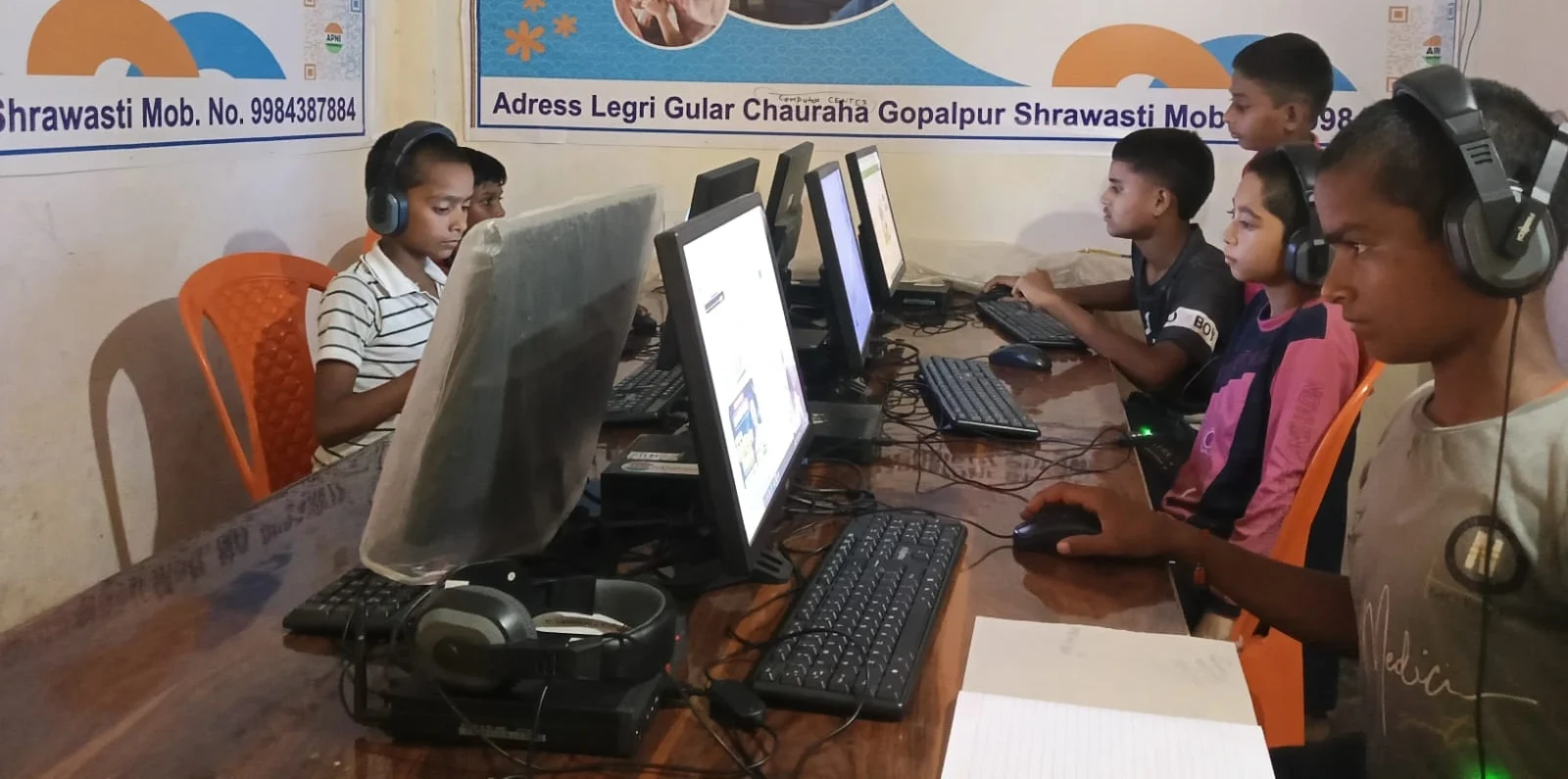
Priya from Nagpur used to spend Rs.300 per project at a print shop. With her home computer, she now prints 5-6 drafts before her final version, experimenting with different layouts. Her projects look more polished, and her grades improved. Her parents saved Rs.2000 in one year.
Arjun in Bhopal had a science project due on Monday. He finished it Sunday night, printed it instantly, and went to bed at 10 PM instead of midnight. He had time to review his work and add missing details. That extra hour made a real difference in his marks.
The Bigger Picture: Digital Skills for Your Future
Learning to create and print your own project work teaches you digital skills that schools value. You learn document formatting, file management, and how to use professional software. These skills matter for college applications and job interviews. The Digital India initiative and Skill India mission both emphasise these abilities.
Apni Pathshala designed Apna PC specifically for this reason. The computer comes with Apni Prerna, a student monitoring tool that helps you track your learning. You also get access to resources for creative computing projects that go beyond basic printing.
Why Apna PC Is Built for Your Student Projects
Apna PC isn’t just any computer. It’s built for students in Tier 2 and Tier 3 Indian cities where your first computer matters. The Rs. 30,000 price is designed for families buying their first educational computer. It has enough power for all your schoolwork without the gaming features you don’t need.
The 128GB SSD helps your computer start up fast and run smoothly. You can store hundreds of projects, photos, and documents. The 8GB RAM handles multiple applications at once. When you’re researching for a history project, writing in LibreOffice, and printing at the same time, everything works without lag.
The pre-loaded software is free and legal. You don’t need to buy Microsoft Office or worry about licenses. LibreOffice does everything you need for school, and millions of students worldwide trust it. You can even access the DIKSHA digital learning platform for additional study materials.
Getting Started: Your First Printed Project
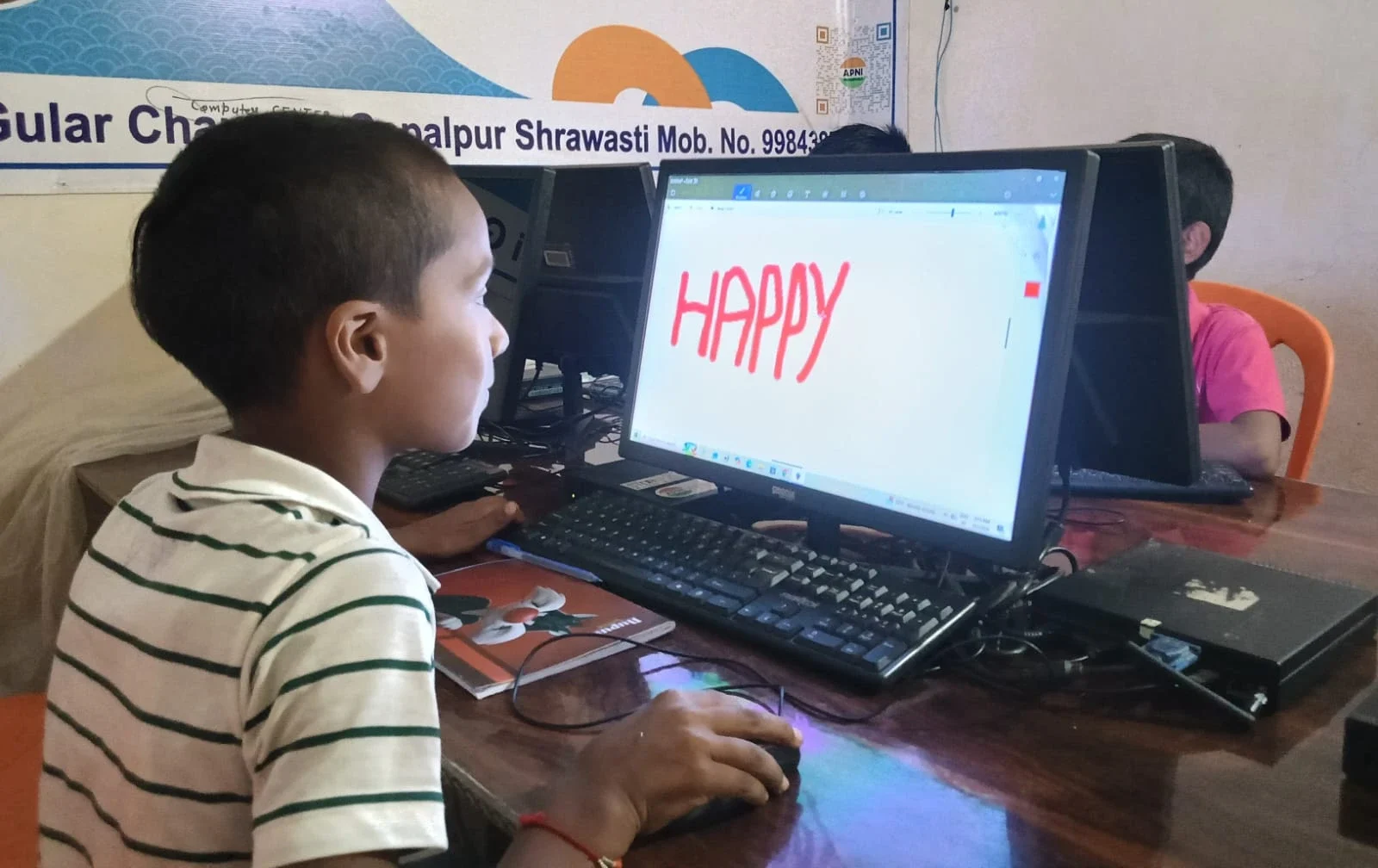
Here is your step-by-step path to print school projects without stress. First, set up Apna PC in a quiet corner of your home. Connect it to your printer via a USB cable. Open LibreOffice and start your project. Save your work frequently. Design your layout, add images, and format your text. Preview your project before printing. Print one test page to check quality. Make adjustments if needed. Print your final copy.
The entire process takes less time than a trip to the print shop. You stay home, stay focused, and deliver better work.
The Cost Comparison: Print Shop vs Home Printing
With a home setup, you can print school projects at a fraction of the cost. A print shop charges Rs.5-10 per page. A typical school project is 10-15 pages with colour printing. That’s Rs.100-150 per project. Over a year, you’ll print 8-10 projects, costing Rs.1000-1500. A home printer costs Rs.3000-5000 and prints thousands of pages. Your investment breaks even after two projects.
Plus, home printing saves your time. No queues. No waiting. No last-minute stress. Your parents save money. You save time. Your grades improve because you have more time to focus on quality instead of rushing.
What Your Parents Need to Know
Apna PC is an investment in your education. It’s not a gaming console or entertainment device. It’s a learning tool you’ll use every day for homework, projects, and future skills. The computer is durable, comes with customer support, and is backed by Apni Pathshala, a trusted educational organisation.
Your parents can monitor your learning through Apni Prerna. They can see which projects you’re working on and how much time you spend on studies. Many families find that once students can print school projects at home, deadlines stop being a panic moment. It’s designed to encourage healthy, educational computer use.
Your Next Step
Stop wasting time and money at print shops. Start creating and printing your student projects at home with Apna PC. Your projects will look better, you’ll finish faster, and your parents will save money. Visit apnapc.com to learn more.