


Rahul’s Struggle: Why the Right Educational Software Matters
Rahul sat in his small room in Indore, staring at his cracked laptop screen. His Class 10 board exams were three months away, but he couldn’t afford expensive tuition classes. His parents had scraped together money for a computer, hoping it would help him study better. Yet Rahul felt lost among hundreds of apps and websites, unsure which educational software would actually help him learn programming, solve math problems, or prepare for his CBSE exams. This is where choosing the right learning tools becomes crucial. Your choice of educational software can make or break your study routine.
Many students and parents in Tier 2 and Tier 3 cities face Rahul’s dilemma. You’re not sure which student apps are worth your time and money. You want software that works, doesn’t drain your computer’s resources, and actually helps you understand concepts better. This blog will help you navigate the confusing world of educational software and make smart choices for your learning journey.
Understanding Your Learning Needs First
Before you download anything, ask yourself what you actually need. Are you struggling with mathematics? Do you want to learn coding? Are you preparing for competitive exams? Your answer will shape which learning tools you should consider.
Different subjects need different approaches. Your child learning programming needs interactive platforms with hands-on practice. Your daughter preparing for board exams needs question banks and solutions. Your son interested in digital literacy needs comprehensive computer education software.
Write down three things you want to achieve in the next six months. This clarity will save you from downloading random apps that don’t match your goals.
What Makes Good Educational Software?
Good educational software has several key features you should look for:
- Offline access – Not all students have reliable internet in Tier 2 cities. Your software should work without constant connectivity.
- Clear interface – Your child shouldn’t need a manual to understand how to use it. Simple navigation saves time and frustration.
- Regular updates – Your learning content should stay current with the latest exam patterns and syllabus changes.
- Progress tracking – You need to see what your child is learning and where they’re struggling.
- Affordable or free – Quality education shouldn’t drain your family budget.
When you’re evaluating student apps, check if they align with your school’s curriculum. Your CBSE or state board syllabus should match the content you’re studying.
Free vs Paid Educational Software: Making the Right Choice
You don’t always need to pay for good learning tools. Many free educational software options are genuinely excellent and don’t have hidden costs or aggressive ads.
Free options like Khan Academy, Scratch for coding, and LibreOffice for document creation work wonderfully for most students. Your child can learn programming, create presentations, and solve practice problems without spending a single rupee.
Paid software sometimes offers more features, personalised learning paths, and dedicated support. However, your investment should feel worthwhile. Don’t pay for premium features you won’t use.
A smart approach is to start with free tools, then invest in paid software only when you’ve outgrown them. Your learning journey doesn’t need to be expensive from day one.
Computers Built for Student Learning
Your choice of educational software also depends on your computer’s capabilities. An old laptop might struggle with heavy applications, making your learning experience frustrating.
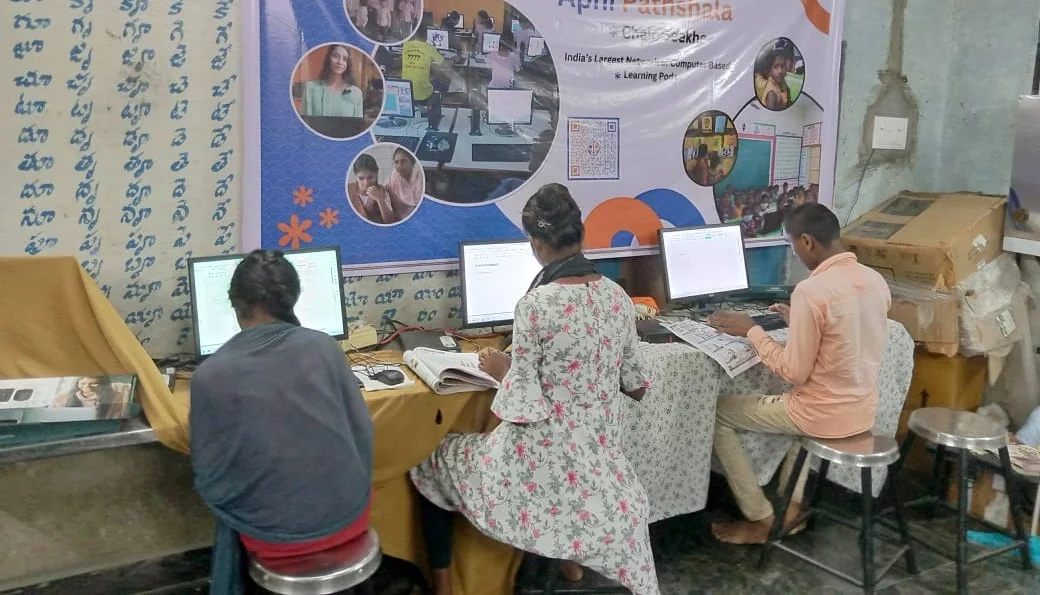
The Apna PC computer by Apni Pathshala is specifically designed for students like Rahul. It comes pre-loaded with essential learning tools, including Zorin OS, LibreOffice for productivity, and Scratch for coding education. Your child gets 8GB RAM and 128GB SSD, enough to run multiple educational software smoothly without lag.
At just Rs.30,000 (excluding shipping and GST), it’s affordable for most middle-class families in India. Your investment covers a computer optimised for learning, not gaming or heavy design work.
The built-in Apni Prerna student monitoring system helps parents track their child’s progress. You can see which learning tools your child is using and for how long.
Practical Tips for Choosing Your Learning Tools
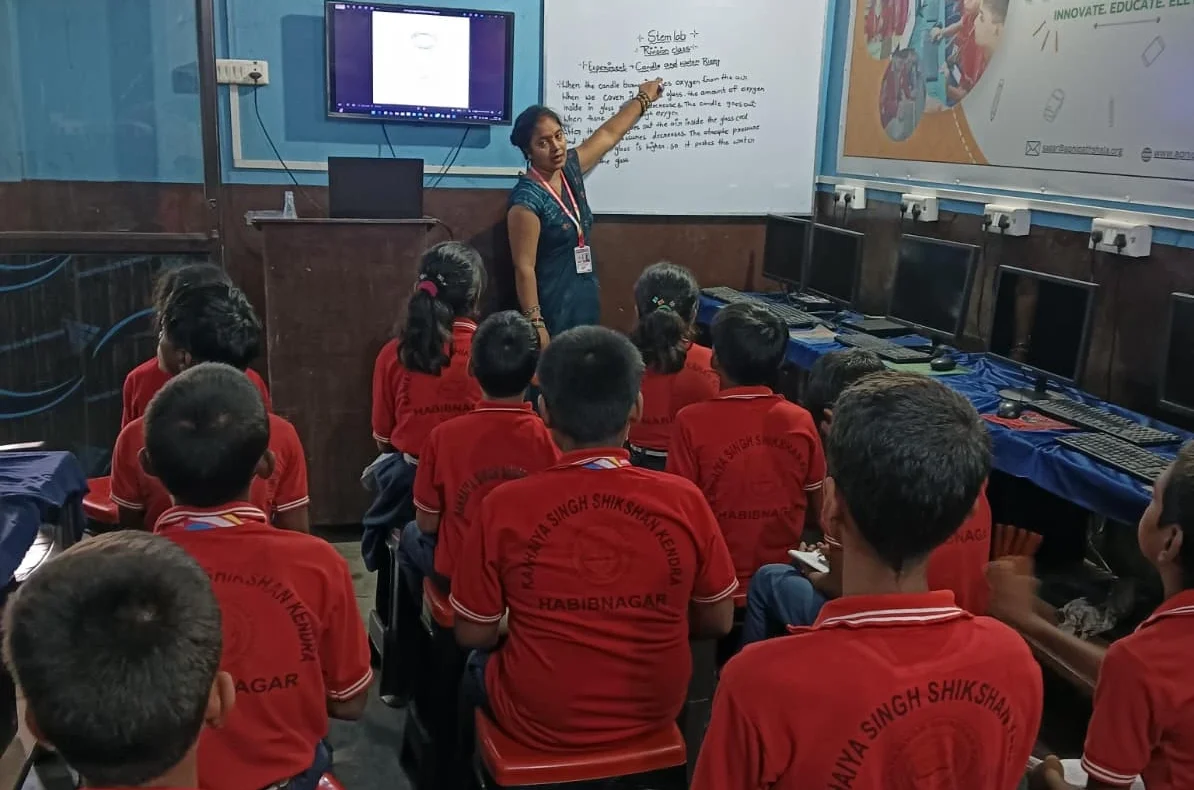
Start by checking what software your school recommends. Your teacher’s suggestions carry weight because they know what works for your curriculum.
Read honest reviews from other students and parents. Base your decision on real experiences from people like you, not flashy ads.
Download and try free versions first. Your first week of testing will tell you whether the software actually helps you learn or just wastes time.
Check system requirements before installing anything. Your computer should have enough storage and RAM to run the software smoothly. If you’re unsure about technical issues, you can learn to diagnose computer problems yourself.
Join online communities where students discuss educational software. Your peers can share which apps helped them score better in exams.
Aligning with India’s Digital Education Push
The government’s Digital India initiative encourages students to embrace technology for learning. Choosing good educational software aligns with this national push toward digital literacy.
Most CBSE schools now integrate technology into their curriculum. Your familiarity with learning software gives you an edge in this changing education landscape.
Resources like Apni Pathshala provide guidance on choosing educational software and making the most of your computer for studies.
Your Action Plan Starting Today
Identify your biggest learning challenge this week. Download one free educational software that addresses it. Use it for at least five days before deciding whether to continue.
Talk with your child’s teacher about which software they recommend. Your teacher’s input matters more than any advertisement.
Consider investing in a student-friendly computer if yours is slowing you down. Technical limitations shouldn’t hamper your learning.
Remember, the best educational software is one you’ll actually use consistently. Your commitment to learning matters more than the tool itself.
Choosing the right educational software transforms your study experience from frustrating to productive. Whether you’re preparing for board exams, learning to code, or building computer skills, the right learning tools make all the difference. Visit apnapc.com to learn more.