


Rajesh’s Struggle: Why His Computer Couldn’t Keep Up
Rajesh sits in his small room in Indore, staring at his Windows laptop. It’s 11 PM, and he has a physics assignment due tomorrow. But his computer is frozen again. The spinning wheel of death appears for the fifth time today. His frustration builds as precious study time slips away. Rajesh’s story isn’t unique among students in Tier 2 and Tier 3 Indian cities who face the same battle with slow, bloated computers that don’t support their learning goals.
When choosing between Windows and Linux, most students and parents don’t realise they’re choosing something that affects study time, focus, and even exam scores. Your operating system isn’t just software; it’s the foundation of your entire learning experience. The right operating system can free you from technical headaches and let you concentrate on what matters: your education.
Understanding Windows: The Familiar But Heavy Choice
Windows dominates in Indian homes, and for good reason. You probably grew up seeing it. Your school computer lab likely runs Windows. Most software tutorials on YouTube use Windows. This familiarity is comforting, but it comes at a cost.
Windows is heavy. It demands constant updates that interrupt your study sessions. Your computer slows down over time as background processes multiply. Antivirus software consumes precious RAM. If you have a budget computer with 4GB RAM, Windows can make it feel like you’re studying at a snail’s pace. Many students experience slow computer productivity issues because Windows wasn’t designed for affordable hardware.
Windows also costs money. The license isn’t free. If you want Microsoft Office, that’s another expense. Games and premium software add up quickly. For families in smaller cities stretching their budgets, these costs matter.
Linux: The Lightweight Alternative Students Miss
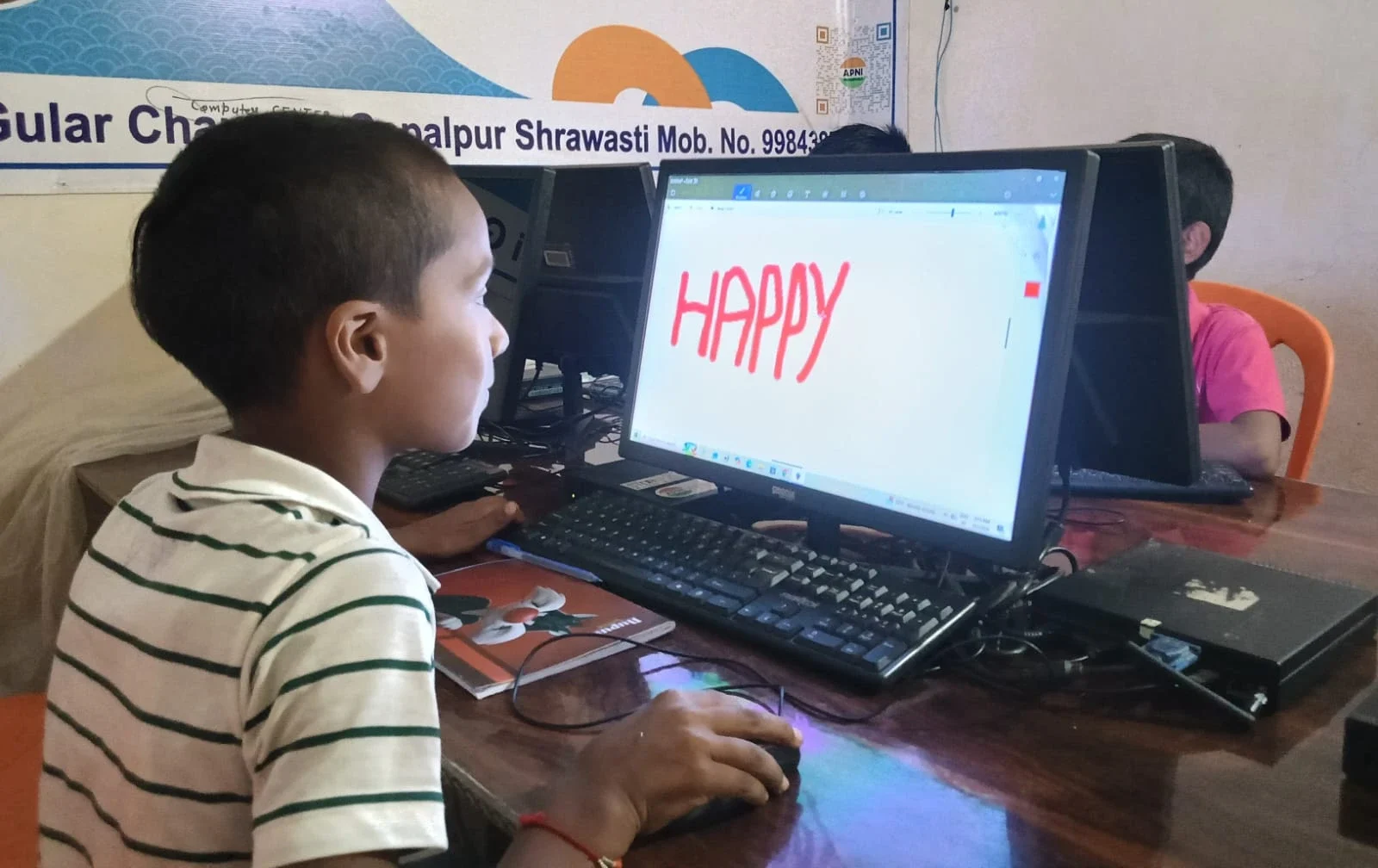
Linux is different. It’s free. It’s fast. It doesn’t spy on you through telemetry. But Linux sounds intimidating, doesn’t it? You might imagine typing strange commands in a black terminal window. That’s the old perception.
Modern Linux distributions like Zorin OS look beautiful and work intuitively. You click icons just like Windows. You don’t need to be a programmer. Zorin OS is specifically designed to feel familiar to Windows users, making the transition smooth for students who’ve never tried Linux before.
Linux runs efficiently on older hardware. If your computer has 8GB RAM and a 128GB SSD, Linux will feel snappy and responsive. You won’t lose study time to frozen screens or update delays. Your computer stays fast for years, not months.
Speed, Focus, and Your Study Time
Let’s talk about what matters: your actual study hours. When your computer boots in 30 seconds instead of 3 minutes, you gain time every single day. When applications open instantly, you stay in the flow state where real learning happens. When your computer doesn’t randomly restart for updates during your exam prep, you can trust it.
Linux gives you this reliability. Students using Linux report fewer distractions and more focused study sessions. Your brain doesn’t get frustrated by technical delays. You’re not sitting there watching a loading bar when you could be solving math problems or writing essays.
Windows users often experience unexpected slowdowns right when they need their computer most. A critical update installs at midnight. Your computer restarts. You lose unsaved work. This doesn’t happen with Linux.
Software: Do You Really Need Everything Windows Offers?
Here’s the truth: for studies, you don’t need expensive software. You need:
- A word processor: LibreOffice Writer does everything Microsoft Word does for free
- A spreadsheet app: LibreOffice Calc handles all your data and calculations
- A presentation tool: LibreOffice Impress creates professional slideshows
- Programming practice: Scratch, Python, and other coding tools run perfectly on Linux
- Video conferencing: Zoom, Google Meet, and Teams work on Linux through your browser
- Online learning: DIKSHA digital platform and Ministry of Education resources work on any operating system
Linux has everything you need for school. You’re not missing out. You’re actually gaining something: a computer that doesn’t waste your time.
The Real Cost Comparison
Let’s do the math for an average Indian student. A Windows computer with decent specs costs around Rs. 40,000-50,000. Add Rs. 5,000 for antivirus. Add Rs. 6,000 for Microsoft Office if you want it. Your total: Rs. 51,000-56,000. Over three years of school, that’s Rs. 17,000-18,000 per year just for software and security.
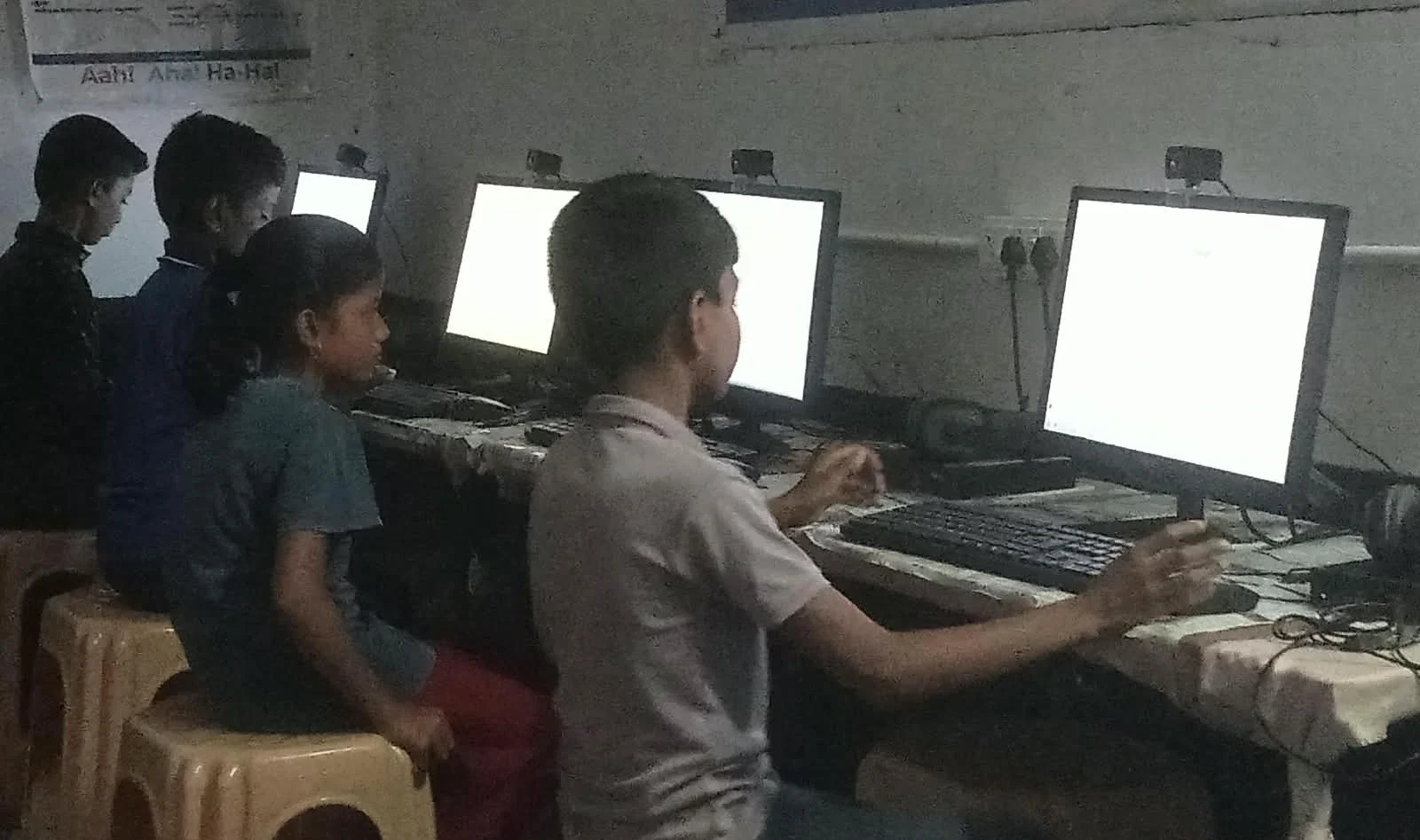
Apna PC, powered by Linux (Zorin OS), costs Rs. 30,000 with 8GB RAM and 128GB SSD. It comes preloaded with everything you need: LibreOffice, Scratch for coding, and Apni Prerna for student monitoring. Your total investment is Rs. 30,000. No hidden costs. No yearly expenses. Your computer stays fast for years.
The Rs. 20,000+ you save can go toward books, tuition, or investing in your future.
Zorin OS: Linux Made for Students Like You
Zorin OS isn’t generic Linux. It’s designed specifically for people transitioning from Windows. The interface is intuitive. Finding files is easy. Installing applications is simple. It looks modern and feels responsive.
When you open Zorin OS, you don’t feel like you’re using something “alternative” or “inferior.” You feel like you’re using a computer built for you. Many students switching to Zorin OS say they wish they’d done it earlier.
Learning to Code: Linux Wins
If you’re interested in programming or computer science, Linux is your natural home. Most professional developers use Linux. Most servers run Linux. If you want to learn coding seriously, practising on Linux gives you real-world skills.
Scratch comes pre-loaded on Apna PC, making it perfect for beginners. Python, Java, and other languages run beautifully on Linux. You’re not just learning to code; you’re learning on the same platform that powers the technology industry.
Security and Privacy for Young Learners
Windows collects data about you. Every search, every website, every application you use- Microsoft knows. For students, this raises privacy concerns. You deserve a computer that respects your privacy while you study.
Linux doesn’t track you. Your data stays yours. You’re not a product. You’re a student focused on learning.
Making the Switch: It’s Easier Than You Think
If you’re worried about switching from Windows to Linux, don’t be. Zorin OS feels familiar. Your first day will feel comfortable. Your first week, you’ll wonder why you didn’t switch earlier. Most students adapt within days, not weeks.
You don’t need to be tech-savvy. If you can use Windows, you can use Zorin OS. The learning curve is minimal. The benefits are immediate.
What Parents Should Know
Parents in Tier 2 and Tier 3 cities often worry about buying the right computer. Will it last? Will it support my child’s education? Will it become obsolete quickly? These are valid concerns.
Linux-based computers like Apna PC stay relevant longer. They don’t slow down with age. They don’t require expensive upgrades. A Rs. 30,000 investment today can support your child’s education for 5-7 years without feeling outdated.
Apna PC also includes Apni Prerna, a student monitoring system that helps parents track study progress without invading privacy. You can see which educational resources your child is using, helping you stay involved in their learning journey. Learn more at Apni Pathshala.
Your Decision: Windows vs Linux
The choice between Windows and Linux isn’t really about the operating system. It’s about what you value. Do you value speed or slowness? Do you value privacy or tracking? Do you value affordability or expensive licenses? Do you value focus or constant interruptions?
For most students in India, especially those in smaller cities with limited budgets, Linux through Zorin OS is the smarter choice. Your computer stays fast. Your money stays in your pocket. Your focus stays on studies, not technical frustrations.
Rajesh, the student from our opening story, could have spent Rs. 30,000 on Apna PC with Linux instead of struggling with a slow Windows machine. His study time would have been protected. His frustration would have disappeared. His grades might have improved.
You don’t have to make Rajesh’s mistake. You can choose a computer built for students, powered by Linux, designed for focus. Apna PC offers exactly this at a price that makes sense for Indian families. Visit apnapc.com to learn more.