


Priya’s Study Holiday Panic: Why Her Old Laptop Failed Her
Priya sat in her room in Indore, staring at her laptop screen. It was the first day of her two-week study holiday before board exams, and she had planned to revise all her subjects using online resources from the DIKSHA digital learning platform. But her five-year-old laptop was moving like a snail. Opening a PDF took 30 seconds. Switching between study apps felt like waiting for a bus that never comes.
Her father asked, “Beta, what’s wrong with your computer?” Priya didn’t have a clear answer. She just knew her revision plan was crumbling because her machine couldn’t keep up. This is where understanding SSD vs HDD becomes not just technical knowledge, but your key to effective holiday studying.
SSD vs HDD: What’s the Real Difference for Your Study Time?
Your computer has a storage device that holds all your files, apps, and operating system. Most older laptops use HDD (Hard Disk Drive), which works like a record player with spinning disks. SSDs (Solid State Drives) work like USB drives with no moving parts. This difference matters more than you think when you’re revising.
Here’s what happens with HDD storage speed:
- Spinning disks need time to find your data
- Boot time can be 2-3 minutes or more
- Opening multiple study apps causes lag
- Your revision session becomes frustrating instead of productive
With SSD storage, everything changes. Your computer boots in 15-20 seconds. Opening LibreOffice to write notes happens instantly. Switching between your study materials and practice questions feels smooth. During precious study holidays, every minute counts.
How Storage Speed Directly Impacts Your Revision Performance
Think about a typical holiday study session. You open your learning platform, download a video lecture, open your notes app, switch to a practice test, and refer back to your textbook PDF. With an HDD, each action makes you wait. With an SSD, it’s seamless.
A student using an HDD wastes roughly 15-20 minutes per day just waiting for apps to load. Over a two-week holiday, thats 3-4 hours of lost study time. During board exam season, this isn’t just inconvenient. It’s a performance killer.
With an SSD, your computer stays responsive even when you have multiple apps open. Your focus stays on learning, not on waiting for your machine to respond.
Why Apna PC’s 128GB SSD Matters for Your Study Goals
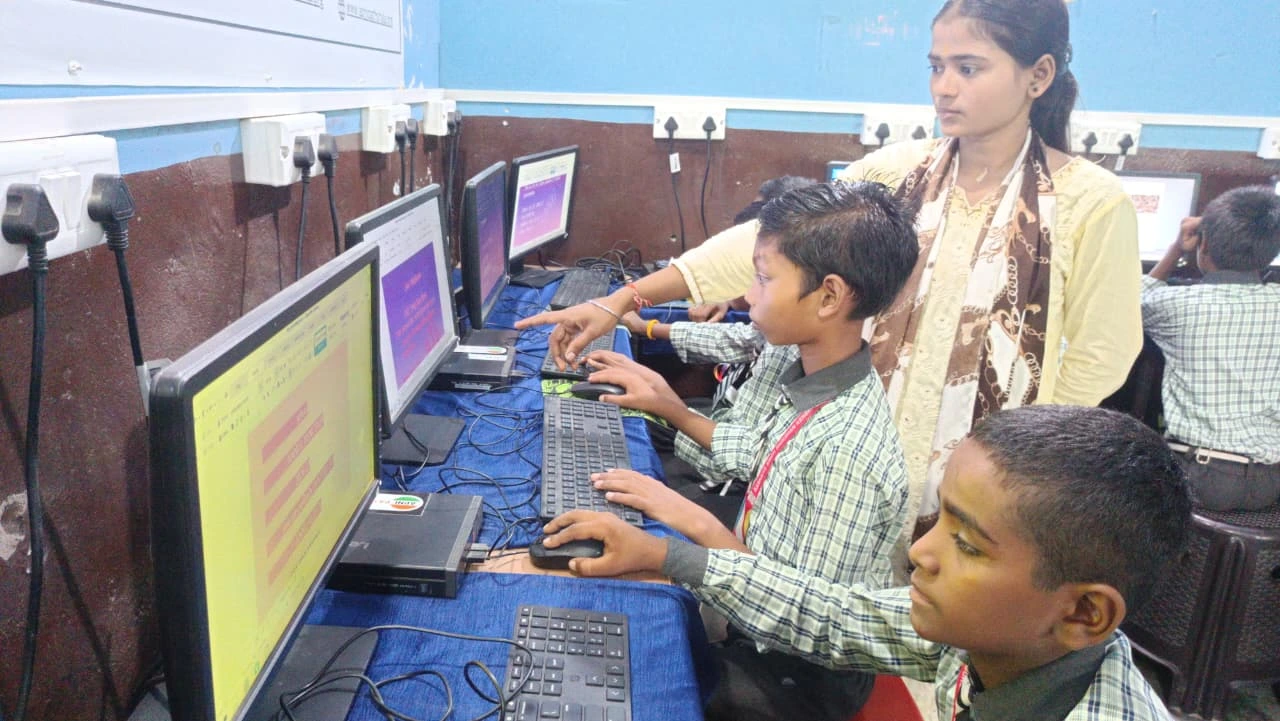
Apna PC comes with 128GB SSD storage, designed for student needs during intensive study periods. This isn’t just storage space. It’s your ticket to a smooth, distraction-free revision experience.
The 8GB RAM combined with the SSD means you can:
- Run multiple educational apps without slowdown
- Watch online lectures while taking notes simultaneously
- Access Central Board of Secondary Education resources without delays
- Complete practice tests without frustration
Apna PC comes pre-loaded with Zorin OS, LibreOffice, and Scratch. These are optimised to run fast on the SSD. You dont waste time installing or configuring. You start studying immediately.
Real Study Holiday Scenario: Priya Gets an Apna PC
When Priya’s parents bought her an Apna PC, her study holiday transformed completely. On day one, she opened her computer, and it booted in seconds. She loaded three study apps at once. No lag. No waiting.
During her revision week, Priya could actually follow her planned schedule. She spent 45 minutes on mathematics, then switched to history without her computer freezing. She downloaded practice papers from the CBSE website and opened them instantly. Her two-week holiday became genuinely productive.
Her mother noticed the difference too. “Priya’s not frustrated anymore,” she said. “She’s actually enjoying her studies.” This is what the right computer performance can do for your revision.
Understanding Computer Performance Beyond Just SSD vs HDD
While SSD is crucial, it’s not the only factor. Your computer performance depends on RAM, processor, and how well everything works together. Apna PC balances all these elements for students.
If you’re experiencing issues with your current setup, check out our guide on slow computer productivity to understand what might be slowing you down. Sometimes it’s not just storage. You might also want to learn about common computer problems that students face during exam season.
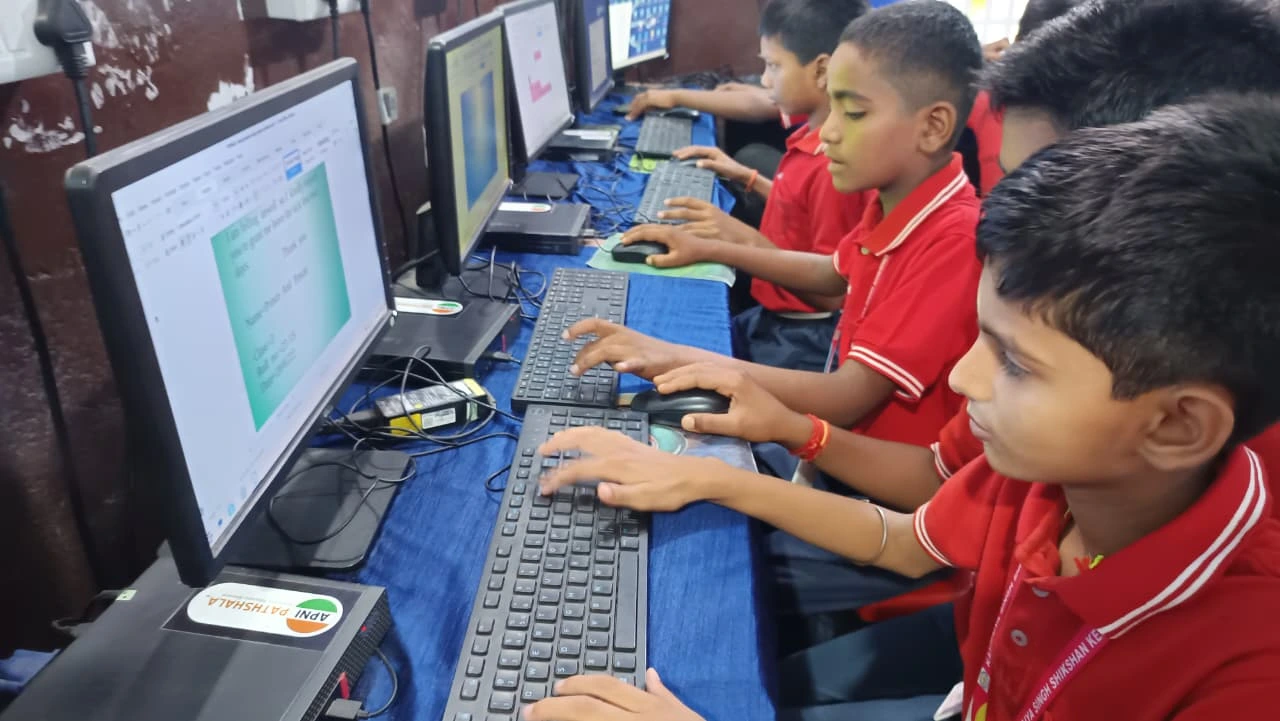
Before your next study holiday, make sure your setup supports your revision goals:
- Check if your computer has an SSD or HDD (ask your parents or check device settings)
- Ensure you have at least 8GB RAM for smooth multitasking
- Test your internet connection for online learning platforms
- Organise your study materials in folders for quick access
If your current computer struggles, now is the time to consider an upgrade. Study holidays are too valuable to waste on a slow machine.
Why Apna PC at Rs.30,000 Makes Sense for Your Family
Apna PC costs Rs.30,000 (shipping and GST excluded). For this price, you get a computer built specifically for Indian students. It’s not just about the SSD or RAM. It’s about having a machine that understands your study needs.
The Apni Prerna student monitoring feature helps you stay focused during revision. Zorin OS is user-friendly and secure. LibreOffice gives you all the tools you need for schoolwork. This is a complete study solution, not just a generic computer.
For parents in Tier 2 and Tier 3 cities, Apna PC offers reliability without the premium pricing of big brands. Your child gets enterprise-grade storage performance at an affordable price point.
Your study holidays are your chance to strengthen weak areas and consolidate what you’ve learned. Dont let a slow computer waste this opportunity. The difference between SSD and HDD isn’t just technical. It’s the difference between productive revision and frustrating delays.
Apna PC ensures you can focus entirely on your studies when it matters most. Visit apnapc.com to learn more.