


Raj’s Laptop Broke Right Before Board Exams
Raj was preparing for his Class 10 CBSE boards when his old laptop suddenly refused to start. The screen went black. His heart sank. He had three weeks left, and all his notes were stored on that machine. His parents panicked, ready to buy a new computer. But Raj’s uncle, who works in IT, asked him a simple question: “Have you tried the basics?” That day, Raj learned computer maintenance skills that not only saved his laptop but also gave him confidence he never had before.
You dont need to be a tech expert to keep your computer running smoothly. Whether you’re a student in Tier 2 or Tier 3 cities or your parents are worried about your computer breaking down, learning basic computer maintenance skills is practical, useful, and honestly, not that difficult. These skills help you troubleshoot simple problems, avoid costly repairs, and most importantly, keep your studies on track.
Why Computer Maintenance Skills Matter for Students
Your computer is like your study partner. It stores your assignments, research notes, project files, and sometimes your entire academic life. When it breaks down, your studies break down too. Learning PC troubleshooting means you can fix small issues before they become big problems.
Think about this: a student in Delhi can access resources from the DIKSHA digital learning platform or CBSE study materials instantly. But if their computer isn’t maintained, that access disappears. Dust builds up inside the machine, the hard drive slows down, and suddenly opening a simple PDF takes forever. You lose study time, get frustrated, and your learning suffers.
Basic computer maintenance skills also teach you hardware basics. You understand what RAM does, why storage space matters, and how your processor affects your computer’s speed. This knowledge helps you choose the right device, understand why your computer performs a certain way, and make smart decisions about upgrades or repairs.
Five Essential PC Troubleshooting Steps You Should Know
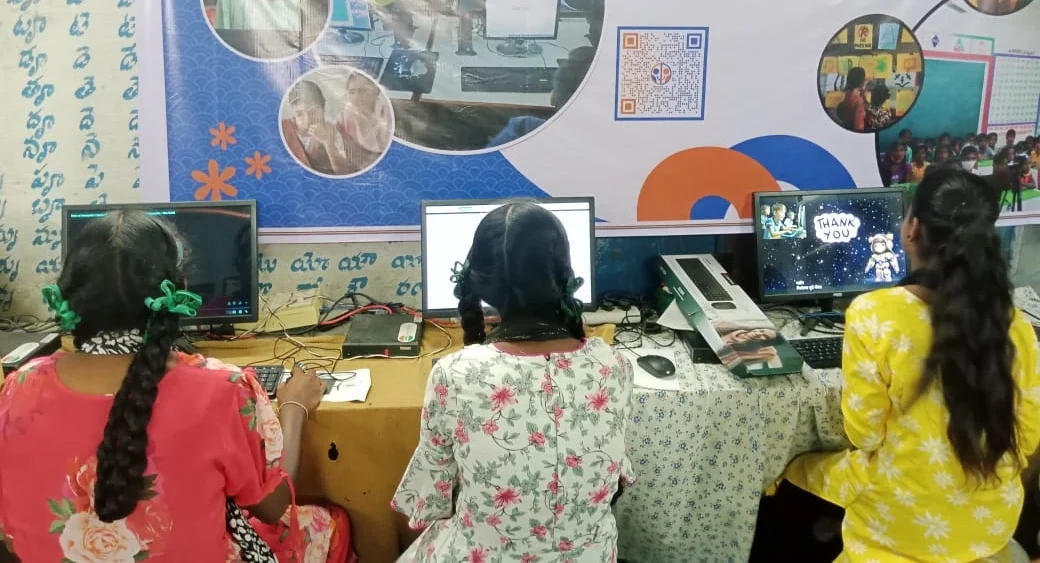
Here are practical steps you can do right now:
- Restart Your Computer Regularly: This clears temporary files and refreshes your system. Most slow computers become faster after a simple restart. Do this at least twice a week.
- Clean Your Keyboard and Screen: Dust and dirt affect how your computer feels and looks. Use a soft cloth and compressed air. Your computer will feel new again.
- Check Your Storage Space: If your hard drive is 90% full, your computer slows down dramatically. Delete old files, move documents to cloud storage, or use an external hard drive. Keep at least 20% of your storage free.
- Update Your Operating System: Updates fix security problems and improve performance. Dont skip them. Set them to install during night hours so they dont interrupt your study time.
- Monitor Your RAM Usage: Open Task Manager (Windows) or Activity Monitor (Mac) to see what programs are using your memory. Close unnecessary applications running in the background.
Hardware Basics Every Student Needs to Know
You dont need to memorise technical specifications, but understanding basic hardware helps you maintain your computer better. Your RAM is your computer’s short-term memory. More RAM means you can run more programs smoothly. Your SSD or hard drive is your long-term storage. Your processor is the brain that does all the calculations.
When your computer feels slow, you can now understand why. Is it because your storage is full? Then delete files. Is it because too many programs are running? Then close them. Is it because your operating system needs an update? Then update it. You become the problem-solver instead of waiting for someone else to fix it.
For students in smaller cities where computer repair shops might be far away or expensive, these skills are gold. You can handle 80% of common problems yourself. This saves money, saves time, and keeps your studies moving forward.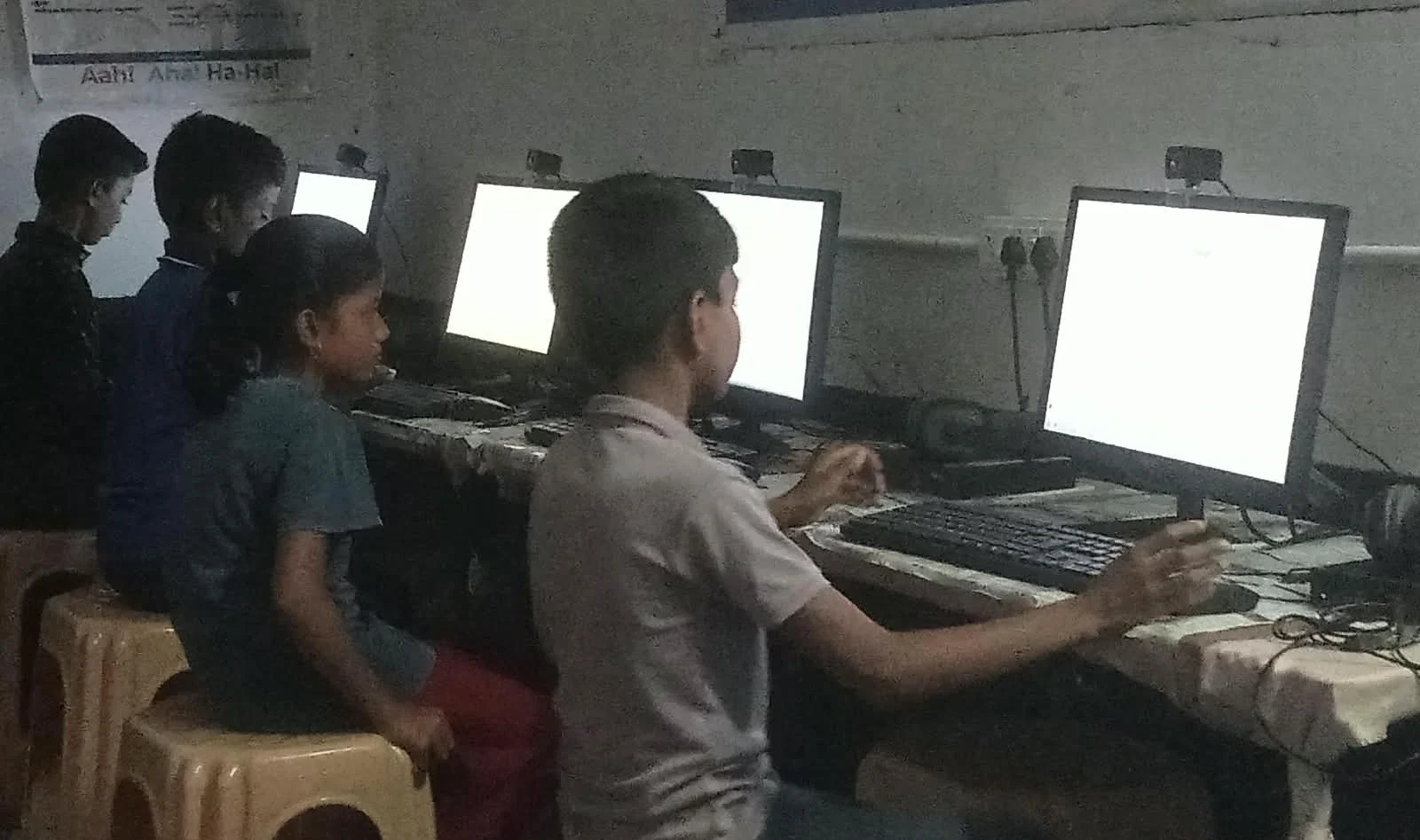
The Right Computer Makes Learning Easier
Of course, learning computer maintenance skills is easier when you’re working with a reliable machine. The Apna PC, built by Apni Pathshala, comes with 8GB RAM and a 128GB SSD, which is perfect for students. It runs Zorin OS, a smooth and student-friendly operating system. It comes pre-loaded with LibreOffice for your assignments, Scratch for learning programming, and Apni Prerna for tracking your study progress.
With a computer designed for students, you can focus on learning instead of fighting slow performance. You can practice the maintenance skills we discussed here without worrying about breaking an expensive machine. At Rs.30,000 (excluding shipping and GST), it’s an investment in your education and your future.
Many students don’t realise that computer learning goes beyond just using software. Computer education goes beyond theory; it includes understanding how your machine works, how to maintain it, and how to troubleshoot basic problems. With one computer for practical learning, you develop these skills naturally through daily use. You can also explore more at Apni Pathshala for resources on student learning and digital education.
Start Your Computer Maintenance Journey Today
You dont need to wait for your computer to break down. Start today. Open your computer right now and check your storage space. Restart it. Clean your keyboard. These small actions teach you habits that keep your machine healthy for years. As you practice these computer maintenance skills, you’ll become more confident, more independent, and better prepared for a digital world.
Your computer is a tool for your success. Learning to maintain it is learning to take care of your own future. Visit apnapc.com to learn more.