


Rajesh Kumar sat in his small shop in Indore, watching his 12-year-old daughter Priya struggle with her math homework. She’d ask him questions, but he couldn’t help much – he’d never studied beyond Class 10. That evening, Priya’s teacher mentioned that students who use computers for learning often do better. Rajesh felt a knot in his chest. How could he afford a computer? How would Priya even learn to use it?
This is the story of thousands of families across Tier 2 and Tier 3 cities in India. Parents want their children to succeed, but they dont have the tools or knowledge to support them. Digital education has changed this. When your child has access to the right computer and learning resources, they can learn at their own pace, ask questions without feeling shy, and build confidence. This is what independent learning truly means.
What is Digital Education and Why Does It Matter?
Digital education is learning through computers, tablets, and internet-based platforms. It’s not just about sitting in front of a screen – it’s about your child taking control of their own learning journey. Unlike a classroom where everyone moves at the same speed, digital education lets your child pause, rewind, and practice until they fully understand something.
The Ministry of Education has pushed digital learning across India for years. Platforms like the DIKSHA digital platform offer free resources to millions of students. But many students in smaller cities still dont have access to a reliable computer at home. This is where digital education becomes a game-changer for independent learning.
How Your Child Learns With More Independence
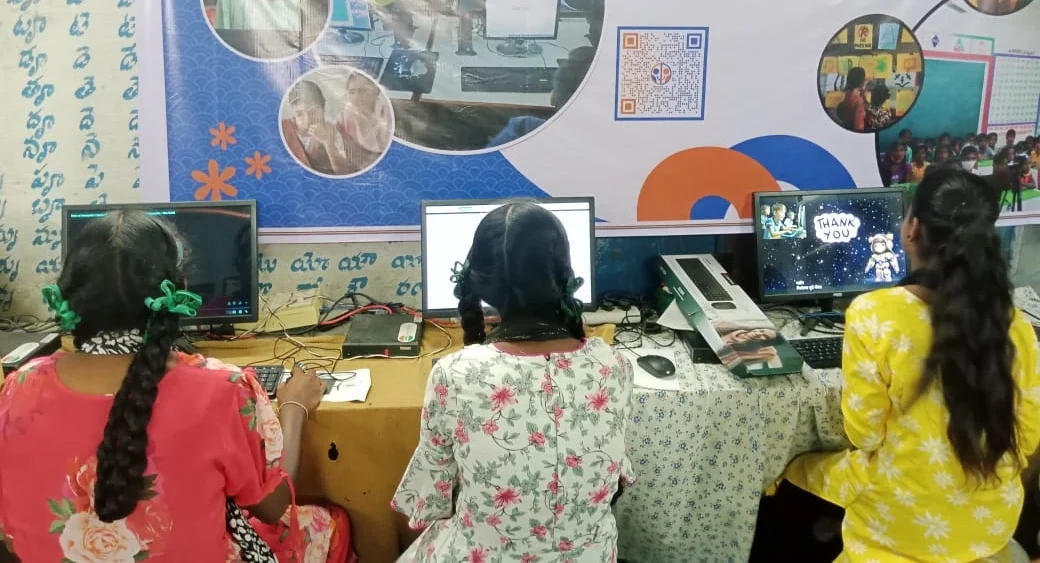
When Priya finally got a computer, something shifted. She could search for answers when she got stuck. She could watch a math concept explained three times without anyone judging her. She could practice coding through Scratch and see her mistakes immediately. This is independent learning – your child becomes responsible for their own progress.
Here are the key ways digital education builds independence:
- Self-paced learning: Your child learns when they’re ready, not when the teacher decides. If they need to revisit a topic, they can do it anytime.
- Problem-solving skills: When a child uses a computer, they learn to troubleshoot issues on their own. They discover that mistakes are part of learning.
- Research abilities: Instead of waiting for you to answer every question, your child learns to search, read, and find answers independently.
- Digital literacy: Your child becomes comfortable with technology early. This is essential for their future career, no matter what field they choose.
- Confidence: When your child completes tasks on their own, their self-belief grows. They stop thinking, “I can’t do this,” and start thinking, “I can figure this out.”
For first-generation learners in your family, a computer at home is a powerful tool. Your child becomes the bridge between the digital world and your family. They learn faster, and they learn that learning is something they can control.
The Right Tools Make All the Difference
Not every computer works for education. Your child needs something reliable, simple to use, and built specifically for learning. Apna PC is designed exactly for this. It comes preloaded with Zorin OS, a clean, intuitive operating system that doesn’t distract your child with unnecessary features.
The computer includes LibreOffice for documents, Scratch for coding, and Apni Prerna to monitor your child’s progress. You dont need to worry about complicated setup or expensive software. Everything your child needs is already there. With 8GB RAM and 128GB SSD storage, it handles schoolwork, online classes, and learning projects smoothly.
At Rs. 30,000, Apna PC is affordable for families like Rajeshs. It’s an investment in your child’s future. Many parents worry that computers are a distraction, but the right computer becomes a tool for focus. Apna PC blocks unnecessary websites and keeps your child on track with their studies.
Building Skills That Matter for Tomorrow
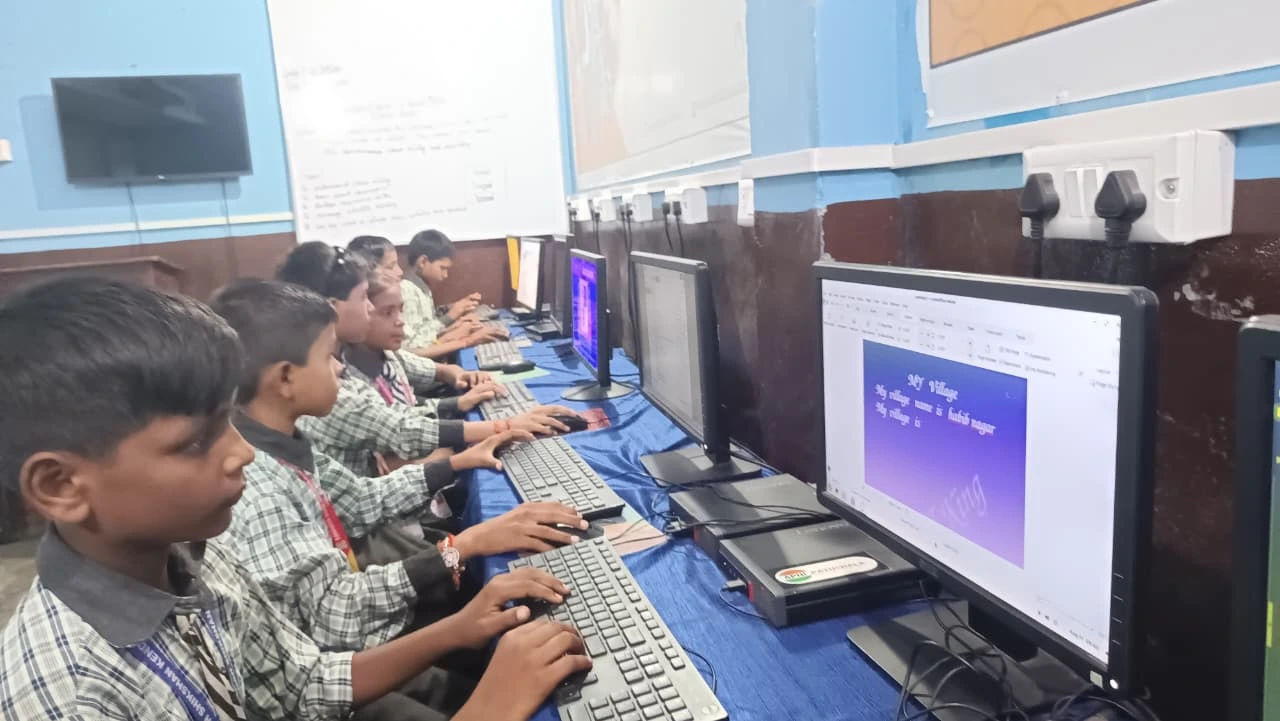
When your child learns independently with a computer, they’re building skills that schools dont always teach. Typing, searching for information, organising files, creating presentations – these are skill development starting points for any career.
Your child learns to be curious. They learn that when they dont understand something, they can find another explanation online. They learn to think critically instead of just memorising. These habits stay with them forever.
The Ministry of Education recognises that computer literacy is now as important as reading and writing. Students who start learning with computers in Class 5 or 6 have a huge advantage by the time they reach Class 10. They’re comfortable with technology, they can learn online if needed, and they understand how to use computers as learning tools.
What Parents Can Do Right Now
You dont need to be tech-savvy to support your child’s digital education. Start by creating a dedicated space for your child to study on the computer. Set clear rules about what the computer is for – schoolwork, coding practice, online classes, research. Keep it away from games and social media during study hours.
Talk to your child about what they’re learning. Ask them to explain a concept they learned on the computer. This keeps you involved without needing to know everything yourself. Your involvement shows your child that learning matters to you.
Remember Priya? Today, she’s teaching her younger brother how to use the computer. Shes writing stories in LibreOffice, creating animations in Scratch, and her math scores have improved. Rajesh still can’t help with the math problems, but he doesn’t need to anymore. His daughter has learned to help herself.
Your child deserves the same chance. They deserve a computer that supports their learning, not distracts from it. They deserve to become independent learners who can solve problems, find answers, and build confidence. Visit apnapc.com to learn more.