


When Rajesh Opened His Daughter’s First Computer
Rajesh Kumar sat in his small flat in Indore, staring at the cardboard box that had just arrived. Inside was a computer for students, the first one his family would ever own. His hands trembled a little as he opened it. Rajesh had never used a computer. His wife, a homemaker, hadn’t either. But their daughter Priya, now in 8th grade, needed one for school projects. For families like theirs, getting a computer isn’t just about buying a machine. It’s about stepping into a world their parents never entered.
This is the story of millions of first-generation learners across India’s smaller cities and towns. These are students whose parents grew up without digital tools, who can’t help with homework that requires a computer, who don’t have digital role models at home. When Priya’s teacher asked her to submit a project on LibreOffice, Rajesh felt helpless. He couldn’t guide her. He couldn’t show her how. But he knew that computer access was no longer optional; it was essential.
The Gap Between Knowing and Having
India’s education system has changed fast. Schools now expect students to use computers. They assign online homework. They conduct digital classes. But not every student has a computer at home. In Tier 2 and Tier 3 cities, many families still don’t own one. The reasons are simple: cost, not knowing why it matters, and uncertainty about what to buy.
For first-generation learners, this gap is painful. They watch classmates who have computers submit polished projects. They struggle to complete assignments in school computer labs during lunch breaks. They can’t practice coding or digital skills at home. While their peers build confidence with technology, they fall behind. And the worst part? Their parents don’t know how to help because they’ve never used these tools themselves.
This isn’t just about grades. It’s about confidence. It’s about whether Priya will feel capable in a digital world. It’s about whether she’ll pursue subjects like computer science or data analysis in college because she’s comfortable with technology, or avoid them because she never had the chance to learn at her own pace at home.
Why Computer Access Changes Everything for First-Generation Learners
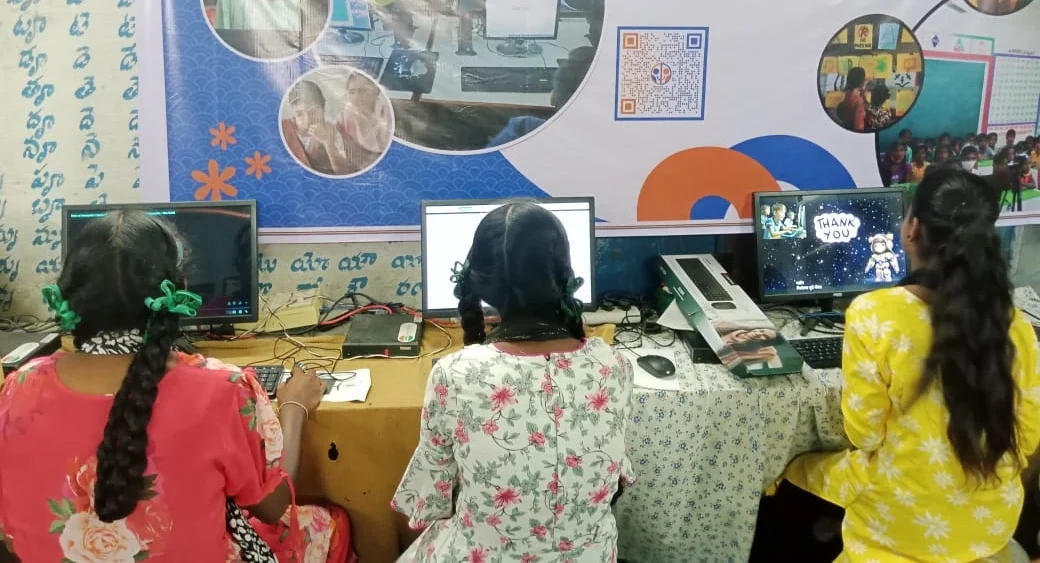
When you bring a computer into a home where no one has used one before, something shifts. It’s not just the student who learns. Parents become curious. They ask their child to teach them. Suddenly, the child becomes the guide, the expert. This reversal builds confidence in ways that school alone can’t.
Priya started using her new computer for homework. Within weeks, her mother asked her to show her how to video call her sister in Delhi. Her father watched as Priya opened a web browser and searched for information about her science project. He realised that this machine could help him too; maybe to manage his small shop’s accounts better, or to stay connected with distant relatives.
Computer access for students isn’t just about individual achievement. It transforms family relationships with technology. Parents who never had this chance now see their children as bridges to the digital world. The child becomes more confident. The family becomes more digitally aware. And the family’s trajectory shifts forward.
The Real Barrier: Cost and Uncertainty
Here’s what keeps families like Rajesh’s from buying a computer: the price tag. A decent laptop costs 40,000 to 60,000 rupees or more. For a family with a monthly income of 30,000 to 50,000 rupees, that’s a huge investment. You can’t just go to a shop and pick one like you’d pick groceries.
There’s also confusion. What specs do you need? Which brand is reliable? Will it work for your child’s schoolwork? Will it break easily? Will you waste money on something you don’t understand? These questions keep many parents frozen. They know their child needs a computer, but they don’t know where to start.
This is where affordable, purpose-built solutions matter. A computer designed specifically for students, pre-loaded with the software they actually need, priced at 30,000 rupees- this removes the barrier. It’s not cheap, but it’s real. It’s accessible. And for first-generation learners, it’s the difference between having a chance and not having one.
What First-Generation Learners Actually Need
Priya doesn’t need a gaming laptop. She doesn’t need the fanciest processor. She needs a computer that runs smoothly, that has the software her school uses, and that won’t frustrate her when she’s trying to learn. She needs a machine where her parents can also practice, without worrying about viruses or complexity.
Look at what matters for digital learning for underserved students: a stable operating system, office tools like LibreOffice, creative software like Scratch for learning coding, and enough memory to run everything without lag. That’s it. That’s what unlocks opportunity.
When a computer comes preloaded with these tools and is designed to be simple and reliable, first-generation learners can focus on learning, not troubleshooting. Their parents can feel confident that the investment makes sense. And the family moves forward together into the digital age.
One Computer, Many Learners
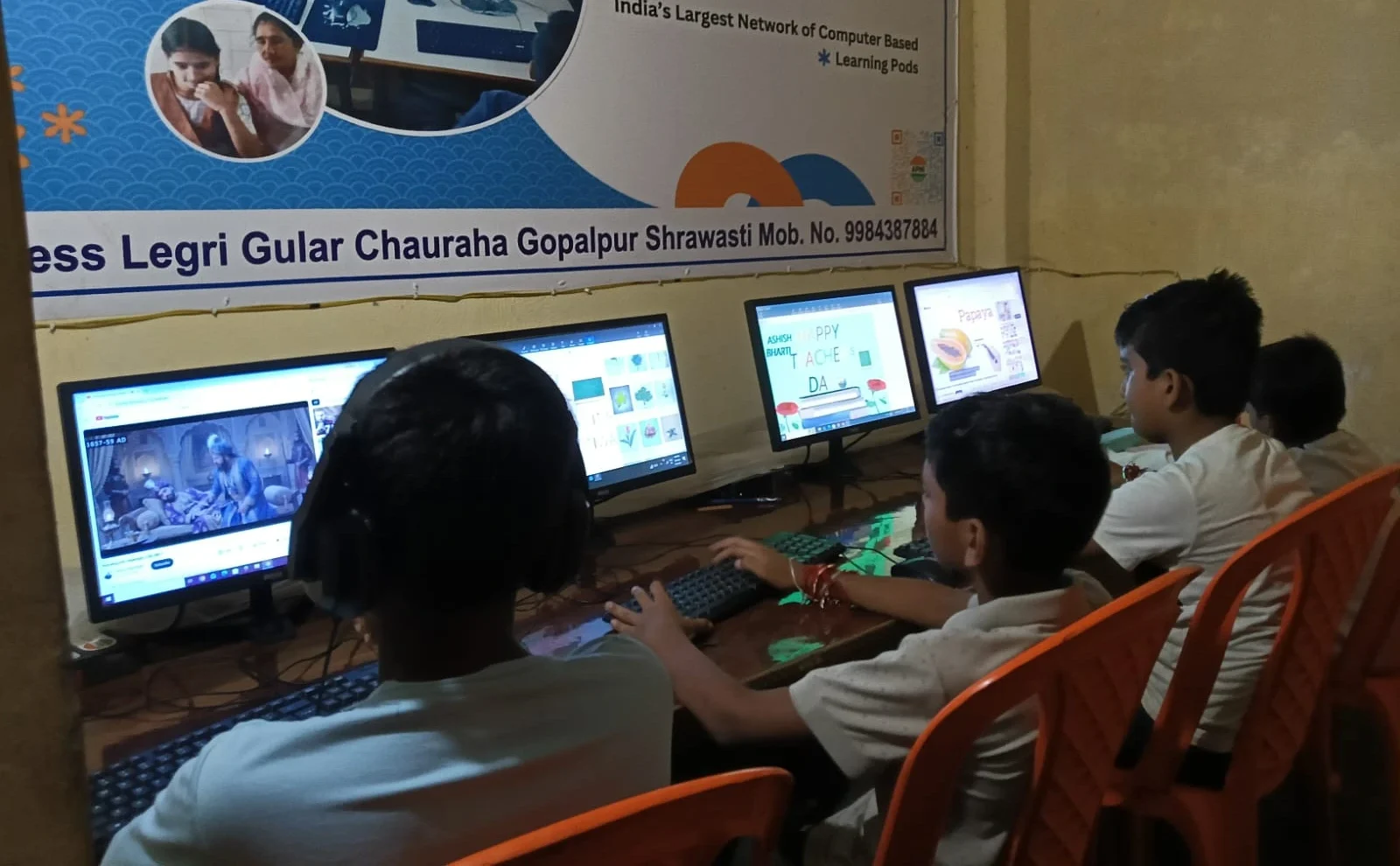
Rajesh’s flat has three children. The oldest, Priya, needed the computer for school. But now her younger siblings use it too. Her brother practices math on Khan Academy. Her sister watches educational videos. Their mother checks recipes online. One computer serves the whole family because it’s designed to be shared, reliable, and simple.
This is the power of one computer for multiple students learning together. It’s not just about individual achievement. It’s about a whole household becoming digitally literate. It’s about younger siblings seeing their older sister comfortable with technology and believing they can be too. It’s about parents no longer feeling like outsiders in their children’s education.
When you buy a computer for a first-generation learner, you’re not just buying a machine. You’re buying access to opportunity for multiple people in that household.
The Generational Leap
Rajesh’s father was a farmer. Rajesh learned to read and write, which his father couldn’t. Now Rajesh’s daughter is learning to code and use digital tools that Rajesh himself never had. This is what generational progress looks like in India. It’s not smooth. It’s not always comfortable. But it’s real.
For Priya and millions of first-generation learners like her, computer access isn’t a luxury. It’s a step forward that their parents couldn’t take, but they can. It’s the bridge between the world their parents knew and the world they’ll live in. And that bridge starts with one affordable, reliable computer in the home.
The Digital India initiative has pushed technology into schools. But real change happens at home, where students can practice, explore, and build confidence without fear of making mistakes. That’s where a computer becomes transformative for students.
Making the First Step
If you’re a parent in a Tier 2 or Tier 3 city, and you’re wondering whether your child needs a computer, the answer is yes. Not because everyone has one, but because your child’s future depends on it. Not because it’s trendy, but because schools now expect it. And not because you understand technology, but because your child needs to learn it.
The good news? You don’t need to spend a fortune or feel lost. A purpose-built computer designed for students, pre-loaded with everything they need, at a price that families can actually afford- this exists. It’s designed for families exactly like yours. For first-generation learners who deserve the same opportunities as students in cities with more resources.
Rajesh made his decision. He invested in his daughter’s future. Today, Priya submits her projects on time. She’s started learning coding through Scratch. Her confidence has grown. And her younger siblings are watching, learning, believing that the digital world is for them too.
Your child deserves that same chance. Your family deserves to step into the digital age together. Explore how Apni Pathshala is helping first-generation learners across India. Visit apnapc.com to learn more.