


Meera’s Discovery: Why Her Computer for Students Changed Everything
Meera sits in her small room in Indore, staring at the blank screen of her new computer. She’s in Class 9, preparing for her board exams, and her parents saved for months to buy her this machine. But here’s what they didn’t expect: within two weeks, she wasn’t just studying harder she was studying smarter. She typed her history notes at 60 words per minute instead of handwriting them in 40 minutes. She built her first Scratch game in computer class and actually understood loops. Her parents could see her progress through the monitoring app. This isn’t a story about motivation or discipline. This is about what makes a computer for students actually useful for daily practice.
Why Your Computer for Students Needs Speed
You know the frustration. Your computer takes 3 minutes to open. By the time it loads, you’ve lost focus. A slow machine isn’t just annoying, it kills your practice routine before it starts.
The Apna PC comes with 8GB RAM and a 128GB SSD. That means it boots up in seconds, not minutes. When you’re practicing typing, every second counts. When you’re switching between your research document and a video tutorial, lag breaks your flow. When you’re learning to code in Scratch, slow response times make debugging feel impossible.
Speed isn’t a luxury feature. It’s the foundation that lets you practice for 90 minutes without getting frustrated and switching to your phone.
Pre-Loaded Software: Everything You Need, Nothing You Don’t
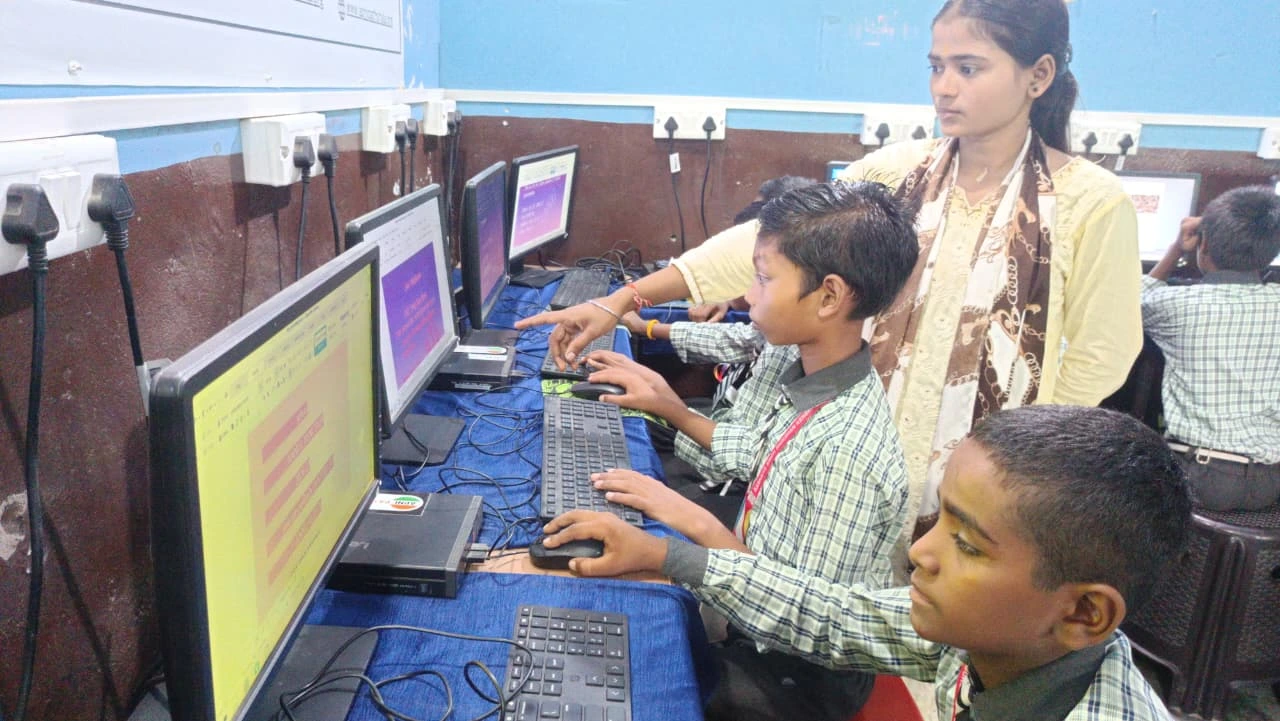
Your parents don’t need to buy expensive software licenses. Your machine comes ready for learning.
- Zorin OS: A clean, fast operating system built for education. It’s not Windows or Mac; it’s simpler, more secure, and designed specifically for students who need to focus on learning, not fighting viruses.
- LibreOffice: Write documents, create spreadsheets, make presentations. Everything Microsoft Office does, without the subscription trap.
- Scratch: Learn coding by building games and animations. This is how computer education actually works in 2024. You don’t memorize syntax; you create something, break it, fix it, learn.
- Apni Prerna: Your parents can see what you’re practicing without hovering over your shoulder. They know you spent 45 minutes on typing practice, not 45 minutes on YouTube.
Every software choice on this machine serves one purpose: to let you practice what you need to learn. No bloatware. No distractions.
Durability Built for Real Student Life
You’re not a careful person. You’re a student. Your bag gets dropped. Your desk gets messy. Your computer needs to survive.
The Apna PC is built to last through your daily practice routine. It’s not a gaming laptop that overheats after two hours. It’s a machine designed for sustained, everyday use. When you’re typing practice assignments, coding projects, and researching for projects; day after day; you need hardware that doesn’t quit.
This durability matters because consistency matters. Missing a day of typing practice sets you back. Having your computer crash during your Scratch project wastes your learning time. A reliable machine means you can actually build a habit.
Monitoring That Supports, Doesn’t Spy
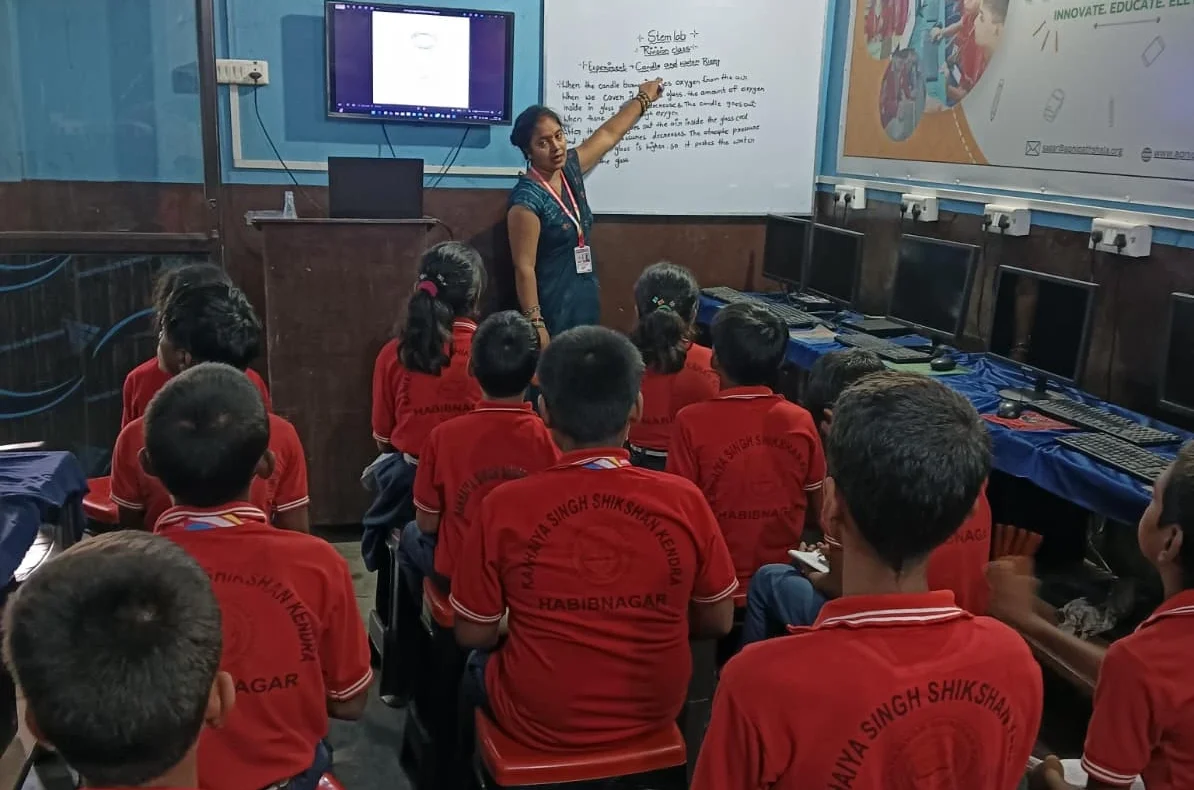
Here’s what makes Apni Prerna different from other monitoring tools. It’s not about control. It’s about partnership.
Your parents see your practice patterns. They can see that you’re spending real time on your studies, not pretending to study while watching videos. You’re not fighting them about “screen time”; you’re showing them concrete evidence of your learning. This creates trust. And when your parents trust your computer use, they’re more likely to let you use it independently, which means more practice time, which means real skill development.
This connects directly to digital responsibility in computer use. When you’re monitored fairly, you learn to self-monitor. You build discipline, not resentment.
Tools for Every Type of Daily Practice
Different subjects need different kinds of practice. A computer for students should handle all of them.
For Language Subjects: Type your essays in LibreOffice. Practice typing speed. Build vocabulary through online resources. Your fingers get faster. Your writing gets cleaner. Your grades improve.
For Math and Science: Use spreadsheets to organize data. Research concepts using the browser. Watch tutorials while taking notes. Practice problems on paper, then verify answers digitally.
For Computer Science: Build projects in Scratch. Write code. Debug. Learn logic. This is where a computer for students becomes a computer for creators.
For General Skills: Research for projects. Create presentations. Organize your study schedule. Learn digital citizenship. According to the Education in India framework, these skills are now essential, not optional.
Affordable Access to Real Education
Rs.30,000 (plus shipping and GST) is not cheap for most families in Tier 2-3 cities. But it’s affordable compared to other computers. More importantly, it’s an investment in your future.
The Digital India initiative recognizes that access to computers is access to opportunity. When your family buys a computer, they’re not just buying hardware. They’re buying entry into digital learning, coding education, and 21st-century skills that will matter for your career.
This machine is designed to last through your school years. You’ll use it in Class 9, Class 10, Class 11, Class 12. Your siblings might use it after you. That’s real value.
How Daily Practice Actually Happens
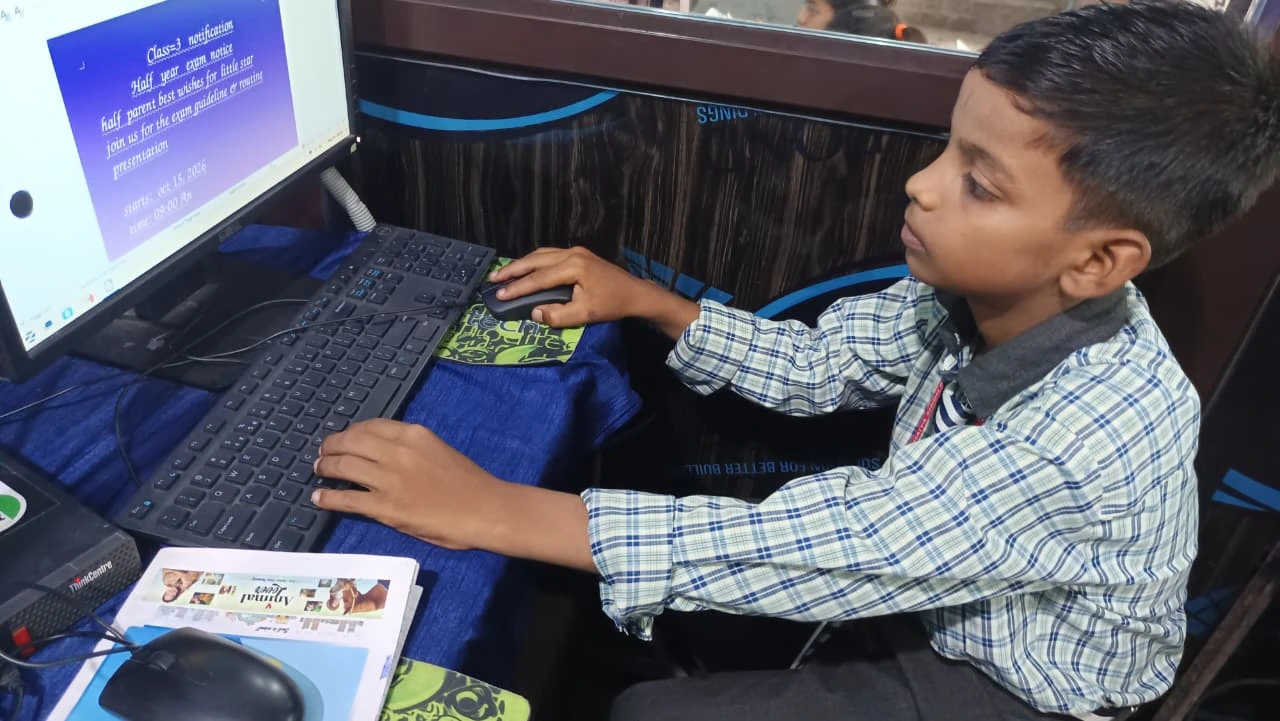
Practice isn’t about studying for 8 hours once a week. It’s about consistent, focused work in short bursts.
Your computer enables this. You sit down for 30 minutes of typing practice. The machine boots instantly. LibreOffice opens. You practice. You see your words per minute improve week by week. You build momentum. Next day, you do it again. Same with coding. Same with research. Same with document writing.
This is how skills develop. Not through motivation. Through repetition. Through tools that don’t get in your way.
Your Computer Helps You Discover What You’re Good At
Here’s something nobody talks about. When you have the right tools, you discover abilities you didn’t know you had.
A student who thinks they’re “not good at computers” might discover they love coding when they build their first Scratch game. A student who thinks typing is boring might realize they can write faster than they think. A student who’s never done research might get excited about digging into topics when they have a fast, reliable machine to work on.
This is what computer helps students discover strengths means in practice. The right machine doesn’t just help you practice what you already know. It opens doors to skills and interests you didn’t know existed.
Making the Right Choice for Your Family
When you’re choosing a computer for students, ask yourself: Will this machine let me practice consistently? Will it have the software I need? Will my parents trust me with it? Will it last through my school years?
The Apna PC answers yes to all of these questions. It’s not the cheapest option. It’s not the most powerful gaming machine. It’s exactly what a student needs to build real skills through daily practice.
Your future depends on what you practice today. Make sure your tools support that practice. Visit apnapc.com to learn more.