


Raj’s Wake-Up Call: When Time Became His Biggest Enemy
Raj is a 12th-grade student in Delhi. Last year, he’d wake up at 6 AM with good intentions but scroll through his phone until 7:30 AM. By the time he sat down to study, he’d already lost 90 minutes. His board exams were four months away, and he was panicking. His mother kept saying, “Beta, manage your time better,” but Raj didn’t know where to start. Then his school counsellor suggested using a computer to organise his study schedule, and everything changed.
You might be facing the same problem right now. Whether you’re preparing for JEE, NEET, board exams, or just trying to keep up with daily schoolwork, time management is your secret weapon. A computer can help you organise your time better than any notebook ever could. Let’s explore how.
Why Your Computer is Your Best Study Partner
Your computer isn’t just for watching videos or playing games. It’s a powerful time-management tool that helps you plan, track, and improve your study habits. When you use digital tools on a computer, you create a clear visual map of your study goals and deadlines.
Unlike paper planners that you might lose or forget to check, your computer reminds you about upcoming tests and assignment deadlines. You can set alarms, colour-code subjects, and organise everything by priority. The Apna PC comes pre-loaded with tools that make this even easier, including a clean operating system designed for focused studying.
Building Your Digital Study Schedule
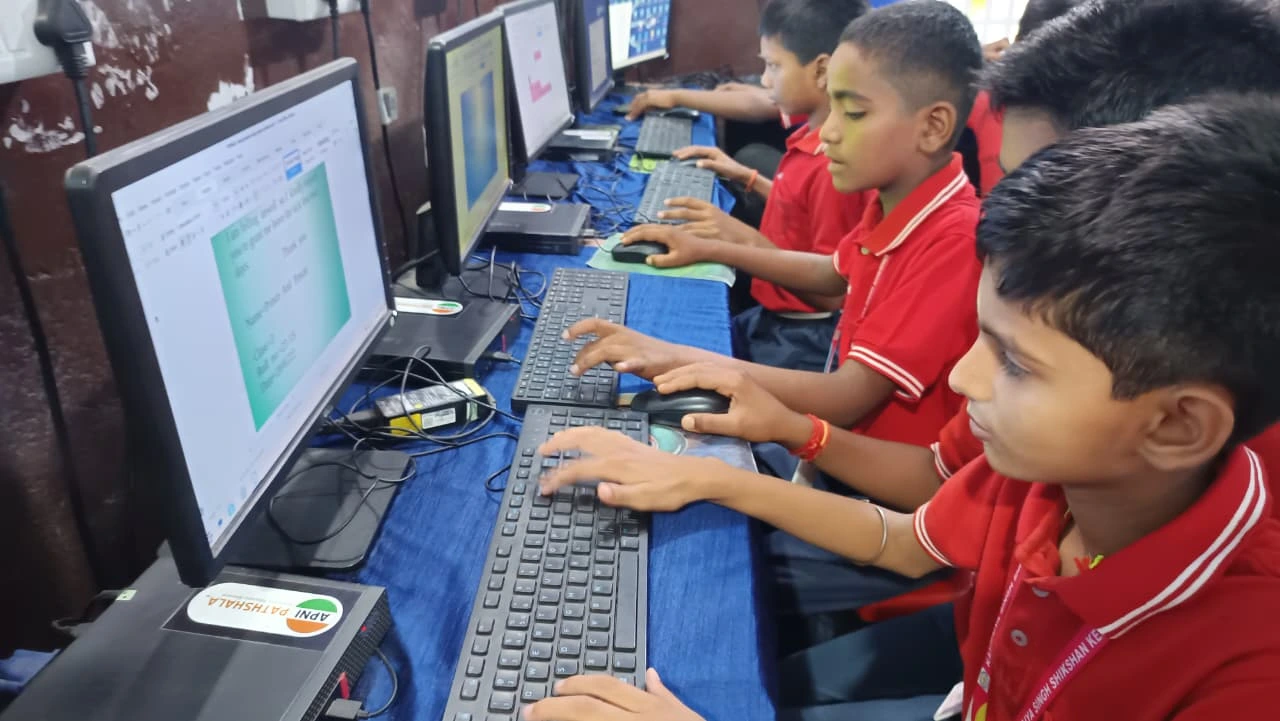
Start by listing all your subjects and topics. Open a spreadsheet on your computer and create columns for subject, chapter, difficulty level, and deadline. This isn’t complicated. You’re just putting your study goals in one place where you can see them clearly.
Next, break down big goals into smaller tasks. Don’t write “prepare for Math.” Instead, write “solve 20 quadratic equations by Wednesday” or “understand trigonometry basics by Friday.” Small, specific goals are easier to track and give you a sense of achievement when you complete them.
Use your computer’s calendar application to schedule study sessions. Block out 50-minute study periods followed by 10-minute breaks. This is called the Pomodoro Technique, and it works because your brain stays focused when it knows a break is coming. Many students find that studying in blocks prevents burnout and keeps them motivated.
Tools That Help You Stay on Track
LibreOffice, which comes pre-loaded on the Apna PC, is perfect for creating study plans. You can make tables, charts, and to-do lists in minutes. Unlike paper, you can edit, reorganise, and update your plan anytime without starting over.
Your computer can also help you access educational resources. Platforms like the DIKSHA digital learning platform offer free study materials for various subjects and classes. The CBSE study resources are also available online, and you can download them directly to your computer for offline study.
Create separate folders for each subject on your computer. Organise your notes, PDFs, and practice papers by chapter or topic. When exam time comes, finding your materials takes seconds, not minutes. This saves you precious study time.
Tracking Your Progress Matters More Than You Think
Every week, spend 10 minutes reviewing what you studied and what you accomplished. Your computer can show you this data clearly through simple charts or tables. Did you complete 80% of your planned tasks? Great. Did you only complete 40%? That’s your signal to adjust your schedule.
Many students don’t realise how powerful this is. When you see your progress in numbers, you stay motivated. You also learn what study schedule works best for you. You could study better in the morning, or 8 PM to 10 PM is your peak time. Your computer helps you identify these patterns.
Use your computer to set weekly goals, not just daily ones. This gives you flexibility on tough days while keeping you accountable over time. If you miss one day, you can catch up the next day without feeling like a failure.
The Right Computer Makes a Real Difference
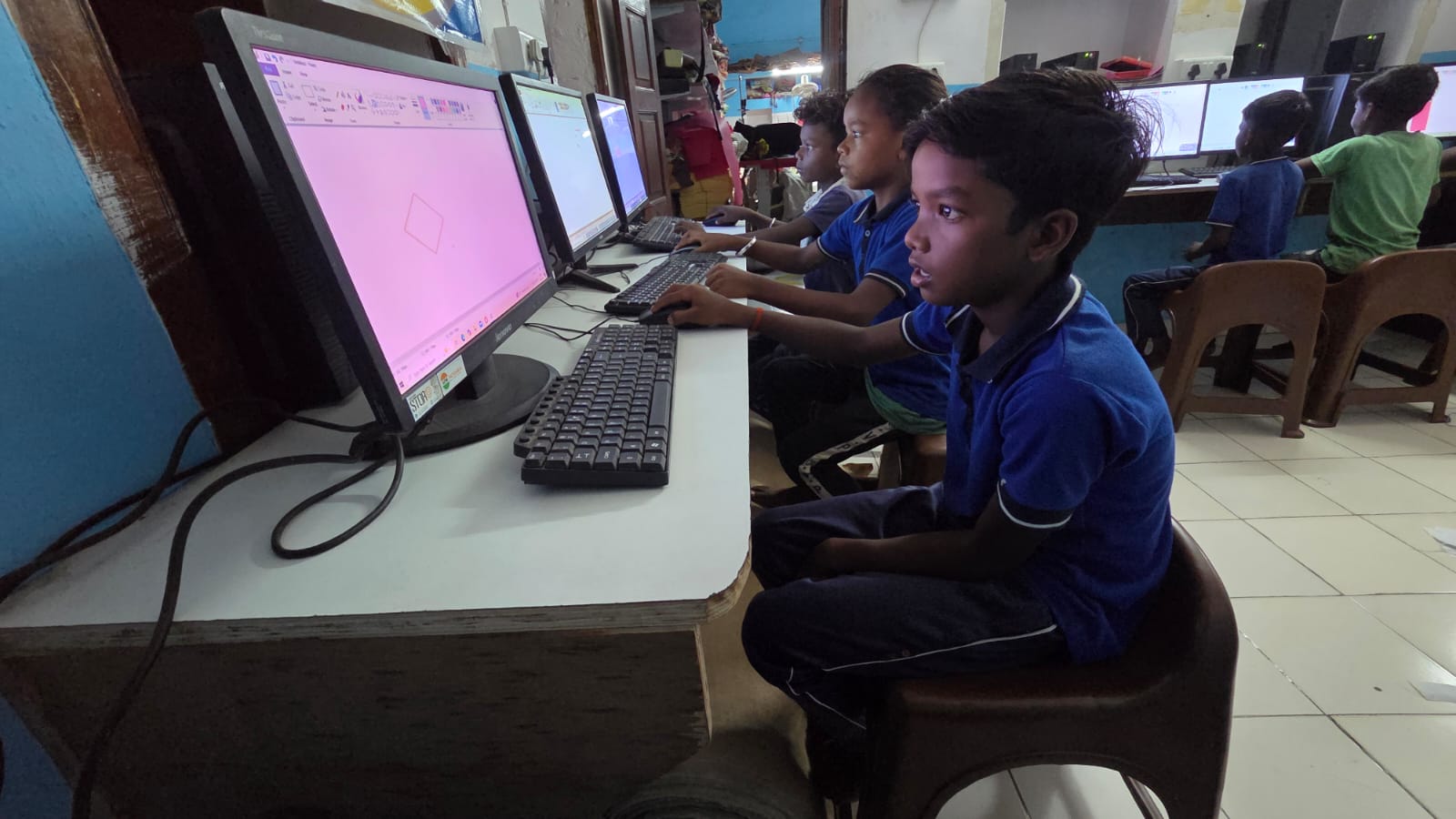
Not every computer is designed for students. Some are too slow, distracting, or loaded with unnecessary software. The Apna PC is different. It comes with 8GB RAM and a a 128GB SSD, so it runs smoothly without lag. Zorin OS is a clean, focused operating system that doesn’t distract you with ads or bloatware.
The Apna PC also includes Apni Prerna, a student monitoring tool that helps you track your study sessions and stay accountable. Scratch, another pre-loaded application, lets you learn coding while improving your problem-solving skills. At Rs.30,000, this is an investment in your education and your future.
Set up your computer in a dedicated study space. A clutter-free desk setup and proper study lighting will help you focus better when you’re using your computer for time management.
Your Action Plan Starts Today
You don’t need to overhaul your entire life tomorrow. Start small. Tonight, spend 15 minutes creating a basic study schedule on your computer for this week. List three subjects and three specific topics you want to cover. Set three realistic deadlines.
Tomorrow, follow your schedule for just one study session. Notice how it feels to have a clear plan. Notice how much you accomplish when you’re not wasting time deciding what to study next. This is the power of time management with a computer.
Raj did this, and by his board exams, he’d completed 85% of his planned study goals. His scores improved by 15%, and he felt calm instead of panicked during exams. You can do the same thing.
Your computer is waiting to help you become a better student and a better time manager. The Apna PC is specifically designed for students like you who want to study smarter, not just harder. Visit apnapc.com to learn more.