

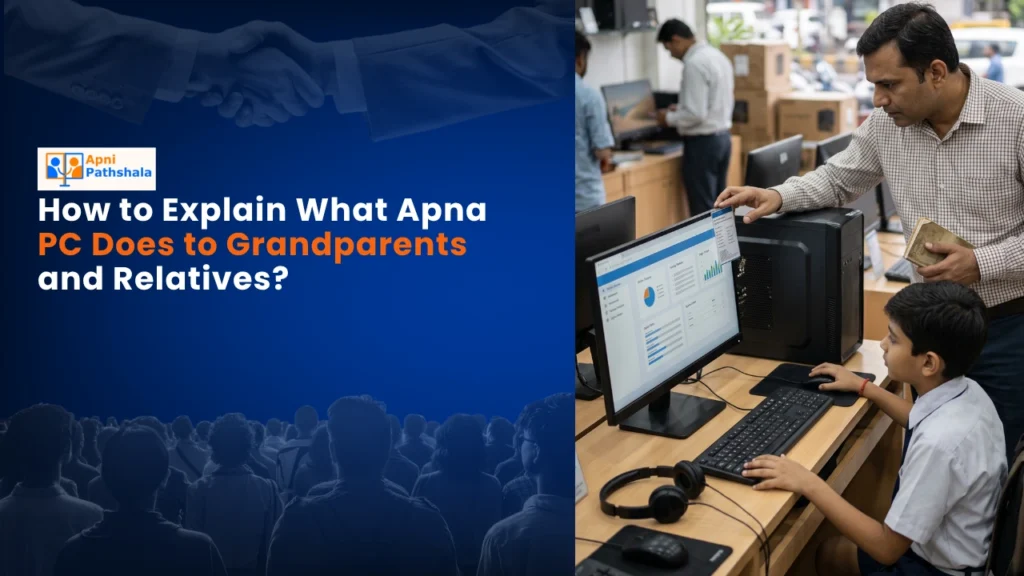
Last month, my cousin Rajesh in Indore bought an Apna PC for his son. When his mother visited from the village, she asked, “Beta, what is this computer? Why does the boy need another device?” Rajesh struggled to explain. Sound familiar? Many parents in tier-2 and tier-3 cities face the same challenge. Let me help you explain Apna PC to your grandparents and relatives in simple terms.
Understanding Apna PC: 5 Key Things to Tell Relatives
Apna PC is not just another computer. It is an educational computer created by Apni Pathshala specifically for Indian students. Think of it as a learning companion that costs Rs.30,000 and comes ready to use right out of the box.
The device runs on Zorin OS, a user-friendly operating system. It includes preloaded software such as Apni Prerna for interactive learning, LibreOffice for document work, and Scratch for coding basics. The hardware includes 8GB of RAM and a 128GB SSD, which means it runs smoothly without lag.
Your grandparents might ask, “Why not use a regular laptop?” The answer is simple. Apna PC focuses entirely on education. There are no distracting games or unnecessary applications. Parents can monitor what children access. The system is built to support digital learning in a structured way.
Why Digital Learning Matters: Explaining Apna PC to Elders
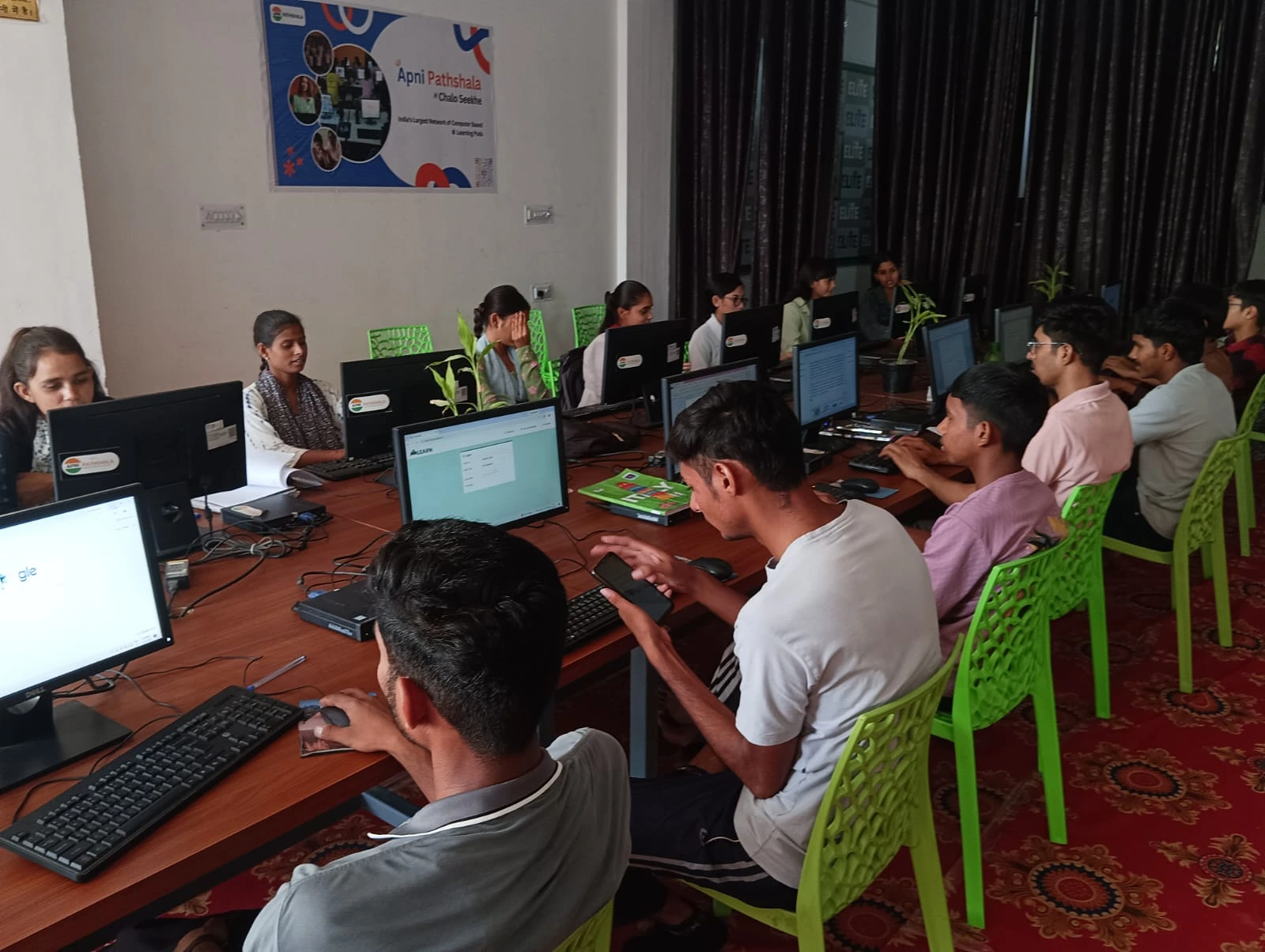
Your older relatives might not grasp why digital learning matters. Explain it this way: the world has changed. Schools now use online resources. Competitive exams require computer skills. Coding and technology are essential subjects.
Learning today includes digital components. The government’s Digital India initiative pushes technology adoption in education. Apna PC aligns with this vision.
Your child needs to be comfortable with computers. Apna PC provides a safe, structured environment to develop these skills. It is not about replacing traditional education. It is about enhancing it.
Best Apna PC Features That Win Over Sceptical Relatives
When explaining Apna PC to relatives, focus on these points:
Pre-loaded Educational Software: Everything is ready. You do not need to search for quality educational apps. Apni Prerna offers curated learning content. LibreOffice helps with schoolwork. Scratch teaches programming basics to young minds.
Safe and Focused Environment: Unlike regular computers, Apna PC limits access to distracting content. Parents control what their children can do. This gives grandparents peace of mind about screen time and inappropriate content.
Affordable Price Point: At Rs.30,000, Apna PC costs less than many laptops. It offers better value because it is purpose-built for education rather than general computing.
Strong Hardware: 8GB RAM and 128GB SSD ensure smooth performance. The device handles educational tasks without slowdowns. Your relatives will appreciate that it is not a cheap, slow machine.
Real Concerns Grandparents Raise About Apna PC
Your grandmother might worry, “Will this harm my grandchild’s eyes?” Explain that Apna PC encourages healthy usage. Parents set time limits. The device is not addictive like smartphone social media apps.
Your grandfather might ask, “How is this different from a tablet?” Tablets are limited. Apna PC is a full computer. It supports serious learning, such as coding, document creation, and research. A child can grow into more advanced skills.
An aunt might question, “Is this necessary for my child’s studies?” Not strictly necessary, but increasingly important. Schools expect digital literacy. Competitive exams include computer-based components. Apna PC prepares children in advance.
Smart Ways to Show Apna PC to Your Family
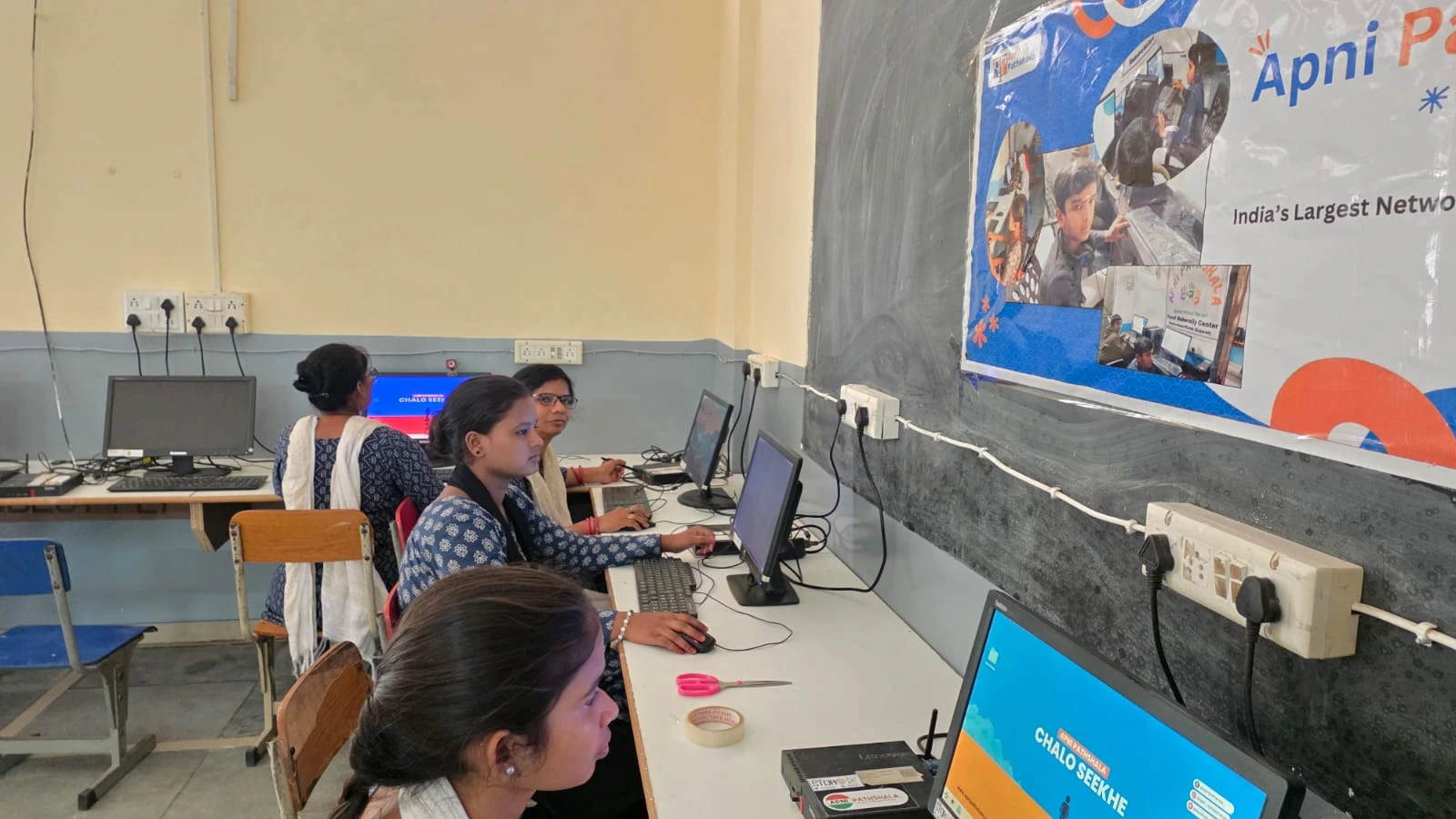
The best way to convince relatives is to show them. When you first set up Apna PC at home, let them watch. The process is simple. You can follow our guide to setting up Apna PC at home for step-by-step instructions.
Once set up, demonstrate how Apni Prerna works. Show them interactive lessons. Let them see LibreOffice in action. These visual demonstrations work better than explanations.
Is Your Child Ready for Apna PC? Check Here
Before you invest in Apna PC, ensure your child is ready. Age matters. Typically, children aged 8 and above benefit most. Your child should have basic computer familiarity. Check our is your child ready for Apna PC checklist to assess readiness.
Bridging the Generation Gap with Apna PC
Your relatives care about your child’s future. They might not understand technology, but they understand education. Frame Apna PC as an educational investment. Compare it to buying textbooks or enrolling in tuition. It is an investment in skills your child needs.
Apna PC is designed for Indian families in tier 2 and tier 3 cities. It understands your needs, your budget, and your educational goals. When you explain this thoughtfully, grandparents and relatives will understand.
The conversation becomes easier when you show concrete benefits. Better grades. Improved computer skills. Preparation for the modern world. These matter to every generation.
Visit apnapc.com to learn more about how Apna PC can transform your child’s learning journey.