

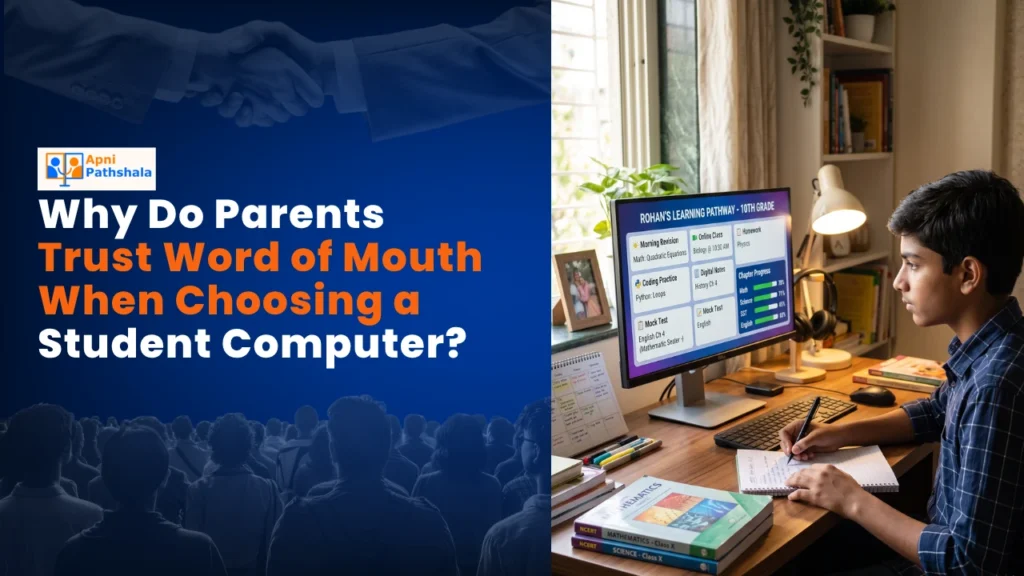
Parents trust word of mouth when choosing a student computer because it comes from people living the same reality, with similar budgets and similar children, and with no sales commission involved. Another parent’s honest experience with online classes, coding and schoolwork carries more weight than any advertisement.
For example, a parent buying a computer before Class 9 might visit several shops and read many reviews, yet still feel confused. One honest conversation with a neighbour about what their own child uses can settle the decision.
Why do parents in Tier 2 and Tier 3 cities trust recommendations over ads?
Because they cannot easily compare many computers side by side, and other parents give them real evidence. Families in cities like Indore, Nagpur, Lucknow and Surat often have fewer retail options than metro cities.
When another parent says their child’s computer works well for online classes, coding practice and school projects, you believe them. You know these people, see their children and understand their budget, because it is similar to yours.
The real power of word of mouth is in the details. A useful recommendation does not just say “get a good computer.” It explains why: it handles online classes without lag, runs educational software smoothly, performs well on video calls and lasts through several school years.
What do parents actually talk about when recommending a student computer?
Parents focus on what matters for education, not on marketing specs.
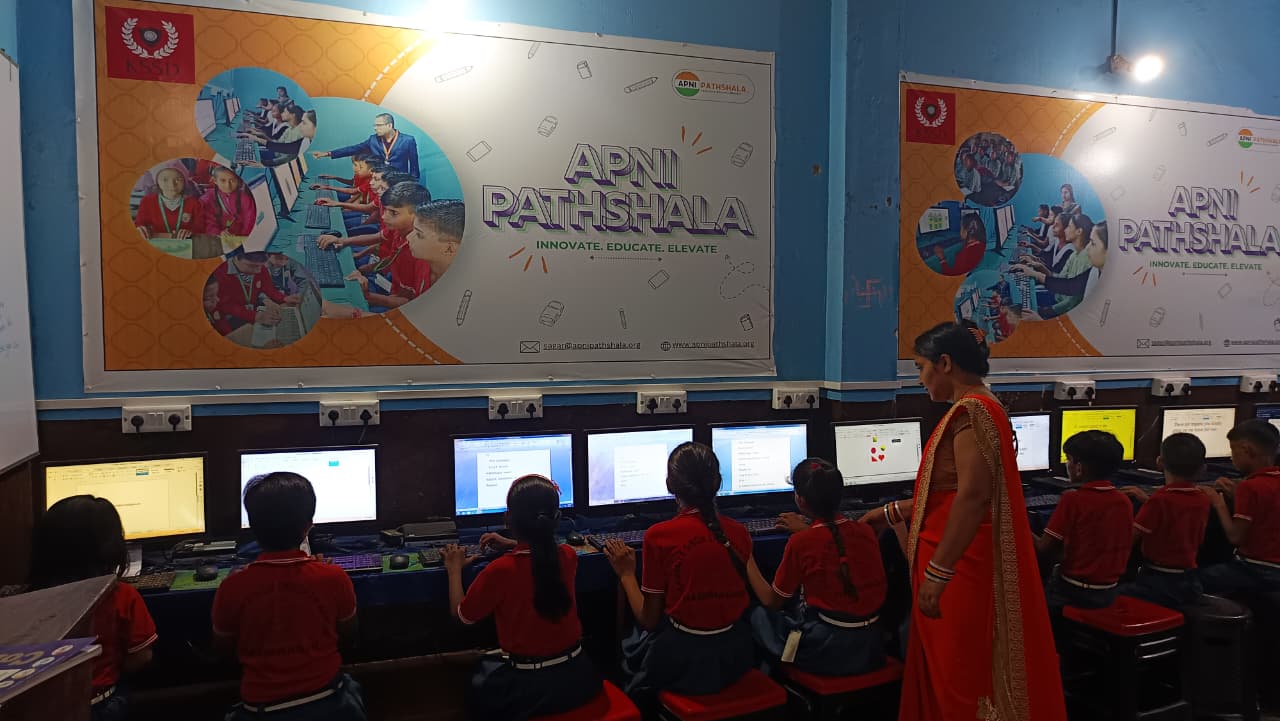
- Performance for schoolwork: can it handle Google Meet, YouTube and several tabs without freezing?
- Affordability: does it fit a reasonable budget without cutting quality?
- Durability: will it survive daily use, including trips to coaching classes?
- Learning software: does it come with tools students actually need?
- Parent monitoring: can you keep track of what your child does online?
These concerns come from real parents solving real problems. Recommendations also flag issues you might not think to ask about, such as a computer getting too hot in long study sessions or an uncomfortable keyboard for typing assignments. Those practical insights help you avoid mistakes before you make them.
How do parent networks share honest recommendations?
Parents build informal networks where information flows naturally: school WhatsApp groups, coaching centre waiting areas and neighbourhood gatherings. This means you are not shopping alone but deciding with the shared experience of parents who have already been through it.
A recommendation from a parent friend says, in effect, “I have tried this, my child uses it daily and I am confident suggesting it to you.” That kind of endorsement cannot be bought with advertising.
Recommendations also come without pressure. A shop owner may push the most expensive model, but a parent friend wants the right choice for your child’s needs and your budget, and earns nothing from the sale.
What role do trusted brands play in word of mouth?
Recommendations tend to cluster around products built specifically for education. When a student computer comes with learning software, parental monitoring and reliable technology, parents feel confident recommending it. See how parents choose computers for students.
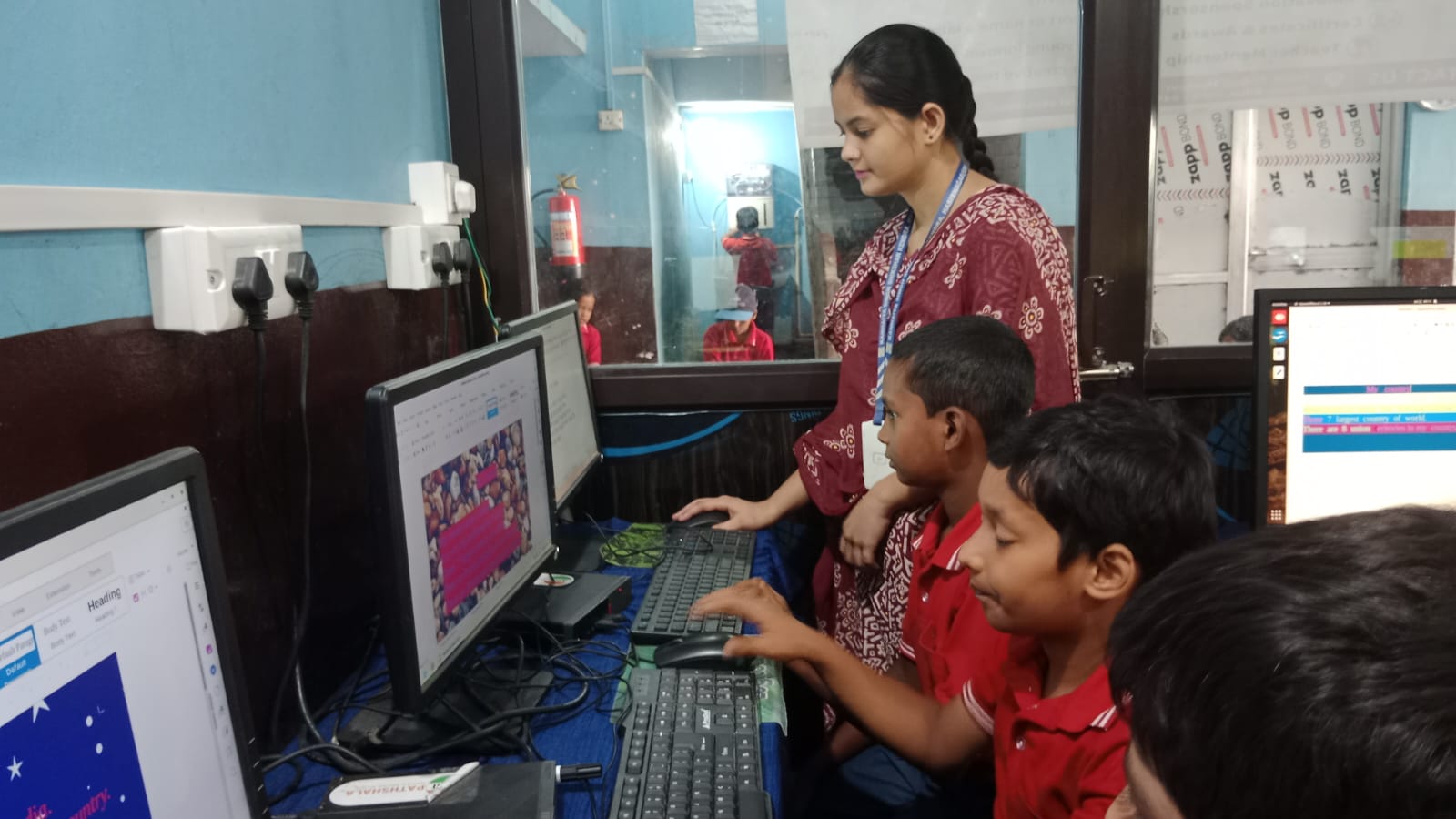
Apna PC reflects what parents talk about. At Rs. 30,000 (excluding shipping and GST), it is priced for Indian families.
| What parents ask about | What Apna PC includes |
|---|---|
| Smooth performance | 8GB RAM and 128GB SSD |
| Reliable system | Zorin OS |
| Schoolwork tools | LibreOffice for documents, Scratch for coding |
| Parent monitoring | Apni Prerna |
Our guide to the best computer for school students at home shows how performance, affordability and learning value fit together.
How is digital literacy changing what parents recommend?
Parents now talk about learning outcomes, not entertainment. India’s Digital India initiative has raised awareness of technology’s role in education, so parents look for devices that build digital literacy, coding skills and online learning ability.
The history of the personal computer shows how technology has become part of education. Student computers are now study tools rather than luxury items, and parents’ recommendations reflect that.
How can you build your own recommendation circle?
Start the conversations yourself instead of waiting. Ask other parents what they bought, and share your own experience once you have chosen.
- Ask parents at your child’s school what their children use for online classes and projects.
- Ask about problems too: heat, keyboard comfort, repairs and support.
- Share what worked for you, so the next family can decide faster.
The next time a parent asks you, you will have a real answer based on real experience. If your family is new to computers, read how families new to computers get started.
Frequently Asked Questions
Are online reviews or parent recommendations more reliable?
Both help, but parent recommendations are often more useful because they come from families with similar budgets and needs. Online reviews can be mixed or hard to verify. Use reviews to shortlist options, then ask parents you know how those computers actually perform for schoolwork.
What questions should I ask other parents about their child’s computer?
Ask how it handles online classes and video calls, whether it slows down with several tabs, how it has held up with daily use, and what support was like when something went wrong. Also ask whether their child actually uses it for study rather than entertainment.
Should I buy the same computer another parent recommends?
Only if your child’s needs and your budget are similar. A recommendation is a strong starting point, but check that the computer suits your child’s class, subjects and study habits. Matching the device to your own situation matters more than copying another family’s choice.
Start your search for the right student computer by talking to parents in your community. Visit Apna PC to learn more.