

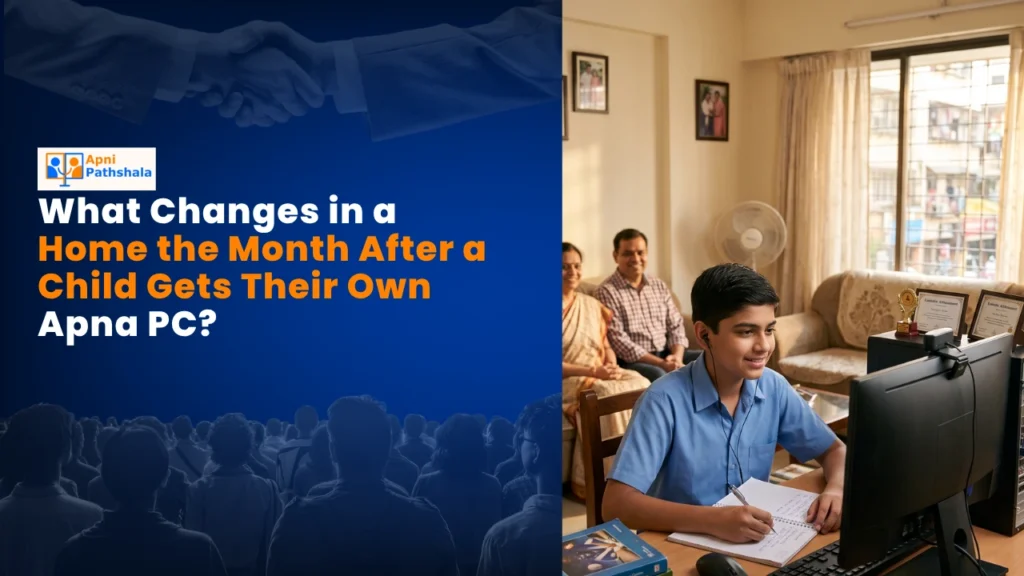
When a child gets their own computer, the first month usually brings fewer arguments over shared devices, a more regular study rhythm and better focus during online classes. The changes are quiet rather than dramatic, and they often show up in how the whole household uses technology, not just in marks.
For example, a Class 8 student who struggled with online lessons on the family’s old laptop might stop asking to borrow it once they have a device of their own. Here is what that first month often looks like with an Apna PC.
What changes in the first week?
The first change is usually about sharing, not grades. Once a child has their own computer, they stop borrowing the family laptop or a parent’s phone, so a parent’s work-from-home setup stays free and younger siblings can use other devices without conflict.
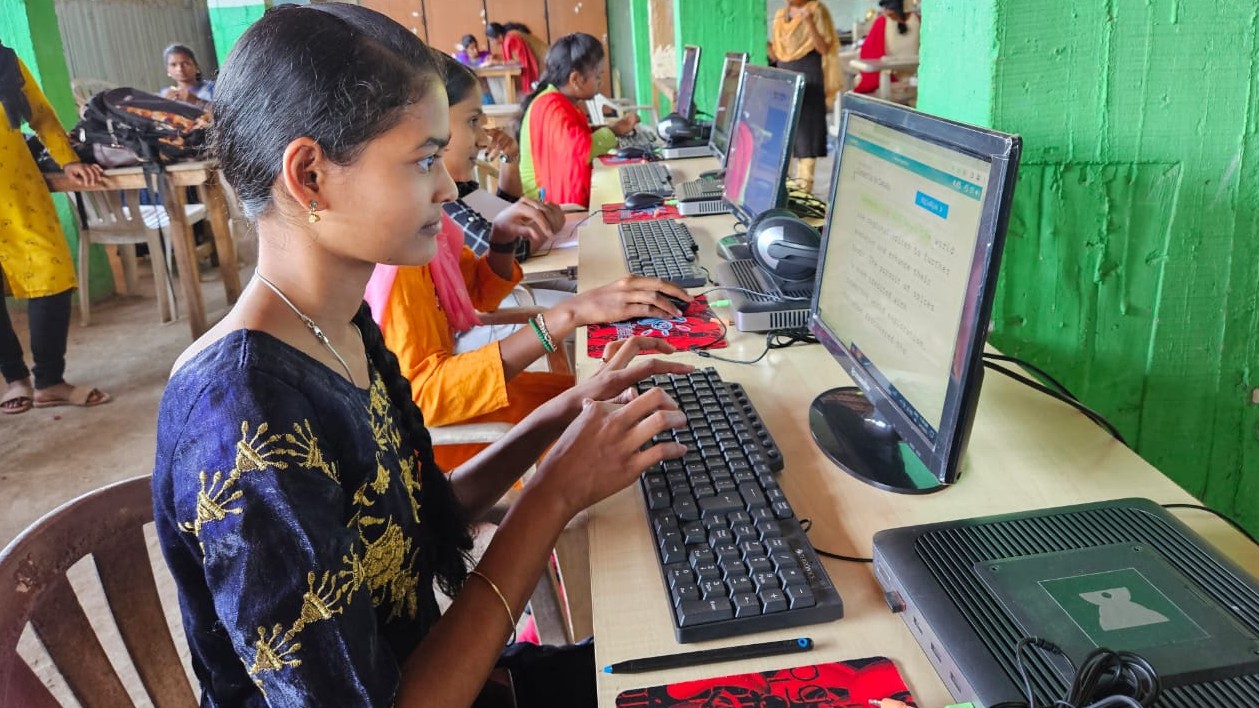
An educational computer comes preloaded with learning tools, not gaming apps, so it is harder to scroll mindlessly the way a child might on a phone. The device has a clear purpose, and children tend to feel that from day one.
Does a child study differently on their own computer?
Often, yes. Many parents notice their child sitting at a table for online classes instead of lying on the bed, because a keyboard and screen feel more “official” than a phone or tablet. They sit straighter and take more notes.
By the third week, some children start using the computer for homework without being asked. Not because they suddenly love studying, but because the device feels like it is meant for learning. Students learn better on a computer built for education because the design itself guides behaviour: no notification pings and no gaming temptation.
How do parents’ worries change?
Parents usually worry less once they see the device is set up for learning. They do not need to watch every click or fear inappropriate content on a computer designed with safety in mind.
Parents don’t need to be tech experts to manage an educational computer like this.
What benefits do families not expect?
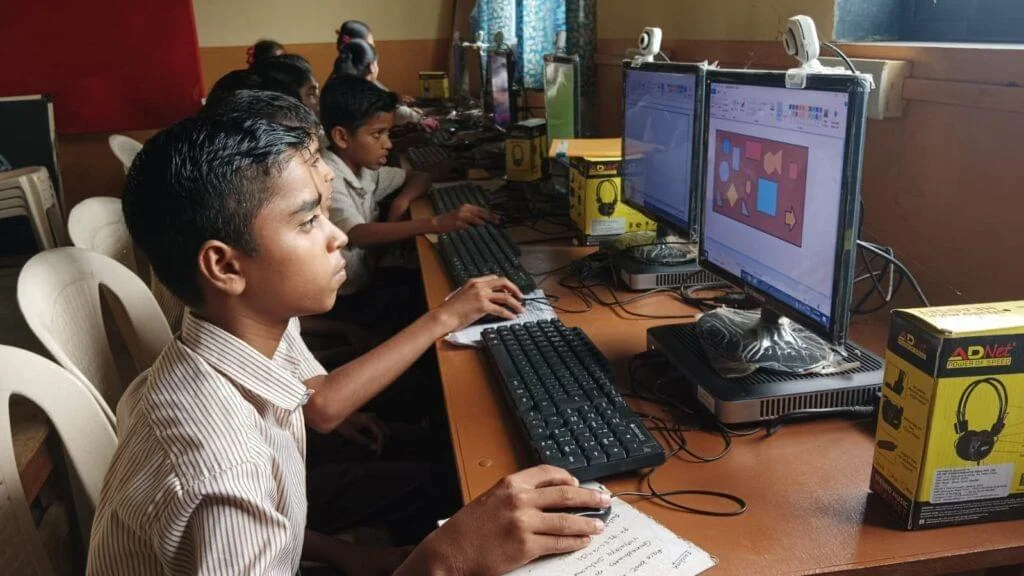
The most common surprise is that the computer becomes a shared learning resource. By the fourth week, a younger sibling may ask to use it for schoolwork, and the older child often ends up helping with digital assignments.
Other changes parents often mention after a month:
- The child talks about what they learned at dinner instead of only complaining about hard topics
- Study time has a regular rhythm
- Less parental guilt about screen time, because the screen is being used productively
The computer does not make a child a different student. It makes them a more engaged one. If two children will share it, read our tips on two kids sharing one computer.
Is a study computer a luxury or a necessity now?
For most school students today, it is closer to a necessity. Education in India is moving steadily toward digital learning, and India’s Digital India initiative has made technology access a priority.
When a device is designed for student learning, it can shape behaviour, confidence and study habits. At Rs.30,000, Apna PC is priced so that more families can give their child a dedicated learning space.
What should parents expect after month one?
Expect steadier habits rather than overnight results. The Rs.30,000 spent changes the home’s relationship with digital learning first, and better results usually follow over the coming months. For a realistic timeline, see what to expect in the first month.
Frequently Asked Questions
Will my child get bored of the new computer after a few weeks?
Some excitement fades after the first weeks, which is normal. What lasts is the routine. If the computer has a fixed place and study time each day, children keep using it for school because it is simply where homework and online classes happen, not because it is new.
Where should the child’s computer be placed at home?
Place it in a shared, well-lit area such as a corner of the living room or a study table near the family. This keeps study visible without hovering, reduces late-night use and makes it easy for parents to check in casually during the evening.
Should younger siblings be allowed to use the computer?
Yes, with a simple timetable. Give the older child priority during exams and homework hours, and set a fixed slot for the younger sibling. Separate user accounts or folders keep each child’s work organised and avoid arguments over deleted files.
Visit Apna PC to learn more about how an affordable educational computer can support your child’s learning and your home’s digital life.