

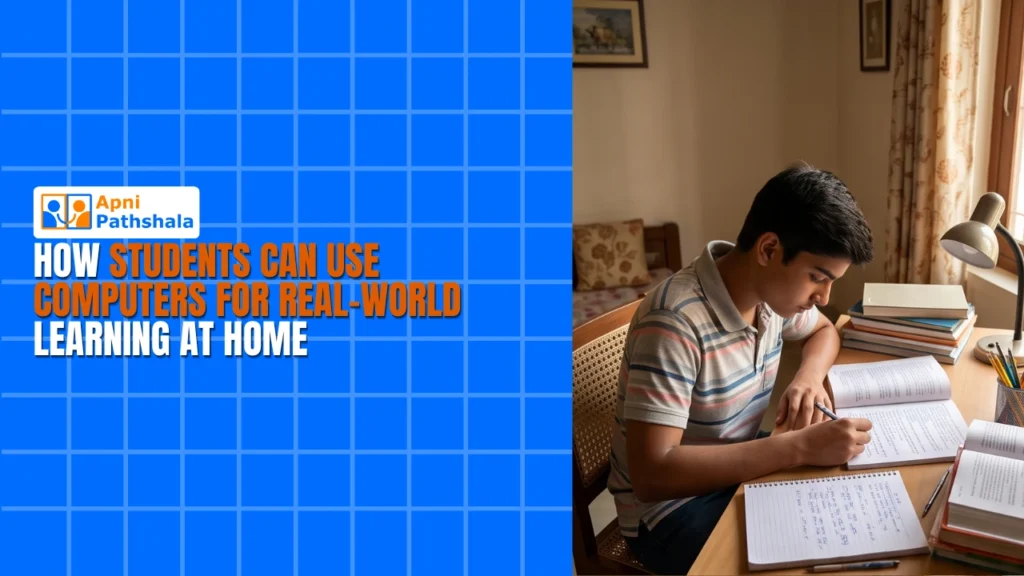
Real-world learning goes beyond textbooks and exam prep. It means applying knowledge to solve actual problems, create projects, and develop skills that matter. For Indian students aged 12-18, having access to a personal computer at home transforms how they learn. Whether it’s coding a simple app, editing videos, or analysing data, practical learning happens when students have the right tools. An affordable educational computer opens doors to hands-on experiences that schools alone cannot always provide.
Why Real-World Learning Matters for Students?
Classroom learning teaches concepts. Real-world learning teaches application. When students work on genuine projects, building a website, creating digital art, or researching solutions to local problems, they engage more deeply with the material. They develop critical thinking, problem-solving, and digital skills that employers actually seek.
Platforms like DIKSHA, India’s digital learning platform, offer interactive courses and project-based assignments. Students need computers to access these resources and complete hands-on work from home.
How a Student Computer Enables Practical Learning at Home
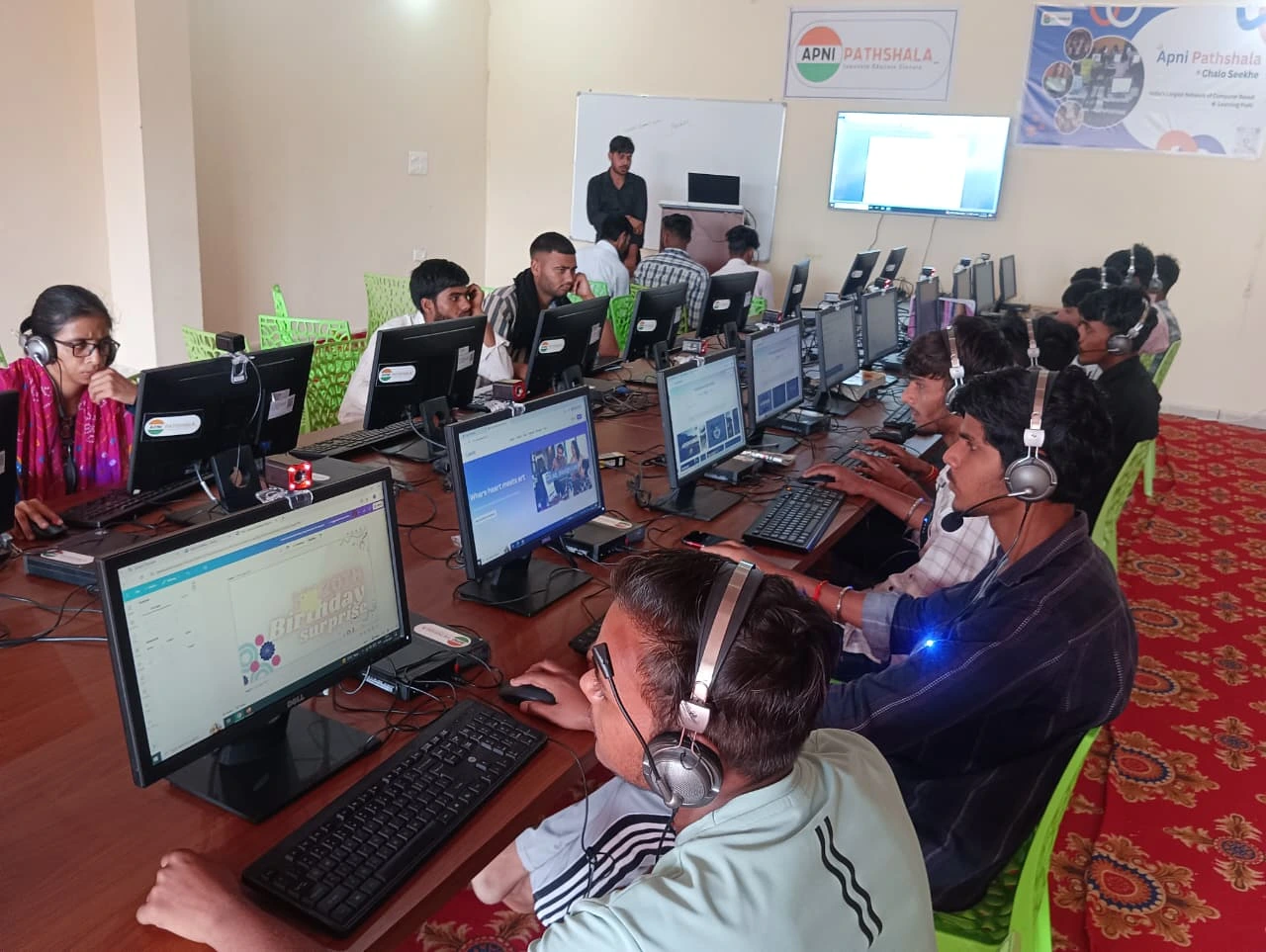
A dedicated student computer becomes your personal learning hub. With an affordable machine, you can:
Access Online Learning Resources: Platforms like DIKSHA, Khan Academy, and YouTube tutorials teach coding, science experiments, and creative skills. You pause videos, experiment with code, and practice concepts immediately. That’s where real-world learning takes shape.
Complete Project-Based Assignments: Teachers increasingly assign projects that require digital tools. Video editing for history documentaries, spreadsheet analysis for data, graphic design for presentations. A functional computer makes all of this possible.
Build Digital Skills: Coding, graphic design, video production, and data analysis are no longer optional. An educational computer lets you learn these skills through free tools and tutorials, preparing you for a digital-first job market.
Collaborate with Peers: Google Docs, Canva, and GitHub enable students to collaborate remotely. This kind of practical learning often involves teamwork and feedback loops that mirror professional environments.
Real-World Learning Projects You Can Start Today
Coding and App Development: Learn Python or Java through free platforms. Build a calculator, a weather app, or a simple game. You solve logic problems and debug your own code. That’s hands-on education at its best.
Content Creation: Start a YouTube channel about your interests, science experiments, book reviews, or tech tutorials. Learn video editing, audio production, and audience engagement. This builds communication and technical skills simultaneously.
Data Analysis Projects: Collect data on topics that interest you, air quality in your neighbourhood, water usage patterns, or social media trends. Use spreadsheets to analyse and visualise findings. Connecting mathematics to tangible, local problems makes learning stick.
Digital Citizenship Campaigns: Create infographics, posters, or videos about cybersecurity, online safety, or environmental awareness. Design skills meet social responsibility in projects that benefit your community.
Building a Learning Lab at Home with Your Computer
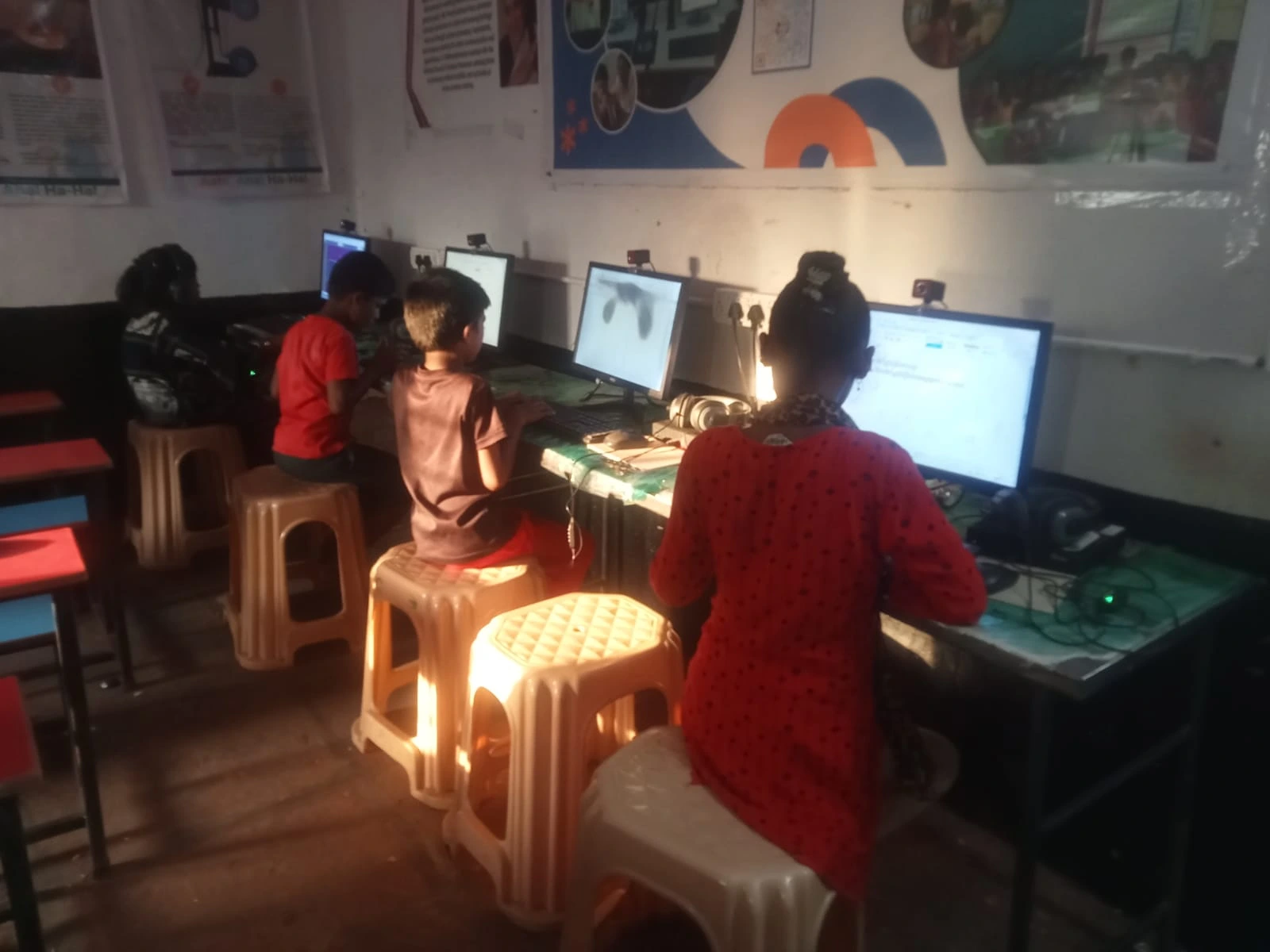
Your computer is the centrepiece of a home learning lab. Turn your home into a learning lab by organising a dedicated study space with good lighting, reliable internet, and your educational computer as the hub.
Students thrive in spaces where they can experiment without pressure. Set up folders for different subjects, bookmark useful websites, and create a distraction-free environment. A student computer with adequate processing power ensures you can run multiple applications, watch high-quality videos, and complete assignments smoothly.
Your Computer as a Daily Learning Partner
Consistency matters. A computer as your daily learning partner means you have access to resources, tools, and communities every single day. Whether you’re reviewing concepts before exams, working on long-term projects, or exploring new interests, a reliable educational computer supports continuous growth.
Use your computer to maintain a learning journal, track project progress, and document skills you’re developing. Real-world learning becomes measurable when you can look back at what you’ve created over weeks and months.
Connecting Home Learning to India’s Digital Future
India’s Digital India initiative aims to make technology accessible to all citizens. By investing in an affordable educational computer now, you’re not just supporting grades. You’re preparing for a future where digital literacy is essential.
Hands-on learning at home positions you to take advantage of digital opportunities in higher education, entrepreneurship, and employment. Whether you pursue engineering, design, business, or any modern field, the practical digital skills you develop today matter tomorrow.
Affordability Meets Quality in Educational Computing
Quality educational computers don’t require premium prices. Affordable options designed specifically for student learning deliver the processing power, battery life, and durability you need. A practical setup doesn’t demand the latest gaming laptop. It demands a reliable machine that runs educational software, handles video conferencing, and supports creative projects smoothly.
When you choose an affordable educational computer, you invest in access. Access to online courses, collaboration tools, creative software, and global learning communities. This kind of learning becomes possible for every student, regardless of family budget.
Your journey toward meaningful, practical learning starts with the right tools. Visit apnapc.com to learn more about affordable educational computers designed for Indian students.
2 Responses
nice vlog
Glad you liked it!