

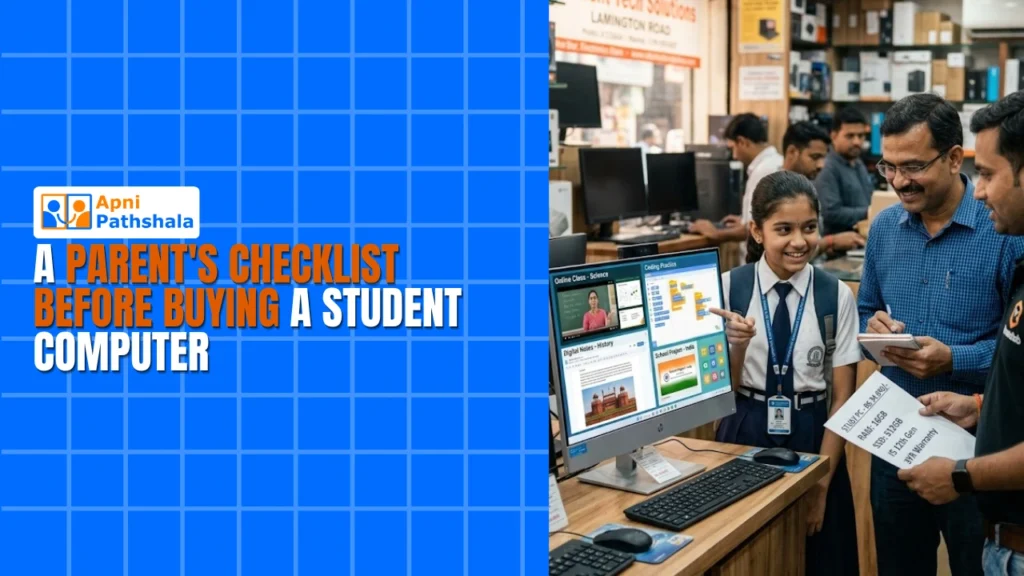
Rajesh sat in his small flat in Indore, staring at his laptop screen. His daughter Priya had just scored 92% in her Class 9 exams, and she’d asked for her own computer for online classes and projects. He had Rs.25,000 saved, but walking into electronics shops left him confused. Processors, RAM, storage, operating systems. The jargon felt like a foreign language. Like many parents in Tier 2 and Tier 3 Indian cities, Rajesh needed a checklist to guide his decision. This guide will help you avoid his confusion and make the right choice for your child’s education.
Why Your Student Computer Checklist Matters Right Now?
Your child spends hours on their computer for online classes, research, coding projects, and assignments. The wrong choice leads to slow performance, frustration, and wasted money. The right study desktop grows with your child from Class 6 through Class 12, supporting everything from typing essays to learning programming through Scratch.
Parents often buy based on brand names or the lowest price. That’s a mistake. You need a computer buying guide that covers performance, safety, software, and long-term value. This approach ensures you’re not overpaying for gaming features your child doesn’t need, and not underpaying on basics that matter for studies.
The Essential Student Computer Checklist
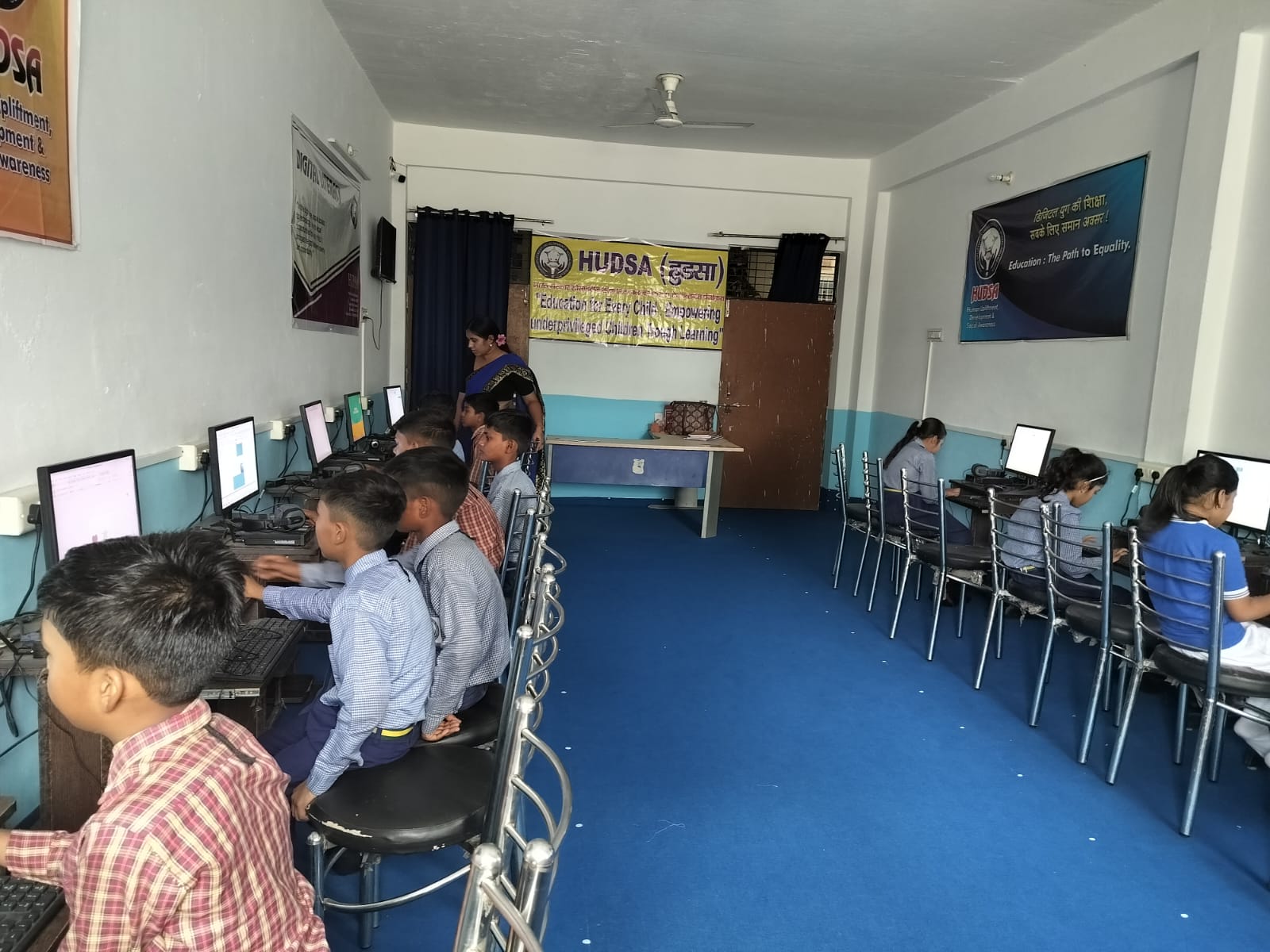
Let’s break down what you should check on your student computer checklist before handing over your money.
- RAM and Storage: Your student needs at least 8GB RAM for smooth multitasking during online classes and document work. Storage should be at least a 128GB SSD, not an older HDD. SSDs load programs faster, saving your child time and frustration.
- Processor Quality: Don’t get distracted by fancy processor names. Look for Intel Core i3 or AMD Ryzen 3 at minimum. These handle online tuition platforms, video calls, and schoolwork without lagging.
- Display Size: A 21-inch to 24-inch monitor is ideal for study desktops. Anything smaller strains young eyes during long study sessions. Make sure the display has good colour accuracy for online content.
- Pre-installed Software: Check what comes already installed. Does it have LibreOffice for documents and spreadsheets? Does it include Scratch for coding? Can your child access online tuition platforms without downloading extra programs? A budget computer for online tuition should come ready to use on day one.
- Operating System: Windows is common, but Linux-based systems like Zorin OS are lightweight, secure, and free. They’re perfect for student computers because they don’t slow down over time with bloatware.
- Parental Controls and Monitoring: As a parent, you want peace of mind. Your computer should have built-in features to monitor your child’s activity and set screen time limits. Read our safe computer guide for parents for detailed tips on protecting your child online.
- Warranty and After-Sales Support: Buy from sellers who offer at least a 1-year warranty and local service centres. In smaller cities, this matters more than you think.
Budget PC Options: What You Can Get for Rs.21,000 to Rs.30,000
You don’t need to spend Rs. 50,000 or more on a quality student computer. In the Rs.21,000 to Rs.30,000 range, you can find solid options that meet all your checklist items. Apna PC, built by Apni Pathshala, is a great example. It costs Rs.21,000 (excluding shipping and GST) and comes with 8GB RAM, 128GB SSD, Zorin OS, pre-loaded LibreOffice, and Scratch for coding.
What makes this budget PC special? It includes Apni Prerna, a built-in student monitoring system that lets you see how your child is using the computer. It’s not a spy tool, but a parental guide that respects privacy while keeping your child safe. The computer is designed specifically for Indian students, not a generic gaming PC stripped down for education.
Compare this to other options in the same price range. Many budget computers come with slow HDDs instead of SSDs. Others lack proper parental controls. Some run bloated Windows versions that slow down after six months. Apna PC avoids these traps.
Questions to Ask Before You Buy
When you’re ready to buy, ask the seller these questions:
- Is this computer designed for student use, or is it a leftover gaming PC?
- What’s included in the box? Monitor, keyboard, mouse, all of it?
- Can I upgrade RAM or storage later if my child needs more power?
- Does the seller provide training on how to use the computer safely?
- What happens if something breaks in the first year?
- Can my child access online learning platforms like Google Classroom and Zoom without issues?
The Hidden Costs Nobody Talks About
Your checklist shouldn’t stop at the price tag. Think about what comes after.
Electricity bills: A desktop uses about Rs.100 to Rs.150 per month in electricity. Budget for this over the next 6 years.
Internet: Your child needs a reliable internet connection for online classes. If your current plan isn’t fast enough, upgrade it. This might include a student-monitoring system that lets you see how your child uses it. 1,000 more per month.
Peripherals: You might need a better keyboard, mouse, or webcam later. Budget Rs. 2,000-5,000 for these extras.
Software: Make sure the computer comes with free or low-cost software for schoolwork. Paid Microsoft Office licenses cost Rs. 5,000 or more per year.
Why This Matters for Your Child’s Future?
Learning to use a computer properly in Class 6-12 gives your child a huge advantage. They develop digital literacy, learn the basics of coding, and become comfortable with technology. This isn’t just about passing exams. It’s about preparing them for college entrance exams, competitive job markets, and a world where computer skills are essential.
The right budget PC ensures you’re investing in their future, not just buying a box. You’re giving them a tool that supports their learning journey for years to come.
Understanding personal computer basics also helps you make better decisions. India’s Digital India initiative is pushing technology into schools and homes across the country. Your child deserves a computer that’s ready for this digital future.
Final Checklist Before You Buy
- 8GB RAM or more
- 128GB SSD storage minimum
- Reliable processor (Intel i3 or AMD Ryzen 3)
- Pre-installed study software
- Parental monitoring features
- Good warranty and local support
- Price within your budget
- Designed for student use, not gaming
Rajesh eventually bought a computer that checked all these boxes. Priya is now in Class 11, coding in Scratch, attending online classes without lag, and preparing for competitive exams on the same computer. He spent Rs.21,000 and hasn’t regretted it once. Your family can have the same success with the right student computer checklist. Visit apnapc.com to learn more.