

Riya remembers everything she studied in Class 8. At least, she thinks she does. Last week, she opened her Class 8 math notebook to revise a chapter for her Class 10 exam. She found her notes, but they made no sense. The handwriting was hers. The formulas were correct. But she could not remember why she had written certain things, what the teacher had explained, or how the concepts connected. The notes were there. The context was not.
Her brother, two years older, uses a different system. He does not just write notes. He writes notes on his notes. When he studies a chapter, he types the key points, adds his understanding, links it to related chapters, and tags it with keywords. When he revisits his notes months later, he understands everything. It’s not because he has a better memory. Because he built a second brain.
The second brain method is not a productivity hack. It is a way of storing your thinking so you can access it later. Every idea, every connection, every insight you have while studying is captured in a system outside your head. Your brain does the thinking. The system does the remembering.
Why Is Your Brain Not Enough?
The human brain is brilliant at thinking. It is terrible at remembering. A student who understands a concept today will forget 70 per cent of it within a week if they do not revisit it. Within a month, they will remember only the main ideas. Within a year, the details are gone.
This is not a flaw. It is how the brain works. The brain is designed to process information, not store it. It holds onto what is frequently used and discards what is not. A student who does not revisit their notes is trusting their brain to do something it was never designed to do.
A second brain solves this problem. It stores information in a format that preserves the context, the connections, and the reasoning behind each note. When the student revisits the note months later, they do not just see the formula. They see why the formula matters, how it connects to other concepts, and what they thought about it when they first learned it.
Personal knowledge management is the practice of building and maintaining this second brain. It is not about taking more notes. It is about taking notes that preserve your thinking.
Digital India initiative is building digital infrastructure across India. But infrastructure without a personal system is just noise. A student with a second brain turns digital resources into lasting knowledge.
How to Build a Second Brain on a Computer
A second brain requires three things: capture, connect, and retrieve. A computer makes all three possible.
“Capture” means writing down not just what you learned, but what you think about it. On a computer, this means typing notes in a document with your own commentary. Do not just copy the textbook. Write what the concept means to you. Write why it matters. Write how it connects to something you already know. This commentary is the most valuable part of your notes.
Connect means linking related ideas. On a computer, this means creating folders by subject and adding references between related topics. When you study trigonometry, link it to the algebra chapter that uses the same formulas. When you study chemistry, link it to the physics chapter that explains the same forces. These connections turn isolated facts into a web of understanding.
Retrieve means finding what you need when you need it. On a computer, this means using the search function. A student with a second brain does not reread entire notebooks. They search for a concept, find the note, and see their own thinking from when they first learned it. The context comes back instantly.
Digital note-taking system tools like LibreOffice, text editors, and file managers make this possible. The student does not need special software. They need a computer with basic tools and the discipline to capture their thinking while they study.
What Is Apna PC and How Does It Help Indian Students Learn Better. But more importantly, it helps them build a system that preserves their thinking for future use.
Why Is a Computer the Only Device That Works?
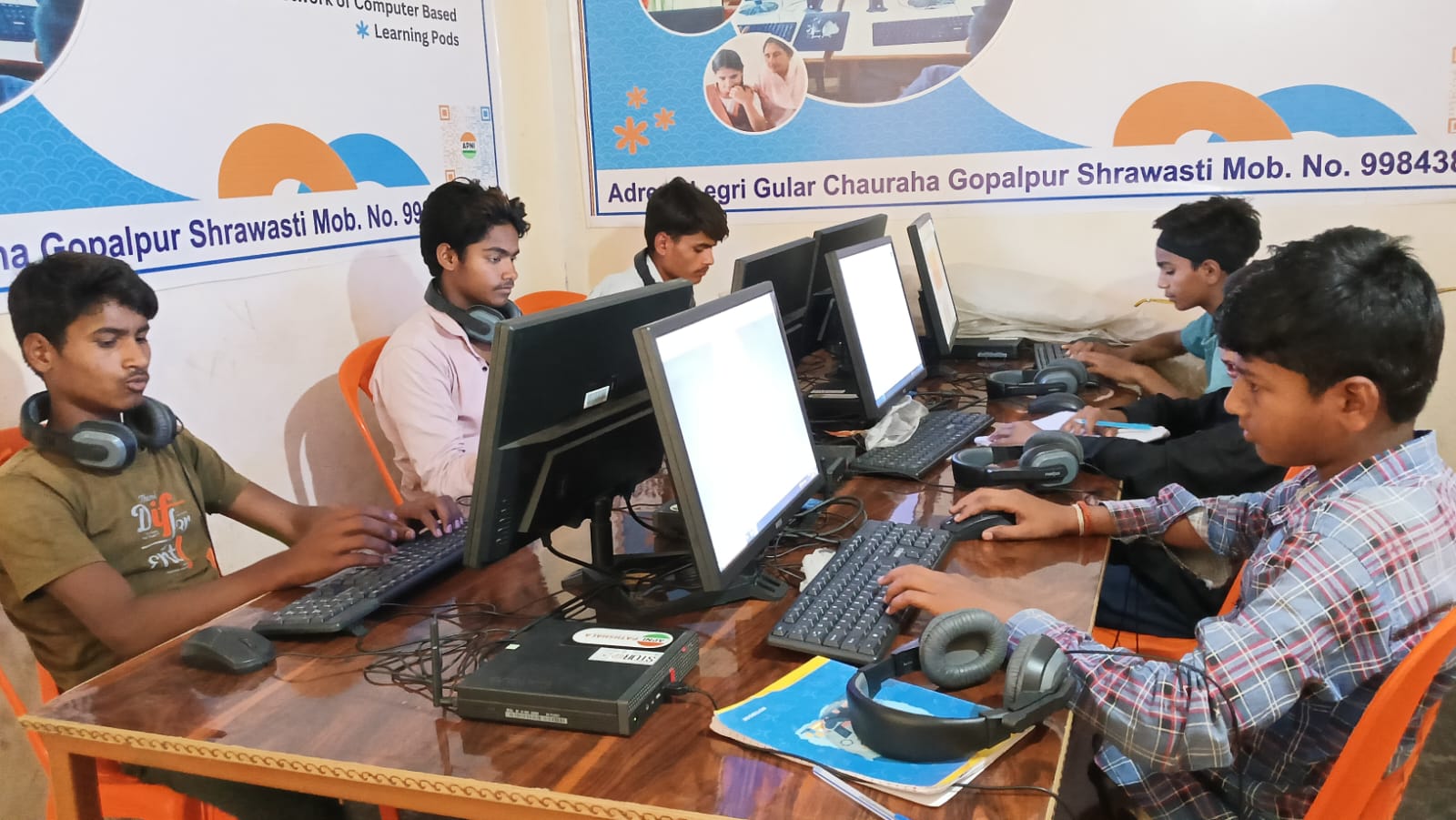
A phone cannot be a second brain. The screen is too small for organising complex notes. The keyboard is too slow for capturing thoughts during a lecture. The operating system does not support the linking, tagging, and searching that the second brain method requires.
A computer makes the second brain practical. A student can type fast enough to capture thoughts in real time. They can organise notes into a hierarchy that reflects how they think. They can search through years of notes in seconds. They can open multiple documents and see connections between topics.
A productivity system for students is not about downloading the latest app. It is about having the right device. A computer is the device that makes the second brain method possible. Without it, the student is limited to paper notes that lose context over time.
The Biggest Advantage a Student Can Have Today. But the advantage is not just about having a computer. It is about having a system that turns every study session into lasting knowledge.
What Parents Should Do?
Give your child a computer. Let them start building a second brain. Let them type their notes, add their own thinking, link related concepts, and search for information when they need it. The habit of capturing thoughts digitally will serve them throughout school, college, and their entire career.
Apna PC, priced at ₹21,000 (shipping and GST excluded), comes pre-loaded with LibreOffice and other tools that make the second brain method possible. Your child plugs it in and starts building their digital thinking system from day one.
DIKSHA, India’s national digital learning platform offers digital resources for students. But resources without a system are forgotten. Give your child the system to turn information into lasting knowledge. Visit apnapc.com to learn more.