


Neha has three notebooks for math. One from tuition, one from school, one from self-study. She also has PDFs on her phone, screenshots of important formulas, and bookmarked videos she never rewatched. Last week, she needed a specific formula for her exam. She spent forty-five minutes looking for it. She found it in the wrong notebook. The formula was there. The system was not.
Two benches ahead in the same classroom, Arjun has one computer. All his notes are typed in documents, organised by subject in folders, and searchable by keyword. When he needs a formula, he types the name and finds it in ten seconds. Same knowledge. Same exam. Completely different preparation.
The difference between Neha and Arjun is not intelligence. It is not effort. It is organisation. Study organisation tips are not about working harder. They are about building a system that makes learning efficient. And the best system is a computer.
Why Paper-Based Organisation Hits a Ceiling?
Paper-based organisation works for small amounts of information. A student with five notebooks can manage their notes. But as the volume grows, the system breaks.
A Class 10 student has notes from five subjects, each with multiple chapters. They have handouts from school, printouts from tuition, and screenshots from online classes. By the time exams arrive, the pile of paper is unmanageable. The student spends more time looking for notes than studying them.
The problems are structural. Paper notes cannot be searched. They cannot be reorganised. They cannot be backed up. They take physical space. They can be damaged by water, torn by accident, or lost during moves. Every year, Indian students lose months of work because their notes were on paper.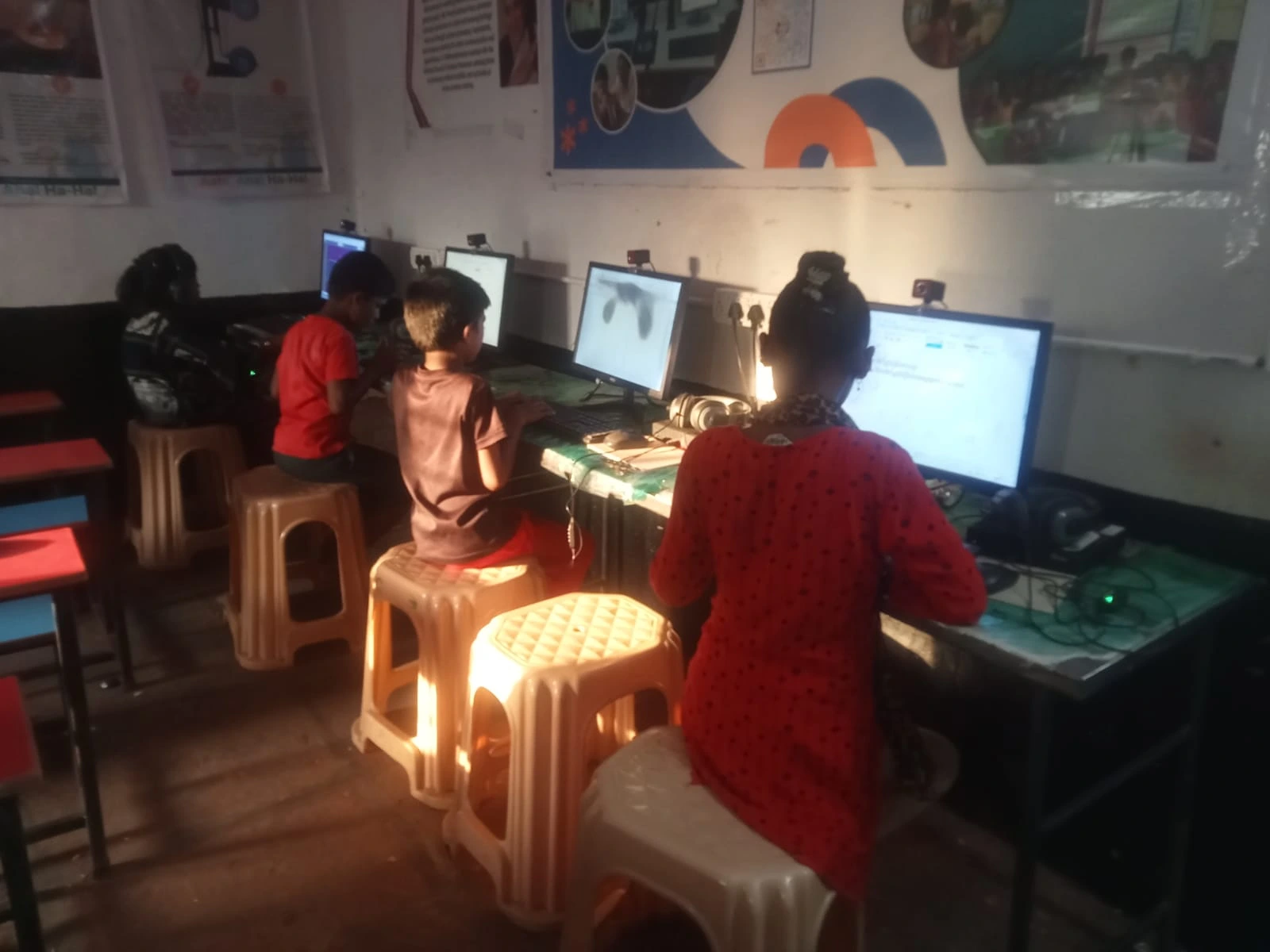
Organise study material digitally, and these problems disappear. Notes on a computer are searchable. They can be reorganised by topic, by difficulty, or by exam relevance. They are backed up automatically. They take no physical space. They survive water, moves, and time.
UNESCO global education research has documented how digital organisation improves student performance. The improvement is not because digital notes are better content. It is because digital notes are more findable. A note you can find in ten seconds is more useful than a note you cannot find at all.
What Professional-Level Organisation Looks Like?
Professionals do not keep their files in random folders. They have systems. Naming conventions. Folder structures. Search habits. Students who adopt these habits early get a massive advantage.
A professional-level student organisation system has three layers: capture, structure, and retrieve.
Capture means writing down what you learn in a searchable format. On a computer, this means typing notes in a document with clear headings, bullet points, and keywords. A student who types notes can include links, images, and code snippets. The notes are richer and more searchable than handwritten ones.
Structure means organising notes so they are easy to navigate. Create a folder for each subject. Inside each subject folder, create subfolders for chapters or topics. Name files clearly: “Class10-Maths-Ch3-Trigonometry,” not “notes1” or “maths final.”
“Retrieve” means finding information quickly. On a computer, this means using the search function. A student who needs a formula types the formula name and gets the result. No flipping pages. No searching through piles. Just a keyword and an answer.
Student productivity tools like LibreOffice, text editors, and file managers make this system possible. The student does not need special software. They need a computer with basic tools and the discipline to use them consistently.
How a Personal Computer Helps Students Learn Beyond the School Curriculum. But more importantly, it helps them build a system that makes every study session more efficient.
Why Is a Computer the Only Tool That Works?
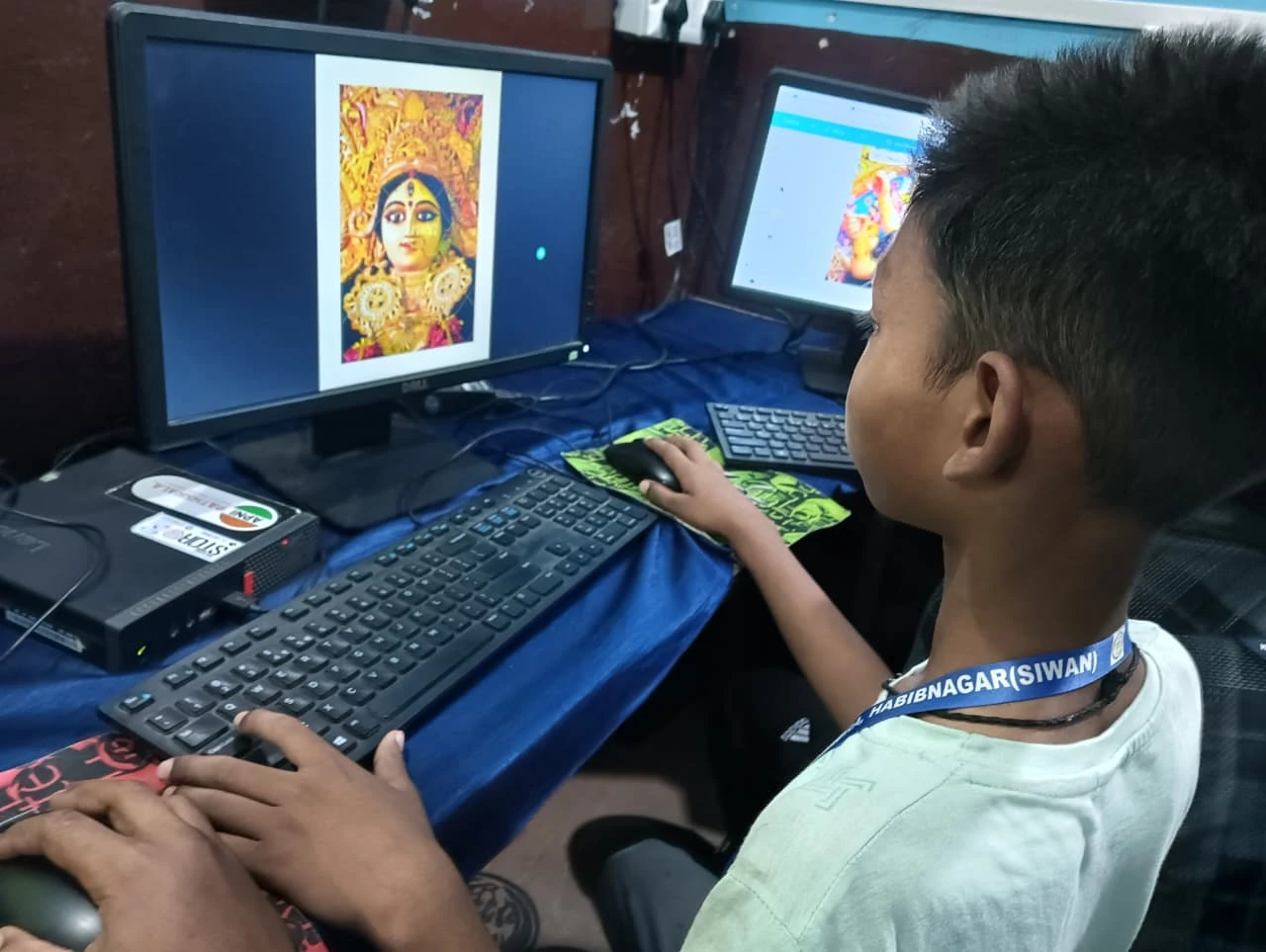
A phone cannot be an organisation tool. The screen is too small for managing files. The keyboard is too slow for typing notes. The operating system does not support the folder structures and search functions that a professional organisation requires.
A computer solves every one of these problems. The screen is large enough to see your file structure. The keyboard is fast enough for typing notes. The operating system supports folders, subfolders, and instant search. A student with a computer can organise their entire academic life in a way that a student with a phone cannot.
Learning management for students is not about downloading an app. It is about having the right device. A computer is the device that makes professional-level organisation possible. Without it, the student has to rely on paper, screenshots, and scattered notes.
The Hidden Cost of Not Having a Computer in 2026. But the cost of disorganised studying is higher. A student who cannot find their notes wastes time, misses questions, and scores lower than their potential.
What Parents Should Do?
Give your child a computer. Let them start organising their notes digitally. Let them type their study material, create folders for each subject, and search for information when they need it. The habit of digital organisation will serve them throughout school, college, and their entire career.
Apna PC, priced at ₹21,000 (shipping and GST excluded), comes pre-loaded with LibreOffice and other tools that make professional-level organisation possible. Your child plugs it in and starts building their digital study system from day one.
Digital India initiative is building digital infrastructure across India. But infrastructure needs organised students who can use it. Give your child the tools to be one of them.
Visit apnapc.com to learn more.