

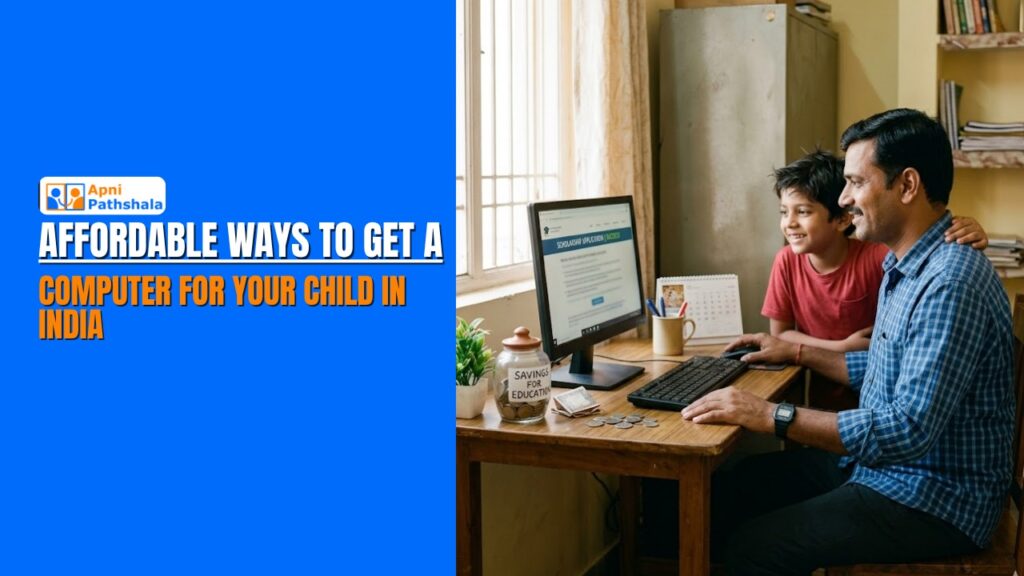
Suresh earns a modest income driving an auto-rickshaw in Raipur. His son Aryan is in Class 7, and his school has started requiring typed assignments, online homework submissions, and access to digital learning platforms. Suresh wants to help, but every laptop he looks at costs Rs. 30,000 or more. That is nearly two months of income. He does not know where to start. The good news is that finding an affordable computer for students in Indian families like his can be easier today than ever, if you know where to look and what to prioritize.
Why Buying Smart Matters More Than Buying Cheap?
The first instinct most budget-conscious Indian parents have is to search for a cheap laptop. Indian stores and online platforms advertise at Rs. 10,000-15,000. These devices exist, but they come with serious trade-offs. Slow processors that freeze during video lessons, tiny storage that fills up quickly, no educational software, no safety features for children, and build quality that struggles to survive a year of daily student use.
A device that costs Rs. 12,000 but needs replacing in 18 months, requires paid software to become education-ready, and causes daily frustration is not a bargain. It is a false economy. The right question is not “what is the cheapest computer available?” It is “what is the most value I can get for my budget that will actually serve my child’s education for years?”
That shift in thinking changes everything. According to UNICEF India’s research on children’s digital access, the quality and purpose-fit of a device matters as much as access itself. A poor-quality device that frustrates a child can actually reduce learning motivation rather than increase it.
Affordable Options Honest Comparison for Indian Parents
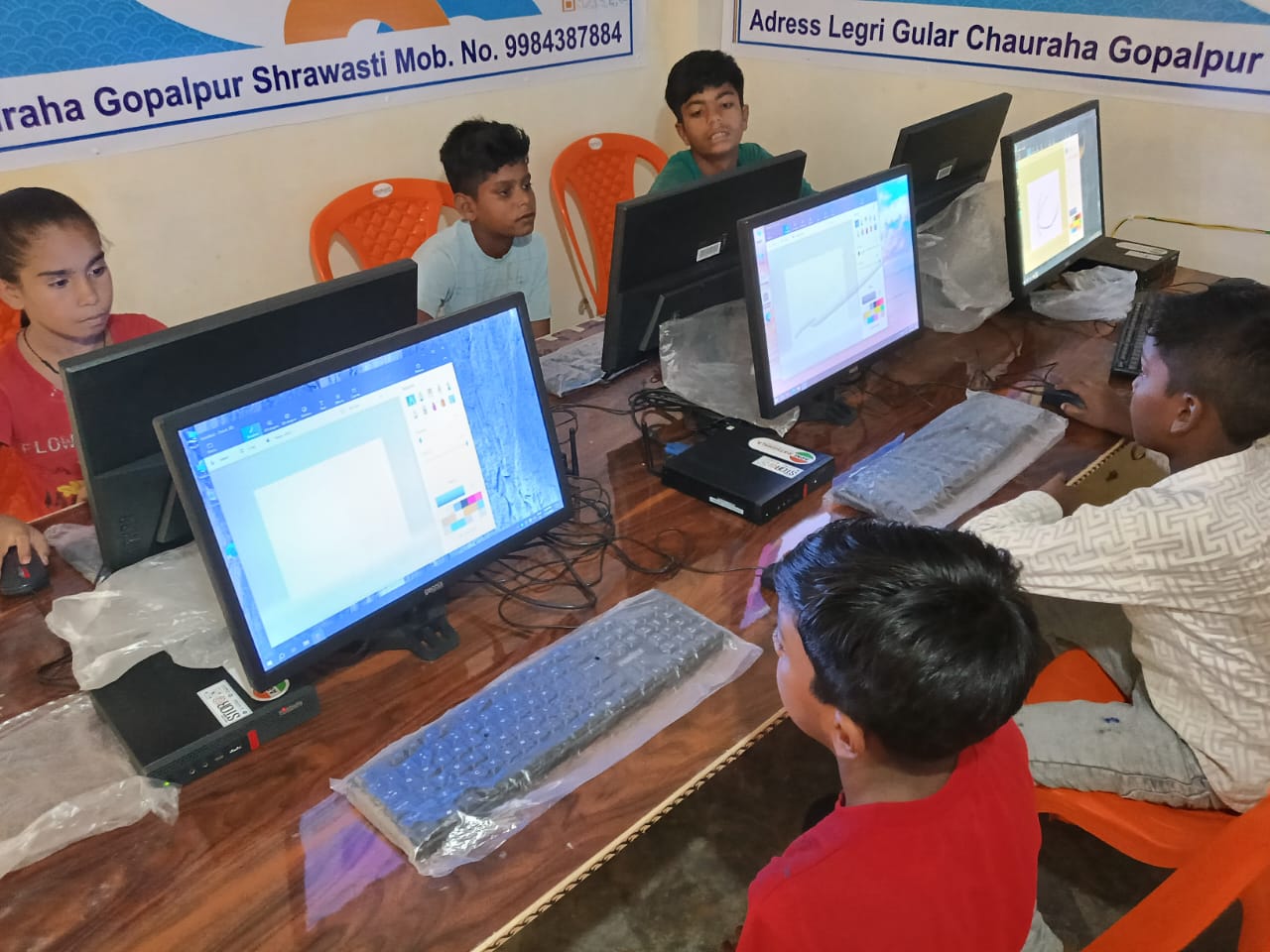
Here is an honest look at the options available to Indian families on a tight budget, what each offers, and what each costs in the long run:
- Second-hand laptops (Rs. 8,000–15,000): Available through platforms like OLX, local electronics shops, or school exchanges. They can work, but come with an unknown history, reduced battery life, outdated software, and no warranty. Parents need to be tech-savvy enough to set them up safely for a child. For most families, the setup cost in time and money erodes the price advantage quickly.
- Budget Android tablets (Rs. 7,000–12,000): Popular because they are portable and familiar, but tablets are not computers. Typing assignments, using productivity software, accessing computer-based exam platforms, and building real digital literacy all require a proper keyboard and desktop-style interface. A tablet is a supplement, not a substitute.
- Government schemes and school programs: Several state governments and NGO programs offer subsidized or free devices to students from low-income families. These are worth applying for, but availability is limited, timelines are unpredictable, and the provided devices often require significant setup before they are education-ready.
- Entry-level new laptops (Rs. 22,000-28,000): Brands like Lenovo and HP offer basic new laptops in this range. They are general-purpose devices with no preloaded educational content, no child safety features, and an immediate need for antivirus software, parental controls, and educational apps. They work, but require considerable setup and ongoing monitoring.
- Apna PC (Rs. 21,000 shipping and GST excluded): A purpose-built budget PC for kids designed specifically for Indian students. Comes preloaded with educational tools, safe browsing built in, offline learning capability, and no entertainment clutter. No setup needed. No extra software to purchase. No parental control configuration. The best value-for-education option in this price range, because everything a student needs is already there from day one.
Read more about how Apna PC compares to general devices for student use on our Why Every Indian Student Needs Their Own Computer page.
How to Make Any Computer Budget Go Further?
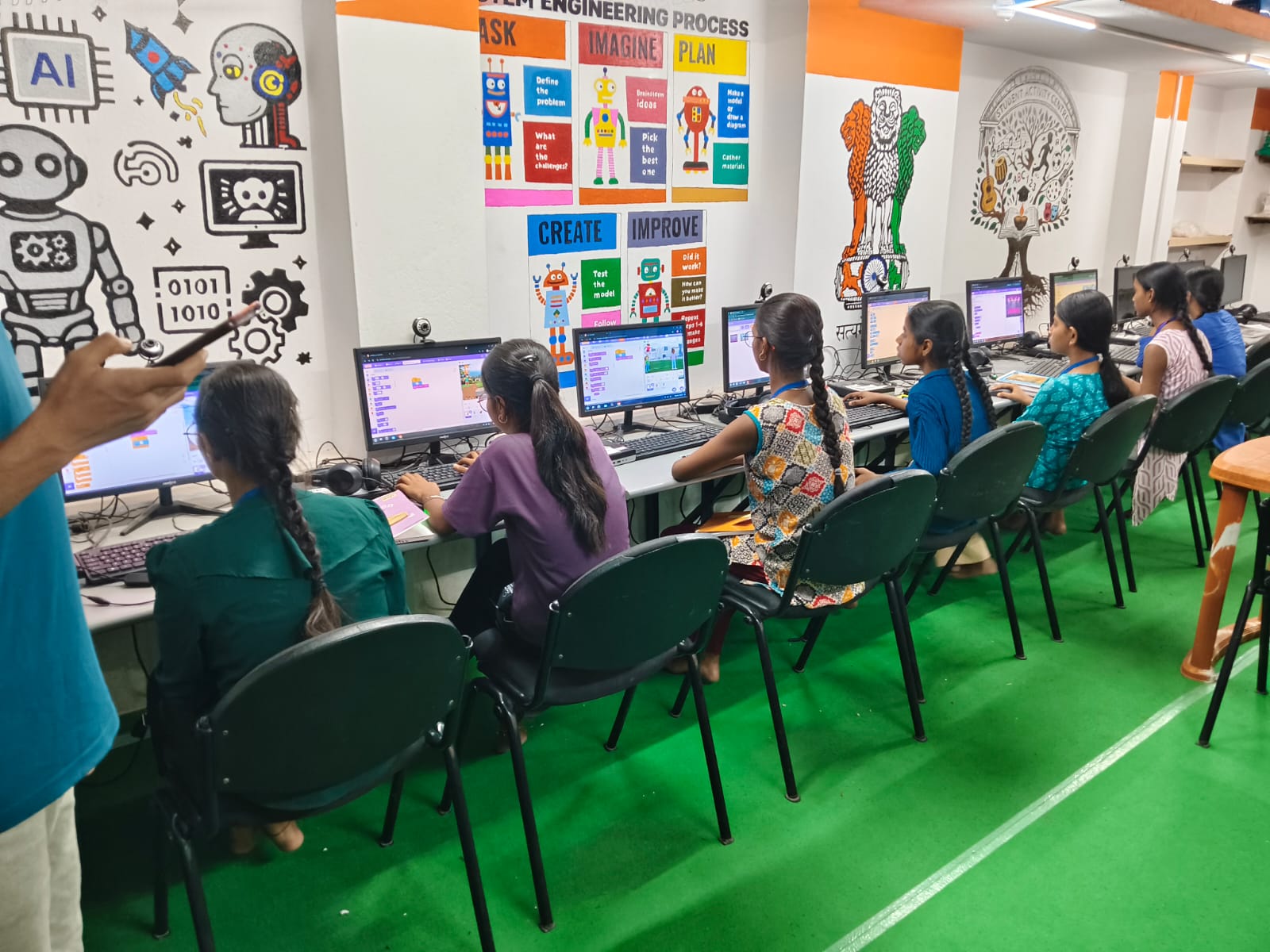
Regardless of which device you choose, here are practical ways to maximize the educational value of your investment without spending more:
- Use free platforms exclusively to start: India’s best educational content is free. DIKSHA, India’s national digital learning platform, offers thousands of curriculum-aligned lessons for Class 1 to Class 12 at no cost. Khan Academy, e-Pathshala, and YouTube EDU are equally valuable and entirely free. You do not need to spend a rupee on educational content if you know where to look.
- Skip the paid antivirus, use built-in tools: Windows Defender, which comes free with every Windows device, is sufficient for a child’s educational computer. Paid antivirus subscriptions are unnecessary for most student use cases and add to annual costs.
- Buy refurbished from a trusted source: If budget is very tight, a certified refurbished device from a reputable seller with a 6-month warranty is a safer option than an unknown secondhand device. Ask for a written warranty before purchasing.
- Invest in durability, not speed: For a student using a computer for learning tasks, typing, video lessons, research, presentations, processing speed matters far less than build quality and reliability. A slower device that lasts four years beats a fast one that breaks in eighteen months.
Explore the complete learning experience a dedicated educational computer creates for Indian students on our The Biggest Advantage a Student Can Have Today page.
Getting a computer for your child does not have to be a source of financial stress. It requires clarity on what you actually need, honesty about the trade-offs, and a focus on long-term value over short-term price. When you buy smart, the right device pays for itself many times over in your child’s growth, confidence, and academic achievement. Visit apnapc.com to learn more.