

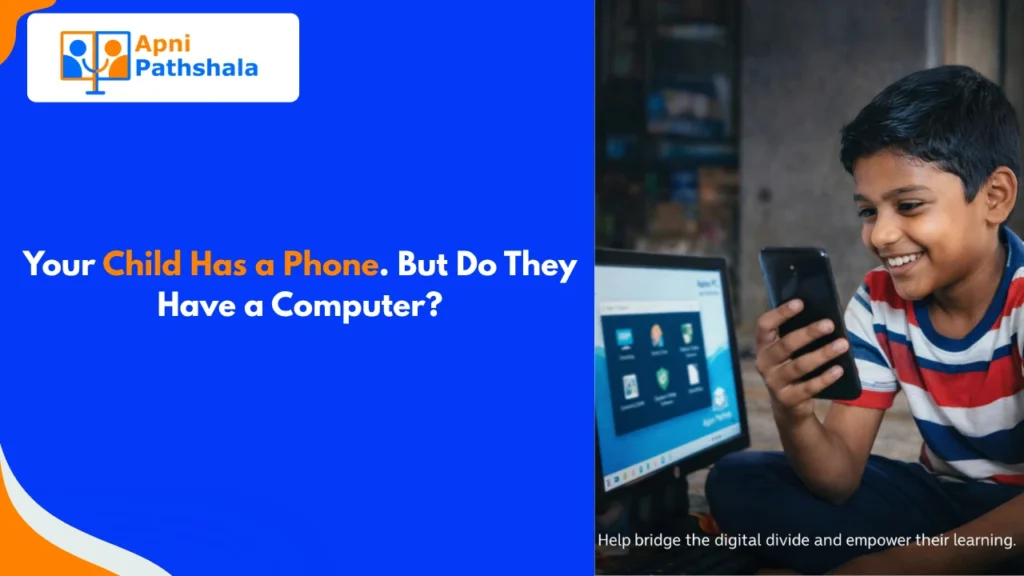
My neighbour’s son failed his computer practical exam last year. He studies hard, gets good marks in theory, and never misses class. But when he sat in front of the computer at the exam centre, he did not know how to save a file.
He had never used one at home.
His parents thought the phone was enough. It was not.
The Phone Is Not a Computer for Students
This needs to be said plainly: a phone and a computer are different tools. Not better or worse in general. Different. And for learning, they are very different.
A phone is designed for quick consumption. Scroll, watch, reply. The entire experience is built around short attention spans and small screens. Apps are simplified. Keyboards are tiny. You cannot easily create anything complex.
A computer for students is designed for creation. Long-form writing. Research with multiple tabs open. Presentations. Spreadsheets. Coding. Photo editing. These things are possible on a computer. They are painful on a phone.
When your child uses a phone for homework, they are working against their own tool.
What Students Actually Miss Without a Computer
Here is what happens when a student goes through school with only a phone:
They Never Learn to Type Properly
Typing speed matters. A student who can type 40 words per minute finishes assignments faster than one who hunts for keys. In competitive exams, online tests, and every job after school, typing speed is a real advantage. You cannot build that skill on a phone keyboard.
They Fall Behind in Practical Computer Skills
Most board exams now have computer practicals. Government job applications require typing tests. Even college admissions involve online forms and digital submissions. A student who has never used a real computer faces all of this cold.
They Learn to Consume, Not Create
Phones push content at you. A computer for students asks something different: what do you want to make? This shift from consumer to creator is one of the most important things a student can learn. It requires a real computer to practice.
See how other students used their first computer to start creating: Real student stories from Apni Pathshala.
The Parent Trap: “But They Use YouTube on the Phone”
Many parents see their child watching YouTube tutorials and think, “they are learning.” And yes, watching tutorials is learning. But there is a big gap between watching someone code and actually writing code yourself.
Watching someone type on YouTube and typing yourself are completely different activities. One builds knowledge. The other builds skill.
Skills need practice. Practice needs the right tool.
What a Computer for Students Actually Enables
With a computer at home, a student can:
- Write full essays and learn to structure long documents
- Use free tools like Khan Academy properly, with full screen and keyboard
- Practice typing until it becomes natural
- Learn to use spreadsheets, presentations, and documents
- Start exploring coding, design, or video editing if they are curious
None of these requires expensive software. A basic refurbished computer with free educational software is enough to do all of them.
The Honest Part: Computers Do Not Fix Everything
A computer at home without guidance still has limits. A child who uses it only for games will not automatically become a skilled student. Parents need to be involved, at least a little.
Set some basic rules. Check in occasionally. Ask what they are working on. It does not take hours. Just enough to keep the computer from turning into a gaming machine.
The computer is the foundation. How it is used is built on top of that.
What to Do This Week
If your child does not have a computer at home, start by acknowledging that the phone is not a replacement. It is a different tool entirely.
Then look at what is affordable and built for students. Explore Apna PC’s features designed specifically for student learning.
Apna PC is a refurbished computer with educational software already installed. No extra setup, no additional software costs, no complicated configuration. It comes ready for a student to start using immediately.
Your Child Deserves the Right Tool for Learning
The phone is fine for many things. For building real computer skills, for finishing assignments properly, for preparing for practicals and competitive exams, your child needs a computer for students.
Not someday. Now. The school years they are in right now are the years that matter.
Ready to give your child the right tool? Get them an Apna PC today and give them the skills they actually need.