

Most parents think a computer at home means more games and more YouTube. That fear is understandable. But it misses something important.
A computer is a creative tool. And once a student realizes they can make things, not just watch things, everything changes.
Here are five real, useful things that students can do with a computer at home, starting today.
1. Learn to Type (And Why It Matters More Than You Think)
Typing is not a small skill. It is one of the most used professional skills that exists. Every email, every document, every job application, every competitive exam online test involves typing.
A student who types 40 words per minute finishes assignments twice as fast as someone who uses two fingers. That speed gap compounds. Over the years of school, it adds up to hundreds of hours of difference.
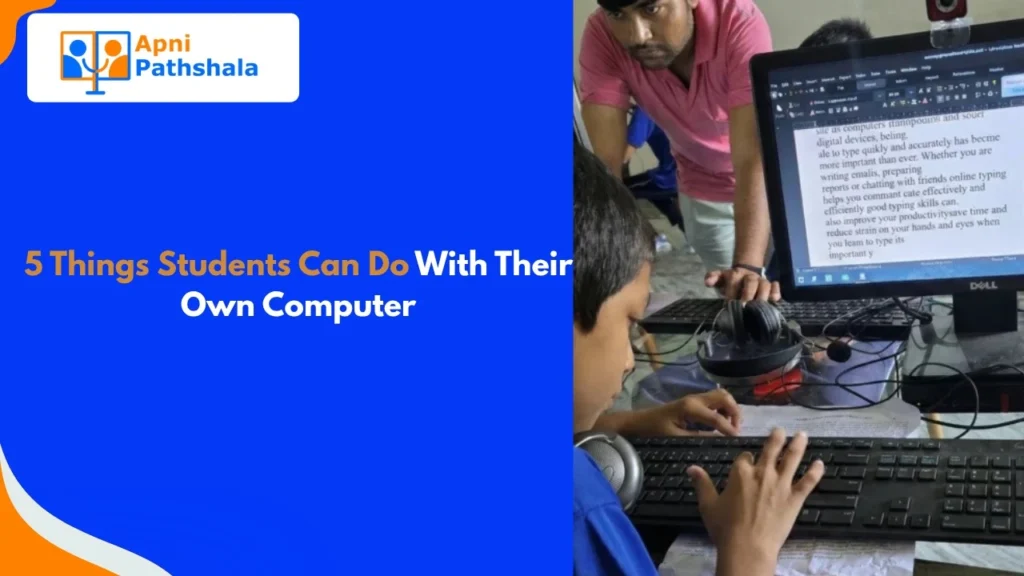
You cannot build real typing speed on a phone. A proper keyboard, with proper key spacing, is what builds the muscle memory. Students who practice typing on their own computer get this for free, every single day they use it.
Free tools like Khan Academy include typing practice. Students can track their progress and improve over time without a paid subscription.
2. Create Presentations and Documents
This sounds basic. But there is a big difference between knowing presentations exist and knowing how to make a good one.
Slide structure. Font choices. What goes on a slide and what belongs in the notes. How to make a chart from data. How to use headers in a long document so it is easy to navigate.
These are real skills that look impressive in interviews and are expected in most college courses. Students who practised making presentations at home from class 8 onwards arrive at college already confident with these tools.
The students who are not are learning the software and the subject at the same time. That is harder than it needs to be.
3. Start Learning to Code
Coding is not only for future software engineers. It teaches problem-solving, logical thinking, and patience in a way few other activities do.
A student who learns basic Python or HTML at home is not necessarily going to become a programmer. But they are learning to break a big problem into smaller steps. That skill transfers to math, science, essay writing, and life in general.
There are free platforms designed specifically for beginners. A computer at home means a student can experiment, make mistakes, and try again at their own pace, with no time pressure.
Devendra, who had 90% hearing impairment, learned video editing and design through a computer-based program. What students can do with a computer depends mostly on what they are curious about, not what the school prescribes.
4. Research Properly (Not Just Google and Copy)
Phone research means scrolling, skimming, and usually copying the first result into the assignment. Computer research is different.
Multiple tabs open at once. Cross-referencing sources. Taking notes in a separate document while reading. Downloading PDFs and highlighting the relevant sections. These habits only form when you have a proper screen and keyboard.
Students who learn to research well in school are better prepared for college than those who just memorise textbook chapters. This is a skill that is built through practice, and practice requires the right tool.
Read about how students are building these skills: Student transformation stories from Apni Pathshala.
5. Build Something Creative
This is the one parents least expect.
A student with a computer and some curiosity can make a short video for a class project. They can design a poster for the school noticeboard. They can build a simple website to showcase their work. They can edit photos for a science fair display.
Creation builds confidence. When a student makes something and shows it to the class, they are not just demonstrating technical skill. They are developing the ability to take an idea and bring it to life. That is one of the most valuable things education can do.
None of this requires expensive software. A refurbished computer with a free operating system like Zorin OS includes everything a student needs to start creating.
The Honest Part: A Computer Alone Is Not Enough
A computer sitting unused is just furniture. Students need a little direction, especially at first.
Start simple. Ask your child to type their homework assignment instead of writing it. Ask them to make one slide about their favourite subject. Ask them to look up one thing they are curious about and tell you what they found.
Small starting points lead to bigger habits. The computer does not transform a student overnight. But over months and years, consistent use builds skills that show up in exams, college, and careers.
What Students Can Do With a Computer Starts With Having One
All five of these things are possible right now. The tools exist, most of them are free, and the only barrier for most students is not having a computer at home.
Apna PC is built for this exact situation. Refurbished computers, tested and ready, with educational software pre-installed. Designed for students. Priced for families. Explore what comes with Apna PC before choosing.
Every skill on this list is available to your child. Get them an Apna PC and give them the tools to start building.