


A PC helps you build your first student resume by giving you tools to create professional documents, learn digital skills employers value, and practice the computer competencies modern careers demand. A computer speeds up resume writing and lets you add real examples of your work.
Building a strong resume early gives you a head start in career preparation. This article covers how a PC supports resume building, which skills matter most, and how to get started with affordable technology.
How does a PC help you build a student resume?
A PC provides the software and environment you need to create a polished resume document. With tools like LibreOffice (pre-loaded on Apna PC for students), you can format text, add sections, and design a professional layout. You’re not limited to handwriting or mobile phone screens.
Beyond document creation, a PC lets you develop real skills to list on your resume. You can learn coding through Scratch, practice digital literacy, and build a portfolio of projects. When you can point to actual work you’ve completed on a computer, your resume becomes more credible to schools, colleges, and employers.
What computer skills should appear on a student resume?
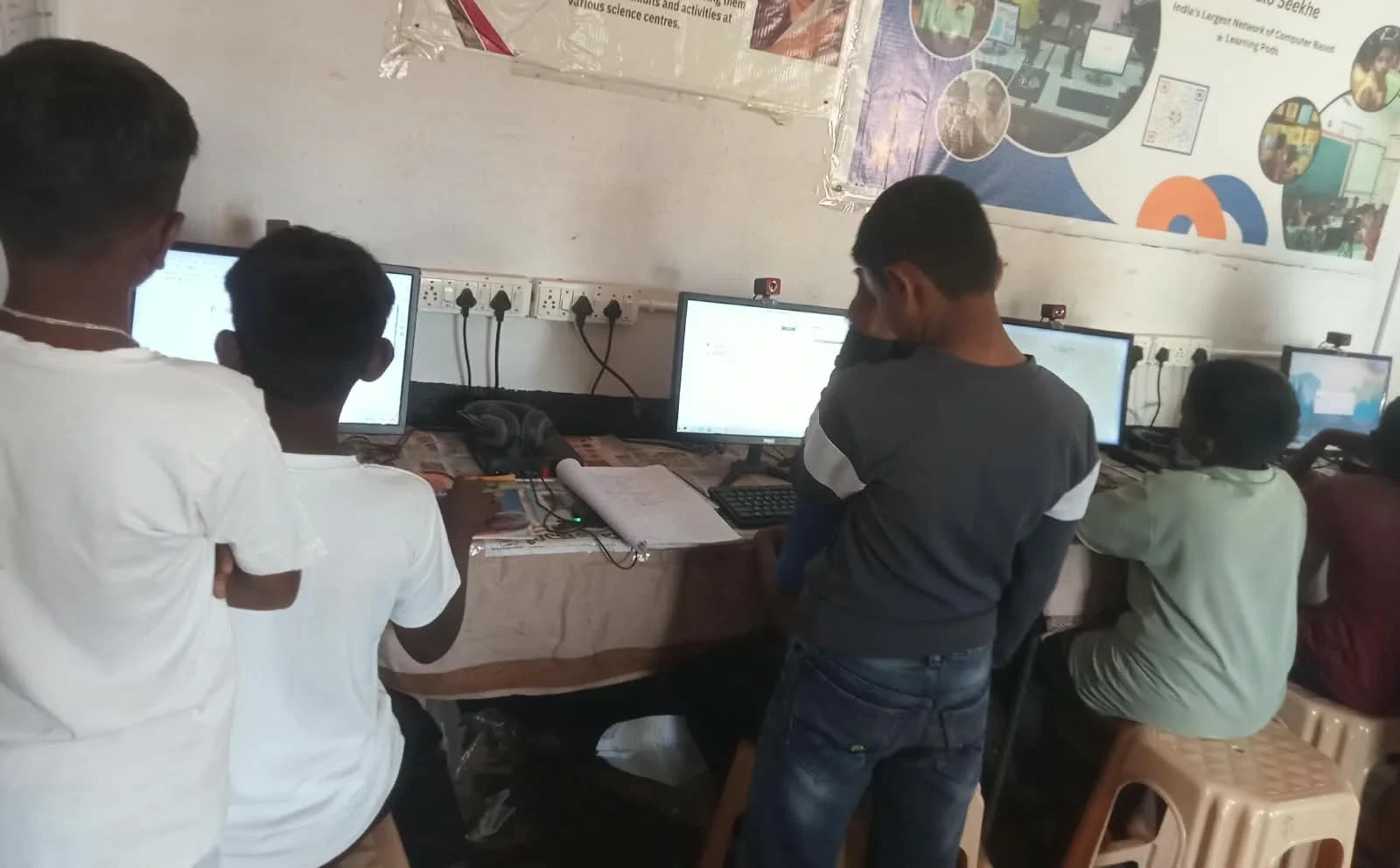
Employers and educational institutions now expect students to have basic digital competencies. The most valuable skills to include are word processing, spreadsheet use, presentation software, and internet research. If you’ve learned coding, graphic design, or video editing, those are strong additions that set you apart.
Operating system familiarity is also worth mentioning. If you’ve worked with Linux systems like Zorin OS, that demonstrates adaptability and technical depth. Document your experience honestly: list software you’ve actually used and projects you’ve completed, whether in school, at home, or through online learning platforms like DIKSHA.
Why should students start building a resume early?
Starting your student resume in school helps you track achievements as they happen, rather than trying to remember them years later. Early resume building also motivates you to take on more projects, learn new skills, and seek opportunities that strengthen your profile.
Colleges and employers increasingly ask younger applicants for resumes. Having one ready shows initiative and self-awareness. It also helps you reflect on your strengths and identify areas where you want to grow, making you a more intentional learner.
What should a student resume include?
A student resume is simpler than a professional one but follows the same basic structure. Start with your name, contact details, and a brief personal summary or objective. Then add sections for education, skills, projects, certifications, and any volunteer or part-time work.
The table below shows the key sections and what to include in each:
| Resume Section | What to Include |
|---|---|
| Header | Your name, phone number, email, city |
| Objective or Summary | A brief statement about your goals or strengths (2-3 lines) |
| Education | School name, current class, graduation year, notable achievements |
| Skills | Software, languages, technical abilities, certifications |
| Projects | Coding projects, presentations, assignments, portfolio work |
| Volunteer or Work Experience | Any part-time jobs, internships, or community service (with dates) |
| Certifications | Online courses completed, badges earned, training certificates |
Include specific details: the name of the school or platform where you learned a skill, the dates, and what you accomplished. If you completed a coding course on Scratch, mention the project you built. If you’ve used office software in a school assignment or club, describe the context. Honesty and specificity matter more than length.
Can you build a resume on an affordable laptop?
Yes. You don’t need expensive software or high-end devices. Apna PC is designed for students and costs Rs. 30,000 (shipping and GST excluded). It comes with LibreOffice for document creation and Scratch for learning coding, both tools that help you build resume-worthy skills and create your resume document.
Free and open-source software like LibreOffice works just as well as paid alternatives for resume writing. Linux operating systems like Zorin OS are stable, secure, and teach you valuable technical knowledge. Affordable technology means more students can access the tools they need to prepare for their futures. Apna PC for home use brings professional-grade productivity within reach.
How does digital literacy connect to career readiness?
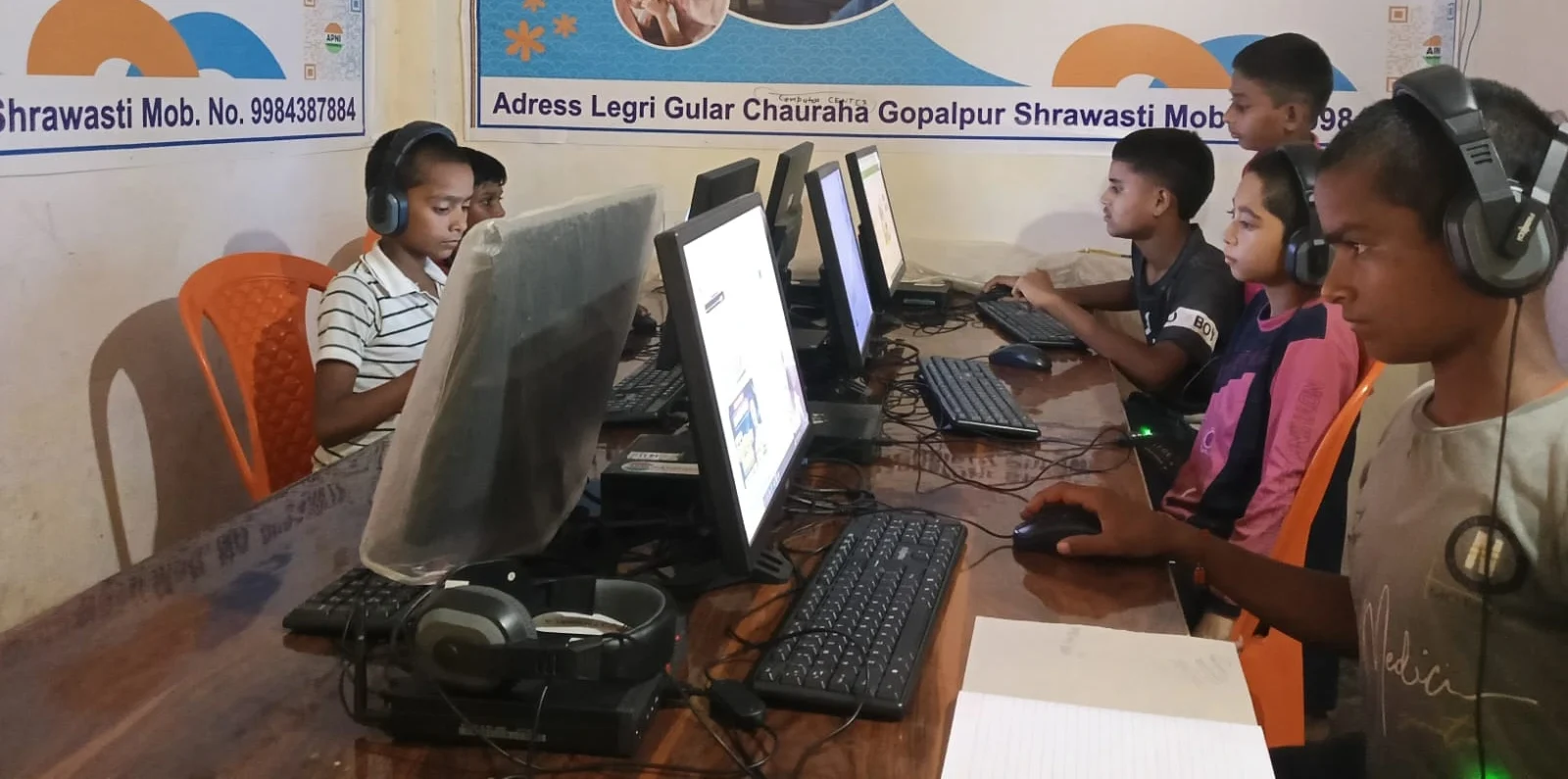
Digital literacy is no longer optional in any career field. Schools, colleges, and employers expect you to navigate computers confidently, use common software, and learn new tools quickly. A PC at home lets you practice these skills regularly, not just during school hours.
The Digital India initiative emphasises that digital skills are essential for all citizens. By using a PC to learn, create, and build your resume, you’re investing in competencies that open doors across education and employment. Your resume becomes proof that you’ve taken that investment seriously.
What projects can you add to your resume using a PC?
A PC opens possibilities for projects that strengthen your resume. You can write reports, design presentations, build simple programs in Scratch, or develop a digital portfolio of your work. These projects demonstrate practical skills and creativity.
Consider documenting projects you complete at school or through online learning. If you’ve participated in Apni Pathshala learning resources or similar platforms, mention the skills you gained. You can also create a simple personal website or digital folder showcasing your best work. When you have tangible examples to reference, your resume tells a stronger story about who you are and what you can do. Apna PC for kids and learning makes creating and storing these projects straightforward.
Frequently Asked Questions
Should I include my school name and grades on my student resume?
Yes, include your school name, current grade or class, and academic achievements if they’re strong. You can list your percentage or grade point average, or simply write “Good standing.” Focus on achievements that show your strengths, whether that’s grades in specific subjects, awards, or leadership roles.
Can I include online courses on my student resume?
Absolutely. Online courses, certifications, and self-taught skills are valuable additions to a student resume. List the platform (like DIKSHA or Scratch), the course name, and what you learned or built. This shows initiative and a commitment to continuous learning, qualities employers and colleges appreciate.
How long should a student resume be?
Keep your student resume to one page. You don’t have years of work experience yet, so a single page is appropriate and shows you can communicate clearly and concisely. Focus on quality over quantity: include only experiences and skills that are relevant and true.
What’s the best way to format a student resume on a PC?
Use a simple, clean format with clear headings and consistent fonts. LibreOffice makes this easy and is available on affordable devices. Stick to one or two fonts, use bullet points for readability, and leave plenty of white space. Save your resume as a PDF so the formatting stays the same when you send it to others.