


A child’s PC improves their studies when you see better grades, faster homework completion, and genuine interest in learning, not just screen time. The right computer, paired with purposeful use, becomes a tool for deeper understanding rather than distraction.
This guide shows you the real signs that a child’s PC study setup is working, how to spot the difference between learning and idle browsing, and what parents should track to ensure the investment pays off.
What are the first signs your child’s PC is helping with studies?
The clearest early sign is a shift in how your child approaches homework. Instead of asking you for answers, they search for explanations, watch educational videos, or use learning apps to understand concepts. Their questions become more specific: “How do I solve this type of problem?” rather than “What’s the answer?”
You will also notice faster task completion. A child who once spent two hours on math homework may now finish in 45 minutes because they can access step-by-step guides, practice problems, and reference materials instantly. This speed comes from understanding, not rushing.
Another sign is voluntary learning outside the curriculum. Your child opens the computer to explore topics they are curious about, not because it is assigned, but because they want to know more. This intrinsic motivation is the strongest indicator that the PC is becoming a genuine learning tool.
How do grades and test scores reflect PC usage?
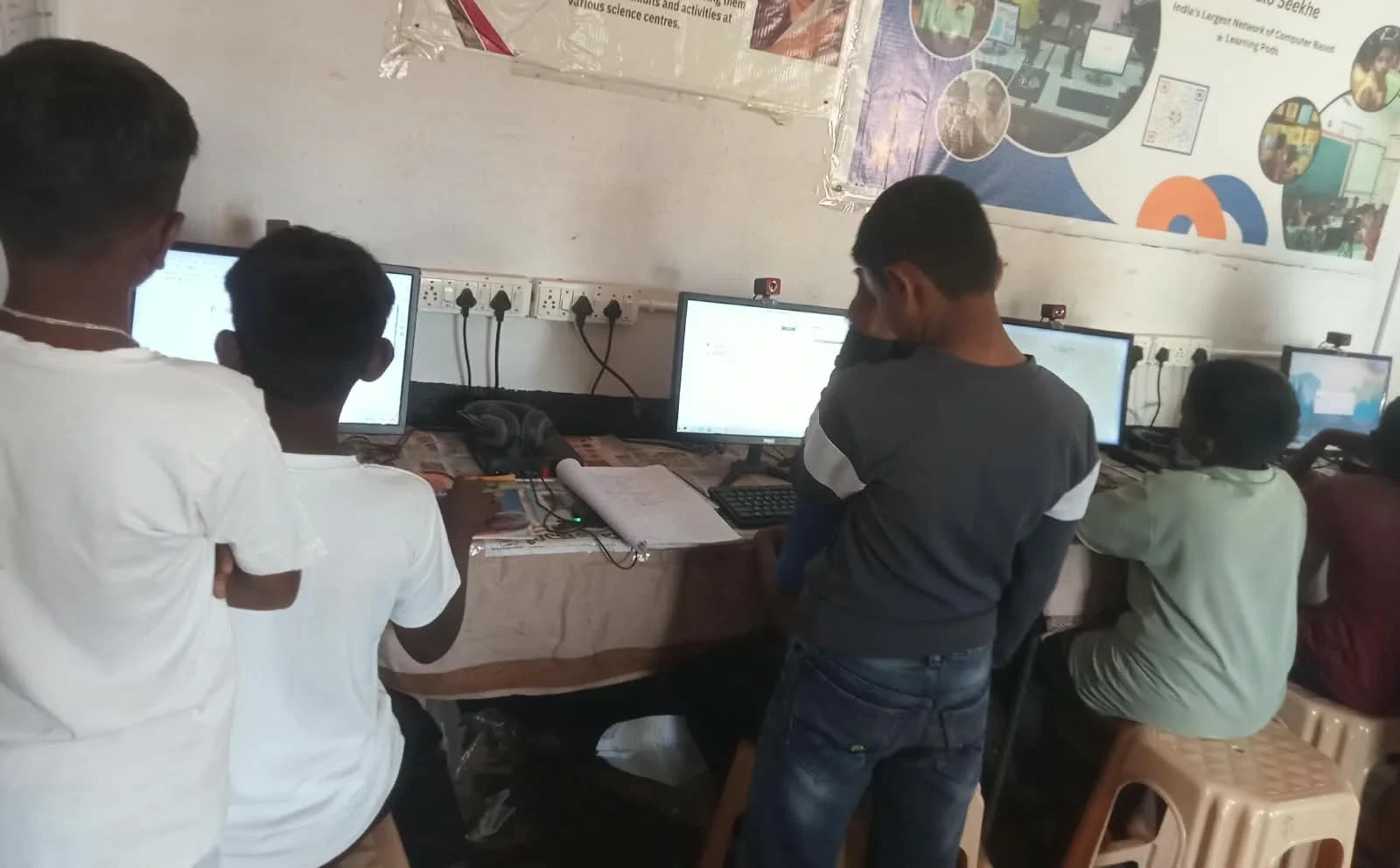
Monitor your child’s report card and periodic test scores over two to three months. A PC that supports studies typically shows improvement in subjects where your child uses it most, usually math, science, and languages, where online resources are abundant.
Look for consistency, not just one-off high marks. If your child scores better in two consecutive tests in a subject where they regularly use the PC for practice, the device is likely contributing. Conversely, if grades remain flat or drop, the PC may be a distraction rather than a learning aid.
Ask your child’s teacher for feedback. Many educators notice when students improve their concept clarity or assignment quality. Teachers can confirm whether the child is learning independently or merely copying answers.
What behavioural changes show real learning is happening?
A child engaged in genuine learning shows focus and purpose at the PC. They sit for extended periods on a single task, take notes, and pause to think. In contrast, a child merely browsing or gaming jumps between windows, shows restlessness, and resists when asked what they are doing.
Real learning also brings confidence. Your child explains concepts to you or younger siblings, attempts harder problems, and asks smarter questions in class. They stop saying “I don’t understand” and start saying “I need to practise this more” or “Can you explain this part?”
Another sign is reduced dependence on you for homework help. Your child troubleshoots problems independently, uses online tutorials, and only asks you to review their work, not to solve it.
Which tools and platforms indicate productive PC use?
Track what your child actually opens on the PC. Productive use includes educational platforms like DIKSHA digital learning platform, Khan Academy, or subject-specific apps. Your child should also use office software to write assignments, create presentations, or organise notes.
Coding or design tools for hands-on learning in subjects like computer science, and your child’s school portal or learning management system, are also strong indicators of purposeful use. If your child spends most time on social media, games, or video streaming, the PC is not supporting studies yet. Set clear boundaries on computer time to keep children focused on learning goals.
How should you measure progress over time?
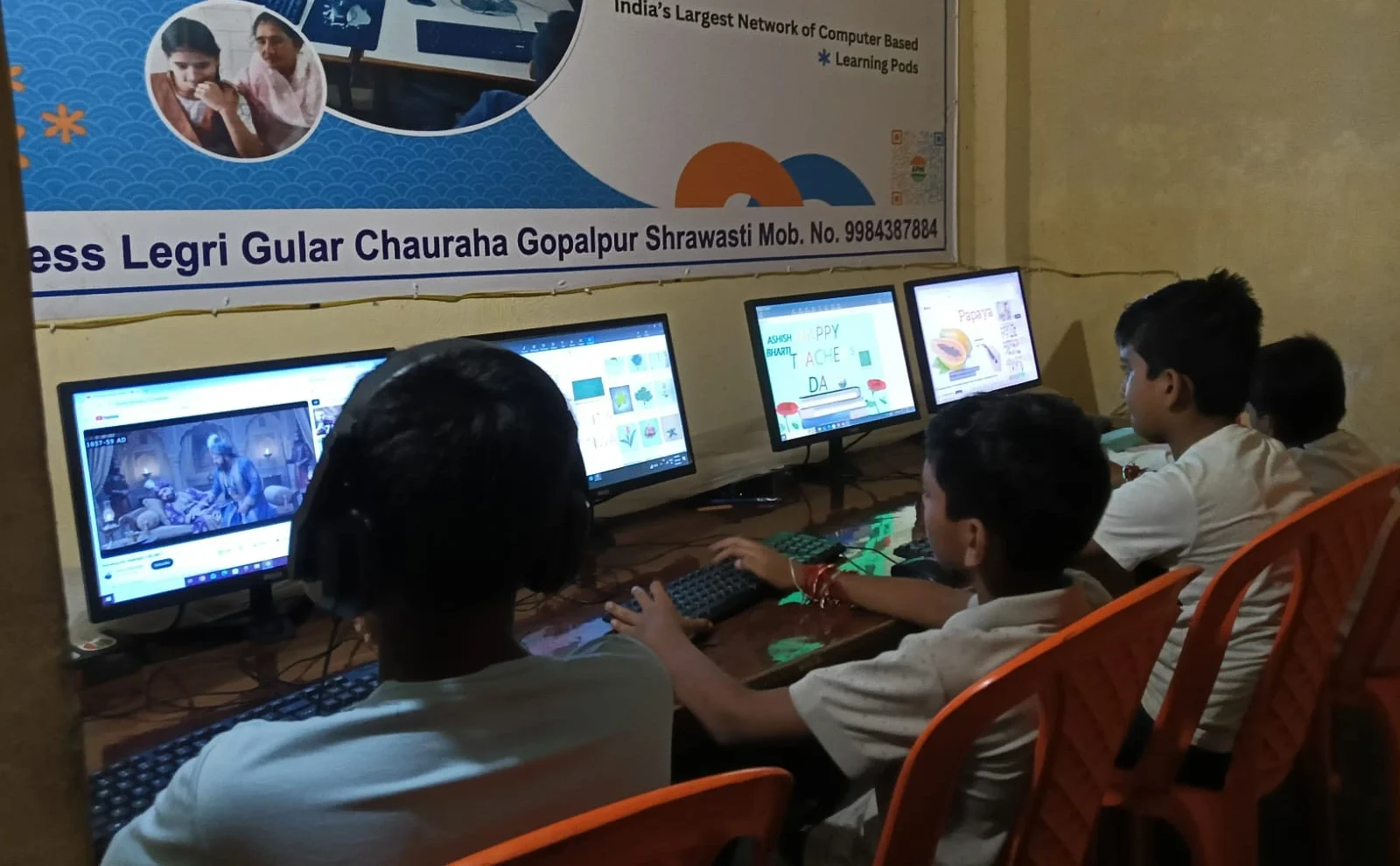
Keep a simple log. Every two weeks, note one thing your child learned using the PC, one homework assignment they completed faster, and one question they asked that showed deeper thinking. Over a month, patterns emerge.
Use this table to track key indicators:
| Indicator | Week 1 to 2 | Week 3 to 4 | Week 5 to 6 |
|---|---|---|---|
| Homework completion time | ___ | ___ | ___ |
| Number of questions asked (by child) | ___ | ___ | ___ |
| Test score in main subject | ___ | ___ | ___ |
| Time spent on learning apps (daily average) | ___ | ___ | ___ |
Improvement across most indicators signals that the PC is genuinely supporting studies. If metrics stagnate or decline, revisit your family’s approach to digital learning together.
What does a well-designed student PC look like?
A PC built for studies, not gaming, removes distractions and runs learning software smoothly. It should have enough processing power for video lessons and research, reliable storage for projects, and a stable operating system that does not slow down.
The Apna PC by Apni Pathshala is built with this purpose: Linux (Zorin OS), 8GB RAM, and 128GB SSD. It comes pre-loaded with Apni Prerna for parent and student monitoring, LibreOffice for assignments, and Scratch for coding- everything a student needs, nothing they do not.
Before investing in any device, check that it supports your child’s curriculum. Follow a 90-day roadmap to help your student get the most from their PC so the device delivers results from day one. Start with a clear learning roadmap to align the PC with your child’s actual study needs.
How can parents stay involved without hovering?
Use built-in monitoring tools respectfully. Many student PCs, including Apna PC, include parental dashboards that show which apps your child uses and for how long, without invading privacy.
Have weekly check-ins. Ask open questions: “What did you learn this week using the PC?” or “Which subject improved the most?” Listen to their answers. A child excited about what they learned is a child whose PC is working.
Build a family approach to digital learning so the PC becomes a shared resource for growth, not a source of conflict.
Frequently Asked Questions
How long should it take to see improvement after buying a student PC?
Most parents notice changes in focus and homework speed within two to three weeks. Measurable grade improvements typically appear after six to eight weeks of consistent, purposeful use. If you don’t see a change after two months, review how your child is actually using the device.
Can a PC help if my child is weak in a subject?
Yes. A PC gives access to unlimited practice, video explanations, and step-by-step tutorials in subjects like math and science. Combine this with a structured study plan, and your child can catch up faster. Consult your child’s school or the Central Board of Secondary Education for recommended learning resources aligned with the curriculum.
What if my child uses the PC but grades do not improve?
Check whether they are actually learning or just browsing. Monitor app usage, ask them to explain what they learned, and speak to their teacher. The PC is a tool; without focus and discipline, it will not produce results on its own.
Is a gaming PC suitable for studies?
No. Gaming PCs are expensive, overpowered for learning, and full of distractions. A purpose-built student PC like Apna PC is more affordable, faster for schoolwork, and designed to keep your child focused on learning, not gaming.